Log In

Free gifts available with your purchase

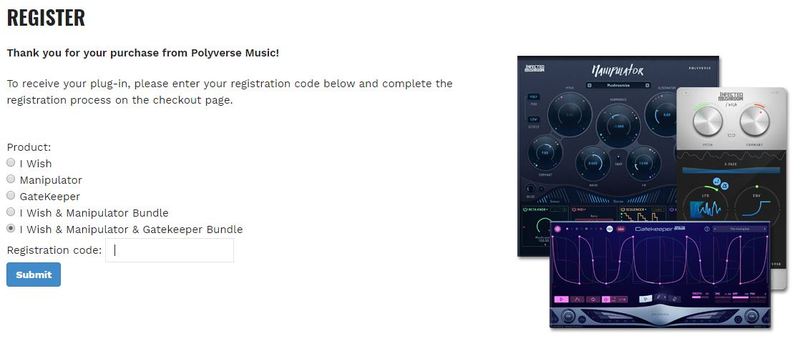
A new kind of vocal-transforming processor.
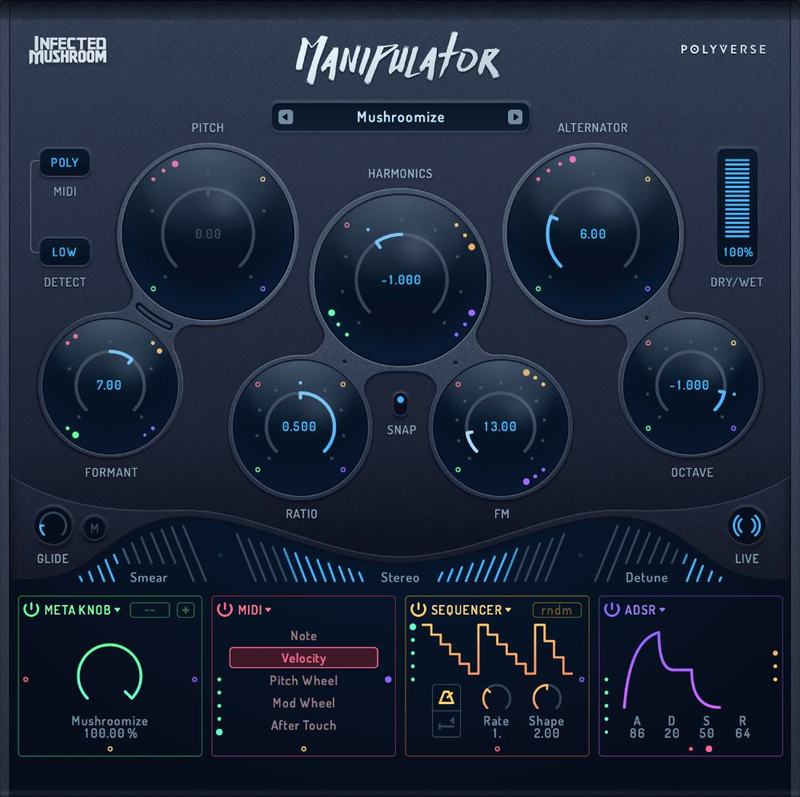
Through unique granular algorithms, Manipulator can dramatically alter the timbre and pitch of monophonic audio in new and unexplored ways. From subtly imposing pitch and harmonization, to a full-on sonic mangle that will leave you with a totally new sound, Manipulator is as versatile as it is creativity-inducing.
Warp and bend your voice into amazing new sounds.
Features
- Bend and sculpt your sounds into new ones
- Alter timbre and pitch of vocals and instruments
- 10 Different effects with endless combinations
- Change melodies of existing performances
- Create harmonies with up to 4 polyphonic voices
- Extensive modulation capabilities
- Real-time processing for live performance
- Supports VST / AU / AAX plug-in formats
Near-Endless Manipulation
Equipped with 10 different effects including pitch processing, formant, harmonics, sound smearing, pseudo stereo and more, Manipulator can take a normal vocal and transform it into a complex, entrancing new sound. Other monophonic and rhythmic sources work particularly well with Manipulator.
Alter Pitch in Real Time
Like I Wish, Manipulator allows users to accept midi data in real time, allowing pitch shifting to be controlled on the fly via midi controller. Didn’t like the vocal melody in a take? Play it the way you hear it! Manipulator transposes pitch seamlessly and adds a unique texture to incoming audio. Manipulator supports up to 4 polyphonic voices when used with a midi input.

Infected Mushroom’s Secret Weapon
A large part of Infected Mushroom’s signature sound is their array of vocal manipulation techniques. Most of the vocals on their albums are actually mangled, edited, chopped, and heavily processed – all in the pursuit of making them sound like synthesizers.
It’s not hard to see why making the ultimate plug-in for voice transformations was the obvious next step after “I Wish”.
Through the unique “Artistic feedback” process, the artists use ever-changing prototypes to make their own music, Manipulator has morphed and evolved into what it is today. Throughout its creation, Infected Mushroom have used it extensively throughout their 2017 release “Return to the Sauce”.
System Requirements
Mac
- Mac OS X 10.9 or later (Intel / M1 Apple Silicon supported) (64-bit only)
- AAX, VST, VST3, AU
- Intel Core 2 Duo or higher
- 4 GB RAM minimum
Windows
- Windows 7 SP1 or later (64-bit only)
- AAX, VST, VST3
- Intel Core 2 Duo / AMD Athlon 64x2 or higher
- 4 GB RAM minimum