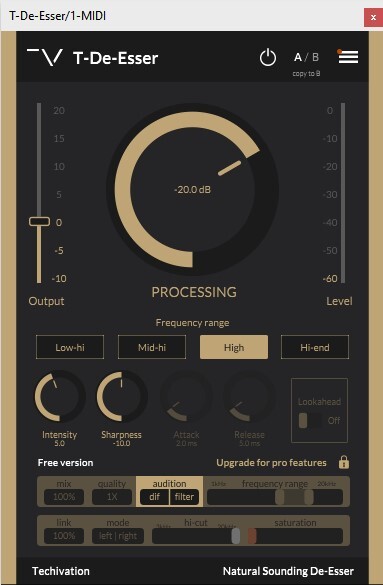
T-Puncher Free is the fastest way to control the sound’s transients to make your tracks punchier or softer with one single knob.
System Requirements
Windows
- Windows 7 and up (64-bit only)
- VST / VST3 / AAX
mac OS
- macOS 10.11 or higher (64bit only) (Intel and Silicon supported)
- VST / VST3 / AU / AAX
Please Note: AAX Format is 64-bit only and requires Pro Tools 11 and later.
Please Note: T-De-Esser is used as an example.
Mac
Installation
1. Download the .zip folder from your Plugin Boutique account.
2. Run the .pkg installer file > Click 'Continue'.
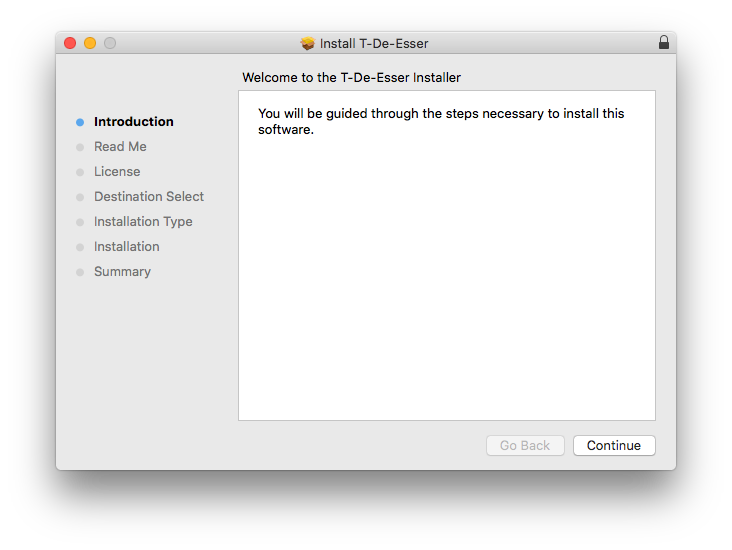
3. Click 'Continue'.
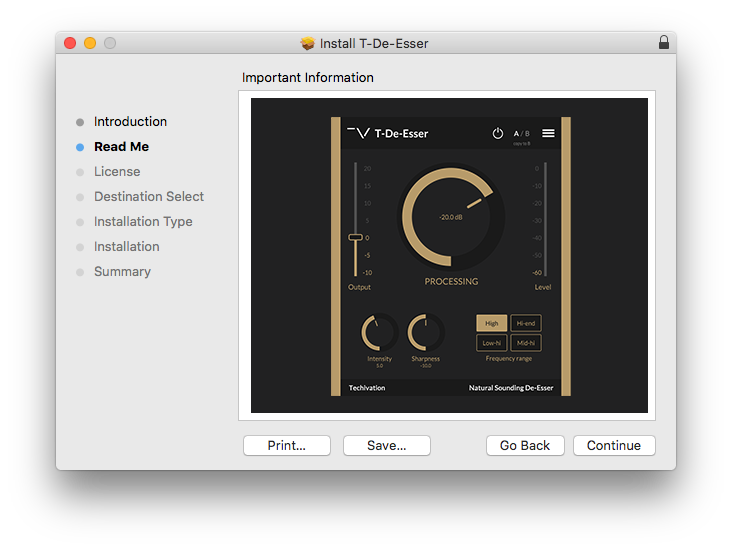
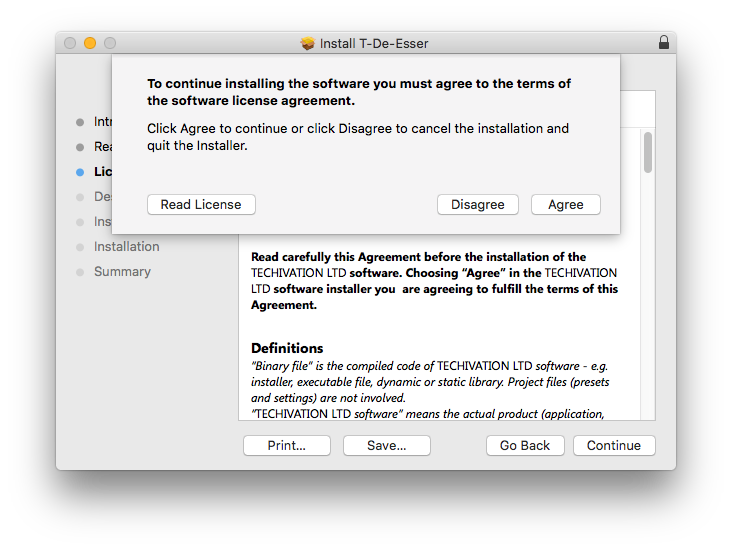
4. Read the Software License Agreement > Click 'Continue'.
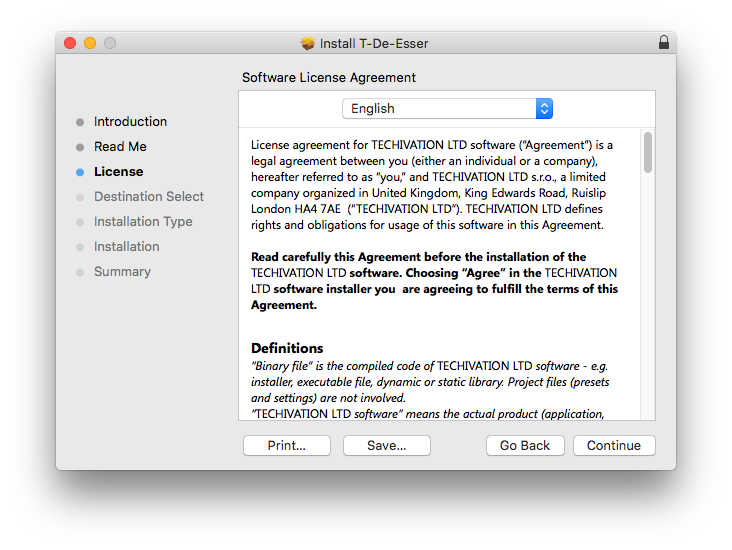
5. Click 'Agree'.
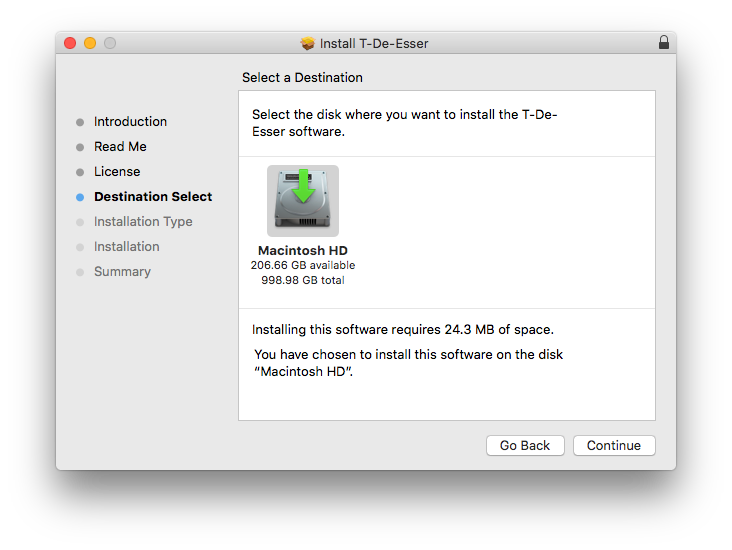
6. Select the installation destination > Click 'Continue'.
7. Click 'Install'.

8. Click 'Close'.
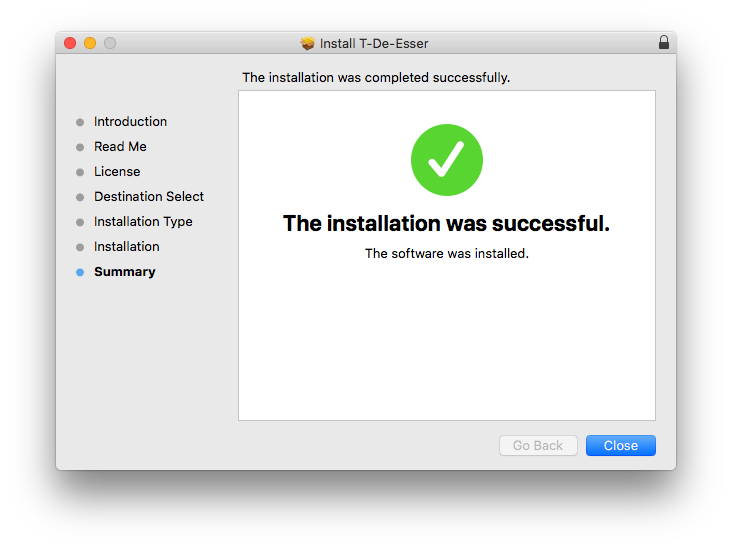
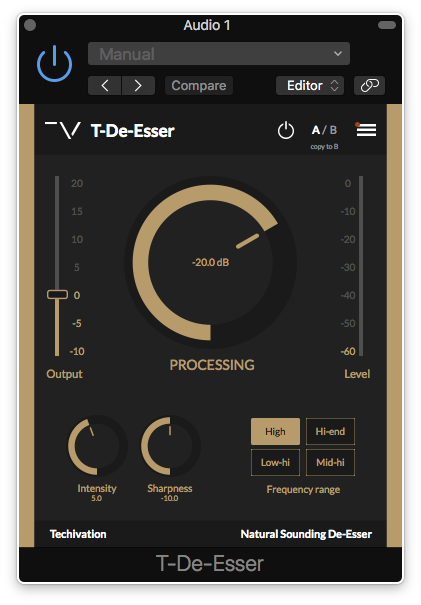
Your free software is now installed and ready to use in your DAW.
Windows
Installation
1. Download the .zip folder from your Plugin Boutique account.
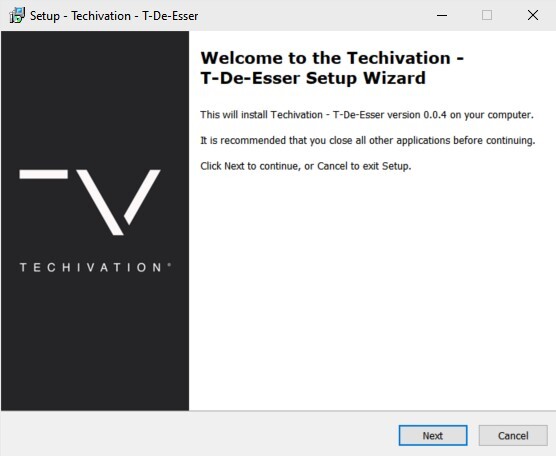
2. Run the installer > Click 'Next'.
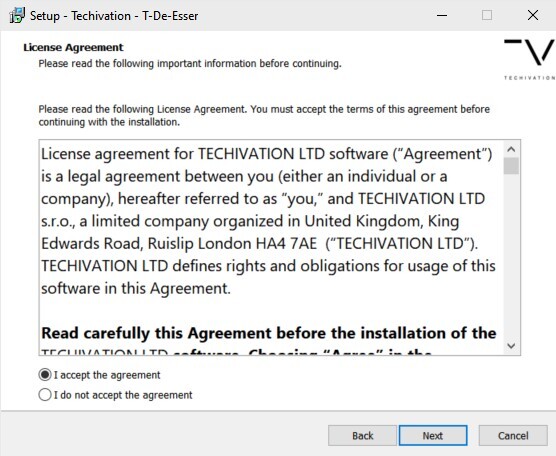
3. Read the License Agreement > Click 'I accept the agreement' > Click 'Next'.
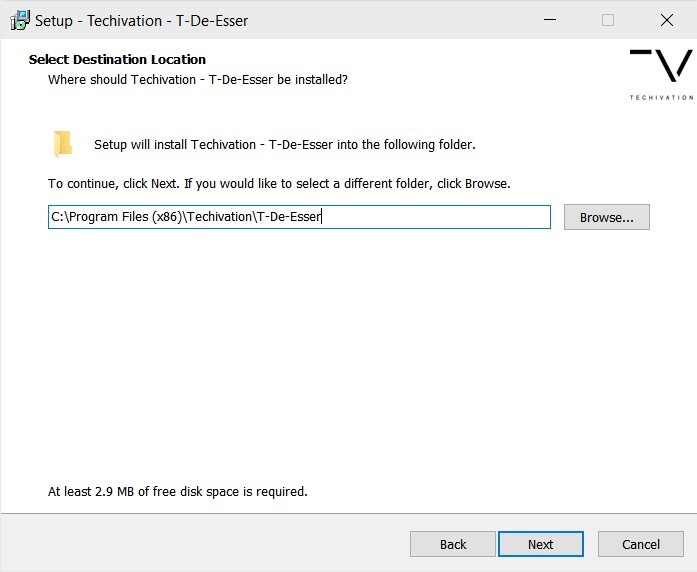
4. Select the installation location > Click 'Next'.
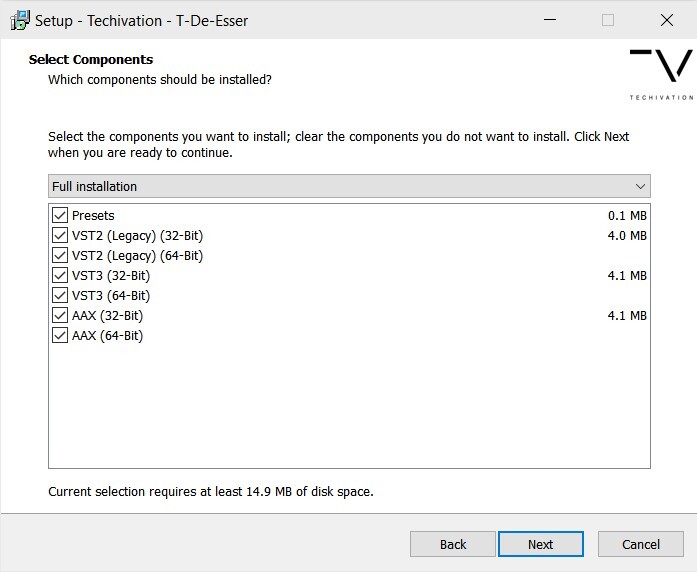
5. Choose which formats you'd like to install > Click 'Next'.
6. Choose the installation locations for each format you are installing > Click 'Next'.
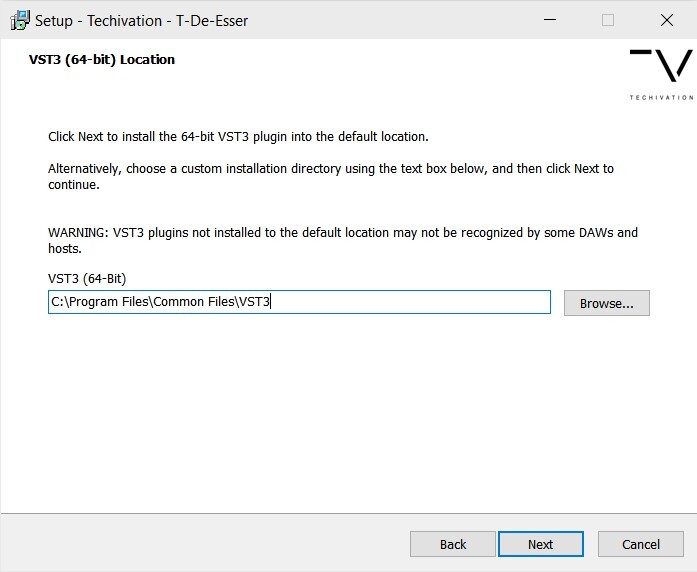
7. Click 'Install'.

8. Click 'Finish'.
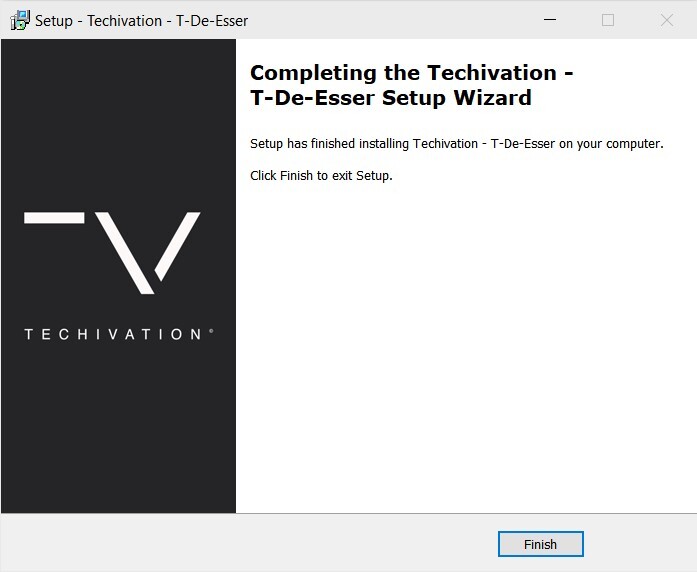
Your free software is now installed and ready to use in your DAW!