Log In
Free gifts available with your purchase
Plug-in Collection
A Vocal Mix Workflow
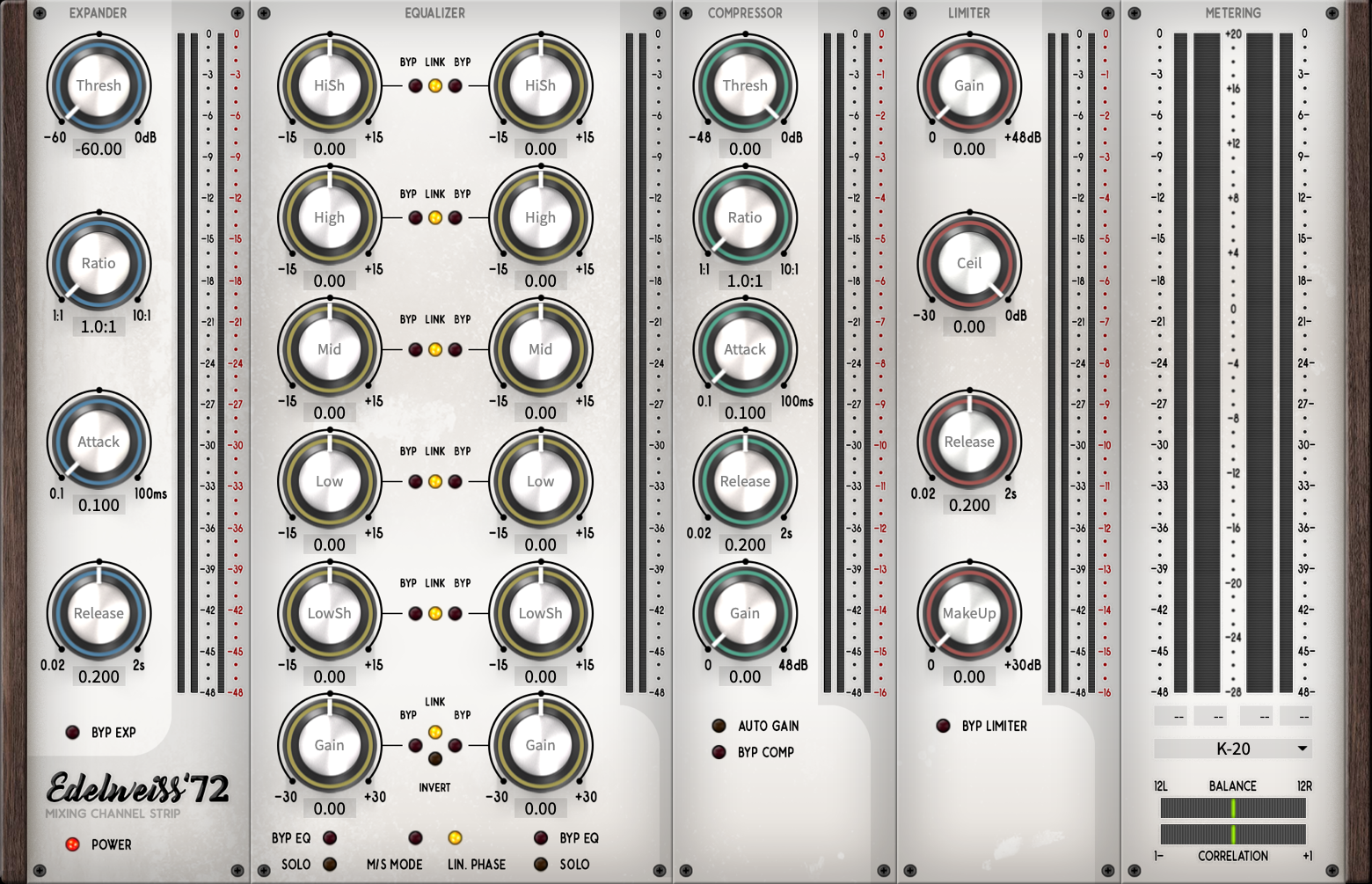
Let’s begin by cleaning up your vocal tracks using the Edelweiss`72. Its expansion section will not only allow you to refine your signal, but it’ll also get rid of any unwanted crosstalking. This will ensure that you have a clean slate to work with in the following sections.
Try using our VPRE-73 on your vocal tracks - you’ll be amazed at what this nifty preamp can do! Not only will it add some vintage sparkle to your mix, but you’ll also get just the right amount of saturation and compression to make even the worst mic sound more high end.
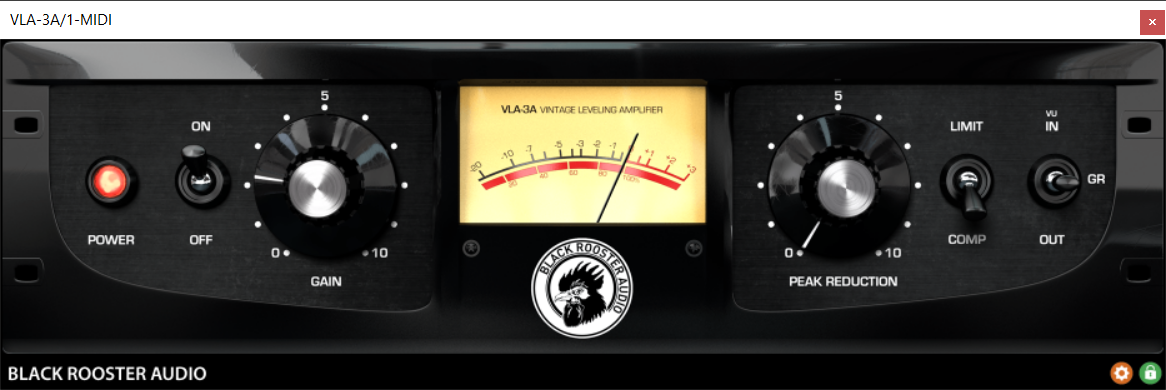
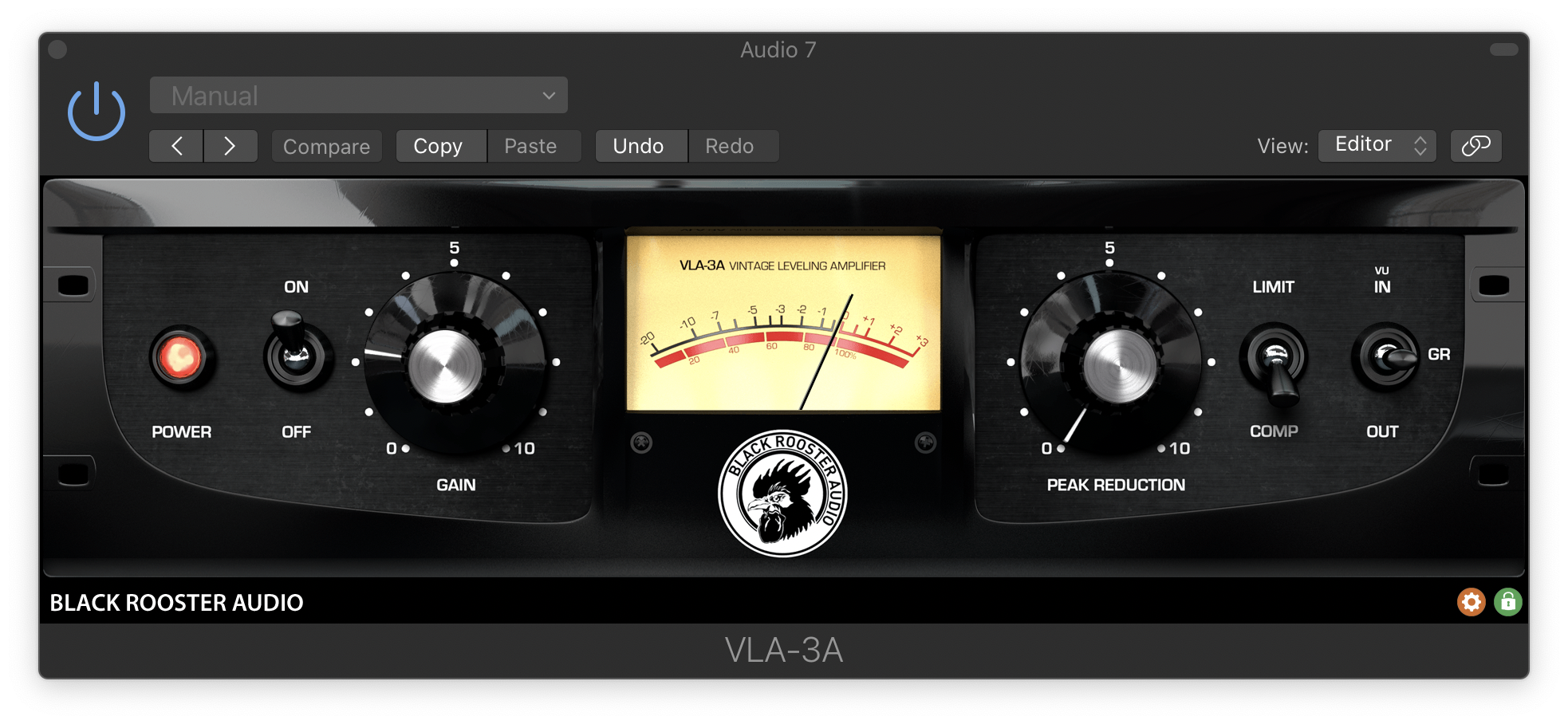
What makes a voice sit well in the mix? We’d say presence and pressure are big factors; both of which can be achieved by narrowing the energy levels around the target amplitude. Cut out overshoots and bring forth the less prominent sections with the VLA-3A. It’s pure magic!
EQing is where you get to define the tone and unique sound of your mix. The VEQ-5 is the classic choice for creating a vintage vocal sound. Sculpt that signal for some shiny highs, punchy mids and sweet bass. For a more detailed approach, try the Edelweiss`72’s EQ section.
Edelweiss`72
Mixing Channel Strip
The Edelweiss ‘72 channel strip plugin really takes your mix to the next level. Meet the highly dynamic mixing toolchain you’ve been searching for and start building up your sound right away. Black Rooster Audio's mixing toolchain has been thoughtfully designed to improve your signal step by step and give it that final touch it needs to approach dynamic and sound perfection. Resolutely tailored for picky professionals, the Edelweiss ‘72 is a top level plugin that easily competes with famous SSL or other channel plug-ins, and stands out as the result of meticulous research for the best sound engineering experience.
Learn more about Edelweiss`72.
VEQ-5

Vintage Mid-Range Equalizer
The VEQ-5 is inspired by one of the most famous and renowned equalizers in studio history - focussing on the power range frequencies from 200Hz to 7kHz it is aimed at cleaning up and sweetening vocals. But it also does a great job on guitars and keys.
Learn more about VEQ-5.
VLA-3A
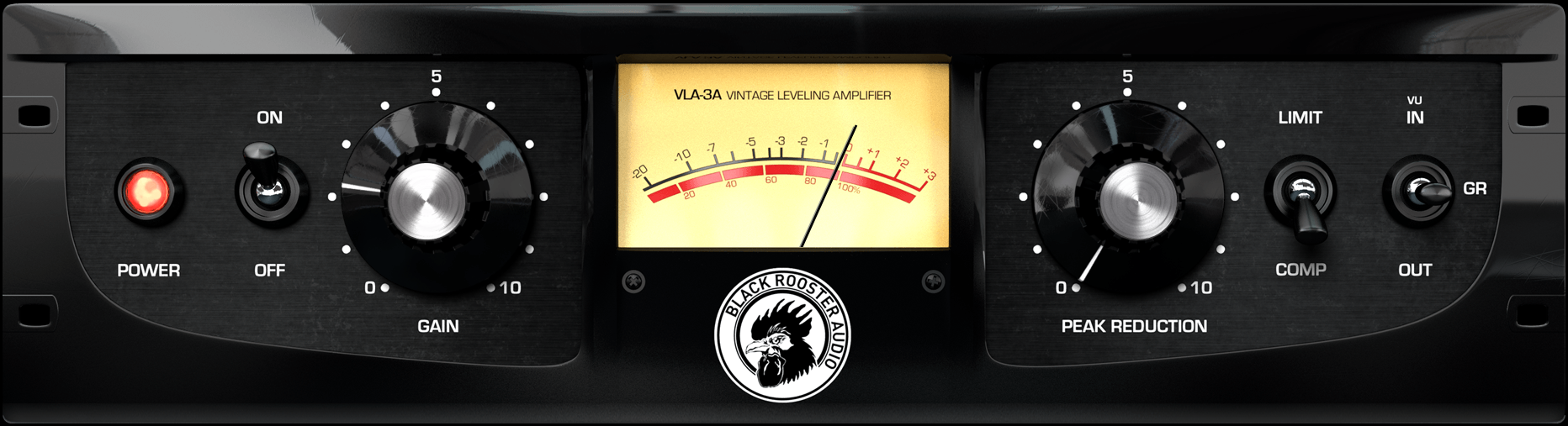
Vintage Leveling Amplifier
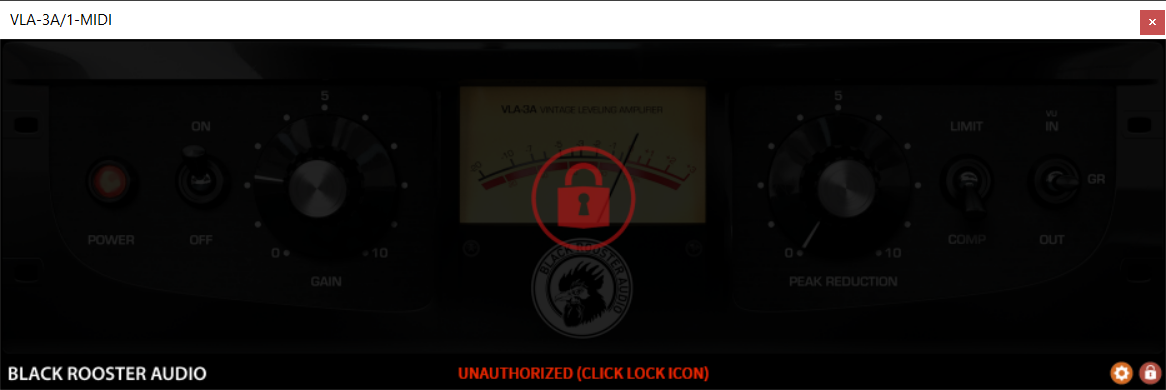
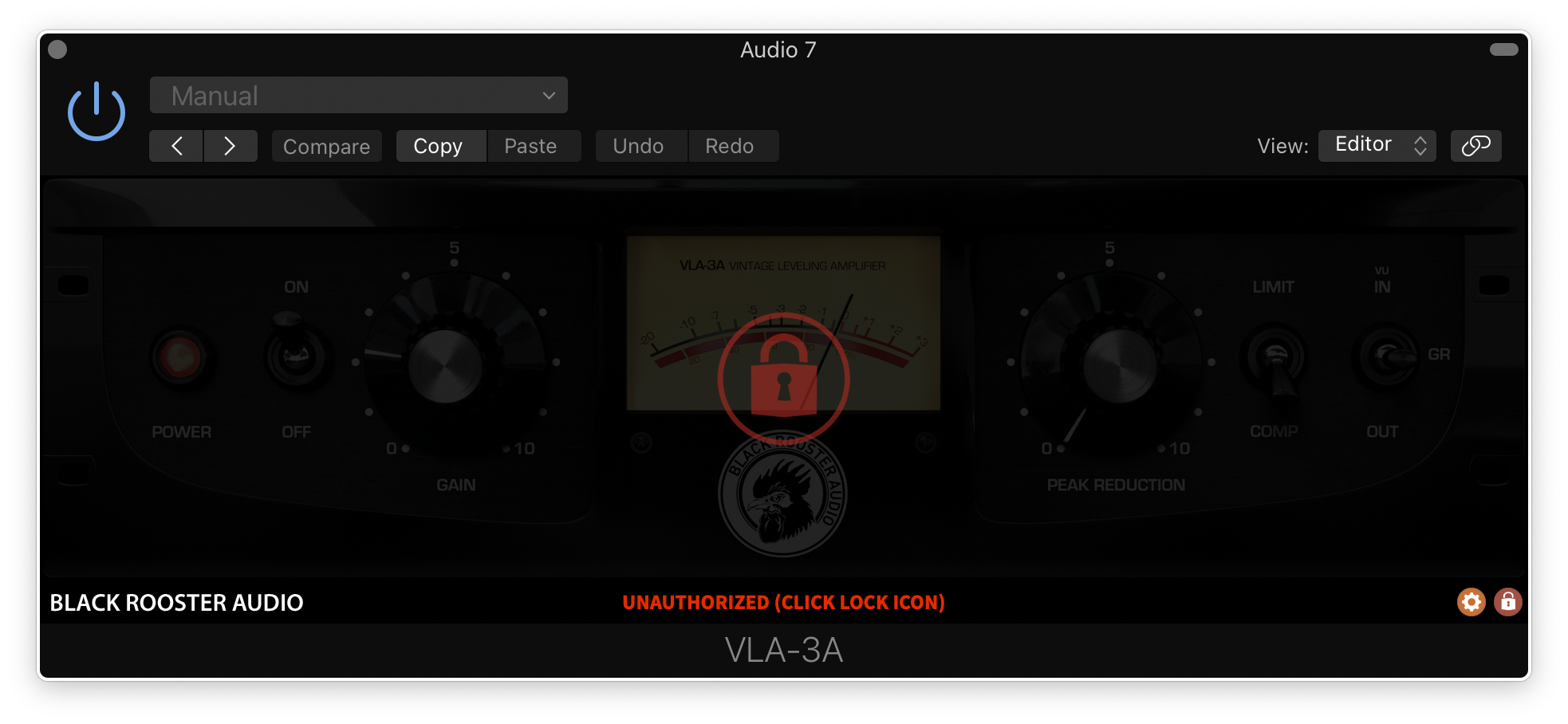
Black Rooster Audio is proud to present the VLA-3A plug-in, one of the most authentic native emulations of its analog brother from the 70s. This is our goto-compressor for vocals, but it also works incredibly well for bringing out the ambience on percussive material and helping to put some glue into your mixes.
Learn more about VLA-3A.
VPRE-73

Vintage Preamp Emulation
The VPRE-73 plug-in is inspired by one of the most classic preamps in recording studio history. While streamlining the original processor, Black Rooster Audio did our best to bring you an authentic emulation of the discrete preamp circuitry and audio transformers, but also retained the famous high shelf filter band. The VPRE-73 provides you with the low-end magic, the high-end sparkle and just the right amount of THD required to recreate a unique and classic vibe.
Learn more about VPRE-73.
Features
Authentic Circuit Emulation
Black Rooster Audio's real time SPICE type component based circuit simulation approach allows to authentically capture the sound and feel of the analog counterpart in all nuances. All crucial parts of the original circuits including audio transformers, tube stages or passive filter networks have been faithfully modeled.
SSE2 Optimized Code
DSP operations are pipelined using the SSE2 instruction set. This ensures the highest possible performance operation despite very complex computations.
Auto-Adjusted Oversampling for Maximum Audio Transparency
Aliasing artifacts are efficiently attenuated using a low latency linear phase Dolph-Chebyshev poly-phase design. The oversampling is auto-adjusted to your session‘s sample rate to save valuable CPU power while offering the most transparent sound possible.
HighDPI / Retina Support
All their plug-Ins support high pixel density on Mac OSX and Windows to bring you the most enjoyable user experience on high DPI displays. Please refer to your manual to find whether your DAW is HighDPI capable if you‘re working on Windows.
System Requirements
Mac
- Mac OSX 10.9 or newer (M1/M2 supported)
- Intel Core CPU or Apple SIlicon M1/M2 Processor
- 1GB of RAM
- VST, VST3, AU or AAX compatible host (64bit)
- Display resolution of 1280x1024 pixels or more
PC
- Windows 7 or newer
- SSE2 compatible processor (Intel Core CPU recommended)
- 1GB of RAM
- VST, VST3 or AAX compatible host
- Display resolution of 1280x1024 pixels or more