Log In

Save $35.00 compared to buying products individually
Free gifts available with your purchase
Dub Machines is a bundle of two analog inspired Delay Plugins in VST & AU formats across 32 and 64-bit operation for Windows and Mac OS X hosts.
The designs of the Dub Machines plugins take full advantage of their digital engines, but their sonic power stems from analog gear and the inspiration it provides.
At the heart of our design process, the technical emulation of well known analog fx units is subjected to fine-tuning by ear in order to challenge the model with creative possibilities that transcend its original design.
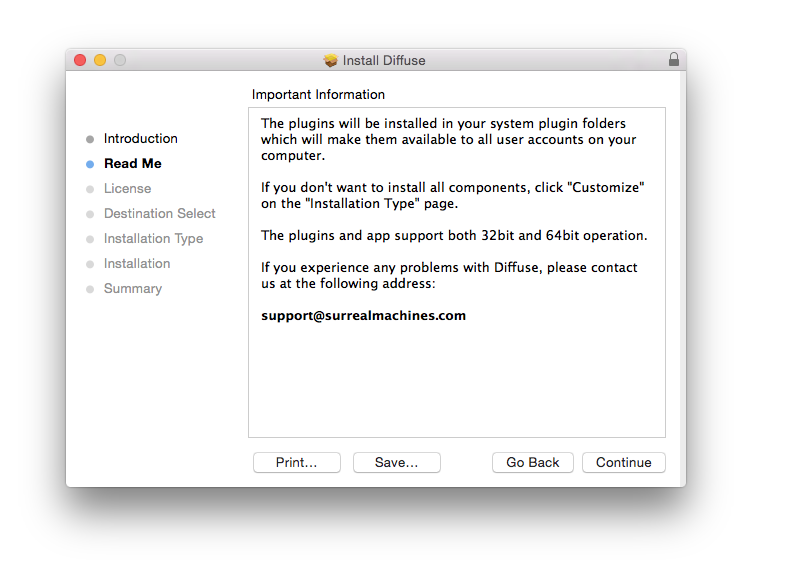
Diffuse
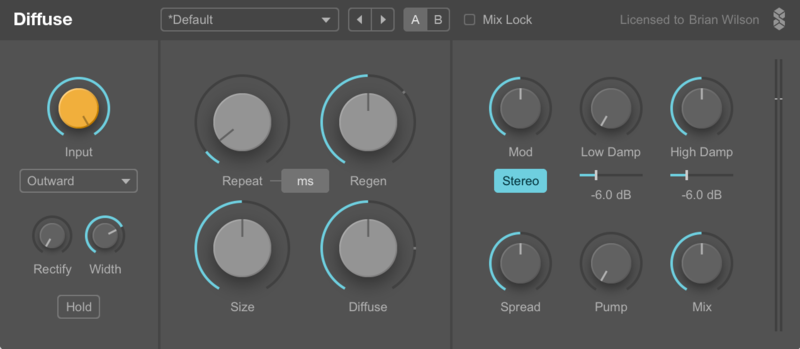
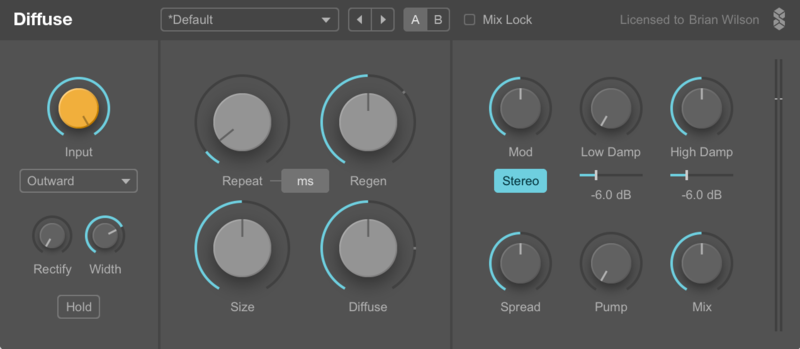
Diffuse is an analog/digital hybrid - an analog-modelled delay fused with a classic reverb design used in early digital units.
In Diffuse you get more than the best of both worlds - you can morph between delays and reverbs, and find all kinds of fantastical sounds in between the two. You’ll also find plenty of nonlinearities and smooth tape-style delay changes.
Diffuse gives you complete control over smearing, echoes and damping in the most intuitive ways possible.
Learn more about Diffuse.
Modnetic
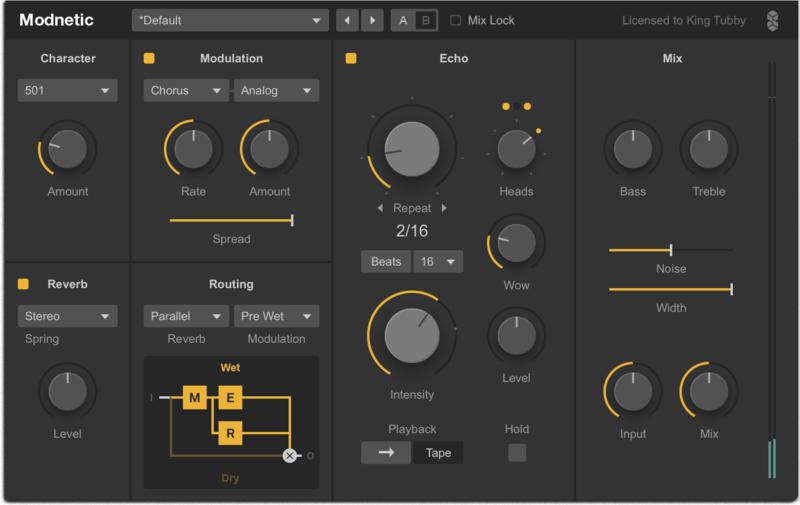
Modnetic offers comprehensive emulation of classic analog tape delay hardware from the 1970’s. No mere slavish analog emulation, Modnetic also has a few digital twists…
Modnetic gives you four powerful effects in one: supreme analog emulated tape delay, extremely realistic spring reverb choices, bucket brigade chorus/ flanger/phaser and classic tone. Analog sounding on the one hand, but digital clarity and impossible tricks on the other, such as classic digital phasers, reverse-tape and clickless real-time routing options. This is built solid enough for live performance as well as to transform your studio.
Modnetic has been optimized from the ground up for better quality and performance, as well as a wider and new set of sounds.
Features
- An Echo section with three combinable virtual tape heads, two different reverse delay effects and a hold mode for immediate sustained loops.
- A Reverb section with 35 carefully crafted IRs
- A Modulation section featuring chorus, flanger and phaser effects, including analog models inspired by BBDs (Bucket Brigade Devices), clean digital effects and special sonically ‘broken’ flavours
Learn more about Modnetic.
System Requirements
Mac
- macOS 10.11 El Capitan or higher (Intel / M1 Apple Silicon supported) (64-bit only)
- VST 2.4, VST 3 or Audio Unit host
- Minimum Intel i5 CPU / M1 Apple Silicon Processor and 4GB RAM or more recommended
Windows
- Windows 8 - Windows 11 (32 or 64-bit)
- VST 2.4 or VST 3 host
- Minimum Intel i5 CPU and 4GB RAM or more recommended
Awards

Beat.de
Beat.de is a news and media website delivering sounds & software.
"5/5 in every category."
CDM
The music and visual technology news and feature sites for communities.
"It's an intoxicant; it's a powerful hallucinogenic trip."
Ask Audio
News, reviews & tutorials for the modern musician, producer & DJ.
"The last dub tools you ever need."