


 Log In

Free gifts available with your purchase

Punch, warmth and presence, instantly.
This smart, streamlined effect has the power to give your masters, busses or individual tracks that extra bit of polish by adding warmth, power and clarity to any audio signal.

Introducing: Exceed
Featuring a set of under-the-hood effects contained on a high and low frequency band, Exceed's precise algorithms enhance your audio by adding saturation for crunch and character, parallel processing for punch and control, and stereo imaging for definition and width. The algorithms on each frequency band are tailored towards the different processing needs of high-frequency and low-frequency audio.
Once you have found your desired effect, the central Mix parameter dials in the amount of Exceed’s effect that is applied to the signal. Set it to low levels to subtly enhance the audio, or push it to higher levels to add new life to sounds.
What can Exceed do?
- Bring life back into sounds.
- Add the finishing touch to your master.
- Add clarity, warmth and presence to instruments.
- Tighten the low end on individual basses or full mixes.
Features
- A versatile multi-effect for polishing your audio.
- 2 precise algorithms for processing high and low frequency bands.
- A single Mix knob for quickly dialling in your preferred amount of effect.
- 20 Presets
System Requirements
macOS
- macOS 10.15 or higher.
- Natively compatible with Apple Silicon
- Plugin Formats: VST, VST3, AU, AAX, Standalone
- DAW's Supported: Ableton Live, Pro Tools, Logic Pro, FL Studio, Cubase, Nuendo, Reaper, Reason + more.
- Compatibility: 64-bit compatible only.
Windows
- Windows 7 or higher
- Plugin formats: VST, VST3, AAX, Standalone
- DAWs supported: Ableton Live, Pro Tools, FL Studio, Cubase, Nuendo, Reaper, Reason + more.
- Compatibility: 64-bit compatible only.
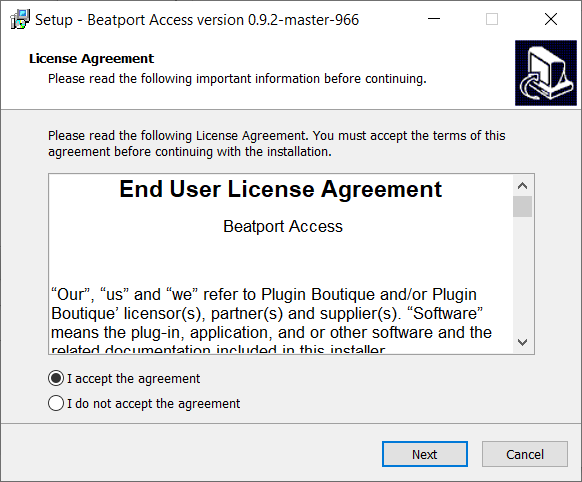
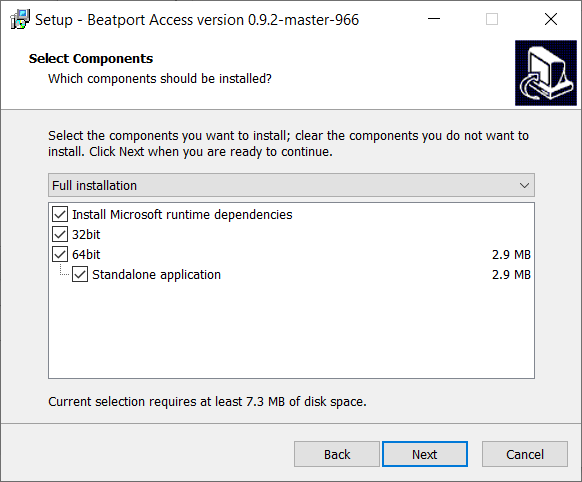
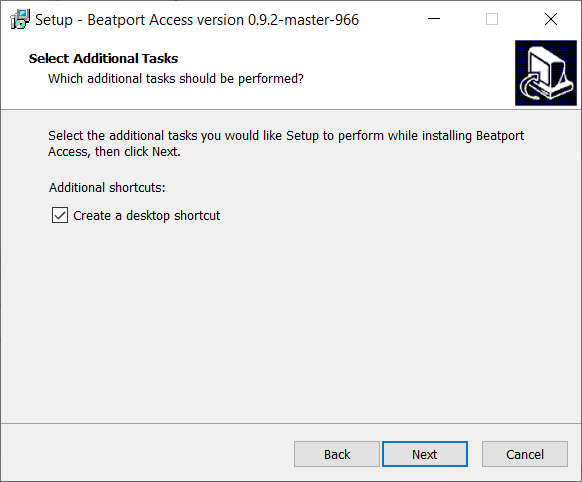
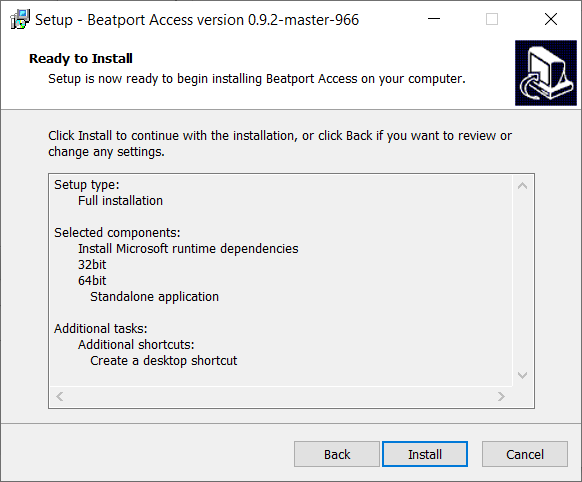
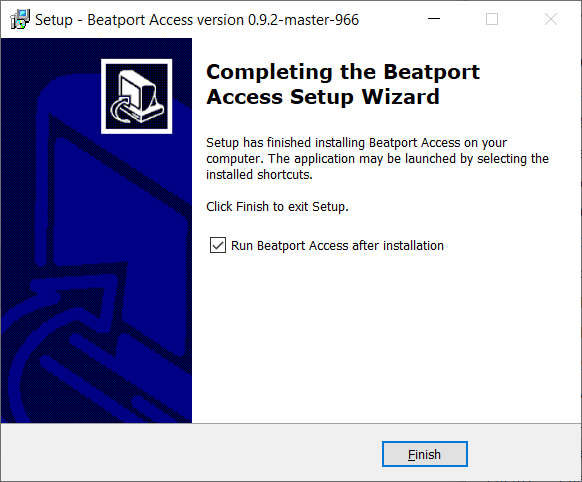
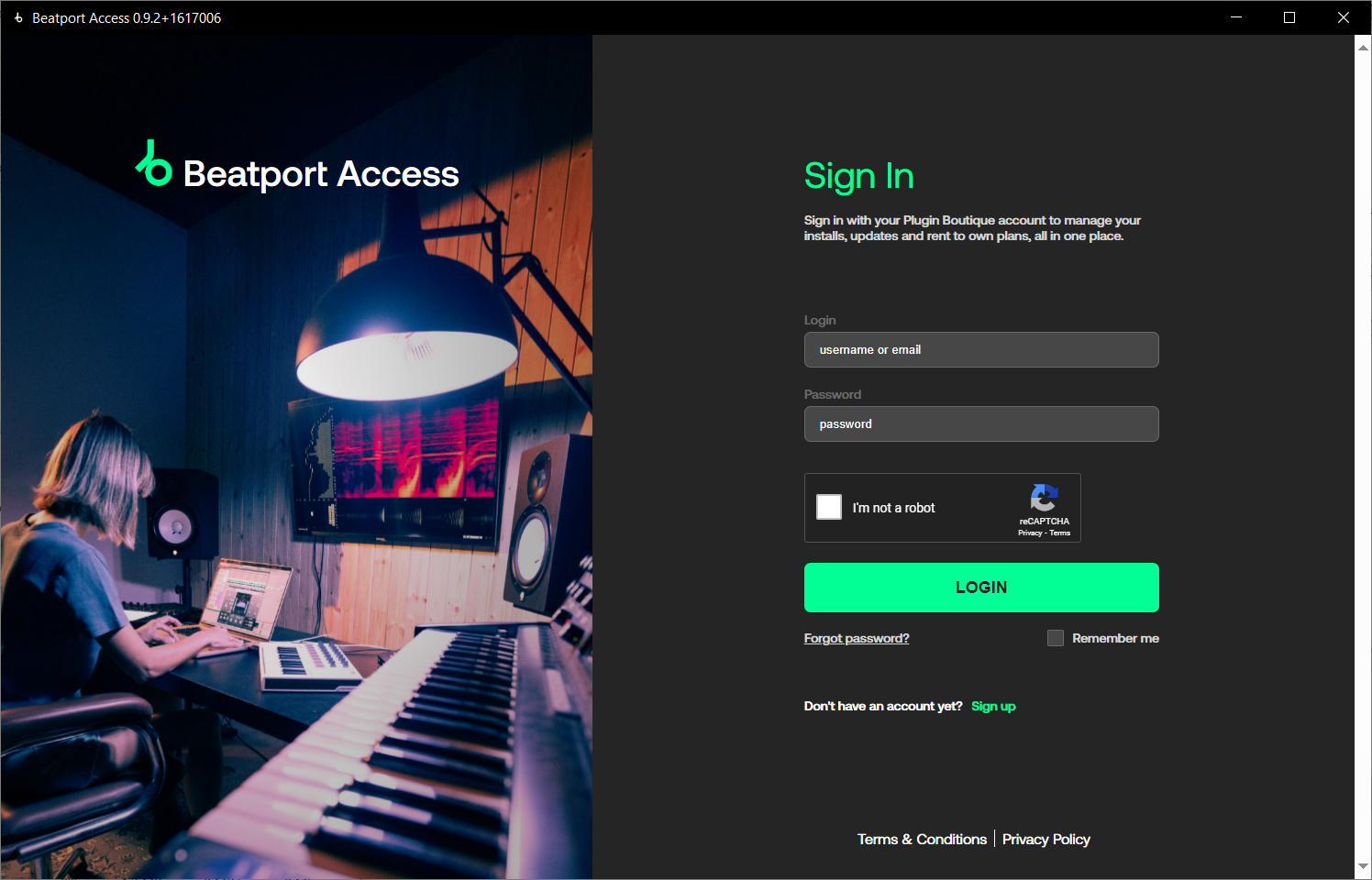
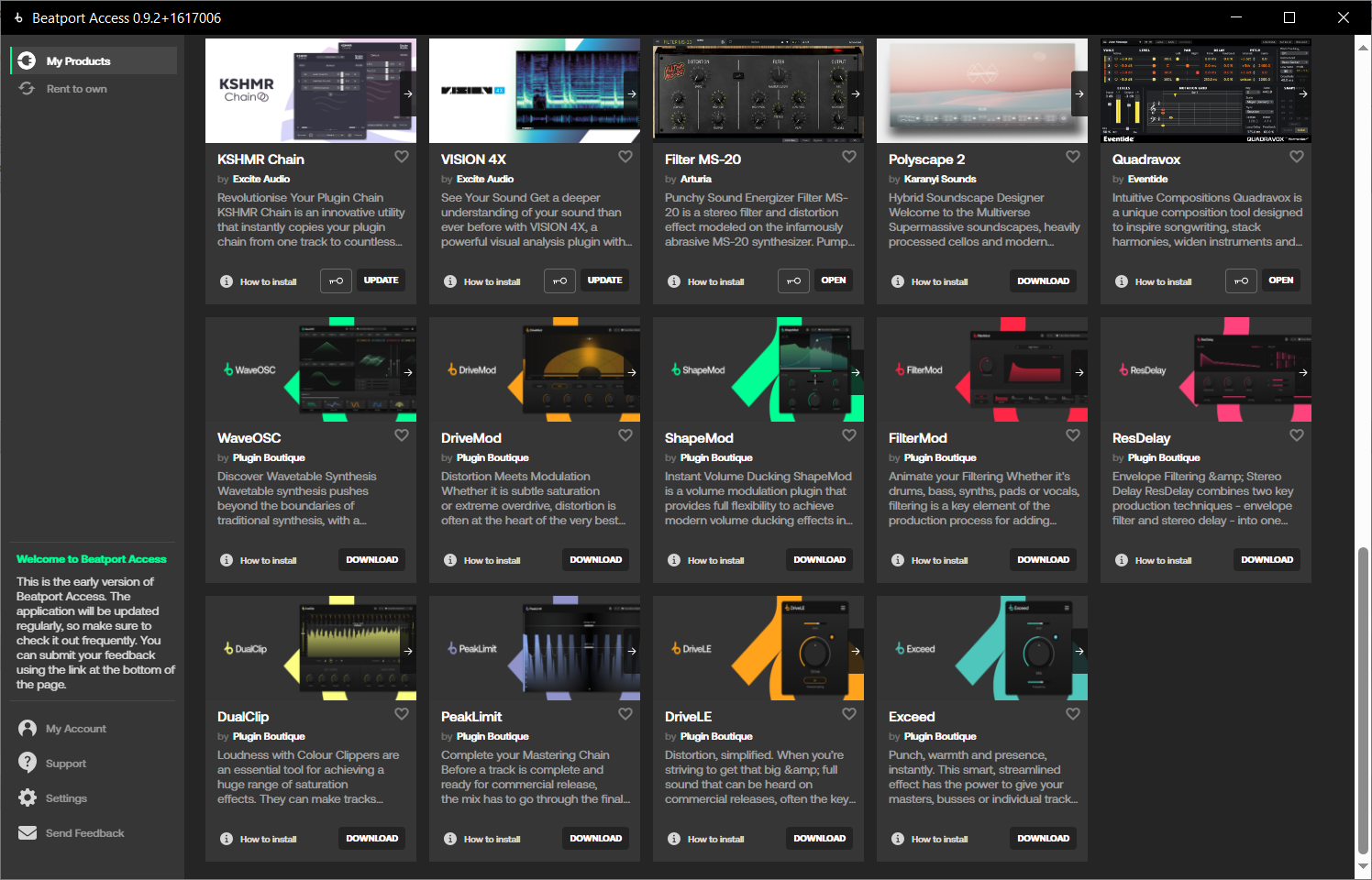
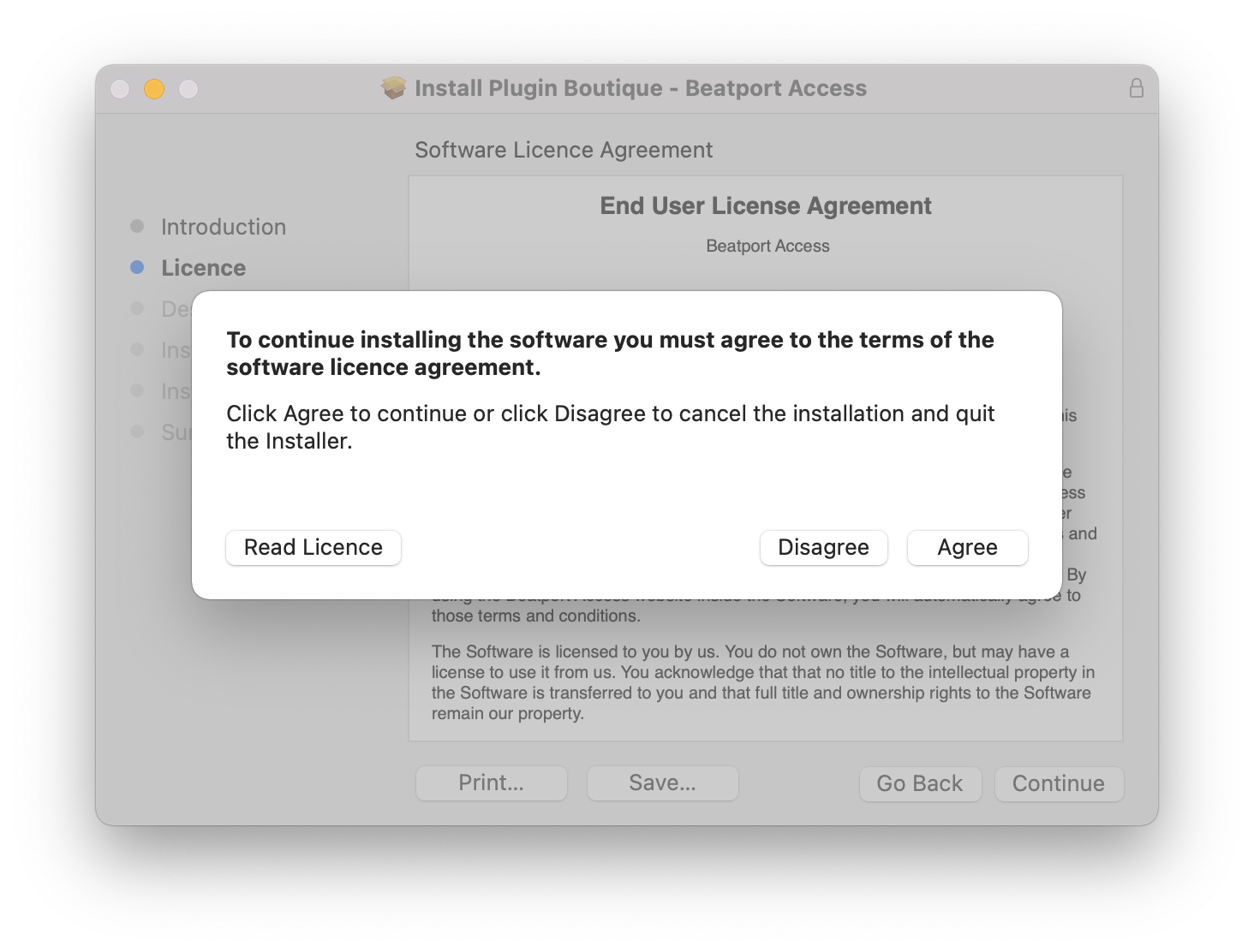
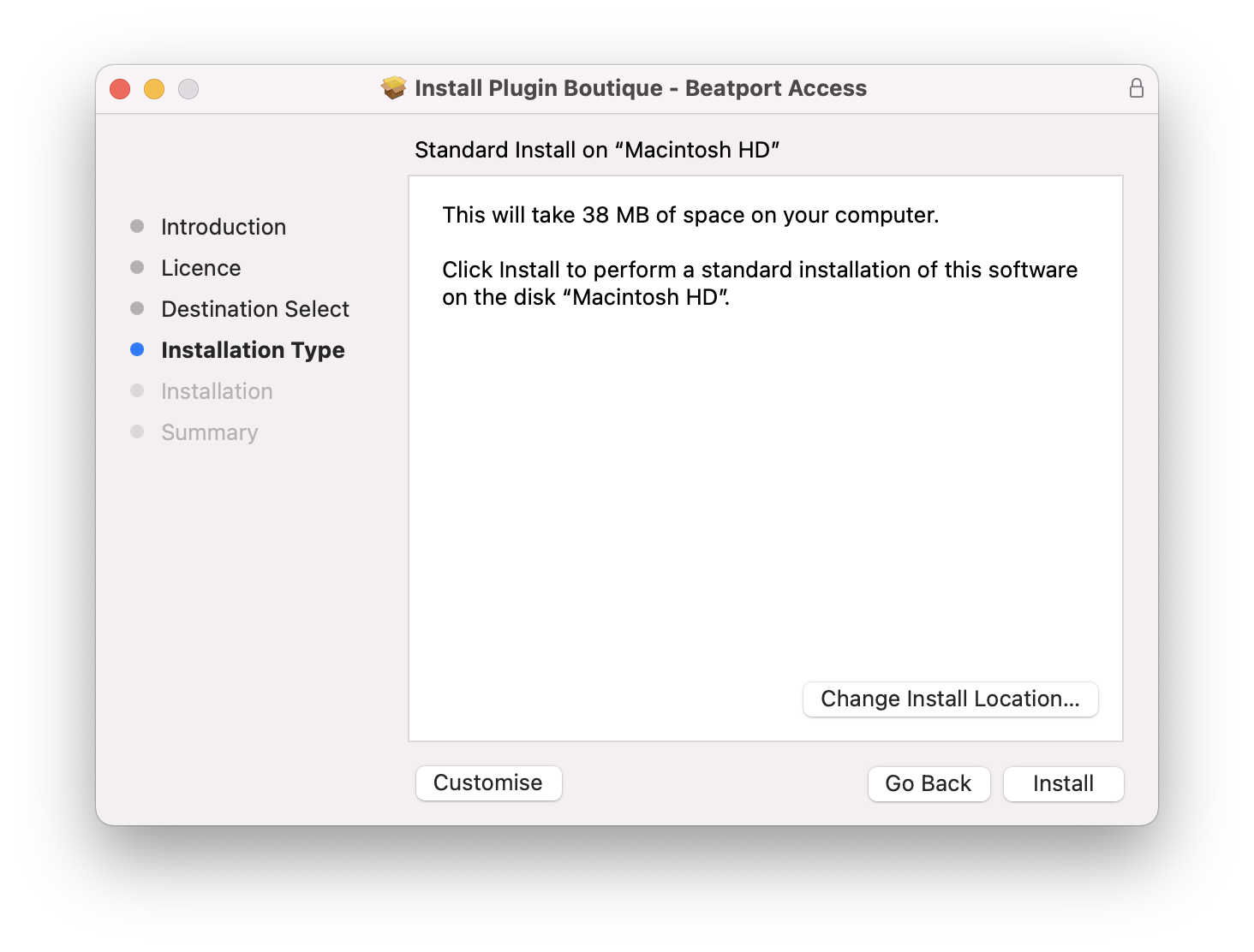
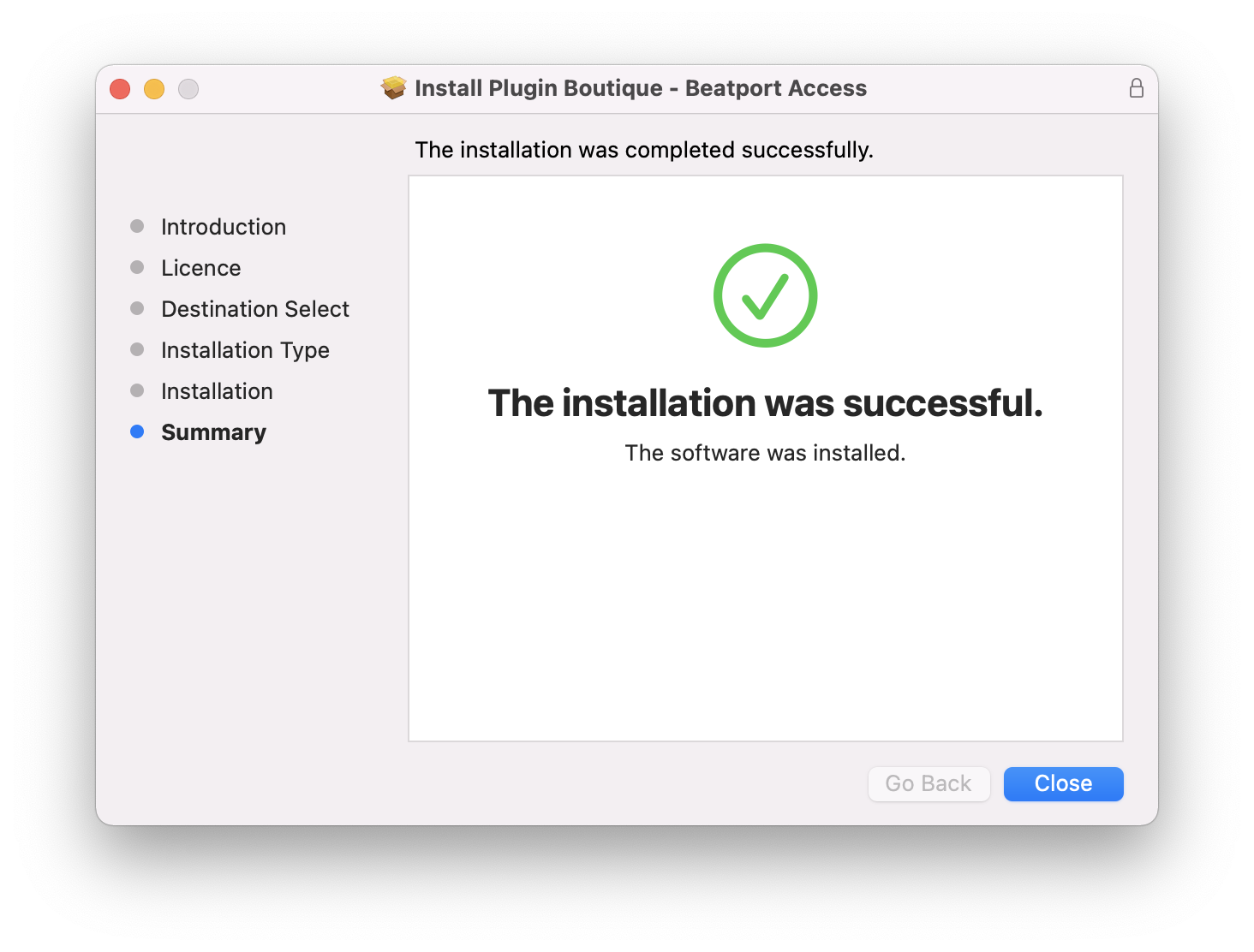
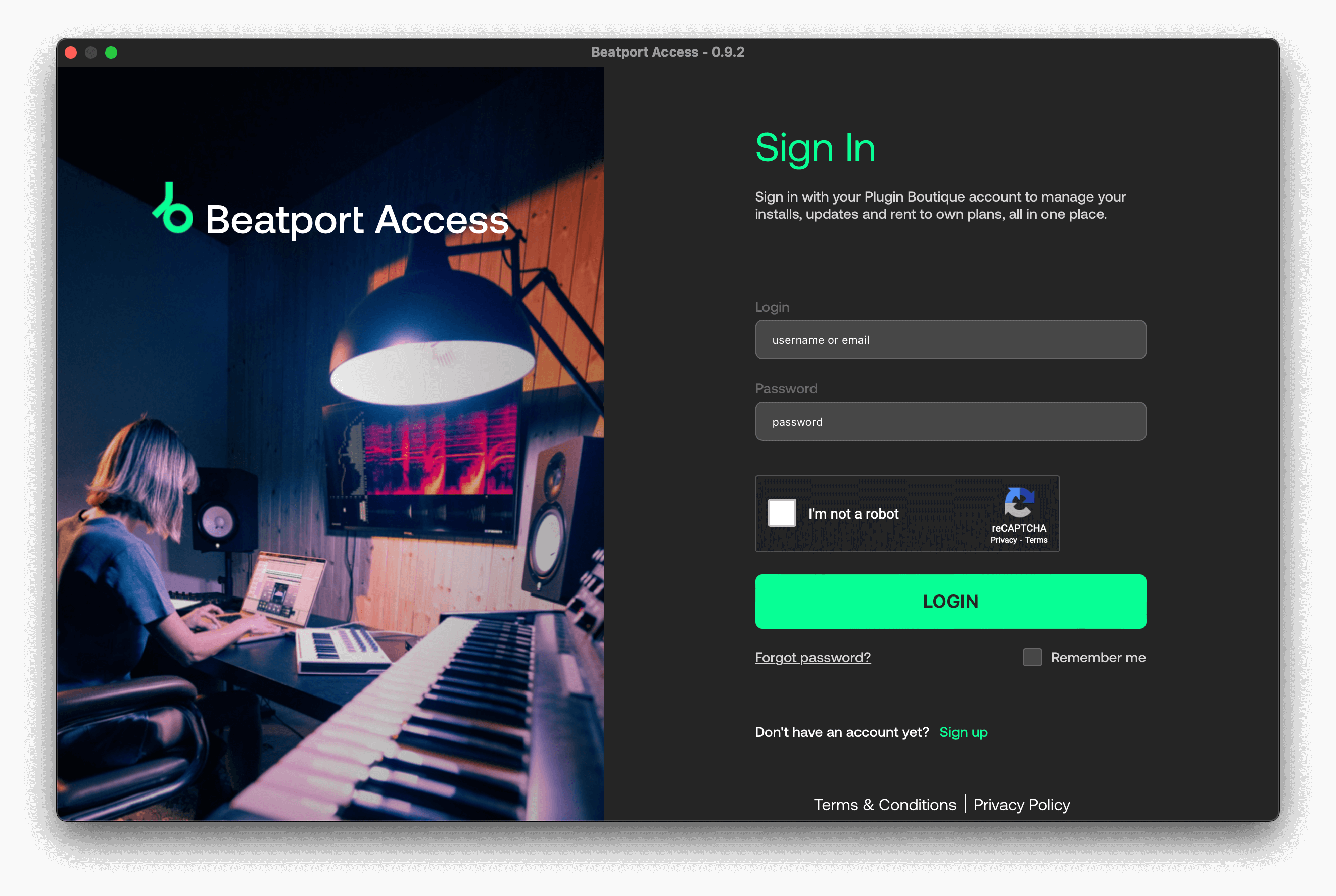
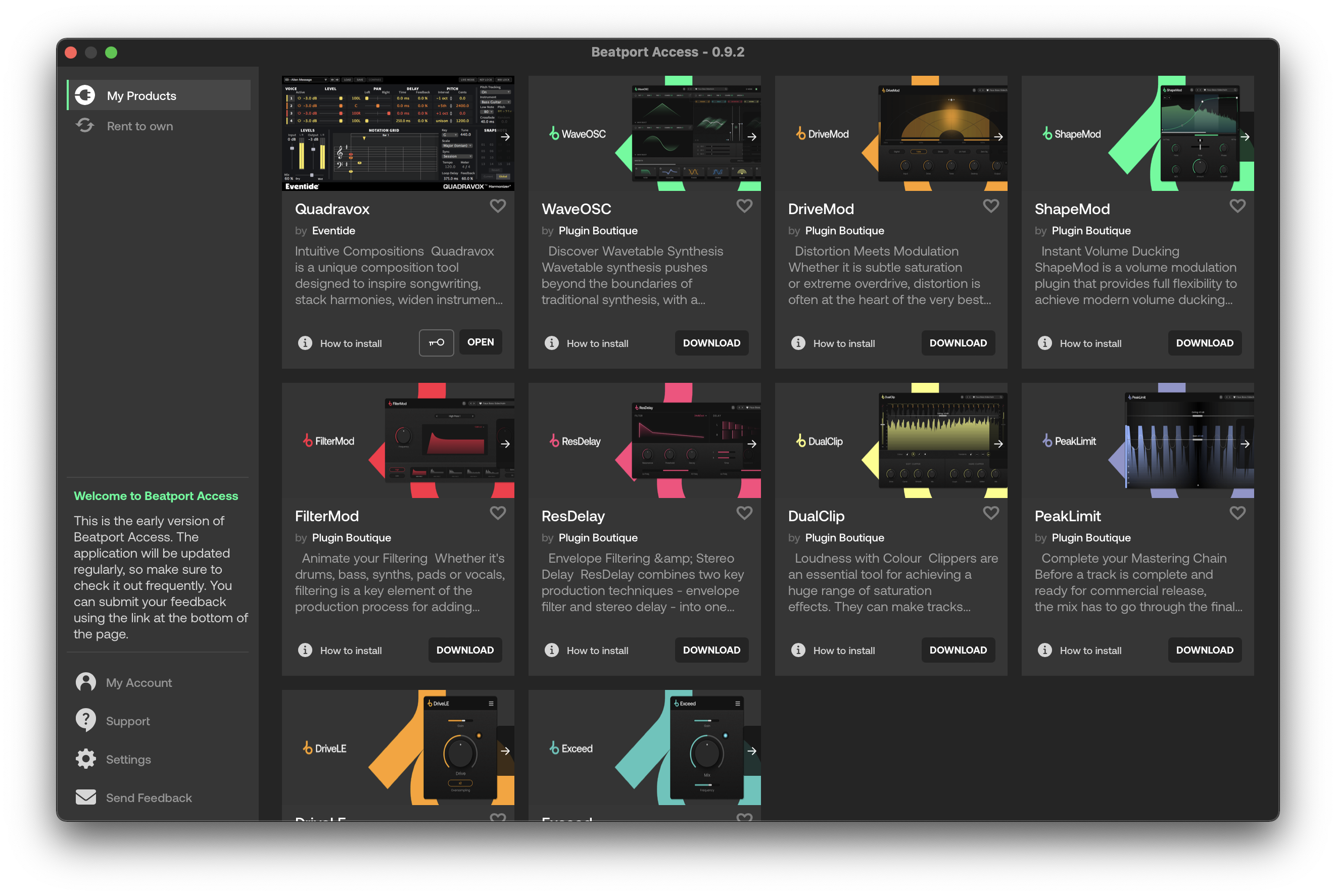
Important note: When accessing this software via a Rent to Own plan or the Beatport Studio membership, it's installed and run through the Beatport Access portal. An internet connection is required every 30 days to validate your license.

Reviews Summary
While it aims to provide a helpful overview, it may not capture every perspective or detail. We encourage you to read individual reviews to make an informed decision.
Overall, reviewers consider the plugin to be a simple, lightweight, and effective single-knob enhancer that quickly adds brightness, presence, and clarity to audio tracks. While a few users find it overly basic, redundant, or notice minimal difference, the vast majority praise its ease of use, fast workflow, and ability to improve sound quality effortlessly.


