


 Log In

Free gifts available with your purchase
The discreet charm of vintage sound
Meet Technocolor, a studio-quality character plugin that adds instant old-school vibe to your synths and guitars, injects some grit into your vocals, basslines and even drums! Quick, nice and easy.
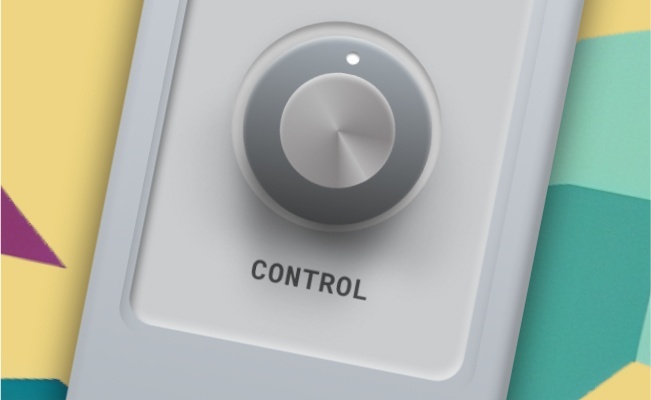
Super Easy Control
Technocolor lets you achieve the desired results quicker, with just one knob. With the only Control knob you can easily fine-tune the character of your effects. Try out different custom DSP algorithms and let the magic happen!
Vintage Touch
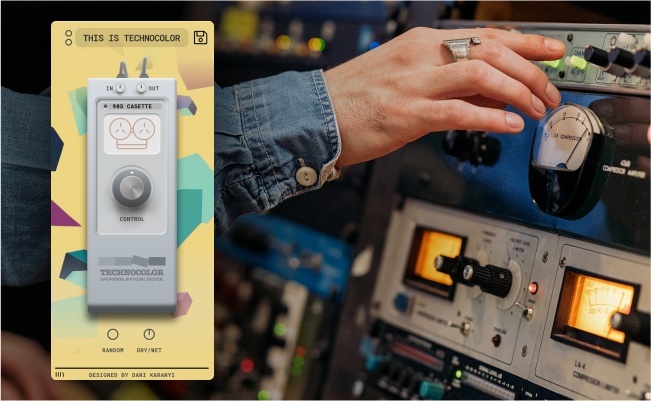
Inspired by classic samplers, tape machines and even radios, Technocolor was designed to spice up your sounds. From subtle analog warmth to heavy, gritty textures, this plugin is all you need to beef them up and let them punch through the mix.
Smart Random Control
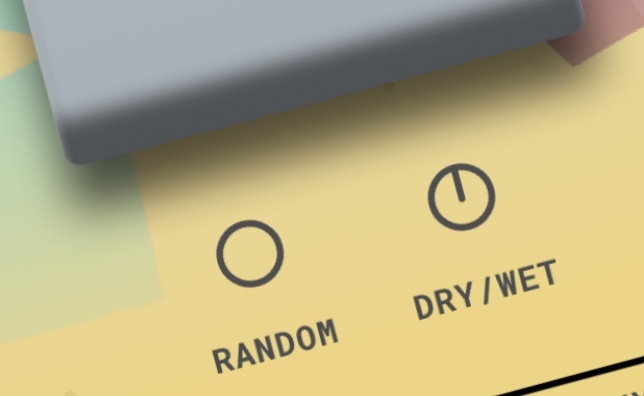
Create new variations fast and easy: Technocolor is equipped with our customers’ favorite Smart Random feature.
Summary
- 18 Factory & Artist presets to get you started
- 40+ Algorithms custom-made for this FX
- Streamlined interface with just 1 main control
- Smart Random button on board for instant inspiration
- Dry/Wet and In-Out knobs for ease of use in mixing situation.
- Supports major DAWs, including Ableton Live, FL Studio, Logic Pro, Cubase, Reason, Studio One, BitWig, Reaper, etc.
System Requirements
Mac
- OS X 10.11 or higher is recommended
- 4 GB of RAM, 8 GB is recommended
- 64 bit DAW
- 100 MB free disk space
Windows
- Windows 7 or higher
- 2 GHz CPU with at least 4 cores
- 64 bit DAW
- 100 MB free disk space

Reviews Summary
While it aims to provide a helpful overview, it may not capture every perspective or detail. We encourage you to read individual reviews to make an informed decision.
Technocolor is generally well-received as an affordable, simple, and easy-to-use saturation plugin that adds warmth and character to audio. While some reviewers note it is a basic tool rather than a professional must-have, others highly recommend it for its great sound quality and budget-friendly price, making it an excellent choice for creative tone shaping.


