


 Log In
Free gifts available with your purchase

Moogerfooger MF-109S Saturator
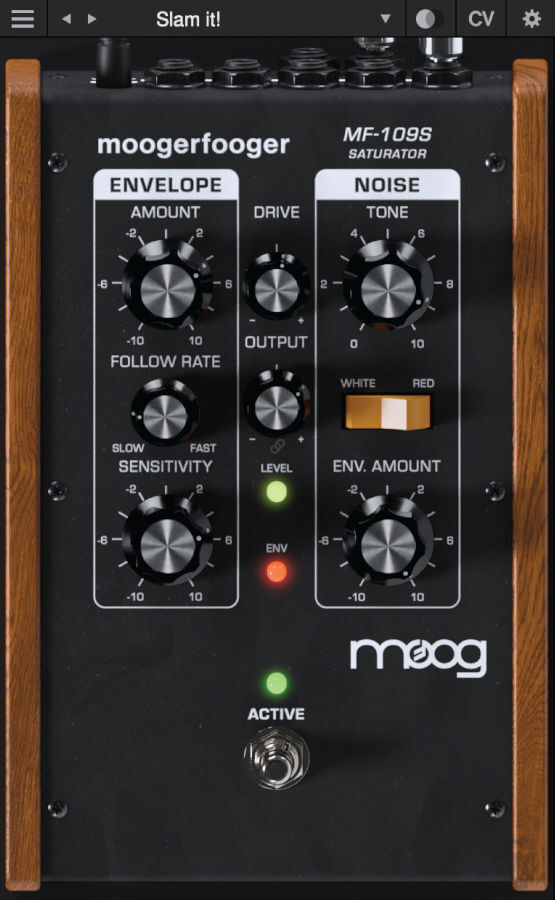
The MF-109S Saturator is a new software-only effect which emerged out of the development of the Moogerfooger Effects Plug-ins.
A major component of each Moogerfooger is its input drive stage, which is able to add warmth, distortion, and crunch to a sound. During beta testing, it became clear that users wanted dynamic control over the drive circuit of the Moogerfoogers, so the MF-109S was born.
The MF-109S Saturator is able to move from tight, dynamic overdrive and analog saturation to smooth compression and expansion by pairing a wide-range envelope follower with bipolar control over the unique drive circuit of the Moogerfooger Effects Plug-ins. Further, it models the noise generator circuit of the Minimoog Model D and allows for control of both noise generator level and noise tone with switchable filter type. The MF-109S Saturator's envelope follower and noise CV outputs and multiple CV inputs allow it to speak with all of the other Moogerfooger Effects Plug-ins.
About the Moogerfooger Effects Plug-ins
Moogerfooger Effects Plug-ins are a re-invention of Moog’s classic analogue effects pedals, bringing the legendary tone, musicality, and interconnectivity of the original hardware effects to your digital music production environment.
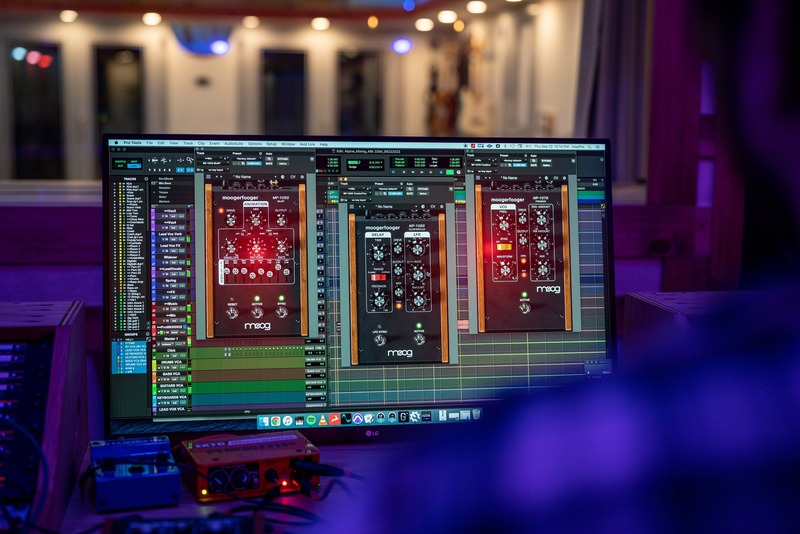
Designed by Bob Moog and his engineering team in the late '90s and '00s, Moogerfooger effects pedals were direct descendants of the original Moog modular synthesisers, adapted to process, modulate, and play with inputs ranging from guitar, voice, and synthesiser to any imaginable audio source. From the MF-104's lush, warm analogue delay circuit to the swirling phaser effects of the MF-103 and legendary resonant ladder lowpass filter in the MF-101, Moogerfoogers have become renowned for their sound and modularity, adopted by studios and performers around the world.

Each Moogerfooger plugin has been meticulously recreated with reverence for the lush, distinctive tones of the original analogue circuits—now ready to be integrated into your digital audio workstation. With stereo functionality and an extended feature set, these plug-ins further tailor the classic Moogerfooger functionality to the modern digital creator. With all parameters ready to be automated as well as the ability to save and manage presets, Moogerfooger Effects Plug-ins mutate and re-shape themselves around your audio tracks.
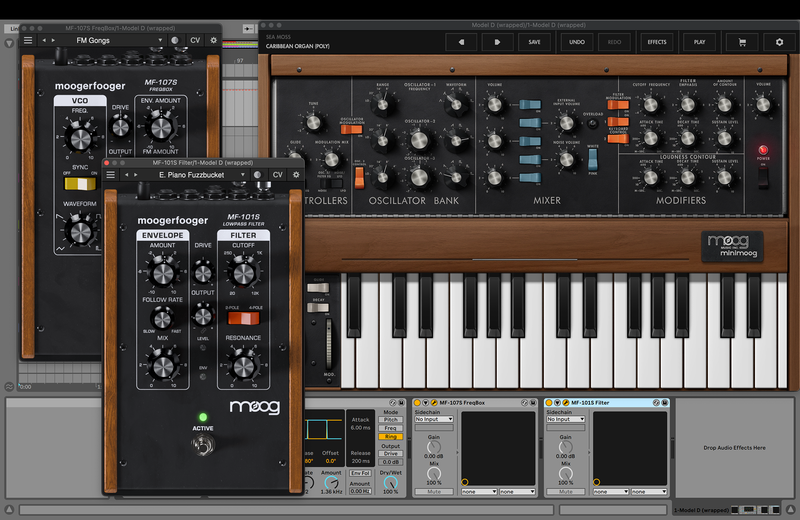
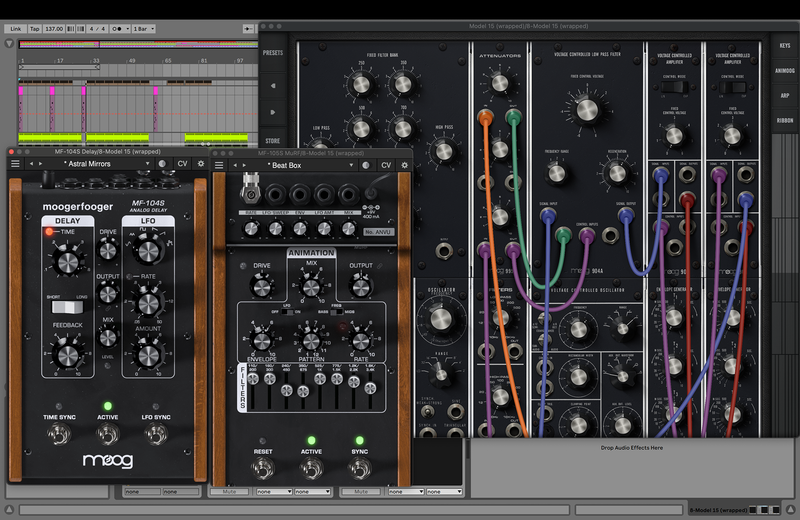
The original collection of Moogerfoogers were more than the sum of their parts due to their powerful and flexible control voltage inputs and outputs—able to play amongst themselves and combine into dynamic inter-related effects. The Moogerfooger Effects Plug-ins recreate that CV interconnectivity, allowing each instance of a Moogerfooger to modulate the parameters of any other across your project in any DAW as an AUv2, VST3, or AAX plug-in. Each effect springs to life and captures nuances in your signal with digital attenuverters added to every CV input and side-chain capabilities, providing innovative sound design possibilities and deep control over every aspect of your sound.
Looking for the Moogerfooger plugin collection? The full bundle is available HERE.
System Requirements
- MacOS 11.7 or newer, Intel or Apple Silicon
- Windows 10 or newer, 64-bit Intel systems or newer
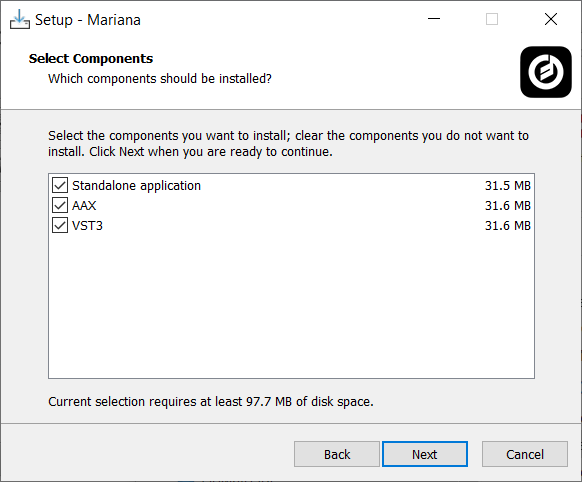
- VST3/AU/AAX formats supported


Reviews Summary
While it aims to provide a helpful overview, it may not capture every perspective or detail. We encourage you to read individual reviews to make an informed decision.
Users highly praise this saturation plugin for its intuitive interface, smooth workflow, and classic chunky Moog-style sound. Many consider it a versatile, long-term go-to tool that easily adds character, pop, and warmth to a wide range of mix elements.


