/ Saturation / Topos
Forever 89

Topos

4.7 (35 Reviews)
$99.00
Topos
Topos
Topos Is Here: An All-Terrain Tone Explorer From Forever 89 gallery thumbnail
Image 2
Image 3
Image 4
Image 5
Image 6
Image 7
Buy Now
Product information

Tone In, Character Out

Topos provides versatile signal-shaping tools at both the input and output stages, maximizing creative flexibility. The Input Filter offers a low/high-pass filtering with adjustable slopes, letting users tailor the tonal range before amplification.

At the output stage, Flux and Dynamics controls enable detailed refinement of signal evolution, from tightening transients to subtly smoothing peaks - reducing the need for additional external processing.

Features

  • Saturating Amplifier Section - Detailed emulations of classic pedals, tape machines, and tube amplifiers, with Drive and Auto-Gain
  • Amp Map - Interactive visual blending between different amp models.
  • Amp Designer - Precise adjustments with Emphasis, Rectify, Smoothing, and more.
  • Speaker Simulation Section - Shape tone and perceived space with Fidelity, Size, and Presence adjustments.
  • Speaker Map - Visual blending of diverse speaker models for custom configurations.
  • Speaker Designer - Fine-tune speaker characteristics with venting, scatter, leak, and damping parameters.
  • Input Filter - Adjustable low/ high-pass filtering before amplification.
  • Flux & Dynamics Controls - Sculpt signal movement and response at the output stage.
  • CPU-friendly, zero-latency anti-aliased processing - Ideal for real-time performance without system strain.
  • Easy Licensing - No iLok, and no online authorization is required.

System Requirements

macOS

  • Apple Silicon M1 or Intel 2.0 GHz processor
  • macOS 10.13 and later
  • AudioUnit or VST3 host software
  • 1GB of RAM
  • 64-bit only

Windows

  • X86 processor with SSE3 support
  • Windows 10 and 11
  • AudioUnit or VST3 host software
  • 1GB of RAM
  • 64-bit only
Installation Instructions
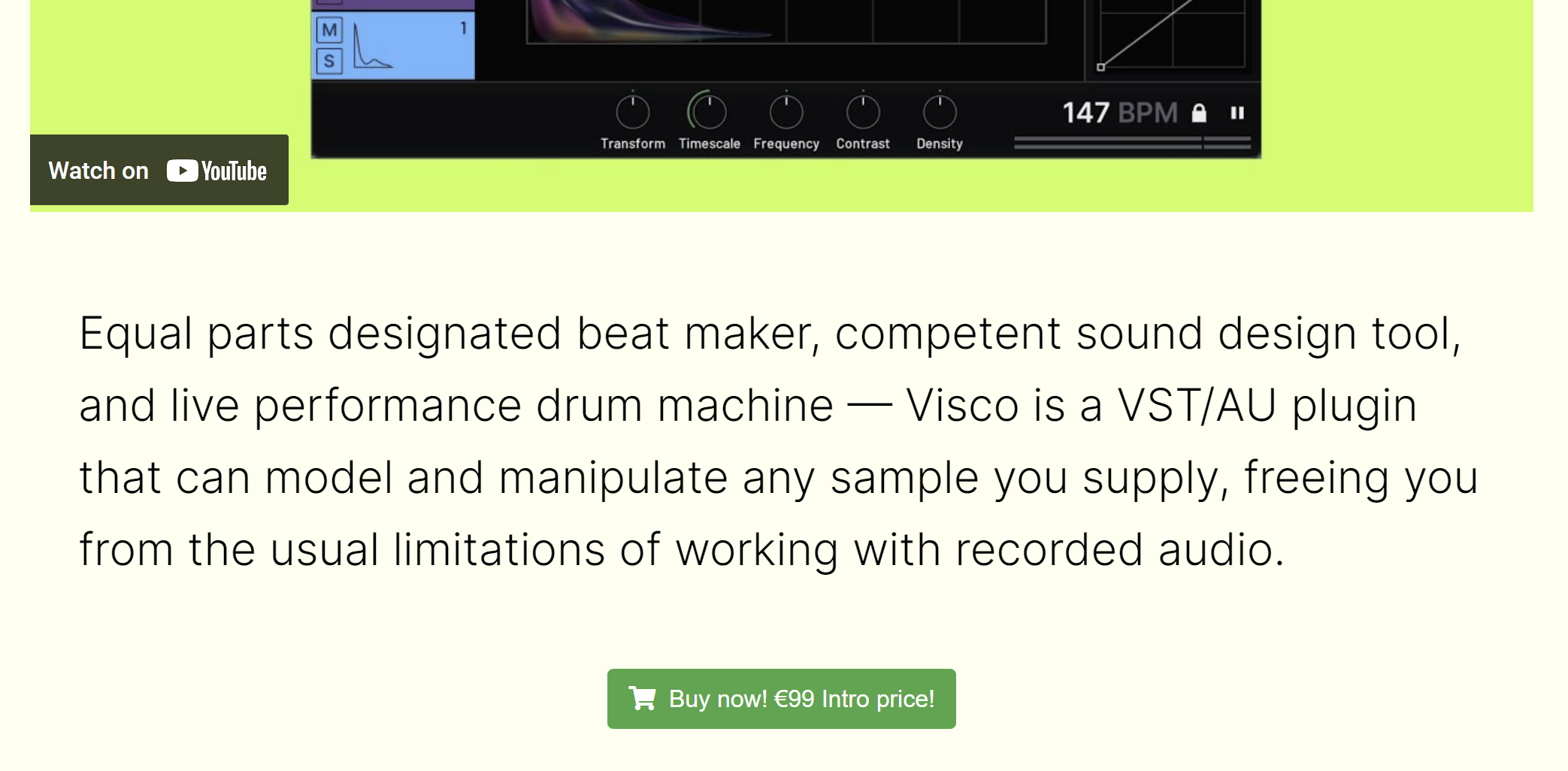
Please note: VISCO is used as the example.

Code Redemption

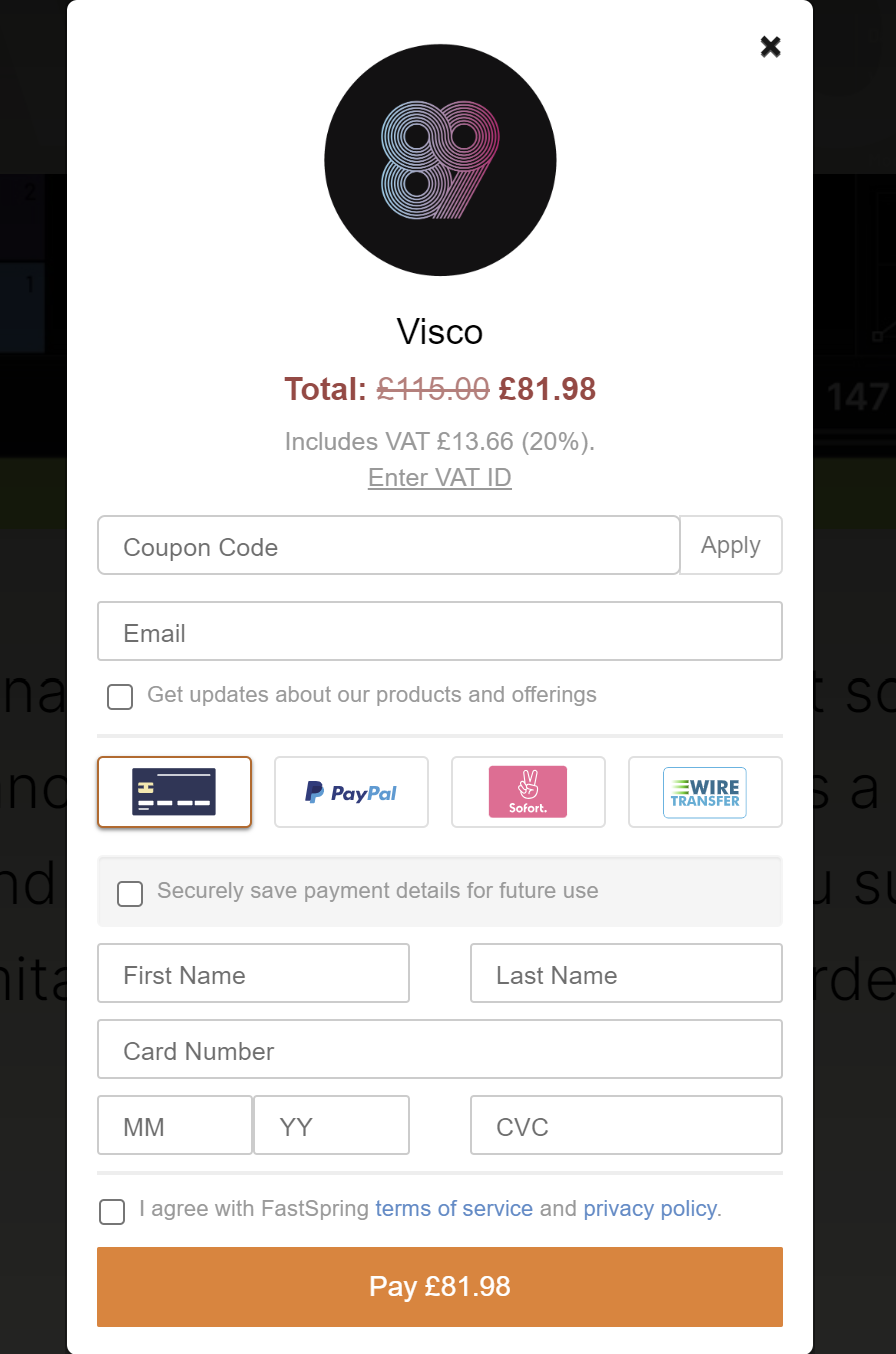
1. Head to https://forever89.studio/shop/

2. Scroll down and click the cart icon or Buy Now!

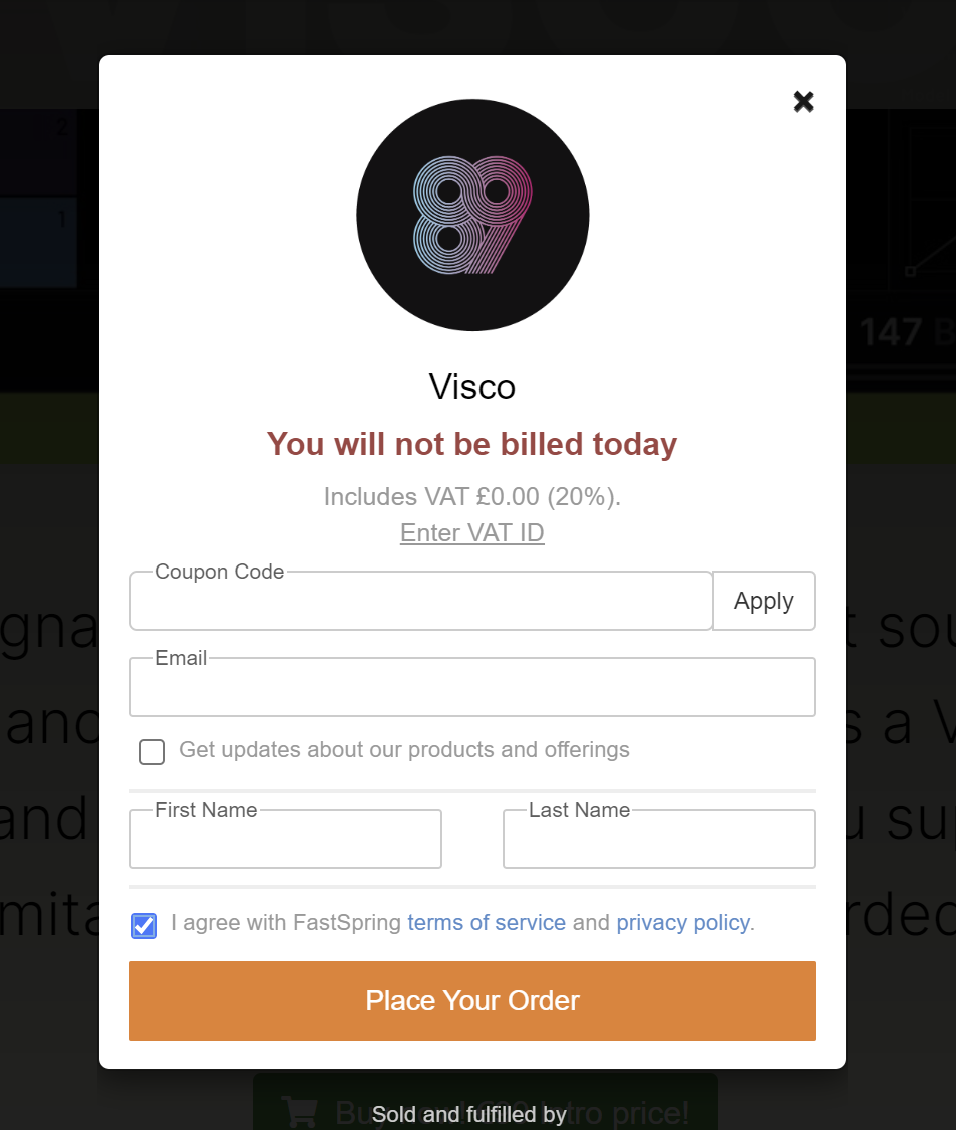
3. Enter the Coupon Code found in your Plugin Boutique User Account > Click Apply

4. Enter your Email > enter your First Name > enter your Last Name > Check box to agree with terms of service > Click 'Place Your Order'

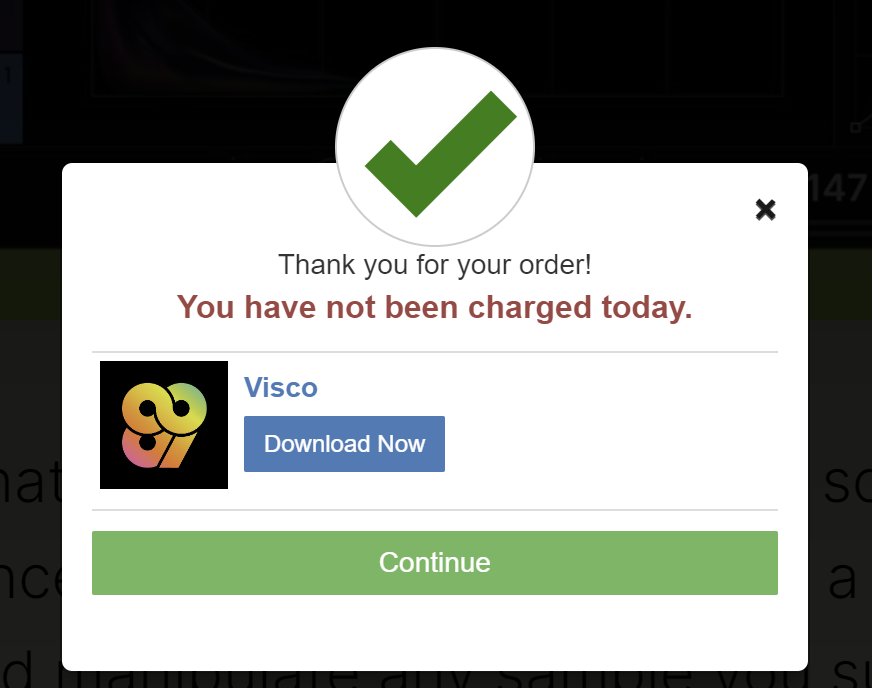
5. Click 'Download Now' > save your VISCO license to your computer (make a note of where this is saved)

6. Download the installer for your OS from within your Plugin Boutique User Account

Installation

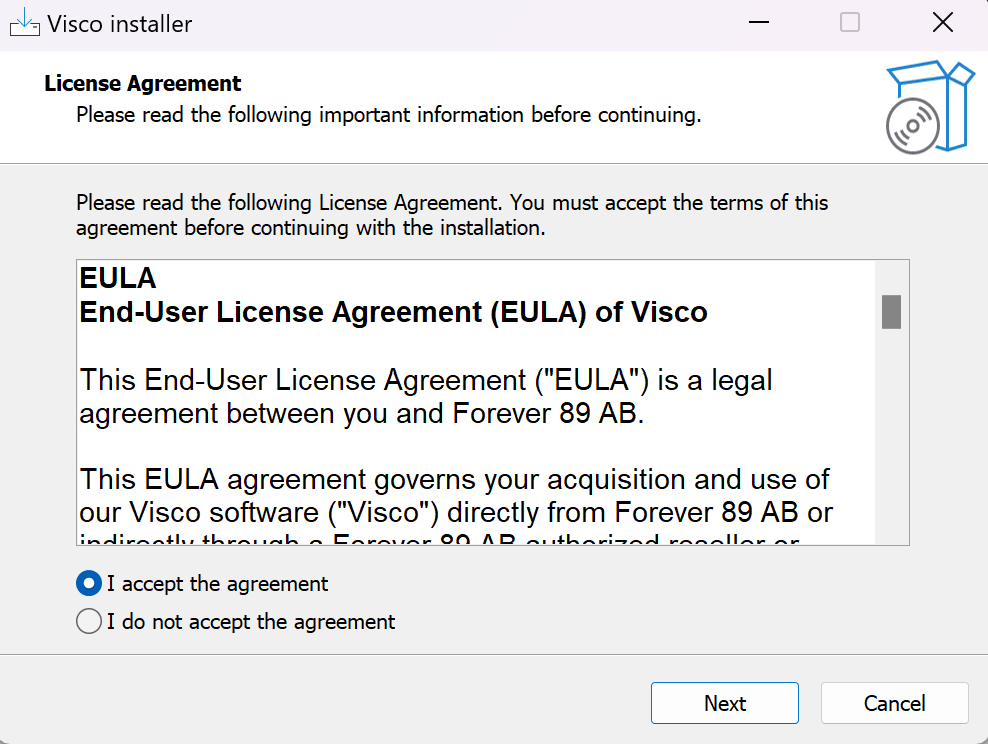
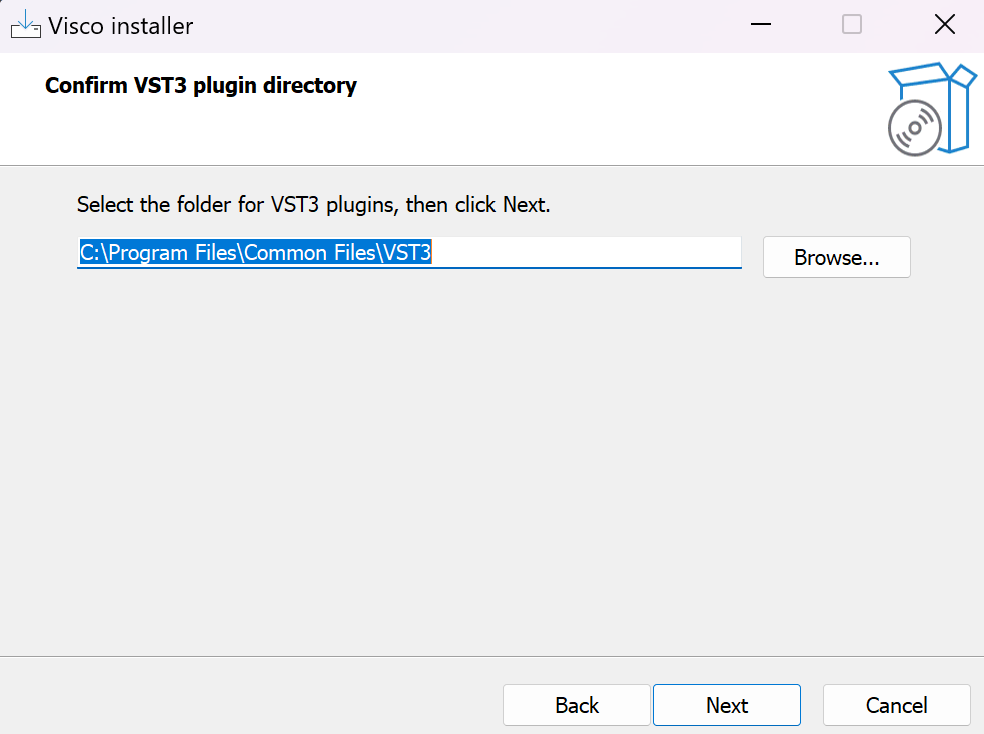
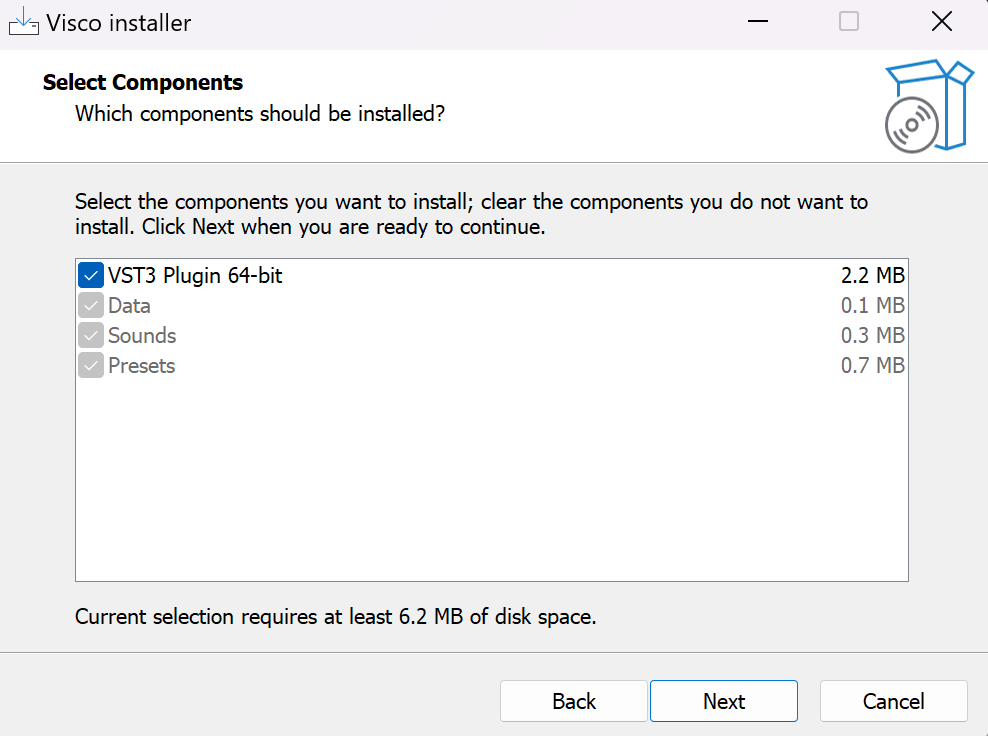
1. Unzip installer > Doubleclick installer file > click 'I accept the agreement' > click Next

2. Click Next

3. Click Next

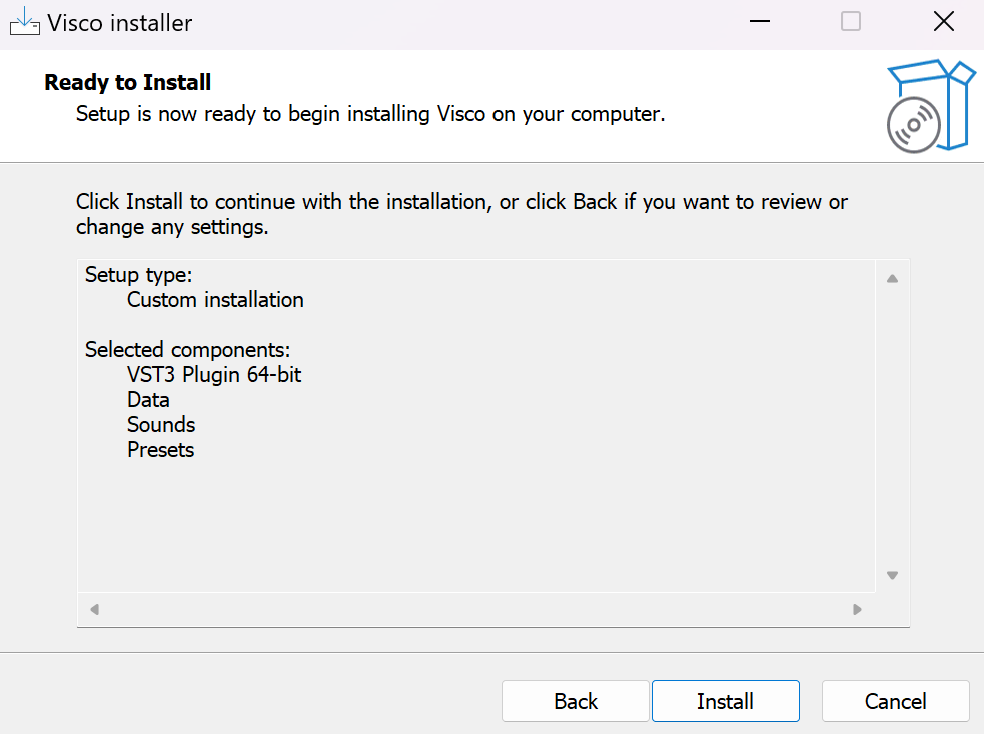
4. Click Install

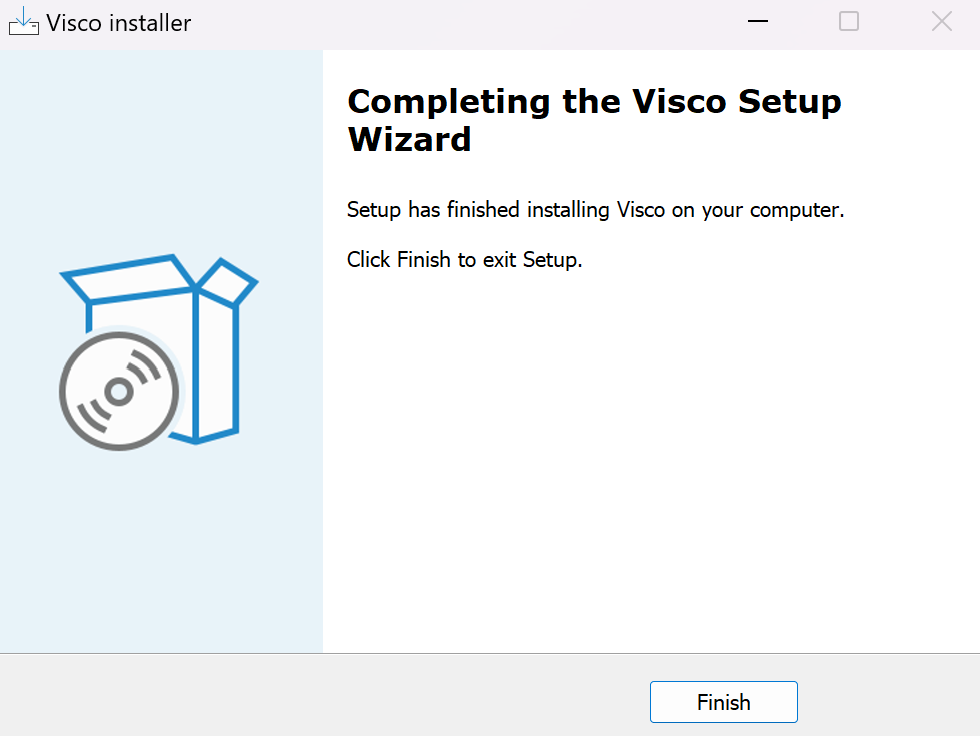
5. Click Finish

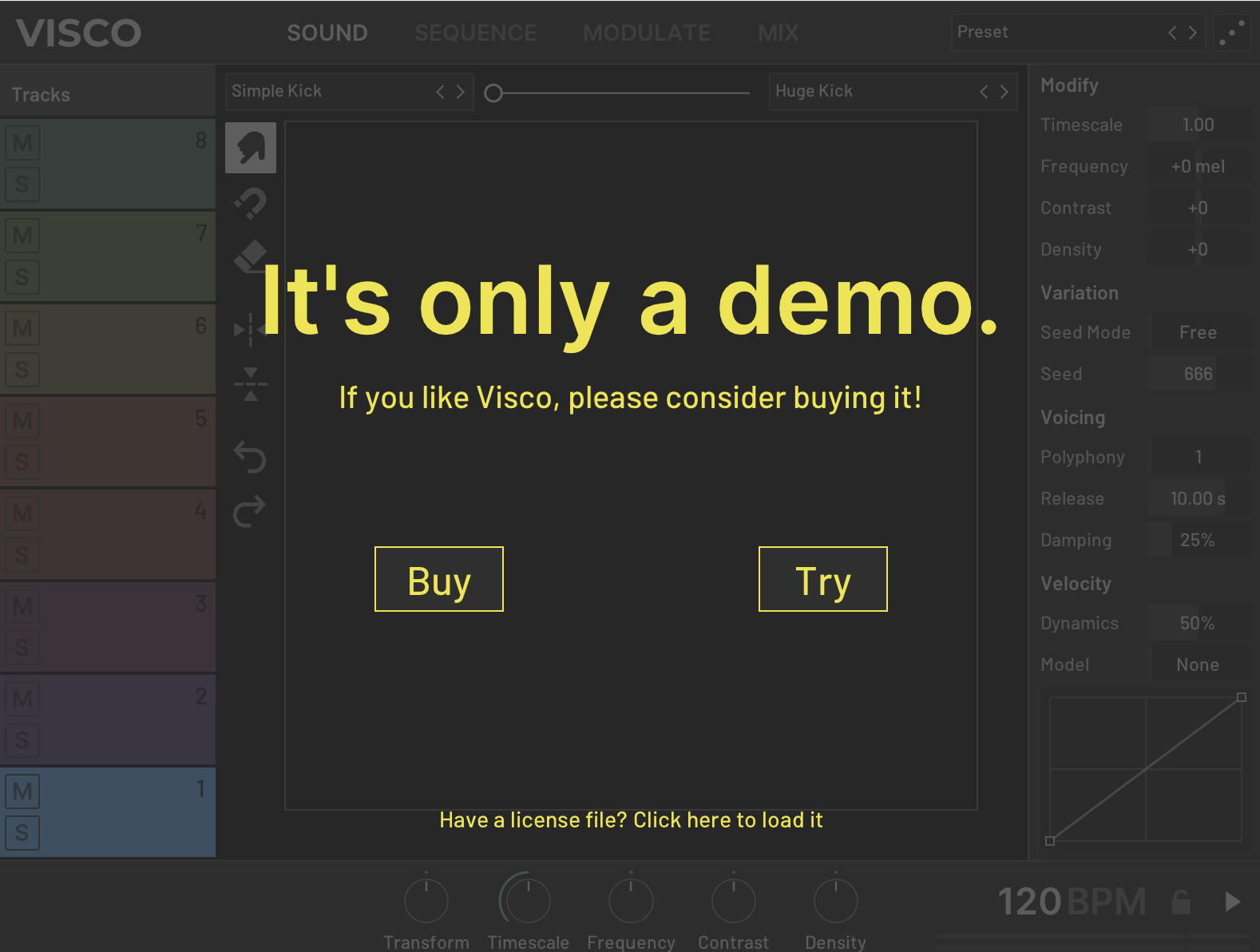
6. Open VISCO within you DAW > Click 'Have a license file? Click here to load it' > Locate the visco_license.txt file downloaded in Step 5 of the Code Redemption guide above

Your software is authorised and ready to use. Enjoy!

Mac

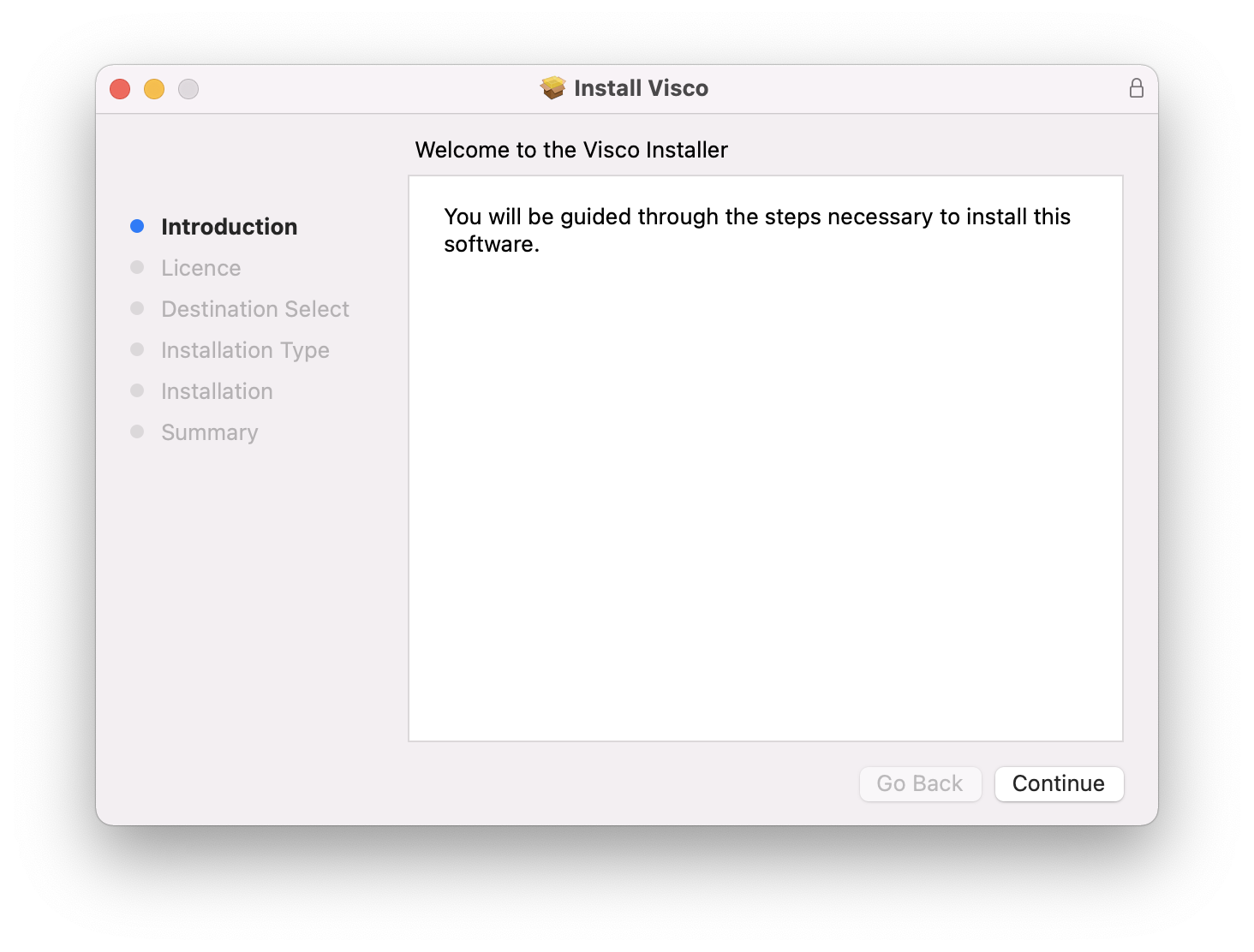
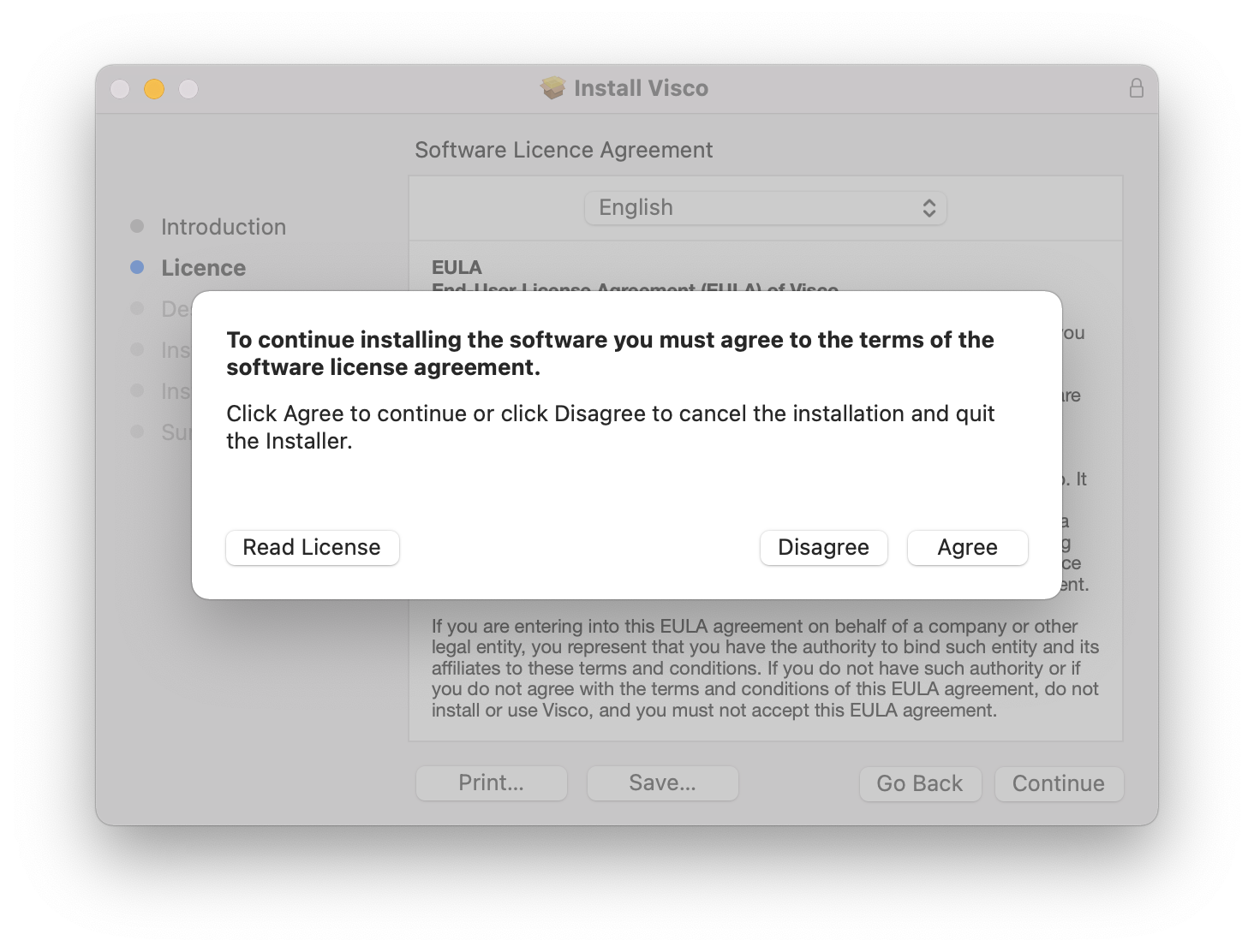
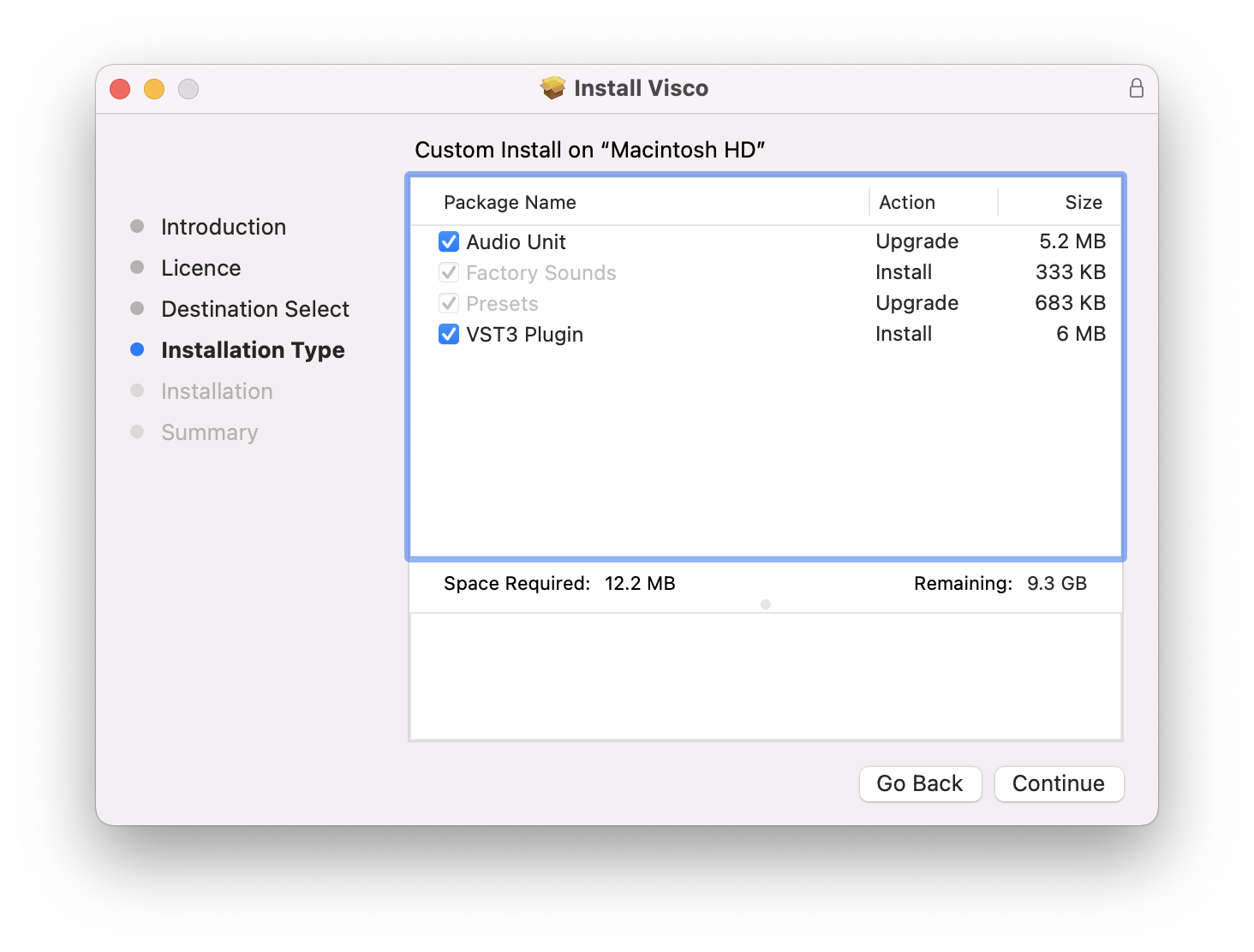
1. Double click the installer file to begin the installation process.

2. Click Continue.

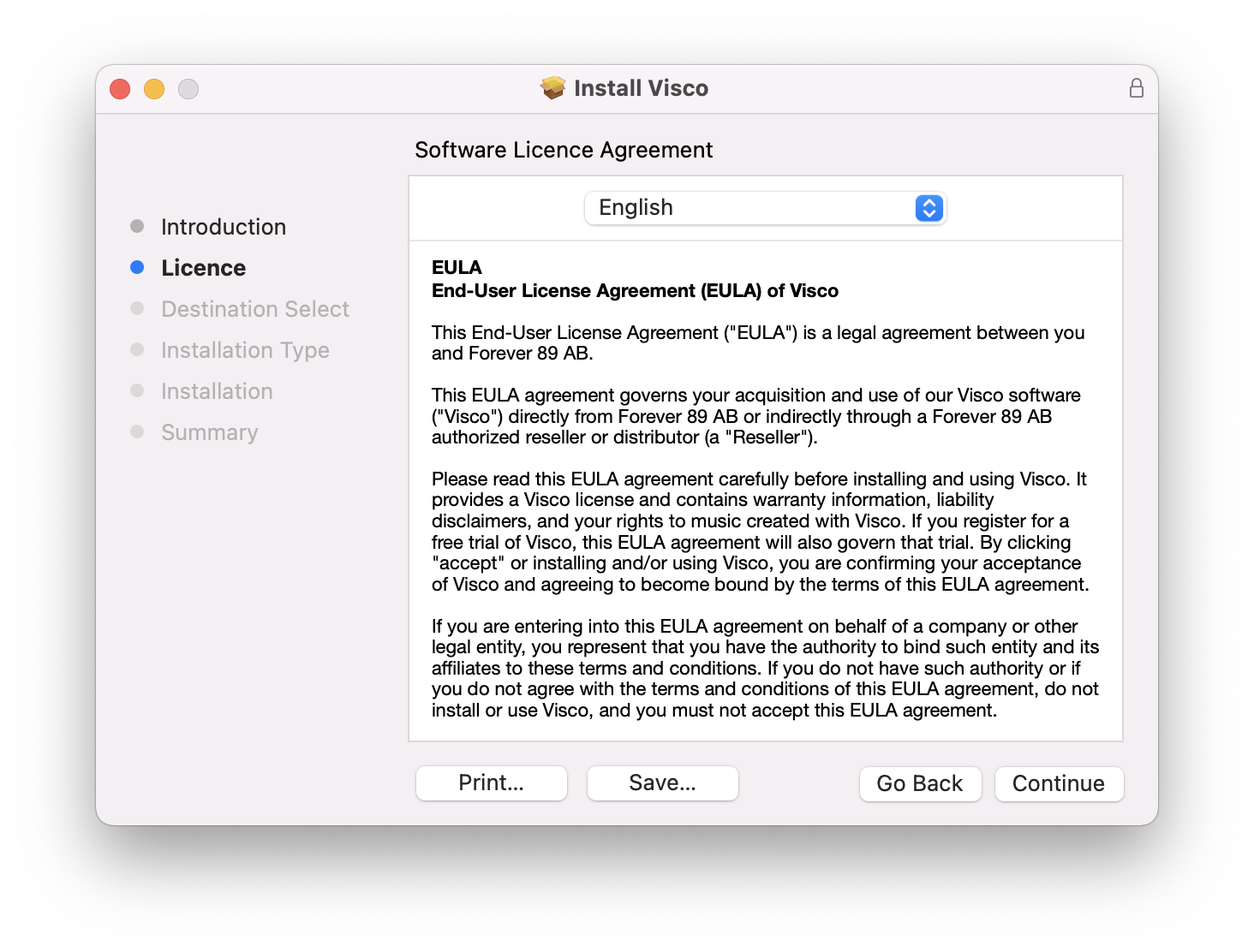
3. Click Continue.

4. Click Agree.

5. Click Continue.

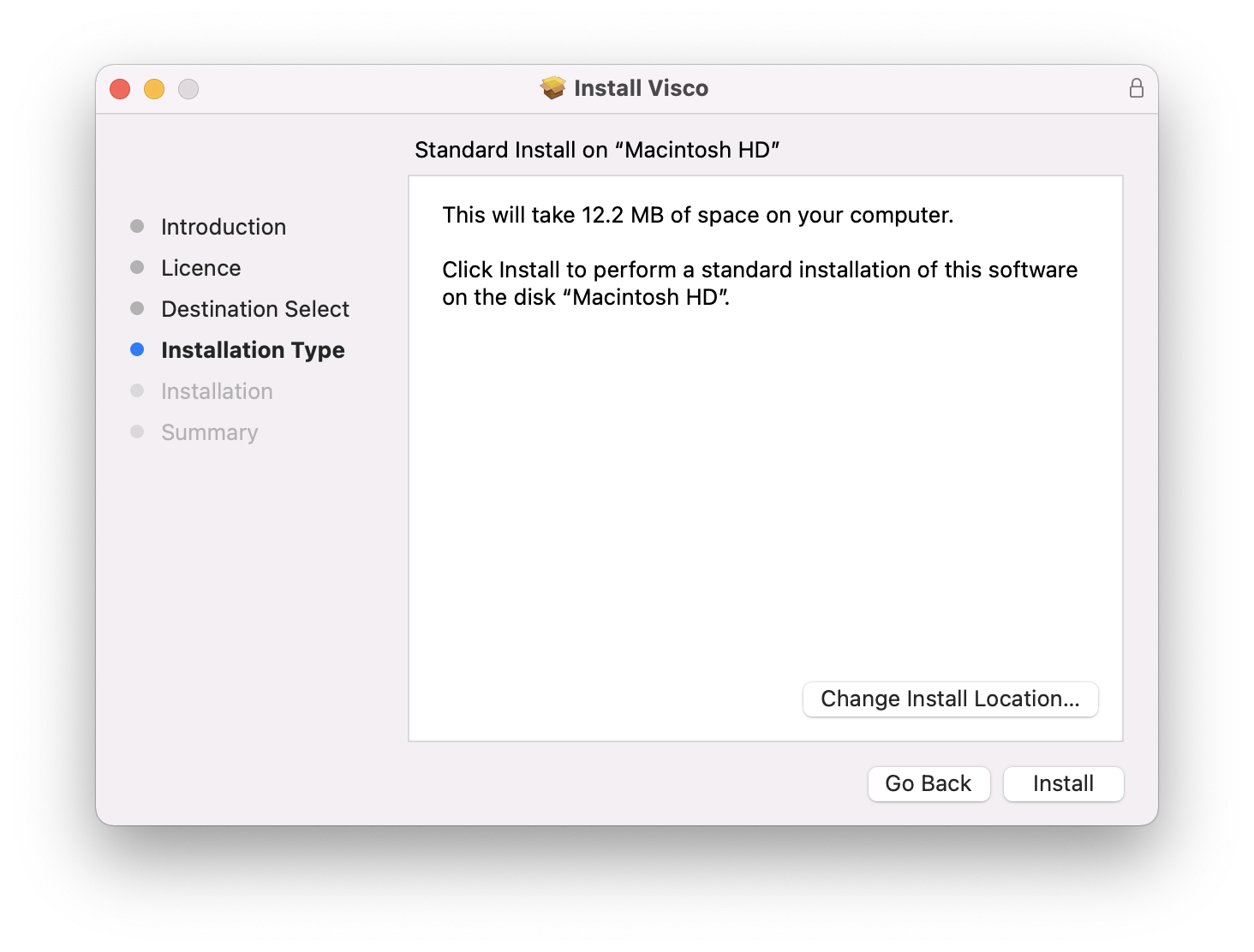
6. Click Install.

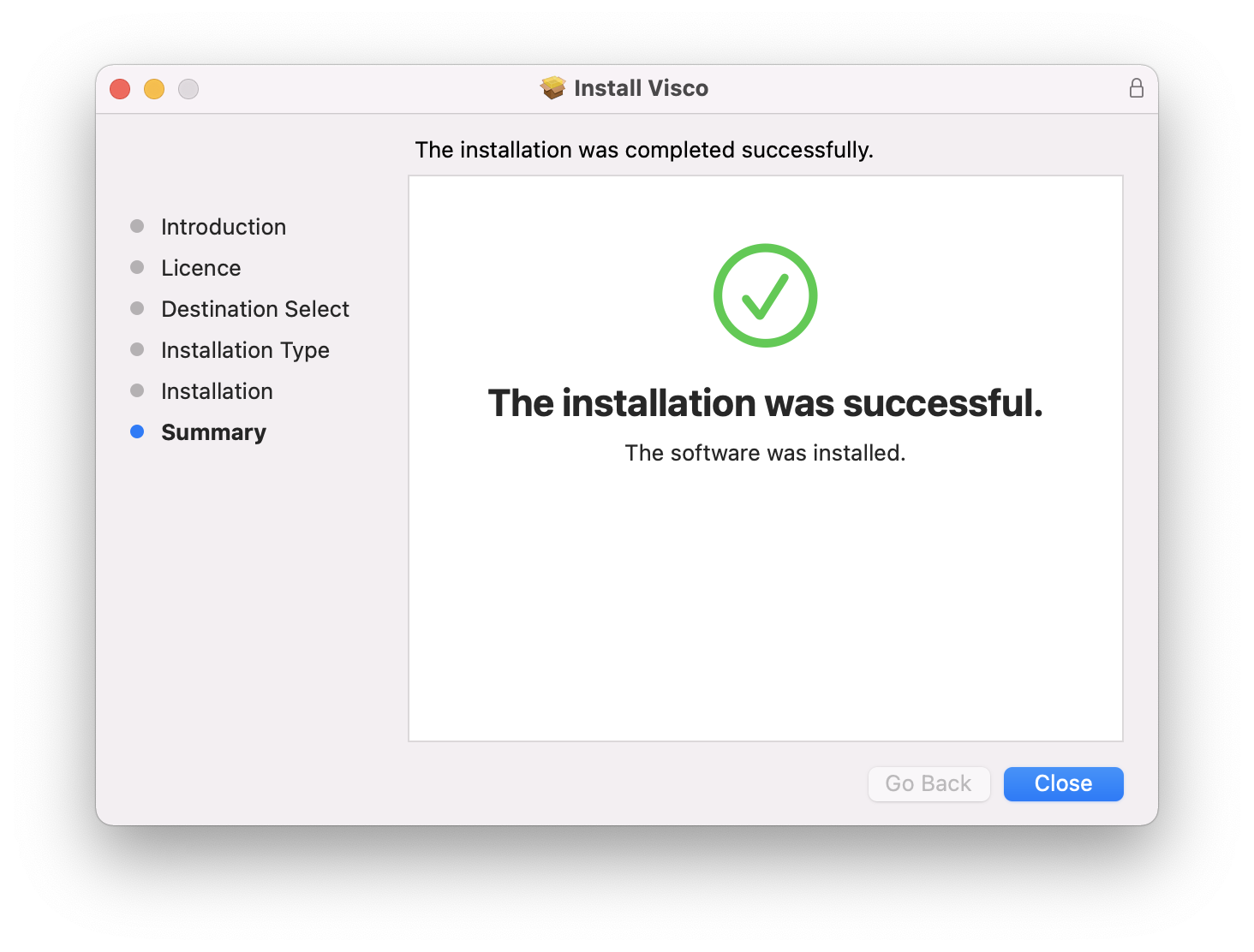
7. Click Close.

8. Open VISCO within you DAW > Click 'Have a license file? Click here to load it' > Locate the visco_license.txt file downloaded in Step 5 of the Code Redemption guide above

Your software is authorised and ready to use. Enjoy!

Plugin Boutique Rewards

Discover the most rewarding loyalty programme among all plugin retailers.

  • Free Loopmasters Samplepacks
  • Discounts on products and courses
  • Extra Virtual Cash claimed immediately at checkout
Find out more

Follow us:

X (Twitter) Facebook YouTube Instagram
Logo Logo

Plugin Boutique Limited, Part of the Beatport Group LLC.

Copyright © 2011-2025 Plugin Boutique. All rights reserved