


 Log In

Free gifts available with your purchase
Analog Saturation Modeler
Subtle to Extreme Hardware-Modelled Saturation. The Secret Weapon of Top Mix Engineers.
Saturation - it’s the essence of what makes analog hardware sound so musical and pleasing to the ears. The sound of tubes, transistors, and circuitry being pushed to the limit has long been the key ingredient in great-sounding analog recordings. Engineers use saturation to beef things up, thin them out, give them an edge, add warmth, pull elements out of the mix, and create signature sounds.
From the very subtle to the extreme, analog saturation is an integral part of great mixes. That’s why Soundtoys took their time, studied all the great analog classics, and painstakingly created a plug-in that brings the best of analog saturation to your digital studio.
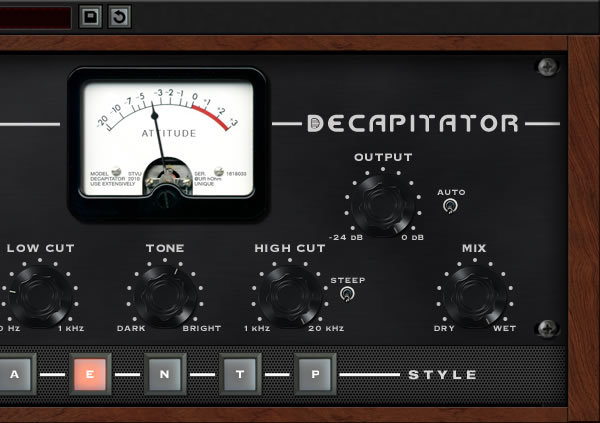
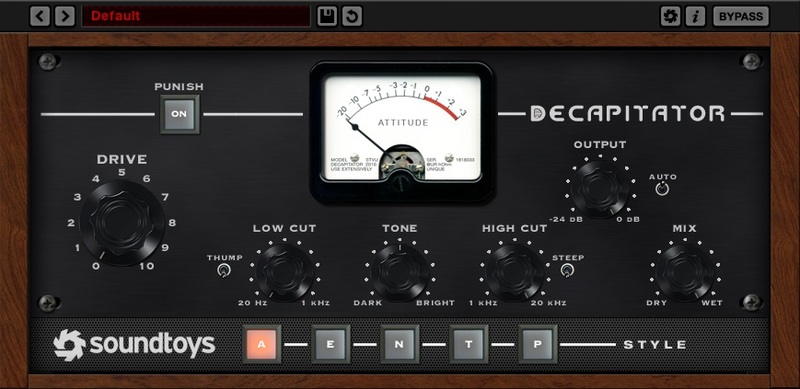
With five different analog saturation models to choose from, Decapitator is perfect for adding character to every kind of track and instrument in your mixes. Soundtoys also included a modelled tone control that lets you shape the saturated sound and mix control that lets you blend in some dry signal for parallel processing without the need for routing and sub-mixes. Combine all of this with the flexibility and reliability of a Soundtoys plug-in, and you’ve got the best of analog and digital together in one essential effect.
Analog Feel
Decapitator is not just a simple approximation of the analog sound. Soundtoys worked hard to capture the feel of analog gear. Not a static snapshot, but a changing responsive model of all those tubes, wires and transistors. That means you can hear subtle changes as Decapitator reacts to a track and follows the dynamics of an instrument. That’s what analog is all about.
In creating Decapitator, Soundtoys collected and analyzed both vintage and modern hardware - consoles, preamps, input channels, EQs, compressors and studio distortion units. Soundtoys picked the pieces of gear they felt had the most distinctive sound and had unique character when used both subtly and at extremes. Then Soundtoys created painstakingly accurate models and made them instantly accessible. By adding an analog-modeled tone control and mix knob, Soundtoys opened up the sonic potential of these models even more.
Bad Boy
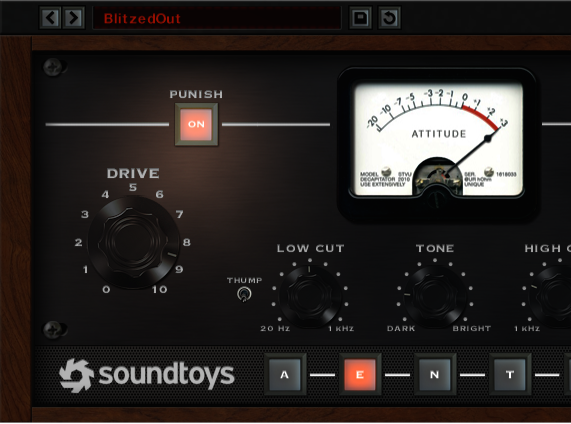
Decapitator is capable of some wonderfully subtle sounds, but Soundtoys know that sometimes subtle just won’t do it. That’s why Soundtoys added the Punish button, which kicks in an extra chunk of gain to push Decapitator over the edge. When you drive it hard it reacts just like great analog gear—it screams in pain.
And Soundtoys are not talking about fizzy stomp-box distortion. Decapitator gives you those unique qualities that only come from driving high-end studio gear. Each model has its own sound of beautiful agony when you hit the Punish button and crank it up. Try it on vocals, drums, guitars, synths—anything that sounds a little too polite!
Features
- Infuse your tracks with the natural vibe of analog gear
- Get real, dynamic analog saturation with 5 detailed models of studio hardware
- Push your tracks over the top with the Punish button
- Shape the contour of the saturation with analog-modelled tone control
- Create parallel effects simply with the mix knob
Tchad Blake
Record Producer, Audio Engineer, Mixer & Musician
"I like it on everything."
Ryan Hewitt
Music Producer, Engineer & Mixer
"Watch out! This thing will tear your head off!"
Fabrice Dupont
Mixing Engineer, Record Producer & Teacher
"Decapitator is 'instavibe-in-a-box'."
Mac
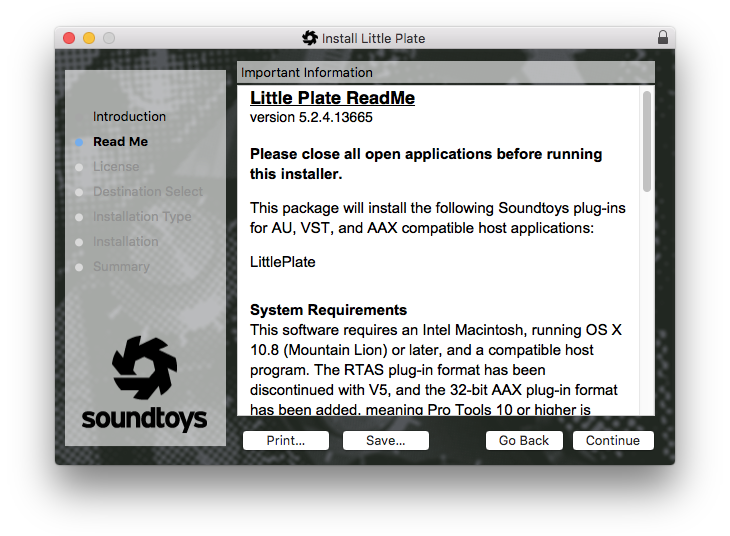
- macOS 10.12 Sierra and later (Intel / Apple Silicon supported) (64-bit only)
- VST2, VST3, AU, AAX Native, AAX AudioSuite
Windows
- Windows 7 and later (64-bit only)
- VST2, VST3, AAX Native, AAX AudioSuite
Supported Sample Rates:
- Minimum - 44.1 kHz
- Maximum - 192 kHz
Important Notes:
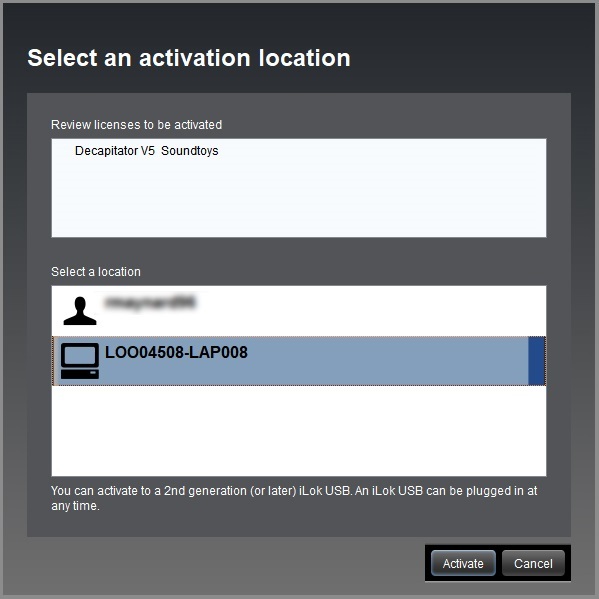
- A FREE account at ilok.com is required (a physical USB iLok is not required)
- This software is 64-bit only and is not compatible with 32-bit systems.
Officially Supported Host Applications:
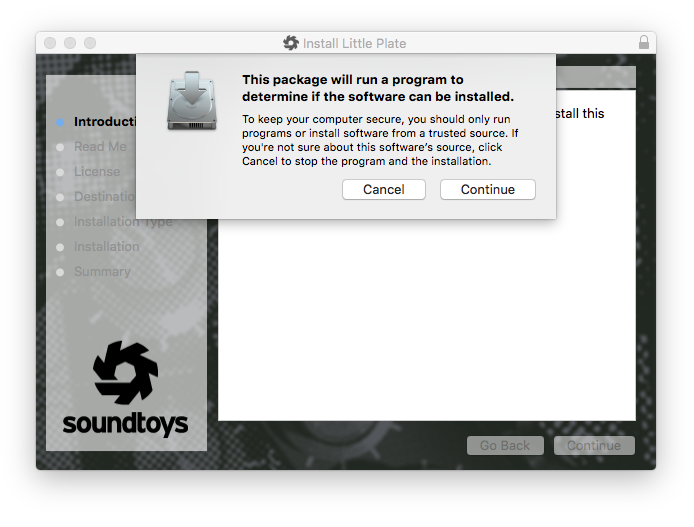
All version 5 Soundtoys products come in 64-bit VST2, VST3, AU and AAX Native plugin formats.













Reviews Summary
While it aims to provide a helpful overview, it may not capture every perspective or detail. We encourage you to read individual reviews to make an informed decision.
Decapitator is overwhelmingly hailed as an industry-standard saturation plugin praised for its simplicity, versatility, and exceptional analog sound quality. Reviewers love its ability to handle both subtle warmth and aggressive distortion across a wide variety of sources—particularly vocals, drums, and bass—without sounding harsh or brittle. Key highlights include its intuitive interface, distinct saturation modes, and the popular 'Punish' button, making it widely regarded as an essential, must-have studio tool.


