


 Log In
Free gifts available with your purchase
No Good Mix Goes Un-PUNISHed
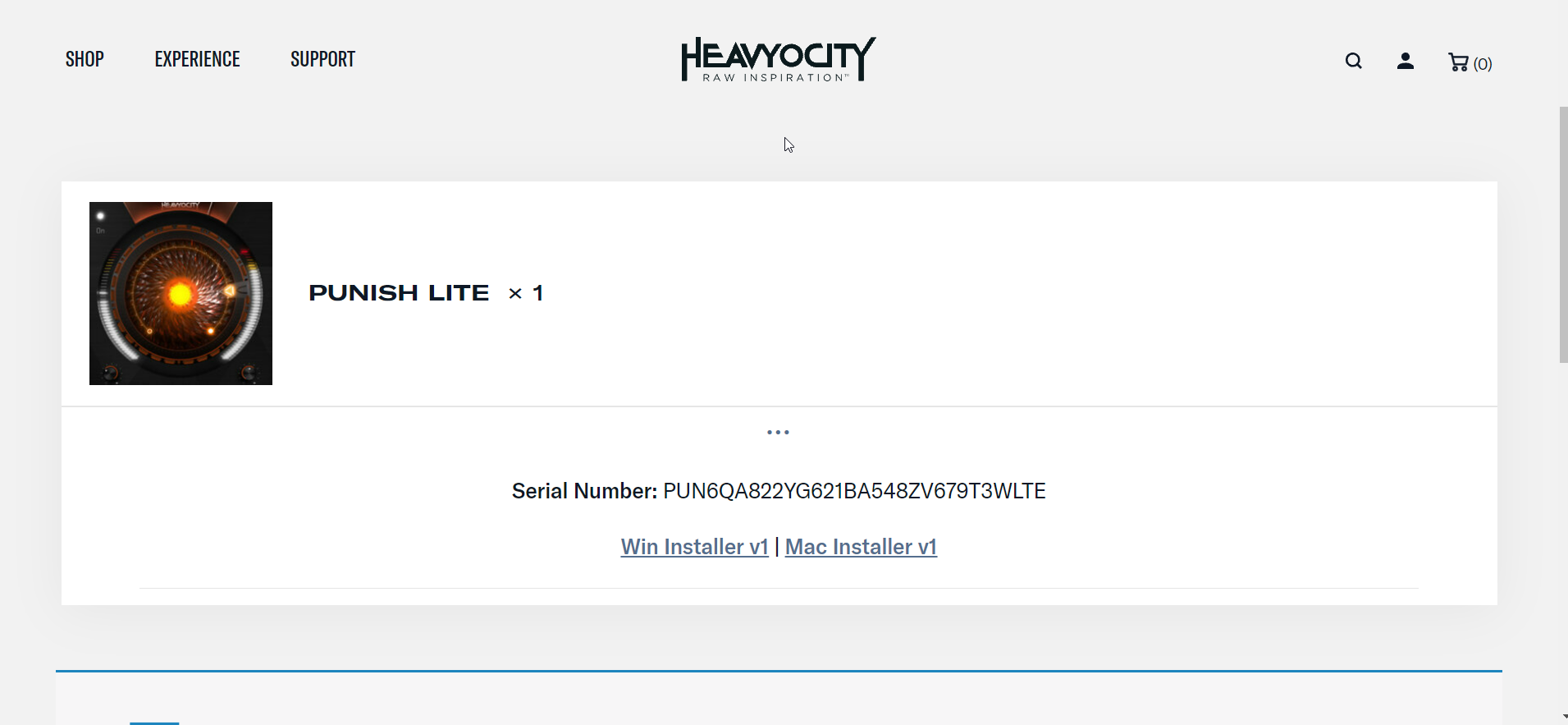
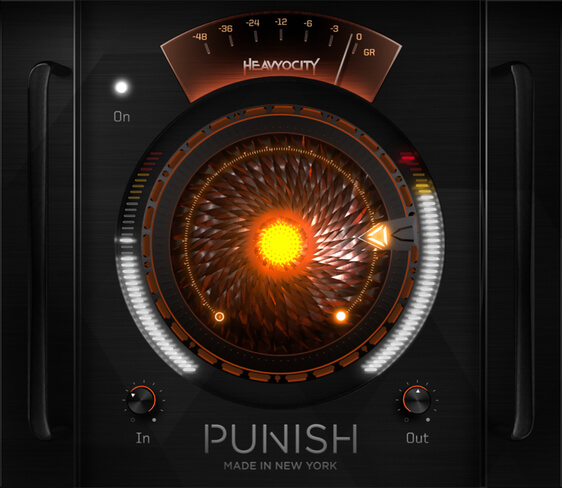
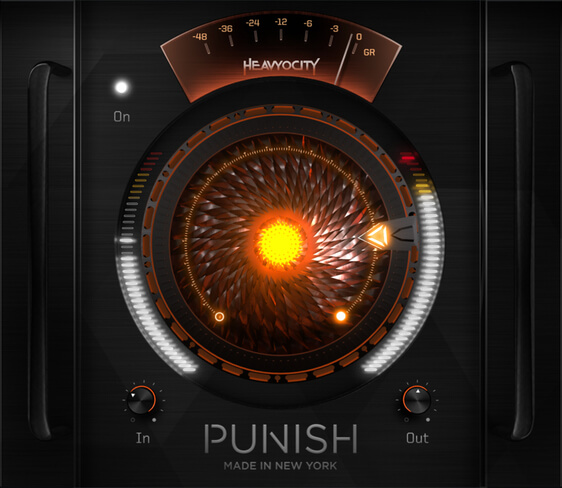
After nearly a decade of devastation, the purest form of Heavyocity's iconic effect is now available as a standalone fx plugin. Introducing PUNISH Lite. Pulled straight from Heavyocity's award-winning line of virtual instruments, PUNISH Lite runs the gamut of drive and saturation, pushing your sources from subtle heat to full-on fire. Featuring a studio's worth of analogue punch packed into a single, central knob, PUNISH Lite makes it easy to go from warmth and snap to total destruction.
System Requirements
Operating Systems:
- Mac: OS X 10.14 (Mojave) or later (64-bit only) *Native M1 currently not supported
- Windows 10 or later (64-bit only)
Available Plugin Formats:
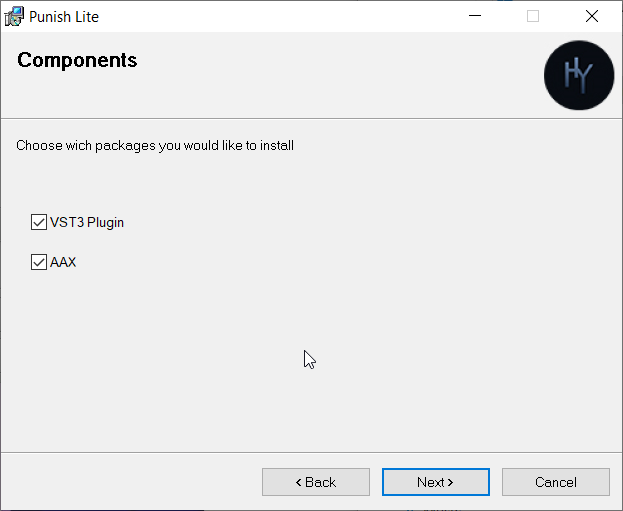
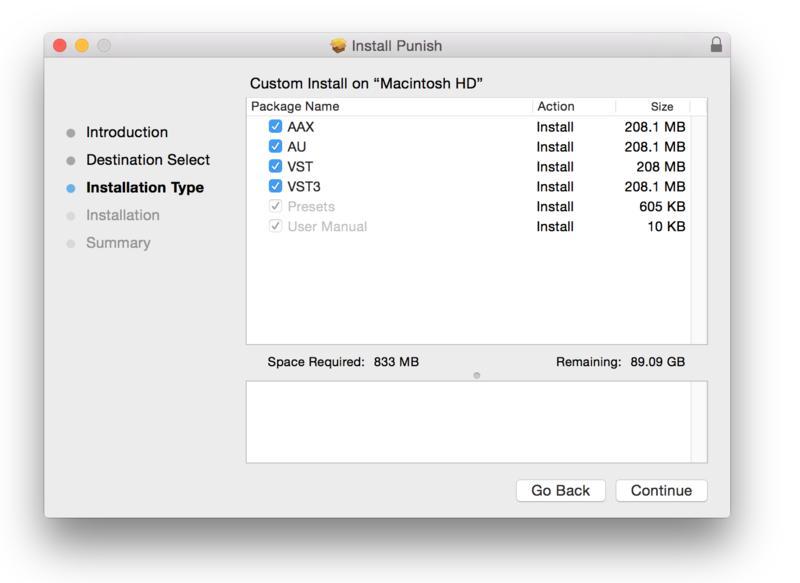
- AAX, VST, and Audio Units (AU) Formats
Please Note:
- Internet connection is required to activate this software
Reviews Summary
While it aims to provide a helpful overview, it may not capture every perspective or detail. We encourage you to read individual reviews to make an informed decision.
Users generally praise this saturation and distortion plugin for its simple, user-friendly interface and its ability to deliver aggressive, heavy, and high-quality sound quickly. It is highly effective for adding weight and impact, particularly on drums and mix buses. However, some reviewers note that it lacks advanced features and may not be worth the full $50 price tag unless purchased on sale, as there are more versatile alternatives available.


