


 Log In
Free gifts available with your purchase
Get The Sound Of The World's Finest Echo Chambers
Now compatible with any soundcard on Mac and PC
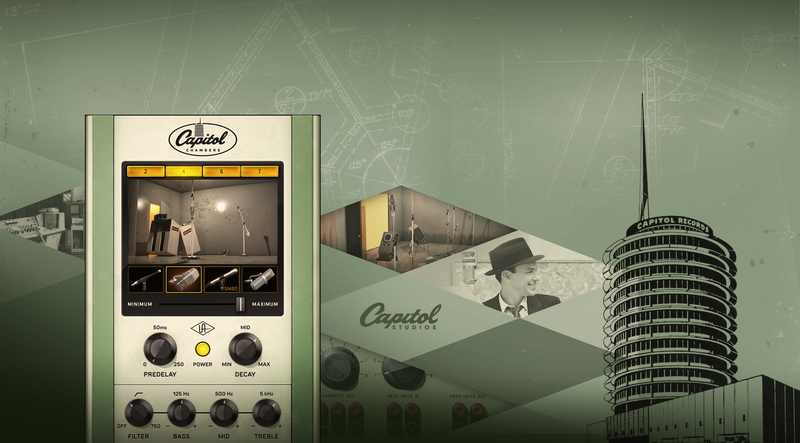
Capitol Chambers plug-in is a startling end-to-end recreation of the most popular echo chambers ever created, giving you gorgeous hi-fi ambience that is simply unmatched.
From Ray Charles to Frank Sinatra, Beck to Muse, the underground spaces below the iconic Capitol Tower in Los Angeles, have provided decades of gorgeous hi-fi ambience that is simply unmatched. After years of R&D and close collaboration with Capitol Studios, Universal Audio proudly presents the Capitol Chambers plug-in, a startling end-to-end recreation of the most popular echo chambers ever created.
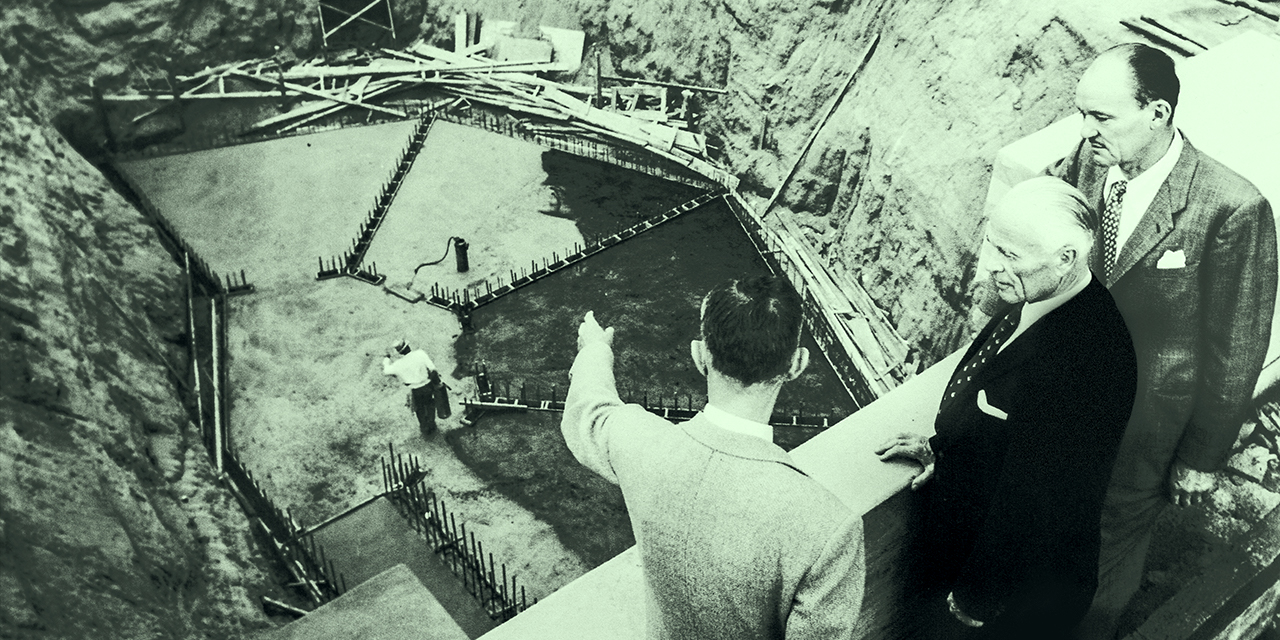
Easily Capture Iconic Echo
UA sourced historic technical diagrams from the early '60s to precisely emulate microphone/speaker setups inside Capitol's chambers, including the vintage omnidirectional Altec 21D mics and custom speaker/horn configurations and current "modern" configurations using omnidirectional Shure SM80s — all in their original hit-making positions.
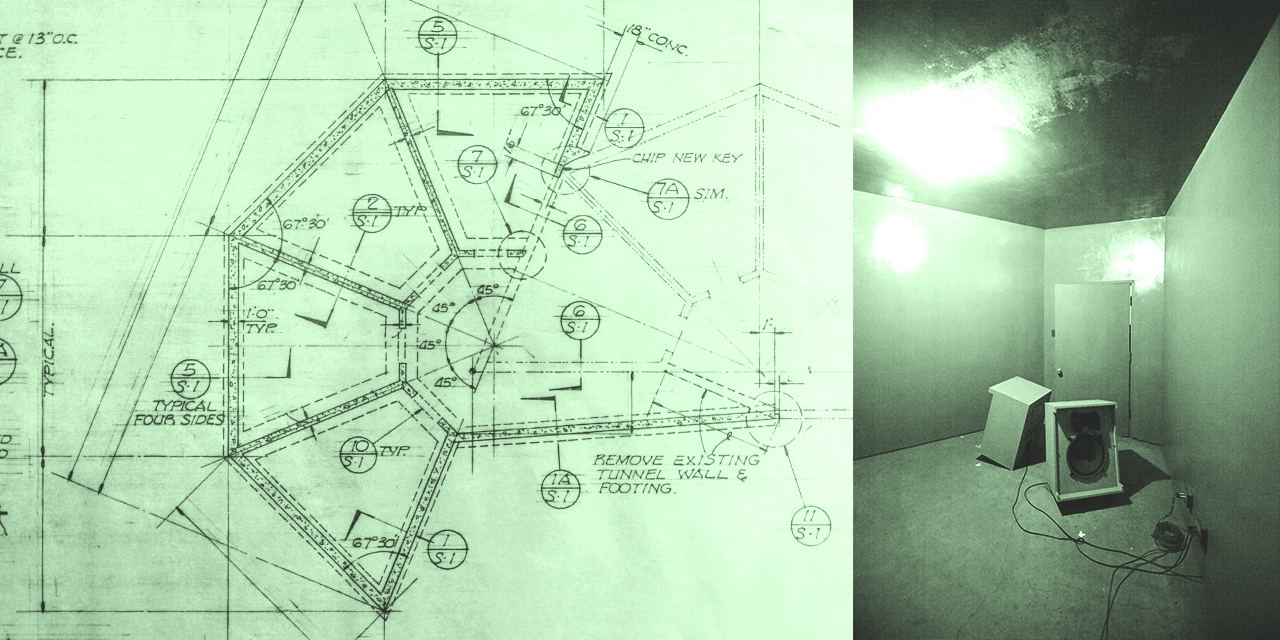
Create with Unprecedented Ambience Control
Capitol Chambers' Position slider gives you next-level control over spatial and time response, allowing you to reposition the chamber mics. From the maximum distance stock positions, to direct speaker-to-microphone effects and proximity characteristics, Capitol Chambers can subtly thicken vocals or drums, or soak strings with the most natural, complex sounding reverb ever recorded.
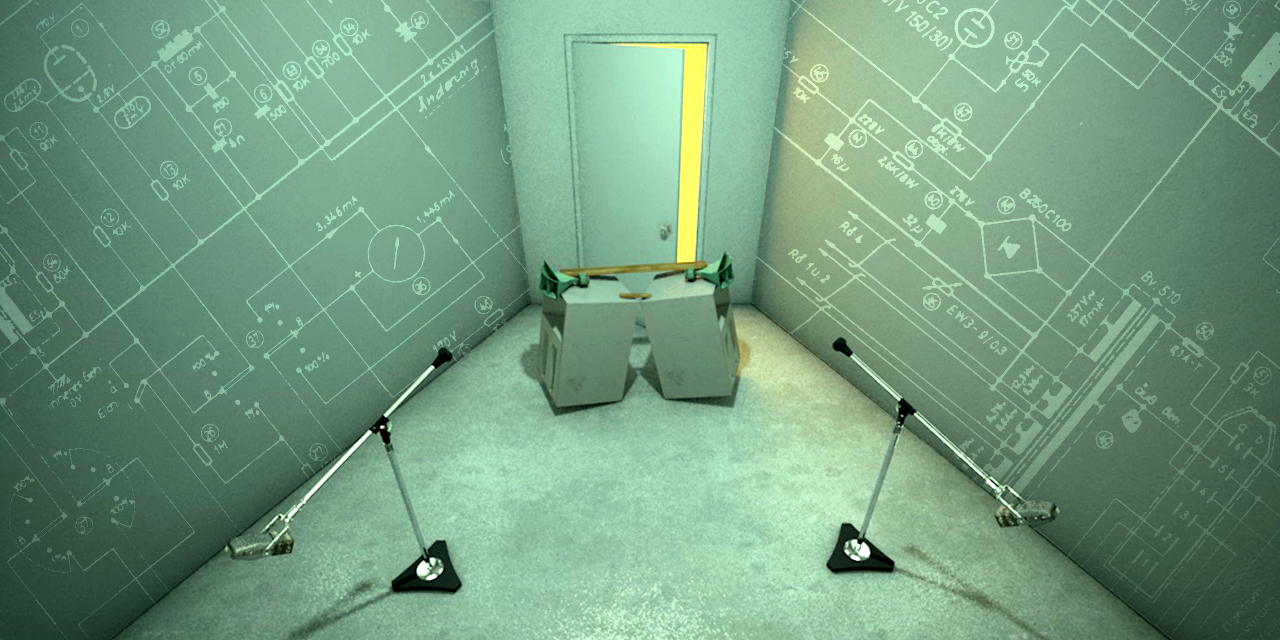
Explore UA's Dynamic Room Modeling
Harnessing the same technology as UA's award-winning Ocean Way Studios plug-in, Capitol Chambers uses UA’s proprietary Dynamic Room Modeling technology, an exclusive combination of physical modeling and advanced measurement techniques. Whereas standard convolution reverbs only provide a sonic snapshot, Dynamic Room Modeling gives Capitol Chambers nearly infinite ambient possibilities.
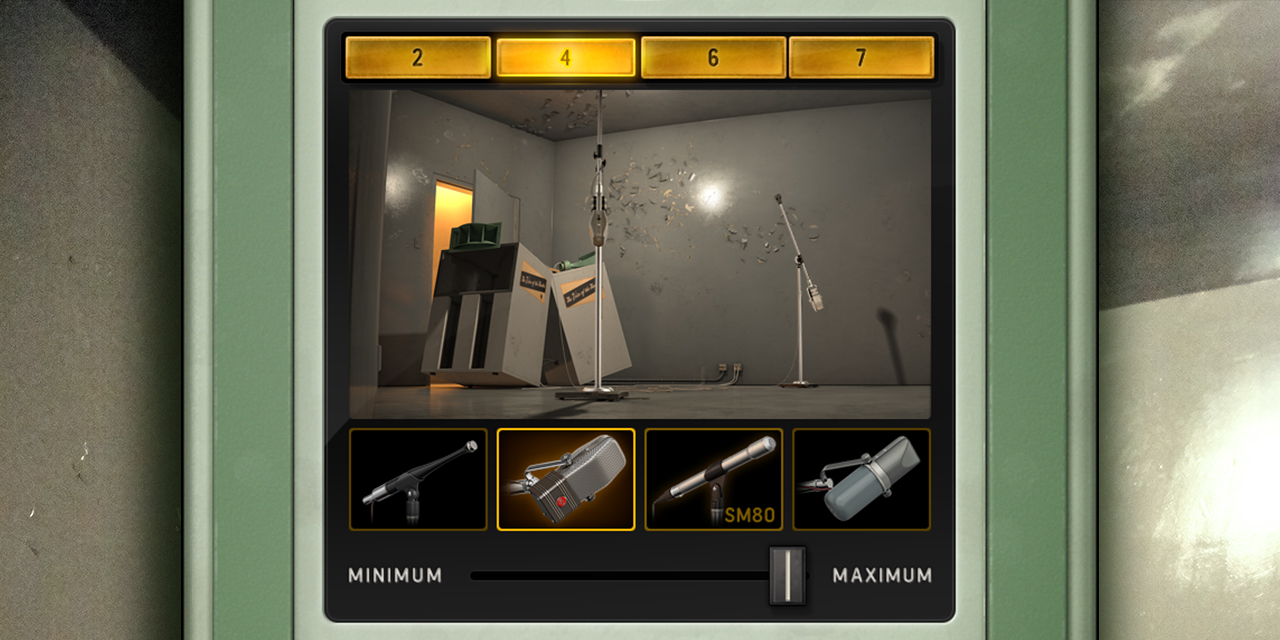
Go Deeper Still
Beyond a vintage recreation, Capitol Chambers offers creative features for modern DAW workflows like Pre-delay, Dry/Wet mix, and Decay controls. A sweepable 80 to 750 Hz filter lets you minimize muddy bass going into the chamber, while Bass, Treble, and proportional Q Mid band lets you perfectly season the chamber's lush ambience.
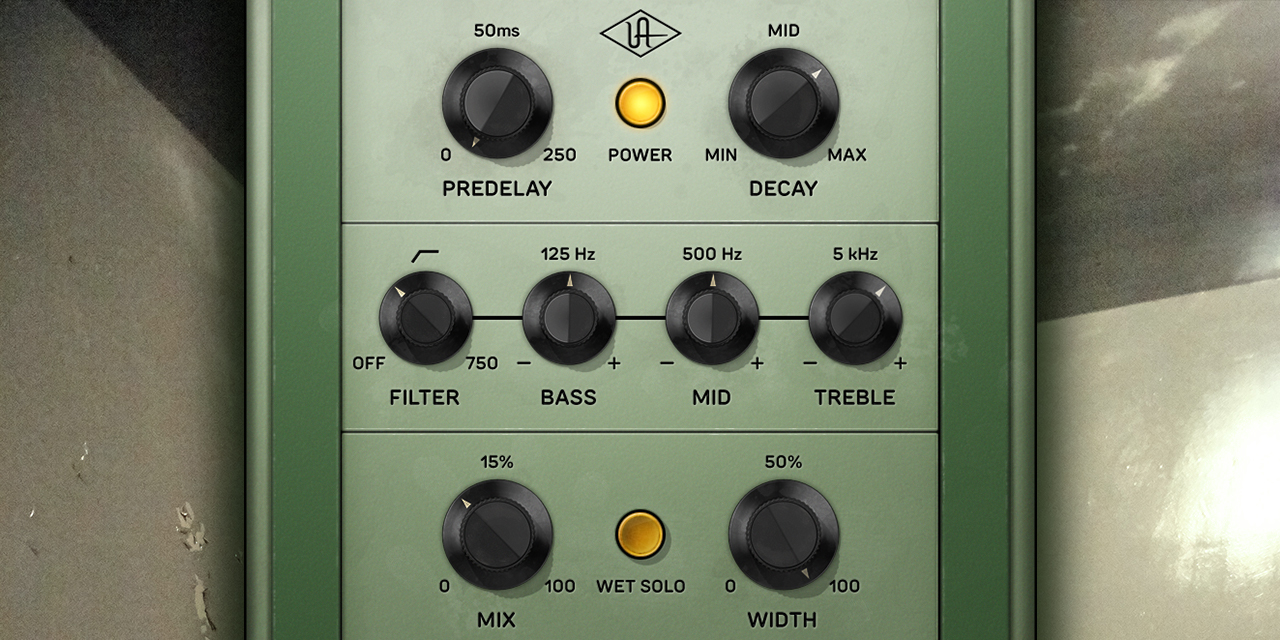
Harness All-Star Artist Presets
The Capitol Chamber's plug-in features carefully crafted presets from a stunning roster of Grammy-winning engineers and producers, including the late Al Schmitt (Ray Charles, Steely Dan), Mark Linett (The Beach Boys, Los Lobos), Frank Filipetti (Madonna, Paul McCartney), Darrell Thorp (Beck, Radiohead), and many more.
Features
- Record and mix with the world's only authentic plug-in emulation of Capitol Studios' prized underground echo chambers
- Add dense, natural reverberation to vocals or drums far beyond plate, digital, or simple convolution reverb
- Create new sounds by repositioning Capitol Chambers' microphones using UA's Dynamic Room Modeling
- Audition current and historical chamber configurations, plus all new setups
- Harness the chamber's entire signal chain including amplifiers, speakers, custom preamps, and mics
- Quickly pull up presets from legendary Grammy-winning engineers of Ray Charles, Radiohead, Steely Dan, Madonna, and more
- Use with any audio interface, no UA hardware required
Versions Included with your Purchase
- UAD Native: Runs on your Mac or PC without any UA hardware
- Apollo Realtime & UAD-2: Runs accelerated on Apollo interfaces and UAD-2 hardware
- macOS Big Sur 11, Monterey 12, Ventura 13, Sonoma 14, Sequoia 15 and Tahoe 26
- Windows 10 or Windows 11 (64-bit editions)
- Intel, AMD, or Apple silicon processor
- Internet connection to download software and authorize UAD Native plug-ins (UADx)
- Free iLok account
- Compatible with iLok USB (2nd generation or higher) but not required
- Free UA Connect application for managing UAD Native plug-ins (UADx)
- A supported DAW compatible with VST3, AU, or AAX plug-in file formats.


