


 Log In

Free gifts available with your purchase
10 Years of AI Innovation Now in Your DAW
The LANDR Mastering Plugin PRO gives you fast, pro-level AI masters while you work in your DAW and make revisions without disrupting your workflow. The LANDR Mastering Plugin PRO runs in real time on your mix bus to let you always hear how your mix affects the master.
LANDR’s AI technology analyzes your track and delivers three uniquely conceived professional masters. Beyond simple Presets, each master is sculpted to your specific track. Release songs using the AI master as is, or use advanced controls that empower you to personalize the master even further.
Revise your AI-powered master through intuitive controls that include EQ, Compression, Saturation, Loudness, Presence, and a De-Esser.
The LANDR Mastering Plugin PRO delivers masters that play well in any environment – from iPhone speakers to headphones, PAs, or studio monitors.
Features
- OVER 10 YEARS of AI MASTERING TECHNOLOGY – Refined by a decade of research and innovation using actual mastering engineers
- SOUNDS GREAT EVERYWHERE – Exceptional audio quality in any listening environment
- PERSONALIZED MASTERING – Audio processing that adapts to the unique characteristics of your track
- FAST AI ANALYSIS – Make great masters in less time
- REALTIME PROCESSING – Hear the effect of on-the-fly mix adjustments to your masters
- SPECTRAL DISPLAY – VIsualize frequency changes between the original track and master
- MASTERING STYLE – Choose from Warm, Balanced or Open masters to match your track
- EQ – Control the amount of high, mid and low-frequency energy on your master.
- COMPRESSION – Adjust the overall dynamic range of your track and bring up low-level elements
- STEREO FIELD – Increase width for more space or focus on central elements like kick, snare, and vocals
- LOUDNESS – Control overall loudness and use the LUFS Meter to target a desired loudness
- SATURATION – Thicken your track with more harmonics as found with tube and transformer gear
- PRESENCE – Control the amount of presence in the critical vocal range
- DE-ESSER – Further target any problem frequencies in your master
System Requirements
Mac
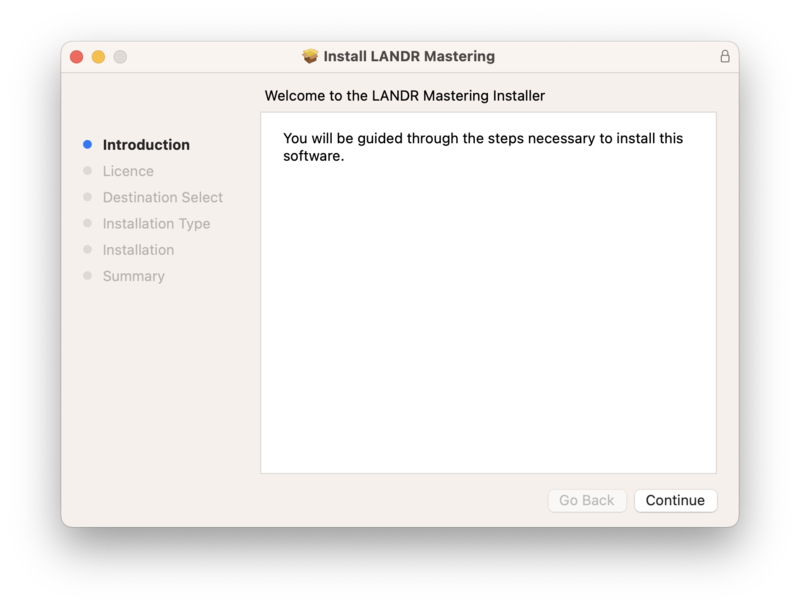
- macOS 10.14 and higher
- VST3, AU, AAX, 64b
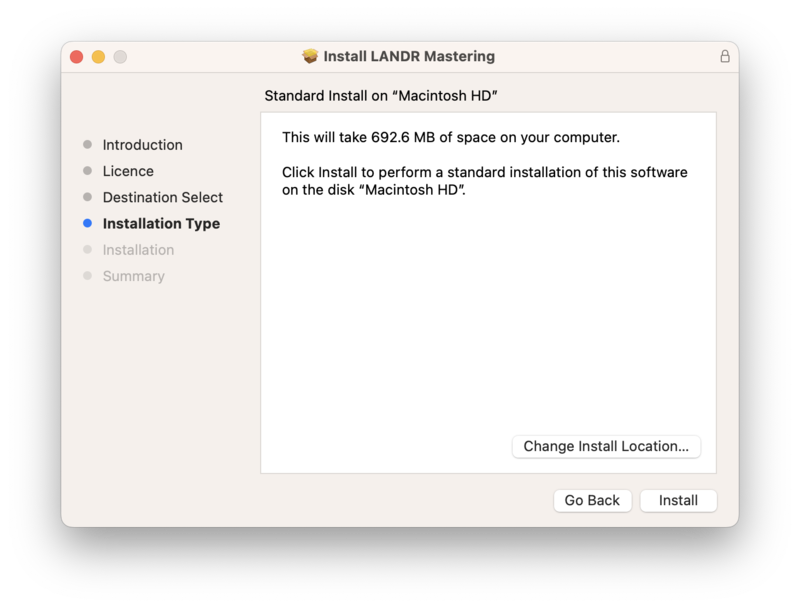
- File Size: 566 MB
- The LANDR Mastering Plugin PRO is compatible with DAWs that support AU, AAX and VST3 plugins.
Windows
- Windows 10 or higher (64-bit)
- VST3, AU, AAX, 64b
- File Size: 247 MB
- The LANDR Mastering Plugin PRO is compatible with DAWs that support AU, AAX and VST3 plugins.


Reviews Summary
While it aims to provide a helpful overview, it may not capture every perspective or detail. We encourage you to read individual reviews to make an informed decision.
Users find this mastering plugin highly user-friendly and an excellent starting point for mastering mixes, offering a good level of customization. While it serves as a great finishing touch on a solid mix and is preferred over Waves Online Mastering, some manual tweaking is still required, and some users prefer Ozone for heavier genres.


