Log In

Free gifts available with your purchase
Automated loudness normalisation for making those final checks and giving you absolute peace of mind.
Note: This product is the Stereo version. The Surround Sound version of Bute Loudness Analyser is also available.
The BUTE Normaliser is a high-end standalone application for Windows and Mac, assisting post-production engineers with the final checks of the mastering journey. With Signum Audio's automated solution, you can rest assured your audio is on point before submission in just a few clicks.
Simply Effective
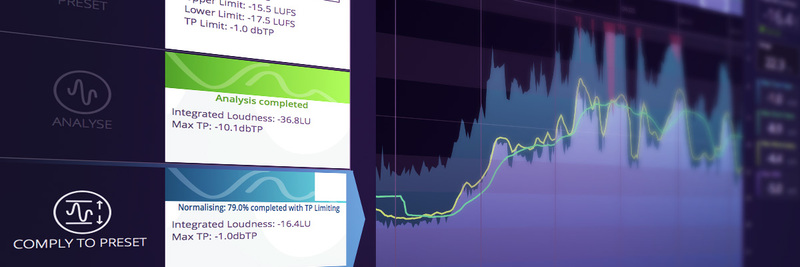
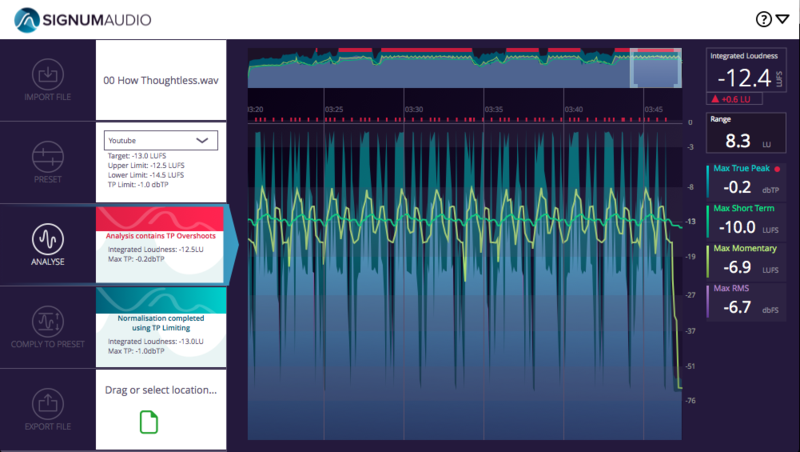
It's incredibly easy to normalise your files using the Loudness Normaliser interface:
1) Drag in your WAV file.
2) Select one of the many presets, or set your custom parameters using the application's unique system.
3) Hit "Analyse" and get an in-depth analysis with alerts to areas that require Bute's attention.
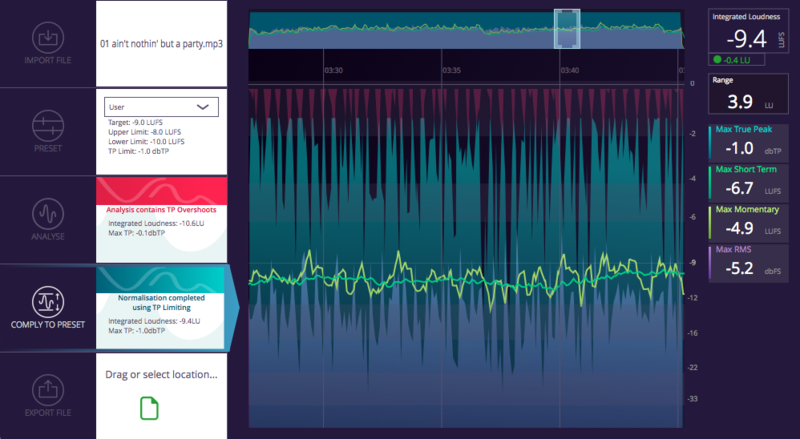
4) Click "Comply" to normalise your audio - the metering graph clearly shows the extent of true peak limiting.
Audiophile Quality
Signum Audio's advanced metering algorithm has been optimised to deliver superior sound quality and accurate results. The integrated true peak limiter provides absolute transparency and peace of mind that there are no overshoots getting through, whilst still normalising to target. Due to Signum Audio's approach, the relative dynamics of your audio will be affected as little as possible and you’ll be left with consistent, compliant masters of your audio files every single time. This makes it great as a final check for your mastering journey.
Applications
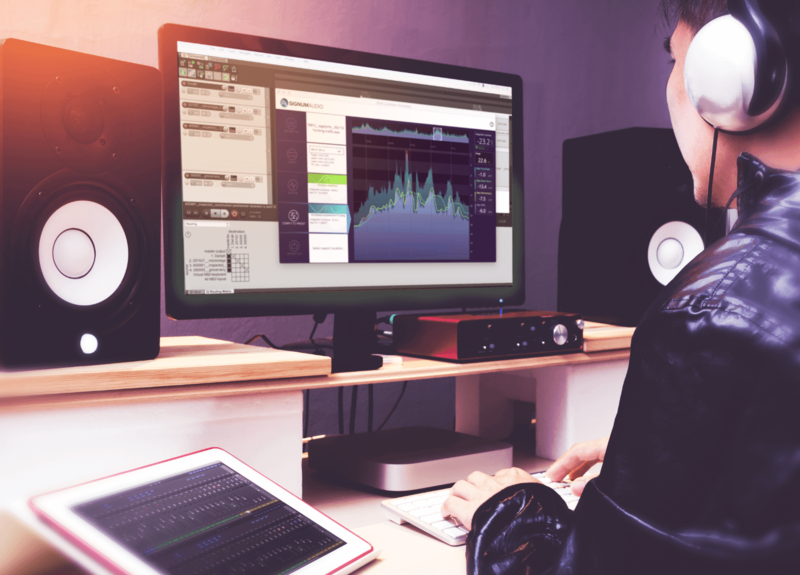
Mixing & Mastering:
- Produce consistent masters
- Avoid 'level shifting' and clipping downstream
- Ensure accurate representation of your audio/music
Post-Production & Broadcasting:
- Hit target levels for multiple platforms easily
- Useful when you are facing tight deadlines
- Deliver loudness compliant audio to streaming platforms, where standards are a recommendation rather than a regulation
- Optimise dynamics for streaming content
DJs & Music Producers:
- Hear how your audio will sound on all streaming platforms
- Ensure the levels of all the tracks in your set list are consistent
Features
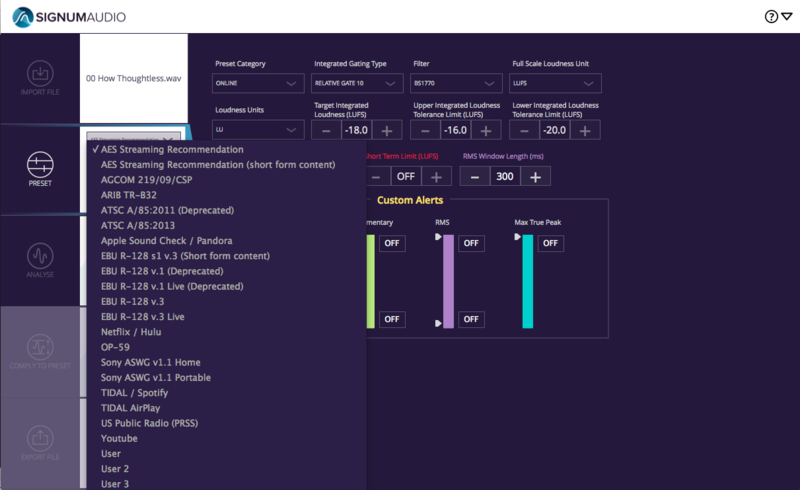
Built-In Presets
By boasting a comprehensive range of industry standards and recommendations, the Bute Normaliser ensures that you can tune your productions to the needs of your clients with minimal effort. Signum Audio keep these up-to-date, and you can create and save your own presets as well.
Bute is fully compliant with all revisions of ITU-R BS. 1770, EBU R128, ATSC A/85, OP-59, ARIB TR-B32, Spotify, YouTube, Apple Check, Hulu, Netflix (including the latest revision), TIDAL, Sony Gaming (ASWG), AES Streaming Recommendation, US Public Radio (PRSS), TIDAL and Pandora.
Alert System
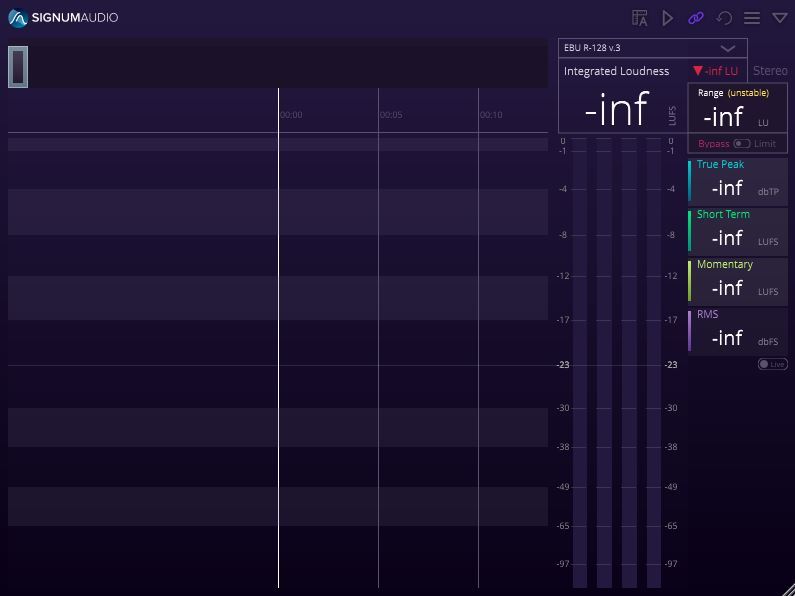
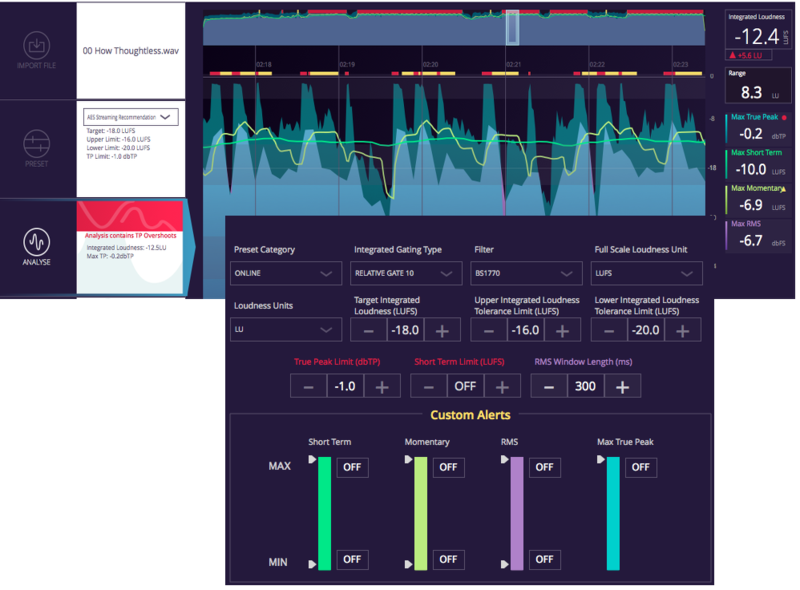
The colour-coded alert system notifies you if there are areas of your audio file that go out-with your desired target. You can see these areas in red on the history timeline. In addition, the application's custom alert system also allows you to finetune the alerts for all the readouts to your specific needs. These will appear in yellow.
Drag & Drop
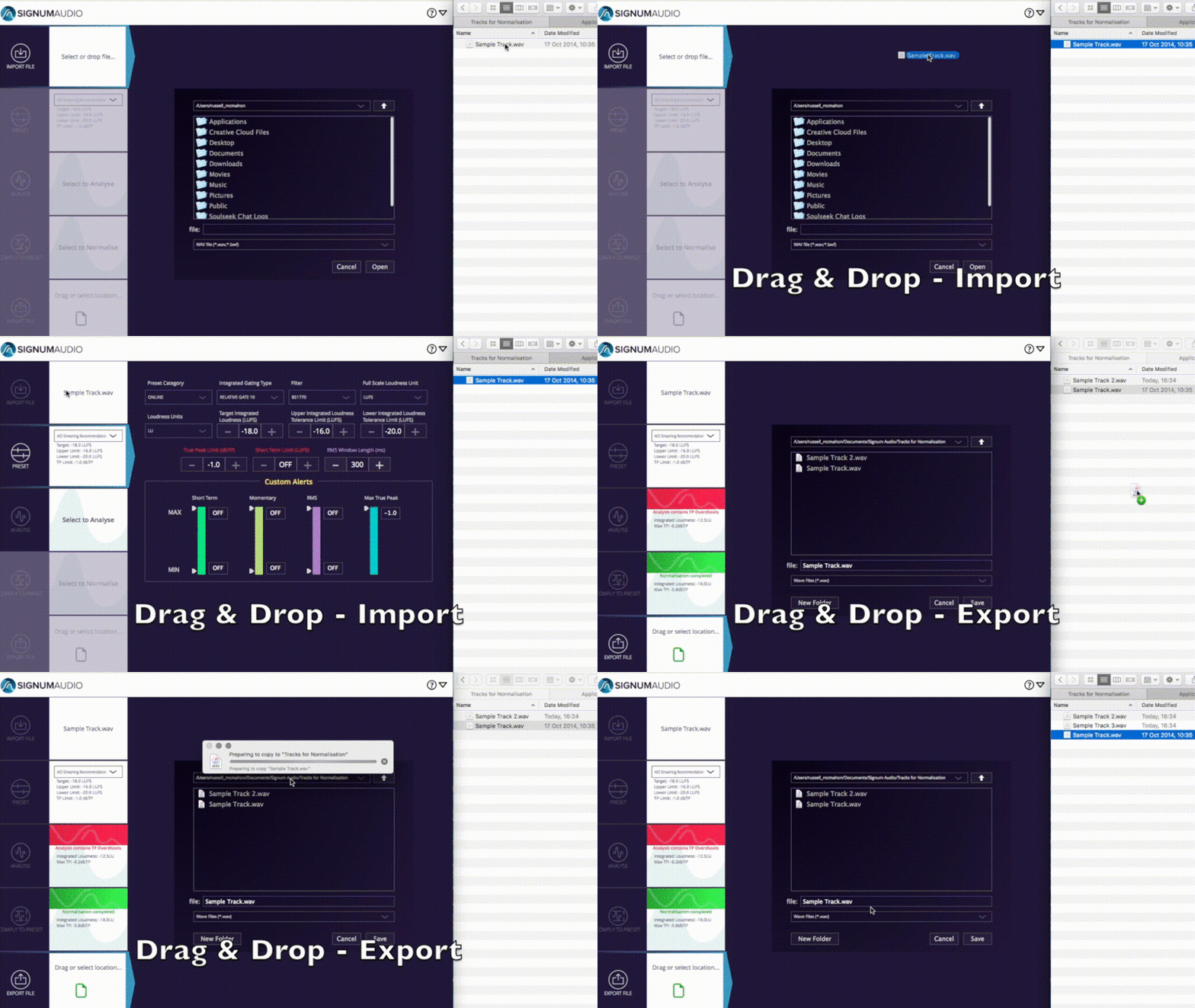
Import and export your files with a simple drag & drop. Please note that the BUTE Normaliser only processes one file at a time. If you are looking for Batch Processing, then Signum Audio's server-based enterprise solution is what you are looking for.
High-Speed Processing
Signum Audio understand that loudness compliance can be a time critical task at the end of a project. The Loudness Normaliser's high speed processing will meter, limit and normalise your audio in record time.

Built-In True Peak Limiter for Peace of Mind
Signum Audio's novel design approach to the true peak limiter is an industry first, and it provides absolute transparency whilst ensuring no peak will ever go over the threshold. A gain reduction display shows you where and how much the limiter reduced your mix.
Import & Export in Multiple Formats
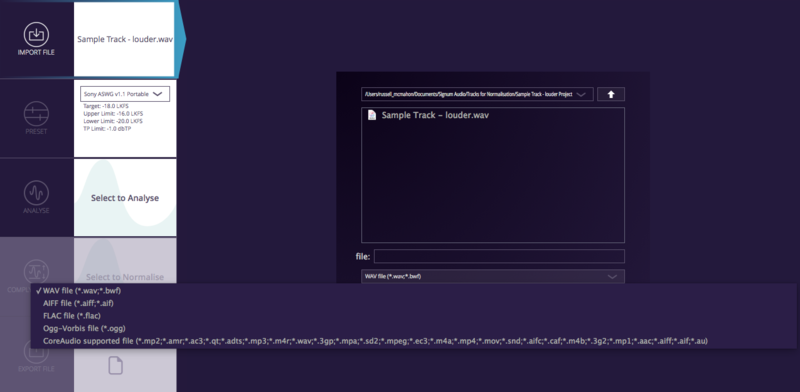
Signum Audio support the standard .WAV 42bit 48KHz for broadcasting with all its pull up and pull down variants. In addition, they also support .flac, .mp3, .aiff, and more.
Measurable Parameters
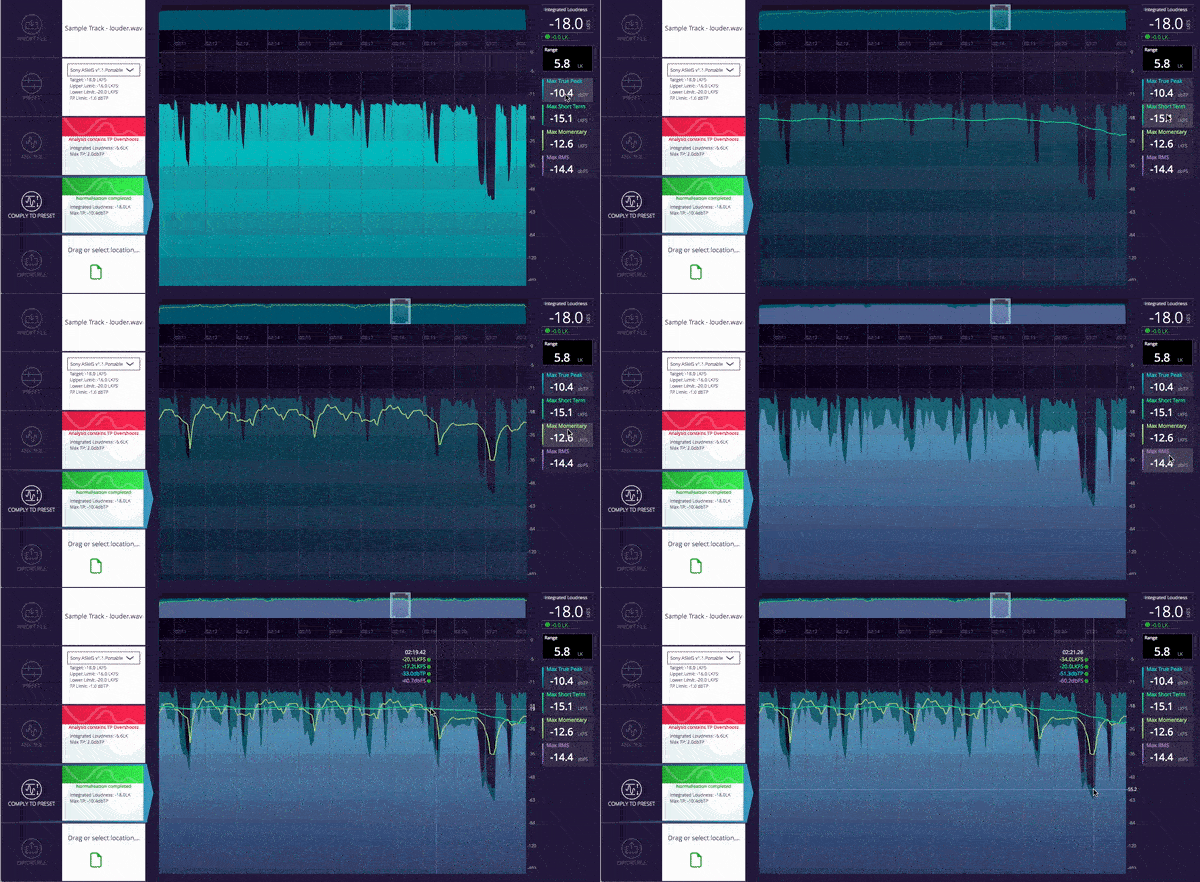
See clearly laid out readings for overall integrated loudness, loudness range, short-term and momentary loudness, RMS and true-peak. These can be toggled on and off, so you only see the information you require.
Flexible and Scalable
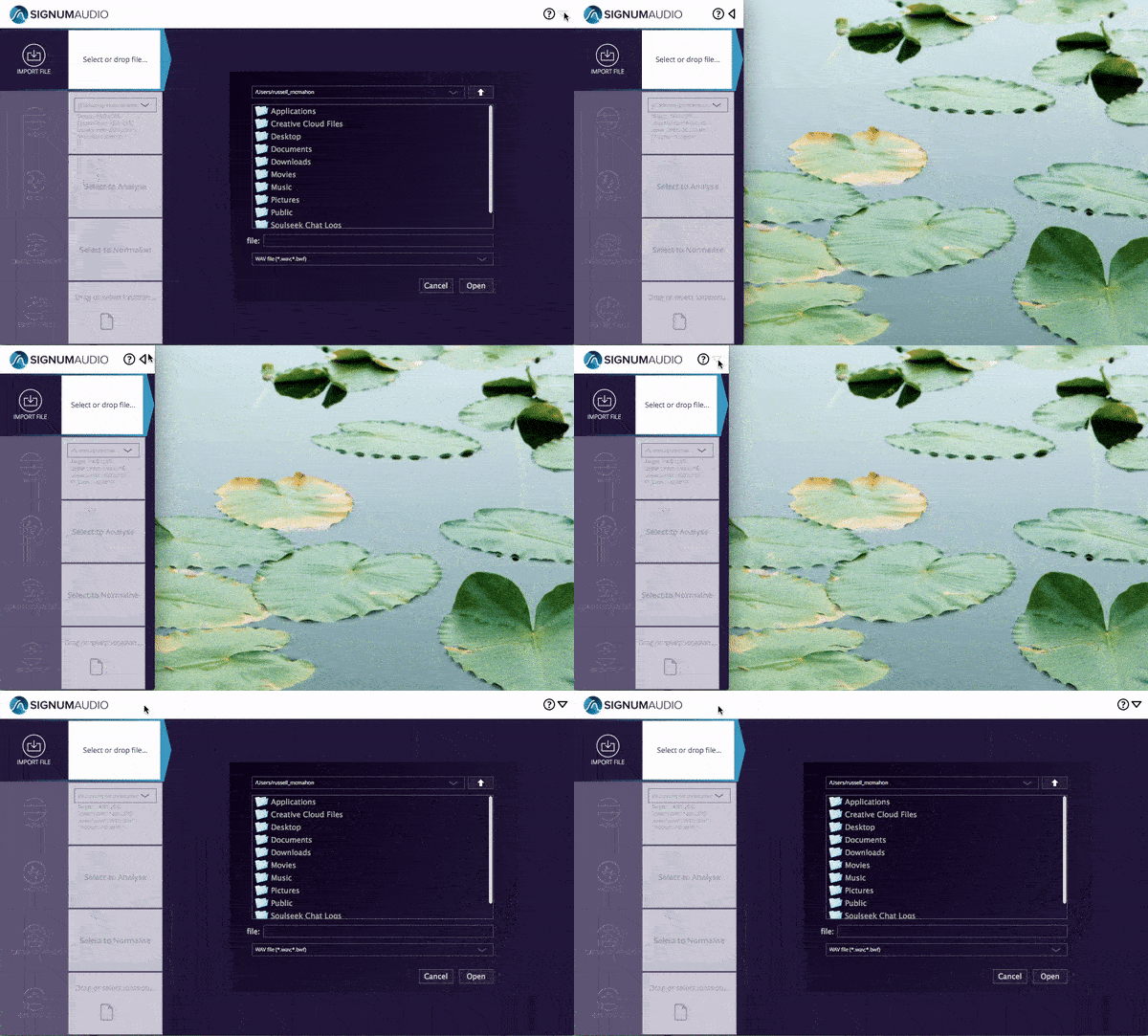
Signum Audio have given you the flexibility to adjust and integrate the Normaliser into your current work space. You can minimise it at the click of a button to divert your attention to other things.
System Requirements
- Operating System: Mac OSX 10.9 or higher / Windows 7 or higher
- Available in 2 versions - Stereo or Surround (additional support up to Atmos 7.1.2 support)
Important note: This software is a standalone only application and will not function in a Digital Audio Workstation (DAW).