Log In
.png)
Free gifts available with your purchase
Suite of six mix and mastering plug-ins designed for ultimate signal transparency
This powerful collection of six plug-ins—Dynamics, Multiband Dynamics, Equalize, Limit, Verberate and Dither—delivers ultimate signal transparency and precision. Designed for both PC and Mac, it supports VST, VST3, AAX, and AU formats, ensuring seamless integration into your workflow. Whether you're a seasoned engineer or an aspiring producer, the intuitive interface and high-quality processing tools make it easy to achieve professional-sounding results. Unleash your creativity and take your tracks to the next level with the Mix & Mastering Suite!
Equalize
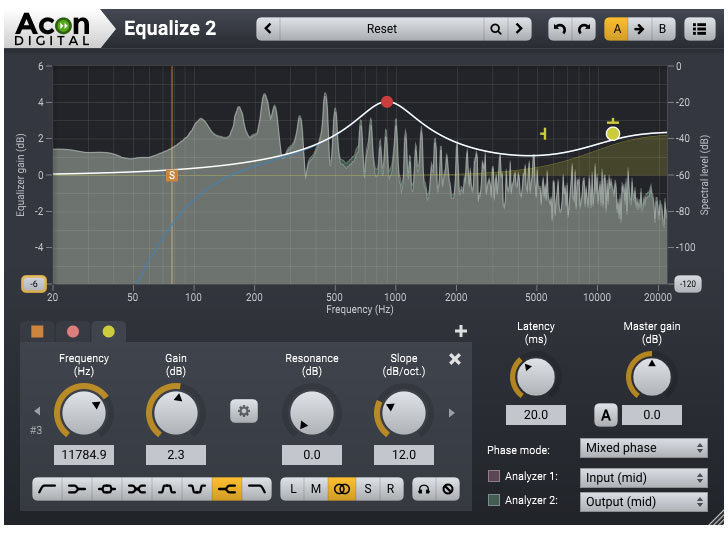
Equalize is a parametric equalizer. Unlike other equalizers, you can freely adjust not only centre frequency, gain and bandwidths, but also the filter slope for each band. The filter slope can be set anywhere from 3 dB to ultra-sharp 120 dB per octave. You can operate Equalize as a zero latency plug-in when using the minimum phase mode, choose to preserve the phase relationships in the linear phase mode or use the unique mixed phase mode. The mixed phase mode allows you to set the latency freely in the range 5 to 120 milliseconds while preserving the phase relationships as far as possible. That gives a unique control over potential pre-ringing artifacts which is a common problem with linear phase filtering.
Learn more about Equalize.
Dynamics
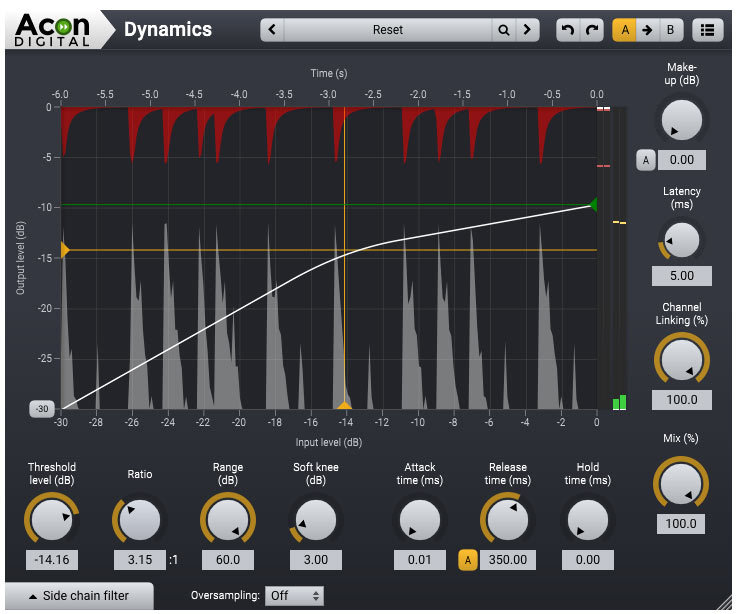
Dynamics is a combined compressor, expander or gate. The look-ahead can be set anywhere from 0 to 30 milliseconds and the intelligent algorithm ensures a band-limited gain signal which reduces potential distortion to a minimum even with minimal attack and release times. You can use up to 4 times oversampling to further reduce distortion. The side chain signal can be either internal or external and there’s a full-blown side chain equalizer integrated with a low-cut, low shelf, peak, high shelf and high cut filters. The complexity of algorithms is not reflected in the intuitive user interface which provides graphical visualizations of all aspects of the processing.
Multiband Dynamics
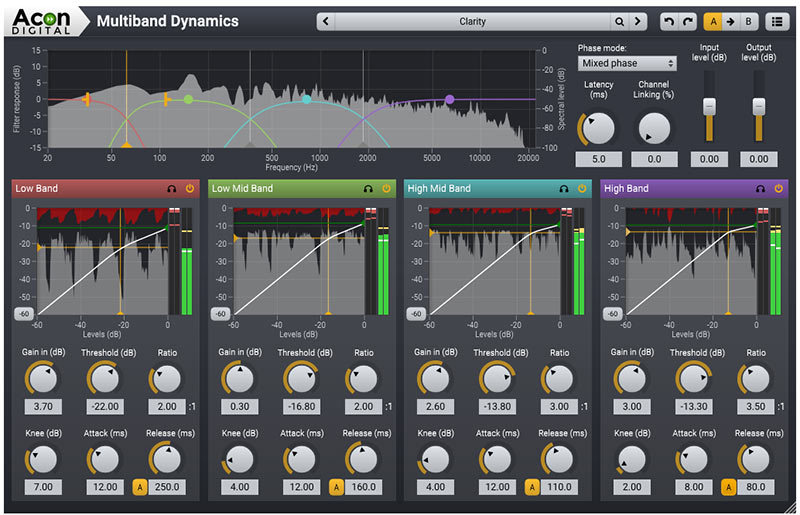
Multiband Dynamics is the multiband extension of Dynamics which allows dynamic processing in up to four separate bands. You can freely set the cross-over frequencies and even the filter slopes can be set freely in the range 6 and 48 dB per octave. Multiband Dynamics operates in linear phase mode to avoid phase issues between the processed bands.
Limit
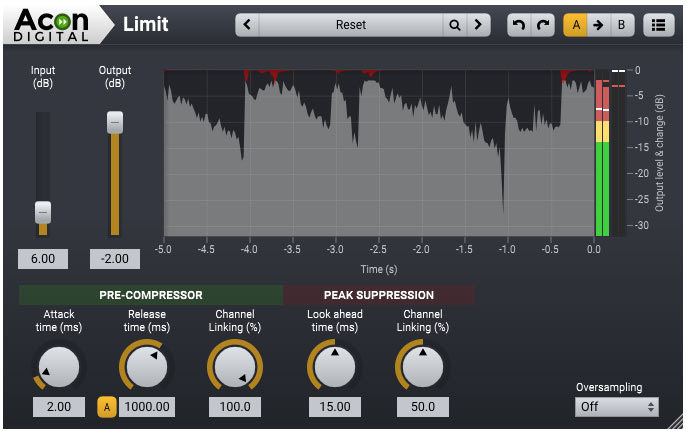
Limit is a transparent limiter with intelligent look-ahead in the range 0 to 30 milliseconds that reduces distortion to a minimum. The limiting is performed in a two-step process with a pre-compressor follower by the actual peak limiting algorithm. You can use up to 4 times oversampling for true peak limiting and to further reduce distortion.
Dither
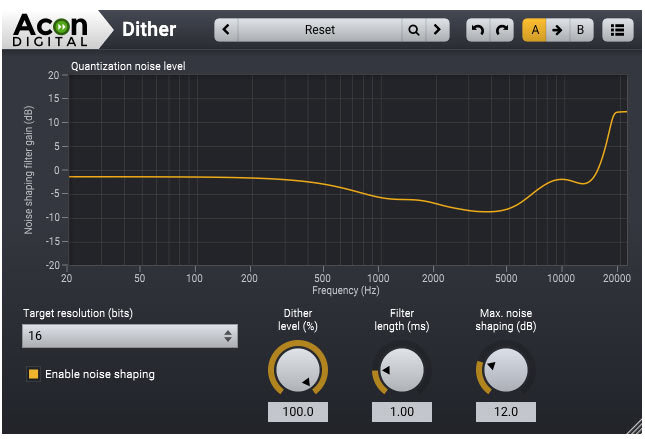
Dither is a dithering plug-in with flexible perceptual noise shaping. You can adjust the maximum gain and the filter length of the frequency response of the noise shaping filter is visualized graphically.
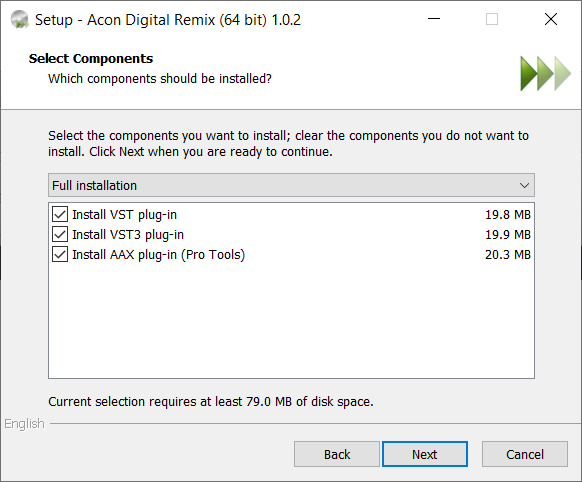
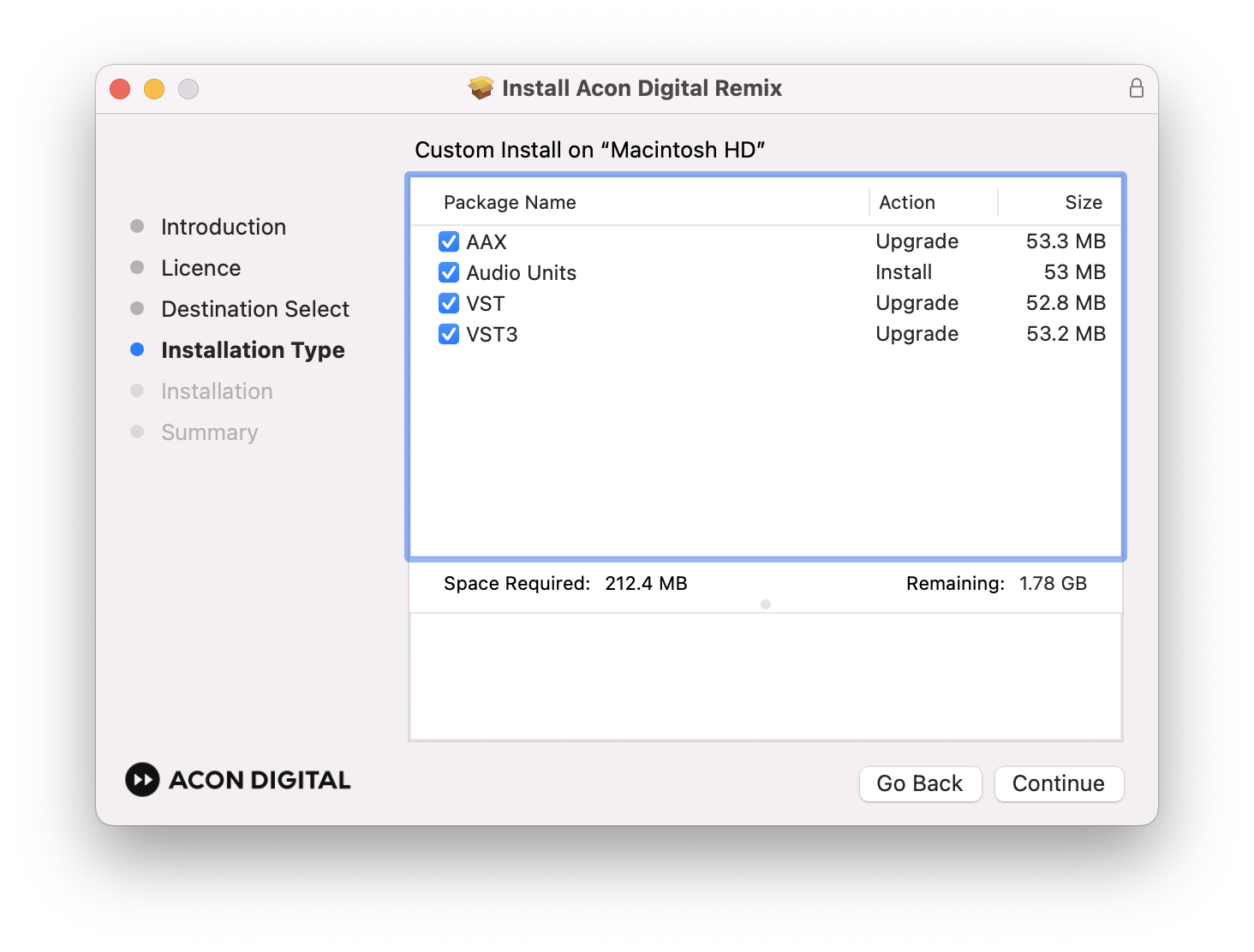
Acon Digital Mastering Suite is available in 32 and 64-bit versions, as VST, VST3 or AAX for both Windows and OS X or as AU plug-ins for OS X.
Verberate
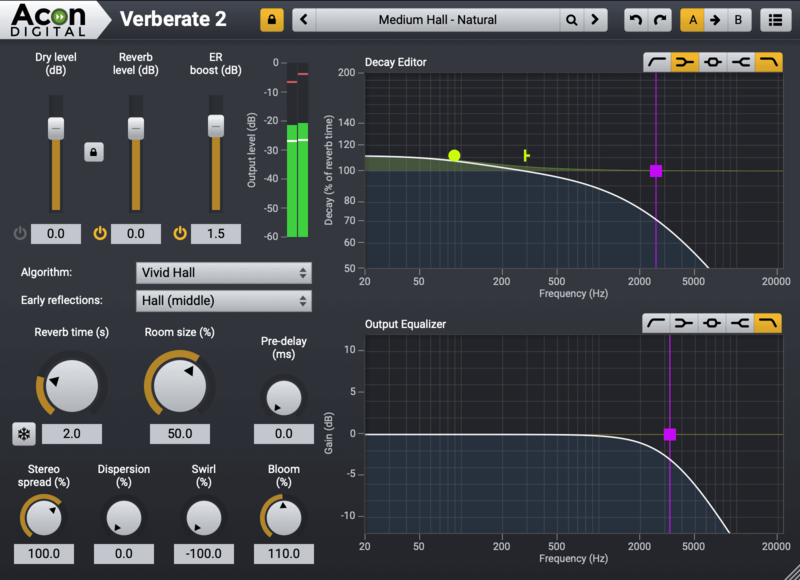
The Natural Sounding Reverb Plug-in
When it comes to reverb, it’s all about the sound quality. Verberate is an algorithmic reverb plug-in that simulates real acoustical surroundings with exceptional realism. The first Verberate version already raised the bar. Version 2 introduces the Vivid Hall algorithm that adds time variance to avoid the stiffness that plagues convolution based reverbs while preserving the natural high density reverb tails of Verberate 1.
Real acoustical surroundings will have slight variations due to air currents, moving performers or movements in the audience. While these variations may seem subtle, the effect towards the end of the reverb tail is significant, since the sound is reflected a large number of times before the reverb tail fades out. The new Vivid Hall algorithm models these random variations without artifacts like chorus effects or pitch changes, and is therefore capable of simulating reverberation of real halls with a higher degree of realism.
Another new feature is the ability to better simulate mechanical plate reverbs. High frequencies travel faster in metal plates than low frequencies, and this effect is called frequency dispersion. Verberate 2 now has a Dispersion parameter which allows for highly realistic plate reverb simulations when combined with the decay editor to simulate the longer high frequency decay of plate reverbs. A new Swirl parameter makes it possible to simulate the feedback modulation effect found in many vintage digital reverb units.
System Requirements
PC Version (Windows)
- Windows 7 / 8.x / 10 / 11
- Intel Core i3 or AMD multi-core processor (Intel Core i5 or faster recommended)
- 1366 x 768 display resolution (1920 x 1080 or higher recommended)
- 1 GB RAM (4 GB or more recommended)
- 1 GB free HD space
- A host application that is compatible with (32 bit or 64 bit) VST , VST3 or AAX (Pro Tools 10.3.5 or higher)
Macintosh Version (OSX)
- macOS / OS X 10.9 or later
- Runs natively on ARM64 and Intel
- 1 GB RAM (4 GB or more recommended)
- 1 GB free HD space
- A host application that is compatible with (64 bit) AU, VST, VST3 or AAX (Pro Tools 11 or higher)
Awards