


 Log In

Free gifts available with your purchase

Pump & Thump
Kick drums form the bedrock of most music, but without a robust foundation, a mix can fall apart. Sometimes you're working with kick samples that just don't cut the mustard. They might be compressed to death, lacking fundamental frequencies, or just sound wimpy and lifeless. That’s where KickShaper swoops in to save the day.
Whether you're producing EDM, hip-hop, rock, or any genre under the sun, KickShaper is here to make your kicks punch harder and sound better than ever before. W.A. have captured the power of cutting-edge algorithms, painstakingly tested on thousands of kick samples by award-winning audio engineer, Emrah Celik. With KickShaper, you're not just using a plugin; you're harnessing the collective knowledge of top-notch sound design wizards.
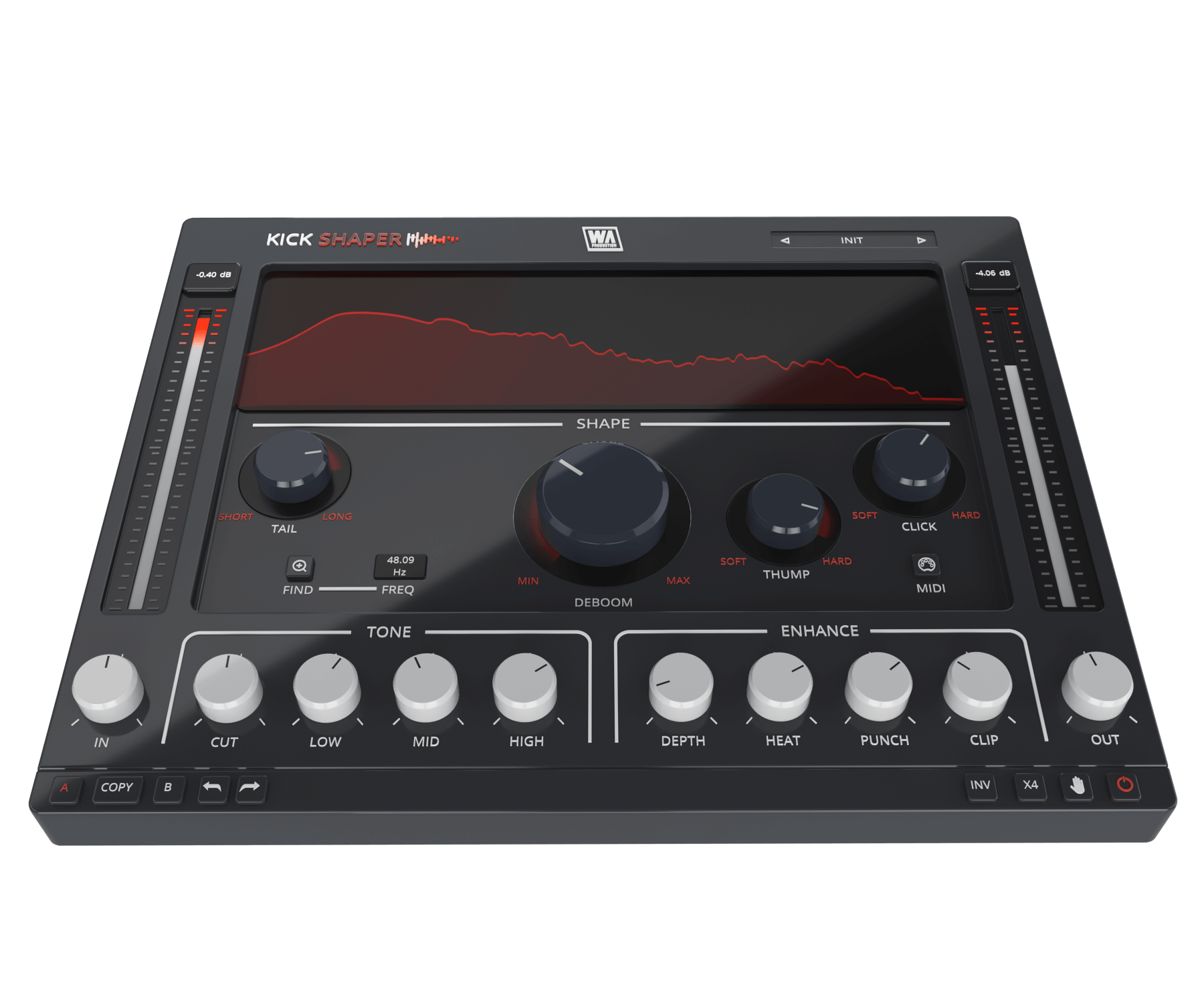
KickShaper is crafted with YOU in mind, ensuring your kicks reach their maximum potential. The plugin delivers natural-sounding tails, well-defined transients, and depth - all while maximizing the digital realm's full dynamic range. The streamlined interface and intuitive workflow means you'll be creating the perfect kick in seconds, even if you're new to mixing and mastering. It's like having a pro-level studio engineer right alongside you, guiding your mix towards perfection.
Frequency Finder
Your journey starts here. With the simple press of the Finder button KickShaper intelligently identifies the dominant frequency of your kick, instantly determining the perfect way to enhance your kick's tail. Of course, this can be manually adjusted if needed. This ensures that KickShaper’s processing always aligns with your kick's musical key.
Deboom
At the heart of KickShaper is the Deboom dial. If your kicks have tons of low end and struggle with distortion or overpower your mix, this feature is your salvation. It's not just another low-cut or compressor. Instead, Deboom ingeniously shortens the wavelength of low frequencies, giving you kicks that are punchy and impactful, yet concise. These kicks will effortlessly work together with your earth-shaking basslines and 808s. No longer will your kicks dominate the entire low-frequency spectrum; they'll blend seamlessly with the rest of your track.
Tails
KickShaper boasts an exclusive approach to crafting kick tails, setting the plugin apart from simple sub-generators. This Tail module resonates with the filters, producing frequency resonance that's entirely devoid of nasty boomy artifacts. By extracting the sub frequencies from the original kick and naturally harmonizing them, KickShaper tails integrate with your original kick, ensuring a clean and cohesive sound every time.
Thump & Click
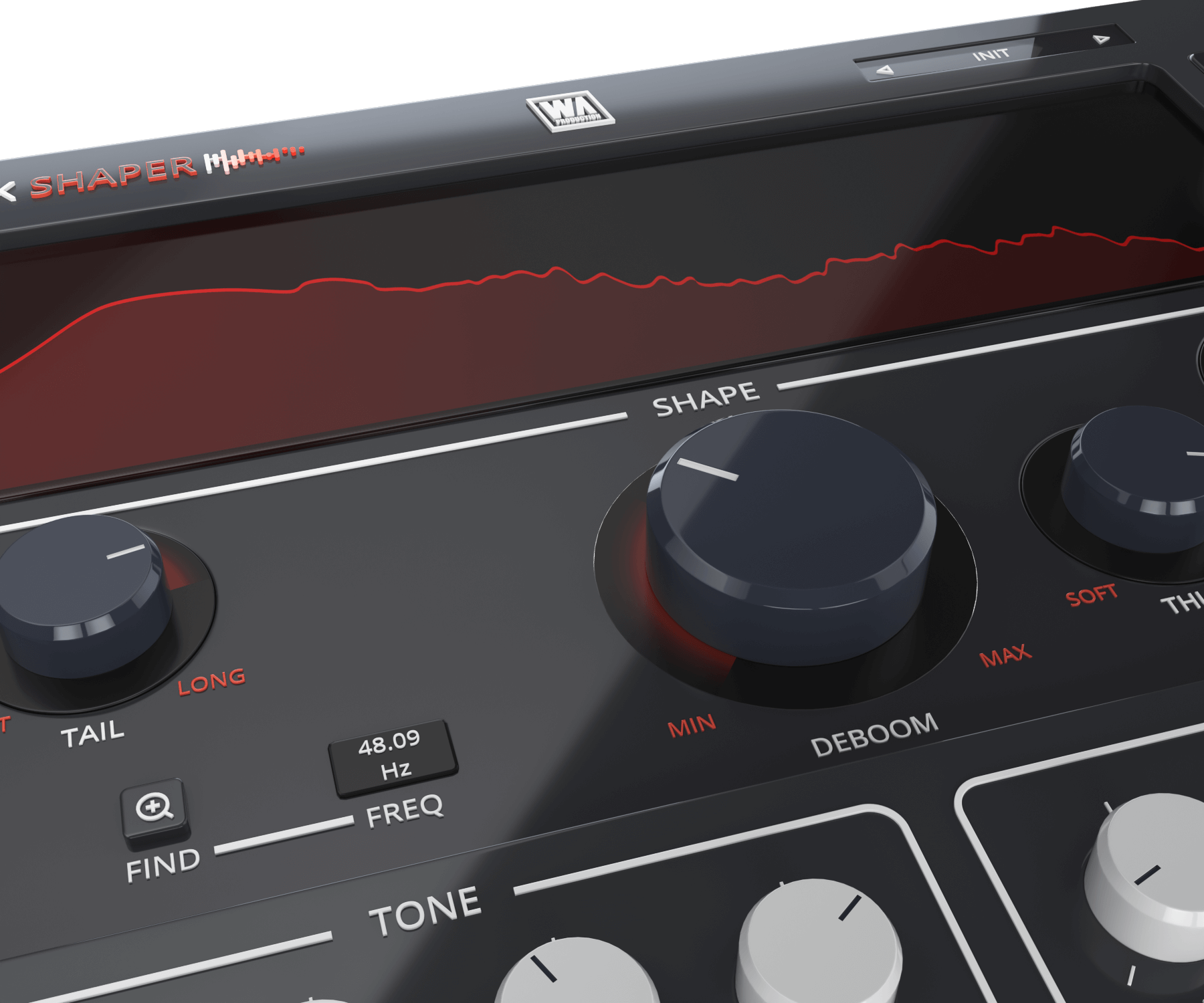
The Thump knob analyzes low-frequency wavelengths and fine-tunes your kick's sustain, exclusively impacting the low end while preserving the kick's core. KickShaper's Click module introduces an advanced transient shaping algorithm that handles unpredictable kick patterns, rapid-fire kicks, and varying tempos. By analyzing high-frequency wavelengths, precise transient shaping is achieved, making KickShaper your go-to plugin for catching transients.
Tone & Enhance
KickShaper’s Tone section is tailor-made for kick processing. The Cut knob is used for subtle low-frequency trimming, the Low knob for adding punch, the Mid knob for adjusting muddiness, and the High knob for precise control over clicks.
The Depth control applies analog hardware convolution to enhance your kicks, making them larger, adding depth while taming excessive highs. Heat warms up kicks, introducing subtle saturation. Punch replicates console compression, finely tuned to be used with kicks. Clip squashes the peaks of your kick, ensuring punchiness and impact, even on smaller speakers.
Visual Feedback & Comparison
KickShaper is built on vector graphics with a resizable interface. The live audio is displayed on the central window, showing exactly what’s happening to the signal as it travels through the plugin in real time. This allows for accurate monitoring at every step of the chain. For those who like to experiment, contrast different processing chains with AB comparison, and use the undo / redo buttons to revert any changes.
Presets
KickShaper includes a huge number of factory presets, suitable for all kinds of kick processing in multiple genres. Use the provided parameters as starting points for your own kick sculpting adventures.
W. A. Production are real-life producers making creative plugins to help you achieve studio quality processing quickly and easily. Enjoy!
Features
- Kick designer plugin with advanced features
- Unique processing modules
- Frequency finder
- Shape sculpting: Tail, Deboom, Thump & Click
- Tone frequency adjustment
- Enhancement features
- AB comparison & Undo / Redo
- Resizable interface
- Responsive & CPU friendly
- Genre-spanning factory presets
- Full PDF Manual & Tutorial video
System Requirements
- Windows 8 or higher (64 bit)
- macOS 10.10 or higher (64 bit)
- AAX - ProTools 11 or higher
Important Note for Mac Apple Silicon users: Before purchasing, please review the current compatibility status of this plugin on your system here.
Paul Third
Audio Engineer
"KickShaper has all the tools needed to take your one shots/ kick samples to the next level and give you that clean punch that makes your kicks batter through on studio speakers, alexas, crappy phone speakers, you name it."
Mehmethan Disbudak
Award-winning Producer and Engineer
"KickShaper immediately has become my go-to tool for my kick sound since day one. Nothing can beat the creativity inside this little gem."
Andi Vax
Multi Award-winning Producer
"KickShaper radically changes the approach of processing low-frequency percussion. It's fun and fast! Highly recommended!"
Reviews Summary
While it aims to provide a helpful overview, it may not capture every perspective or detail. We encourage you to read individual reviews to make an informed decision.
Overall, customers find the plugin to be an effective and low-DSP tool for shaping kick drums quickly across various genres, with several users considering it a regular part of their workflow. However, feedback is slightly mixed regarding consistency and value; some note a minor learning curve and variable sound quality outcomes compared to sibling plugins.


