Buy Rekraft, get a free gift with purchase:
Rekraft is a must-have tool for music producers and sound designers seeking to infuse their tracks with the warmth and charm of lo-fi / vintage sounds, offering unprecedented control and simplicity.
Features
- 200 Factory Presets.
- 5 Swappable Modules.
- Fully Resizable GUI.
- Load Your own Textures.
- Tooltips for each control.
- Random Behavior Effects.
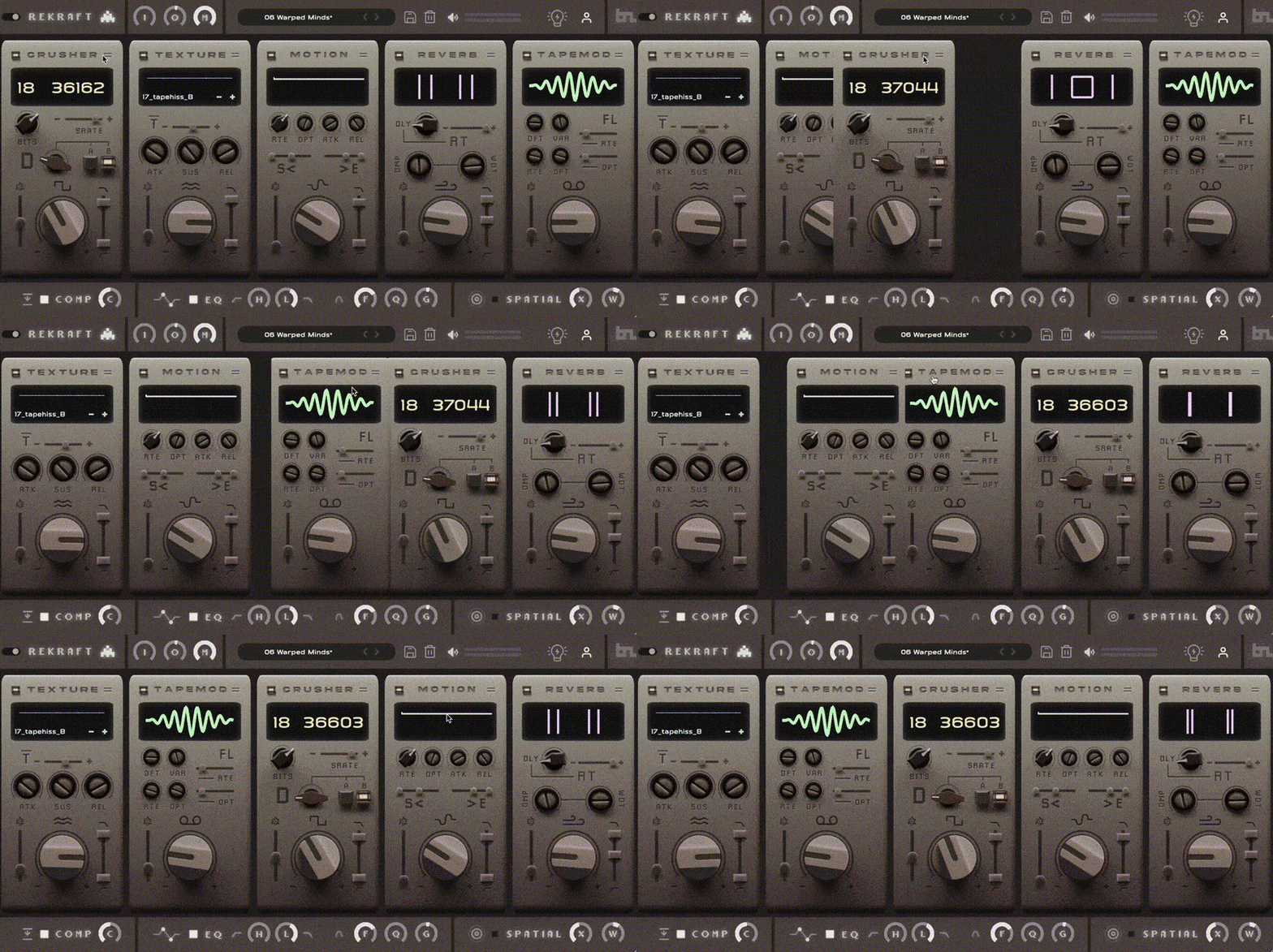
Additional Features include a Global Mix Control , a Full EQ Section, Compression and a Spatial Expander. Incredible sounding presets get your creative juices flowing.
Modules:
- TEXTURE: Load Noises , Scratches and other samples with envelope.
- CRUSHER: Redux, BitCrush & Distort.
- REVERB: Small to Large Spaces with lots of control.
- MOTION: Tempo synced shapes - subtle to pumping.
- TAPEMOD: Wow & Flutter Tape Effects
System Requirements
- VST3, AU, AAX (64-bit host)
- Windows 10 or later / OSX Mojave or later
- Intel i5 or later / AMD Athlon 64 or equivalent
- 2 GB RAM / 300 MB HD
Important Note: Chorust is used as an example.
Installation
Windows
1. Download the installation package from within your Plugin Boutique User Account and extract the contents. Launch the .exe file.
2. Click 'Install'.
3. Once installed, click 'Finish'.
Mac
1. Download the installation package from within your Plugin Boutique User Account and extract the contents. Launch the .pkg file.
2. Click 'Continue'.
3. Click 'Continue'.
4. Click 'Install'.
5. Once installation is complete, click 'Close'.
Activation
1. Open the plugin within your DAW, and click 'Register'. Alternatively, if you already have an account on Beatskillz or Tone Empire, enter your existing email ID and Password, and click 'Login'.
2. You will be taken to the BeatSkillz/Tone Empire registration page. Enter your details here in the provided boxes, and click 'Register'.
3. Having input your information, you will now receive a verification email to your email address. Navigate to this, and click the 'Click Here' link inside.
4. Head back to the plugin dialogue box within your DAW, and enter the details exactly as they were input to the BeatSkillz/Tone Empire registration page in step 2. Click 'Login'.
5. Enter the serial number from within your Plugin Boutique User Account, and click 'Activate'.
Important note: To install the content, download and extract the content file. Click the settings (cog) icon in Vinylistik and select the folder containing the extracted content.
6. Your plugin is now activated and ready to use!