


 Log In

Free gifts available with your purchase

Modular Multi-Effects
- 35 effects deliver new ways to twist your sound
- Create effects systems and set them in motion
- Designed for inspiring, musical performances
Test Your Limits
The modular effects system for REAKTOR – inspiring effects, limitless routing, and electrifying performance possibilities. MOLEKULAR runs in REAKTOR or the free REAKTOR PLAYER, and is optimized to integrate perfectly with the entire MASCHINE family.
Infinite Effects
MOLEKULAR will change the way you use effects. Design your own modular system with 35 exclusive effects. Set it in motion with powerful modulation. Then perform your effects with the interactive morphing field. MOLEKULAR will expand your sonic imagination – get ready to be inspired.
Routing and Modulation
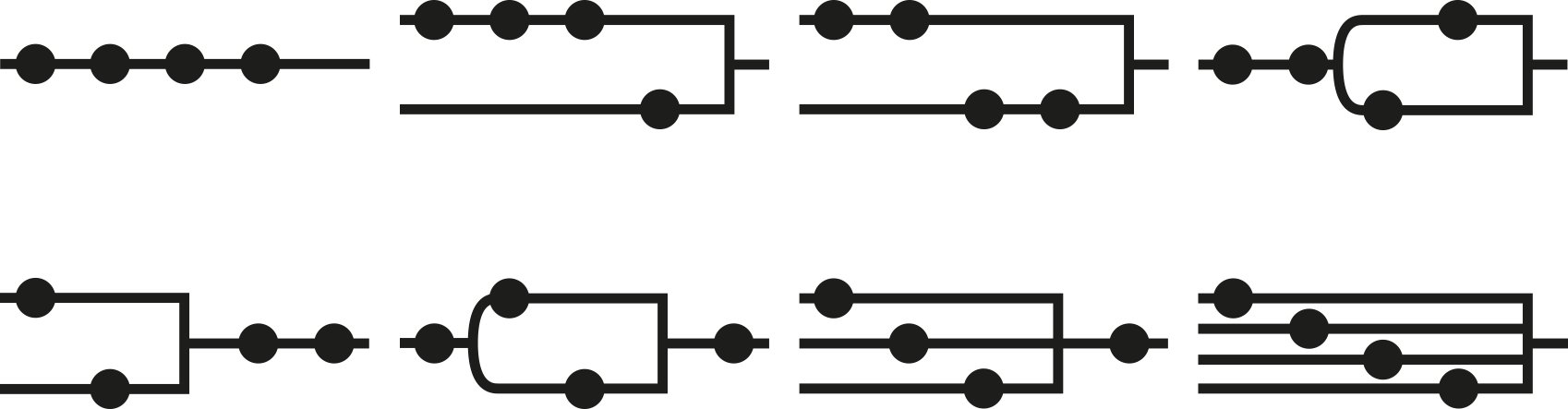
Experience the endless flexibility of modular effect design. Route any one of 16 modulation sources to any other parameter to build intricate rhythmic and melodic structures, create inventive organic textures, and even fold your sonic creations in on themselves – this is sound sculpting of the highest order.
The Morphing Field
Set your performances apart with MOLEKULAR’s morphing field. Define your center position and create four master mutations. Offset your center position for infinite sonic variation. Then morph between your settings or set them in motion with the modulators. This is effects evolution. In real time.
System Requirements
Windows (64-bit only)
- Intel Core i5 or equivalent CPU, 4 GB RAM
- Stand-alone, VST, AAX
- Windows 10 or 11
macOS (64-bit only)
- i5, 4 GB RAM
- Stand-alone, VST, AU, AAX
- macOS 11+
Important Note: The Free Reaktor 6 Player is required to use this product. An Internet connection and a graphics card that supports OpenGL 2.1 or higher are required to download and activate this product. Once installed and activated, the product can be used offline.


