Log In

Free gifts available with your purchase

What is Rocket Fuel?
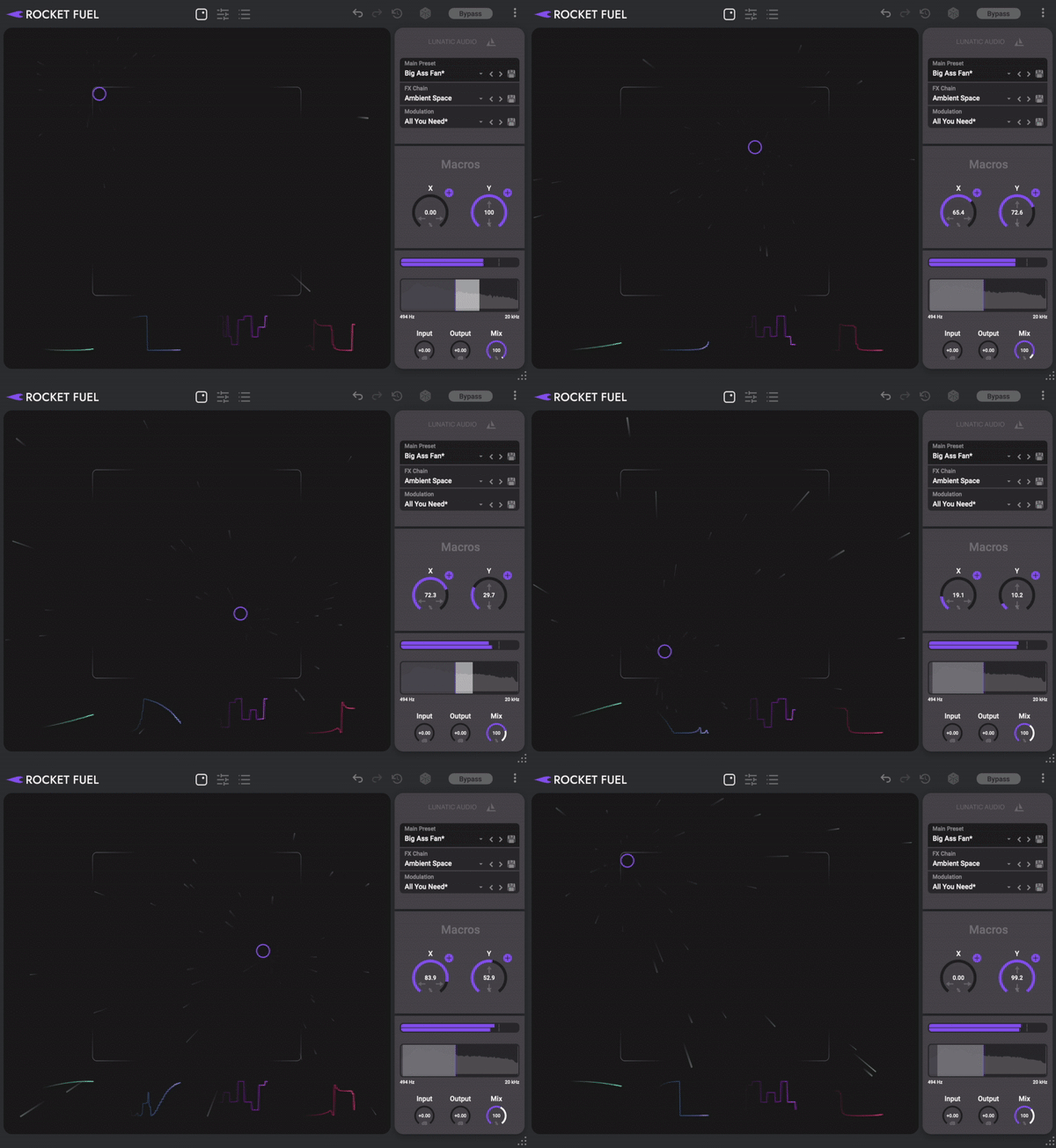
This is the explosive new multi-effect that injects your music with pulsating energy and dynamic motion. Take your sounds beyond the stars, as Rocket Fuel’s multi-effect technology transforms vocals, instruments, and entire mixes in ways you’ve never imagined. Feel your rhythms ignite, melodies soar, and basslines throb with out-of-this-world animation. Unleash the power of Rocket Fuel and hear your music take flight.
Modulate Everything
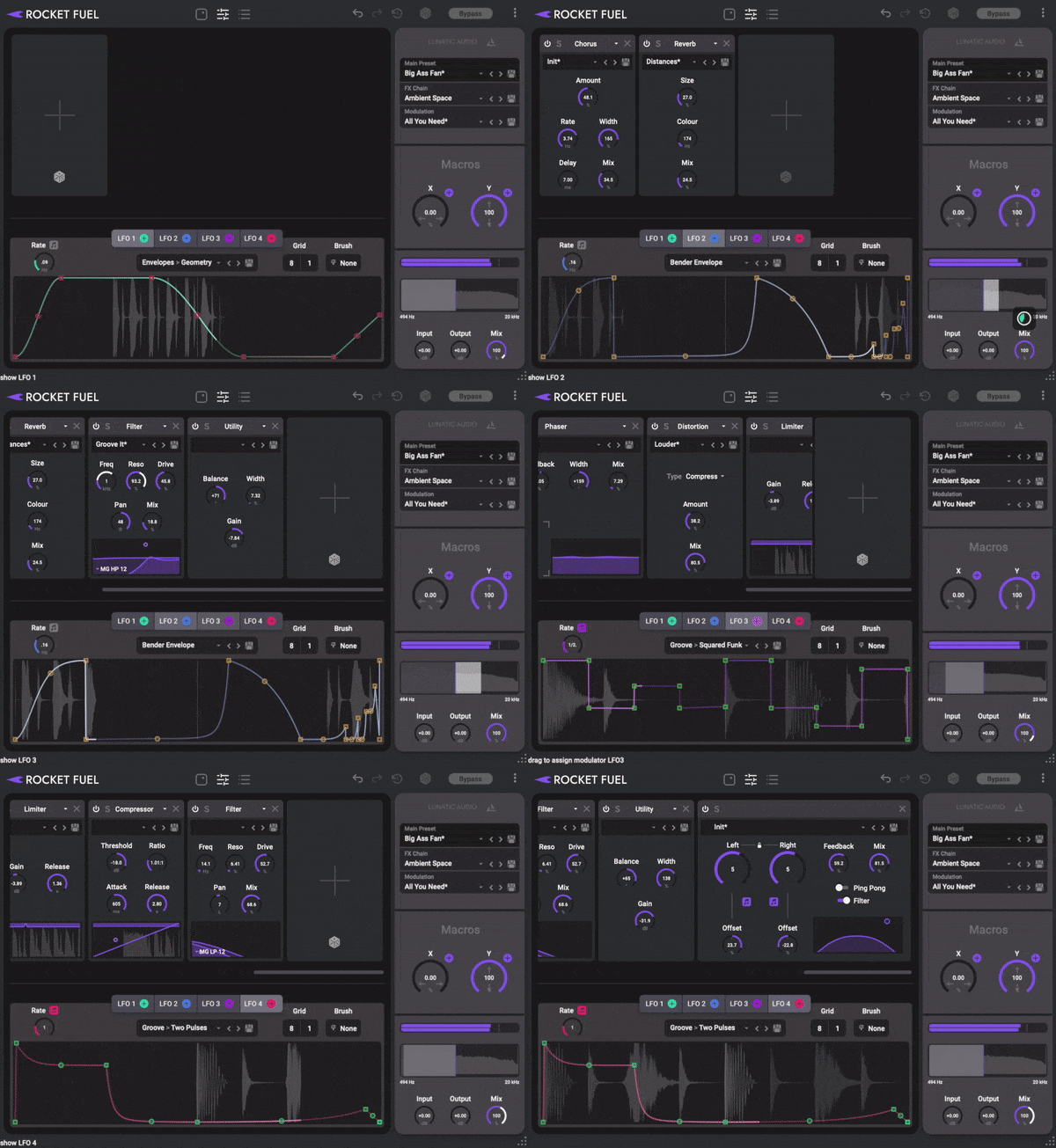
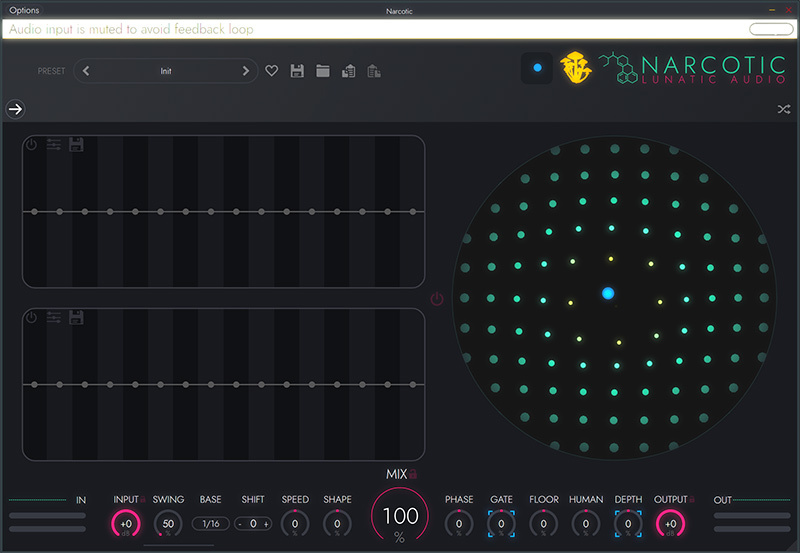
Rocket Fuel’s XY pad isn’t just a regular control; it’s a portal to unheard sonic dimensions. Assign multiple FX chain parameters to each axis, and combine with the power of four distinct LFO shapes. Listen as your sound morphs and evolves with every movement.
Stack effects for deep transformations and fine-tune each LFO with surgical precision. From subtle shifts to rhythmic convulsions, Rocket Fuel gives you the power to craft intricate, evolving audio that dances to your command.
User Interface

Rocket Fuel is all about inspiration meeting execution. Beyond the awesome sound shaping, you’ll be bringing your ideas to reality in the fastest way possible. The sleek, fully scalable interface is designed for intuitive play, getting you immersed in sonic exploration. Drag, drop, and manipulate LFO and XY pad macros with lightning speed. Experience the joy of transforming your sound in seconds.
Randomize
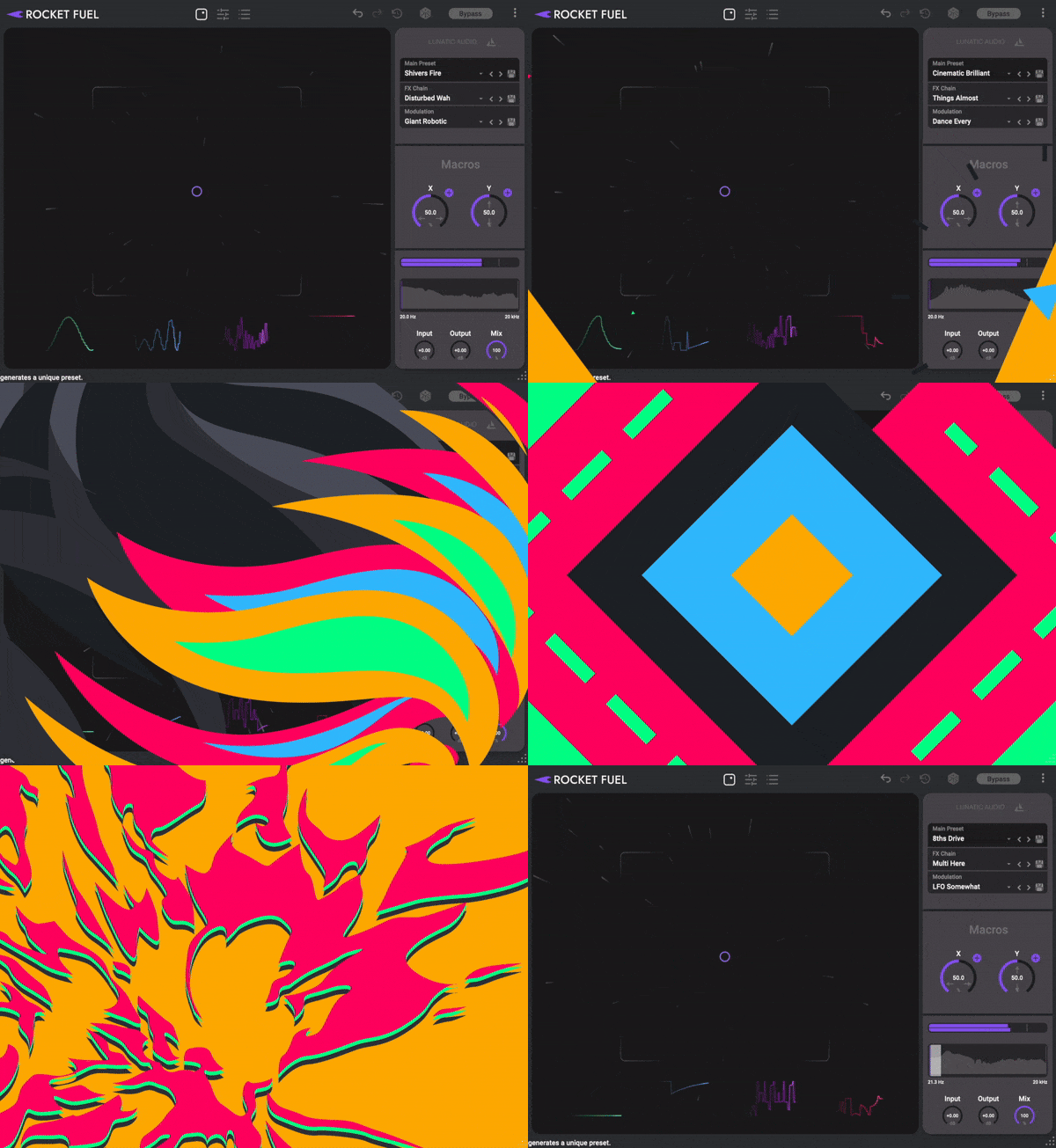
No time to waste, no rules to follow… let Rocket Fuel take the reins. With a single click, roll the dice to unleash a psychedelic explosion of sound. Watch as colors swirl and parameters dance, creating mind-bending presets that you can save for future recall with ease.
Presets, FX, and LFOs
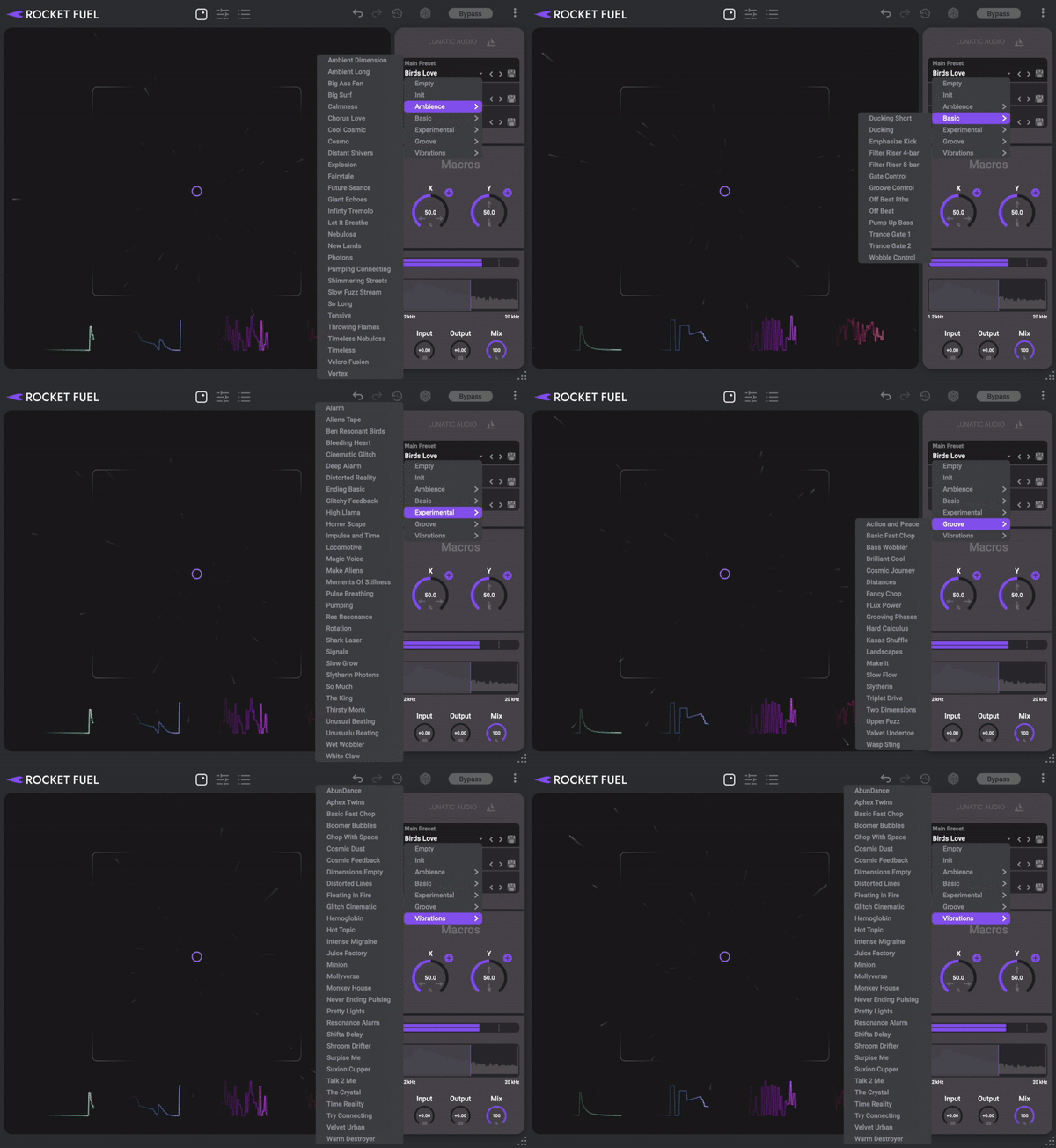
Stack up to 12 effects from Rocket Fuel’s arsenal of 9, including Reverb, Delay, Chorus, Distortion, Filter, and more. With hundreds of modulation-specific presets at your fingertips, inspiration is always within reach. Dive deep and customize each preset, or let the expertly crafted FX chain and LFO presets be your guide.
System Requirements
- VST, AU, AAX and Standalone APP
- 32 bit & 64 bit for Windows 7 or higher
- 64 bit intel & M1 for macOS 10.8 or higher
- M chip macs are supported natively and via Rosetta 2
- At least 4 GB RAM
- At least 400 MB of free disk space
Supported DAWs
- Ableton Live 9 or later (Mac & PC: AU, VST)
- Bitwig 1.3.9+ (Mac & PC: AU, VST)
- Cubase 6+ (Mac & PC: VST)
- Digital Performer 8+ (Mac & PC: AU, VST)
- FL Studio 12+ (PC: VST, VST3)
- Garageband 10+ (AU)
- Logic Pro 9+ (Mac: AU)
- Native Instruments Maschine 2.4+ (Mac & PC: AU, VST)
- Pro Tools 10.3.5 – 12 (Mac & PC: AAX)
- Presonus Studio One 3.2.2+ (Mac and PC: AU, VST, and VST3)
- Propellerhead Reason 9.5+ (Mac & PC: VST)
- Reaper (Mac: AU, VST, PC: VST)
- Cakewalk by BandLab (PC: VST3)