Log In

Free gifts available with your purchase
Classic Vibes and Beyond
Blue Cat's PolyVibe is a complete re-creation of vintage "vibe" pedals, based on original designs and taking them several steps further for the 21st century.
With a couple of twists and innovations, the plugin can simulate many kinds of "vibes", chorus, phaser, rotary or wah/vocal effects, while keeping this particular vintage flavour that is so typical to "vibe" pedals.
Thanks to these extensions, the plug-in is not only suitable for guitars, but for any other instrument, including the human voice.
Like the original "Uni-Vibe" pedal (a registered trademark of Dunlop Manufacturing, Inc.) played by Jimi Hendrix, David Gilmour and many others, the PolyVibe plugin gives you access to a wide range of vintage "vibe" tones, and actually much more!
Using the original filters designs as a starting point, the plug-in lets you control their shape and motion in detail to create new modulation effects, with two extra modes. It can also produce stereo vibe effects, while most pedals are still limited to mono these days.
You can of course synchronize the modulation with the host application, and adjust the feel of the oscillator with the "swing" control to fit the music.
Despite all these extra controls and options, it has never been so easy to find your own tone: the Tone Maps helps you explore existing presets and create new effects quickly.
Features
- Re-creation and extension of the original "vibe" pedals in a plug-in.
- Create new effects with the 3 filter modes: classic, reverse and phase.
- Total control over the filters' shapes and motion.
- "Swing" control for more musical effects.
- Control the stereo width of the effect.
- Synchronize the LFO to the host application, or control the effect with automation or a MIDI expression pedal.
- Navigate presets and create new tones easily with the tone maps explorer.
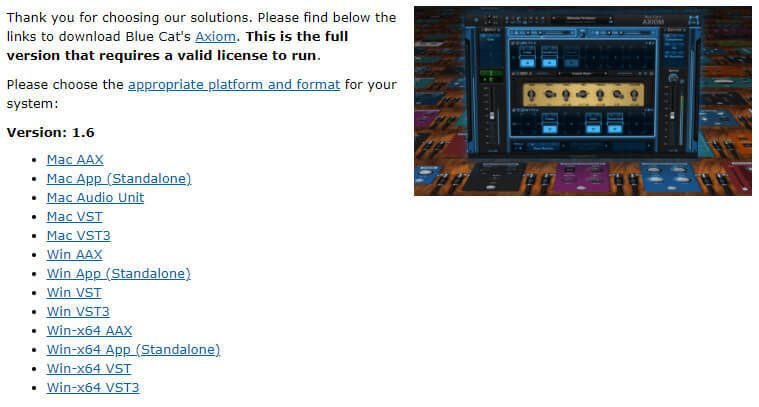
- Available in most plug-in formats for Mac and Windows.
- Full MIDI control and automation support, MIDI Learn.
- No CPU load on idle: processing shuts down when fed with silence (optimal CPU usage).
- Customizable user interface with transparency & zoom.
- Smooth Bypass: noiseless plug-in activation / deactivation.
- Undo / Redo capability.
- Full-featured integrated presets manager.
- Copy/paste the state of the plug-in between instances.
- Any sample rate supported.
System Requirements
Mac
- macOS 10.9 or newer (64-bit only)
- An Intel / M1 Apple Silicon processor.
- Any VST / Audio Unit / AAX compatible application
Windows
- Windows Vista, 7, 8 or 10 (32 / 64-bit only)
- An SSE2-enabled processor (Pentium 4 or newer).
- Any VST / AAX compatible host software