/ Multi-Effect / BSAClipper
Black Salt Audio

BSAClipper

4.6 (72 Reviews)
$59.00
Black Salt Audio BSAClipper - GUI
Black Salt Audio BSAClipper - Trailer gallery thumbnail
Black Salt Audio BSAClipper - Clipping vs Limiting gallery thumbnail
Black Salt Audio BSAClipper - BSAClipper on Drums gallery thumbnail
Black Salt Audio BSAClipper - BSAClipper on Snare gallery thumbnail
Buy Now
Product information

The Most Intuitive Clipper On The Market

The only way to achieve modern loudness without destroying the punch and impact is with smart, purposeful clipping in the mix. Other clippers on the market are overcomplicated, overpriced, ugly, or all of the above… so Black Salt Audio decided to make the clipper every real mixer wants: a dead-simple tool that gets the job done in seconds. With simplicity at the core of every plugin they develop, BSAClipper is no exception. This precision mix tool has only two controls, so dialing in an aggressively bold sound has never been easier.

Input Knob

Control how much of the signal you're driving into the Clipper.

Clipper Fader

The plugin will start to hard clip the signal once the input has crossed the Clipper threshold.

Clipped Meter

The amount of the signal being clipped will be shown in light blue to the right of the Threshold.

System Requirements

Mac

  • Mac OS X 10.11 or higher
  • At least 200 MB of free drive space
  • AAX, AU, VST3 versions

PC

  • Windows 10
  • At least 200 MB of free drive space
  • AAX, VST3 versions
Installation Instructions

Note: Escalator is used as an example.

License Redemption

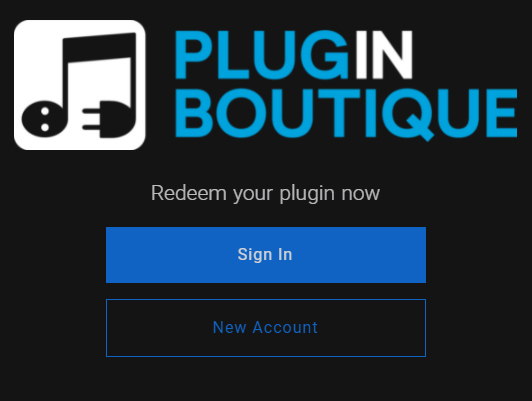
1. Visit https://blacksaltaudio.com/pluginboutique/redemption/ > sign in or create a new Black Salt Audio account.

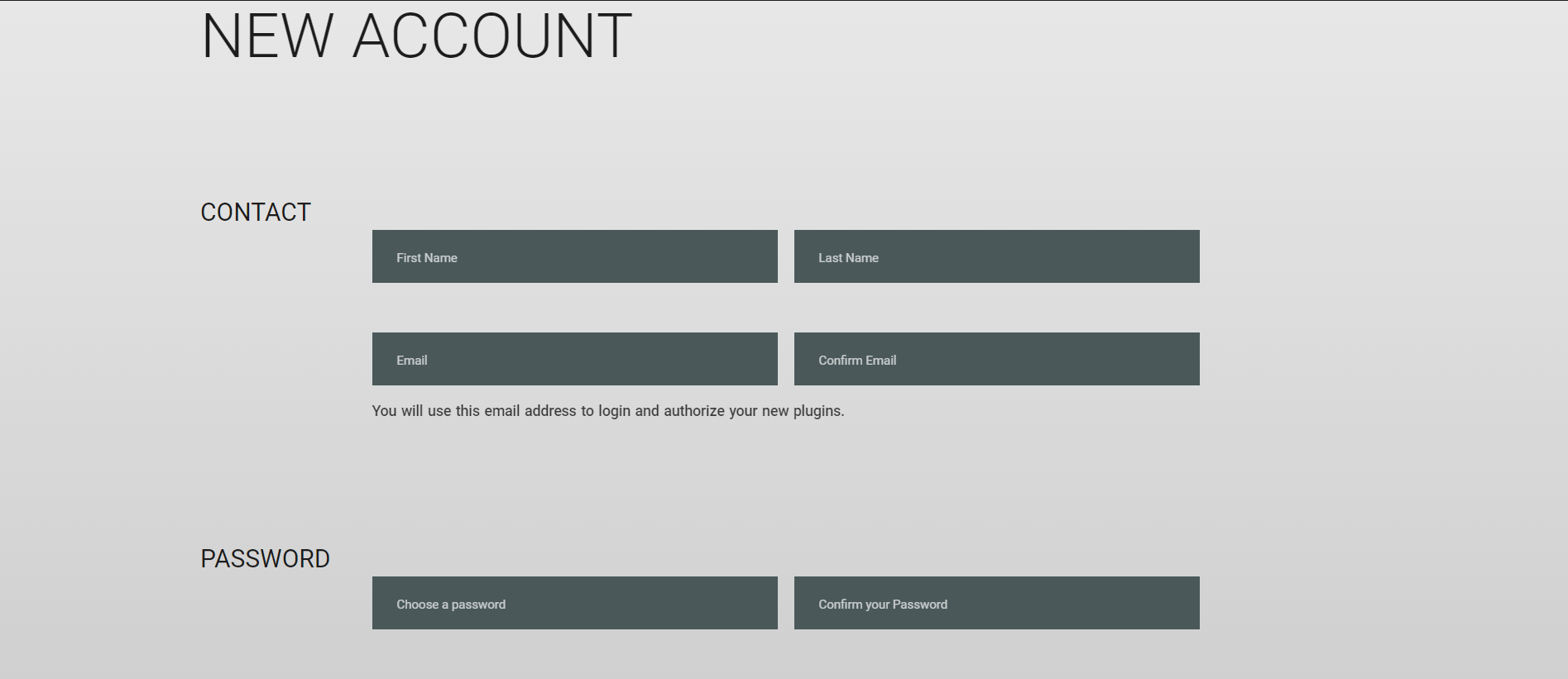
2. Enter your details for your new Black Salt Audio account.

3. Scroll down and accept the Terms and Conditions > click 'Sign me up!'.

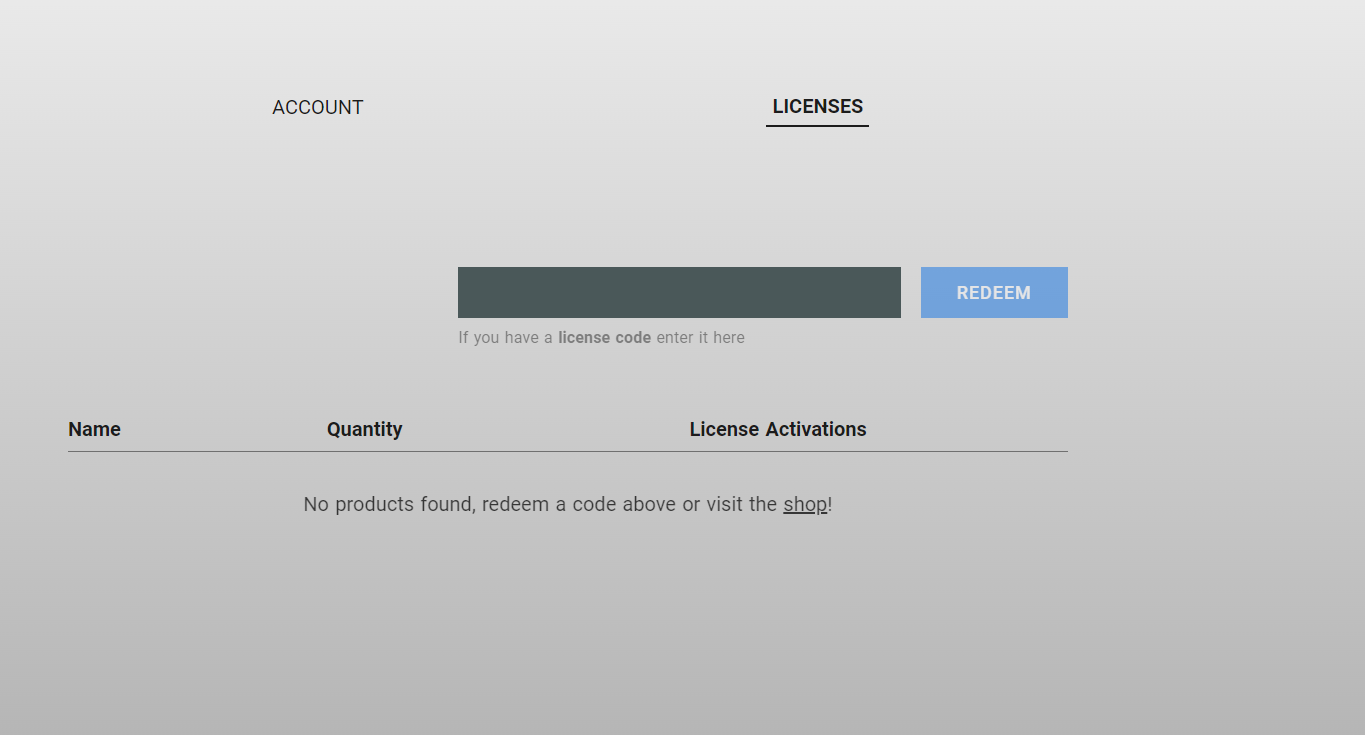
4. Enter your redeem code (found in your Plugin Boutique My Account page under 'Serial number' > click 'Redeem'.

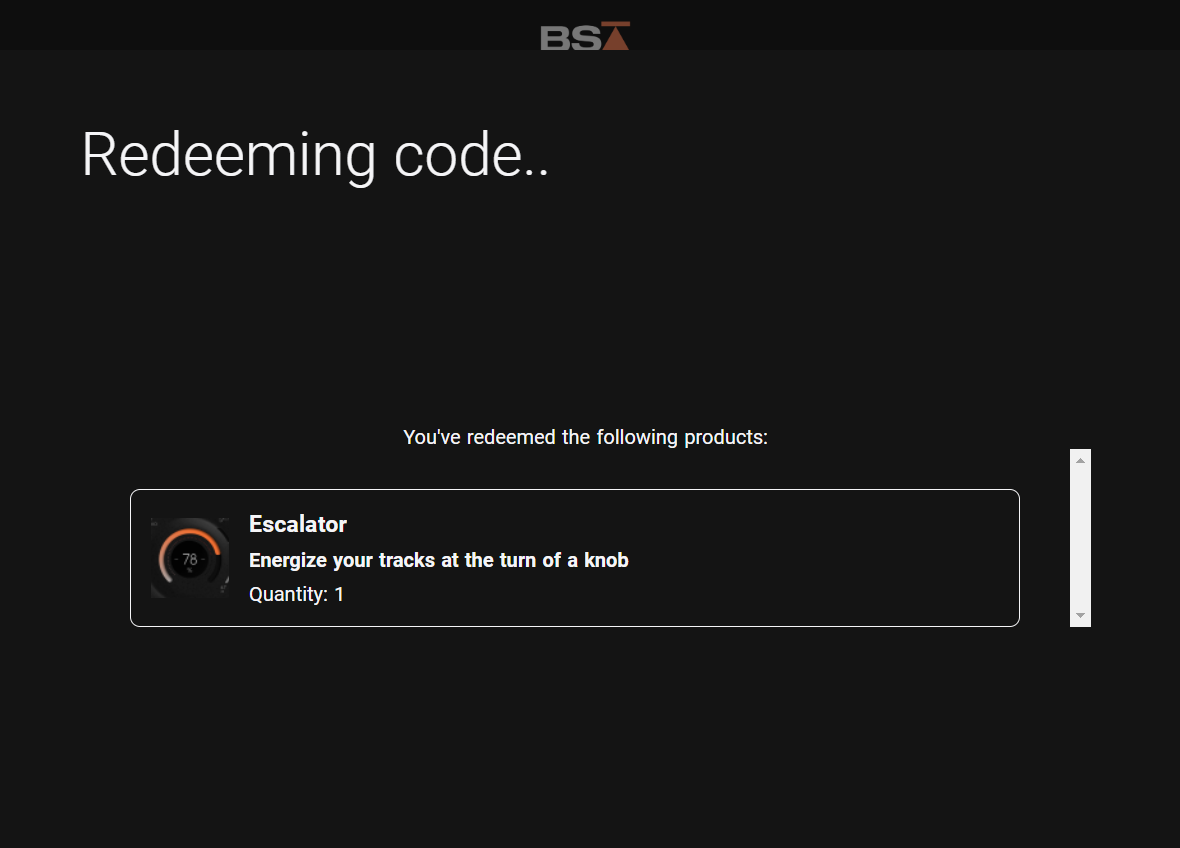
5. Your license has now been redeemed to your Black Salt Audio account > click anywhere to close this window.

6. Locate the product you wish to install > click 'Download'.

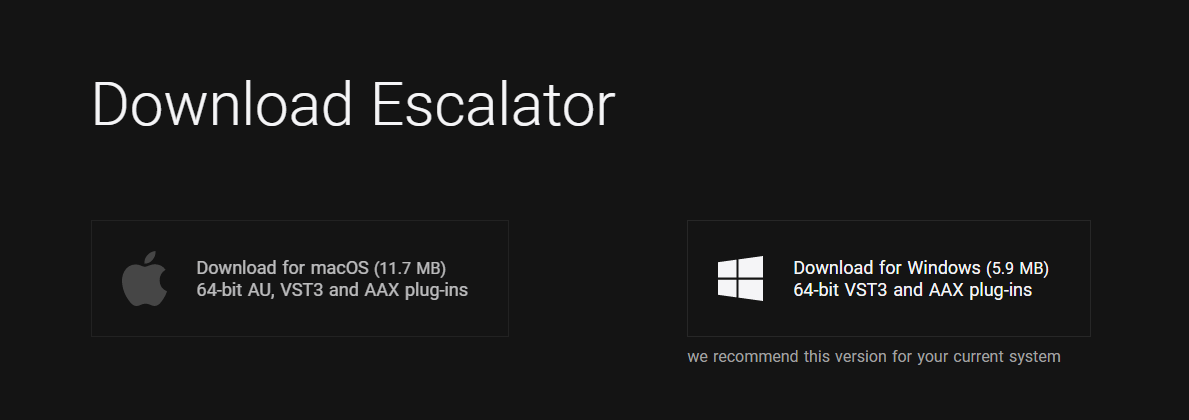
7. Click the correct installer for your system.

Mac Installation

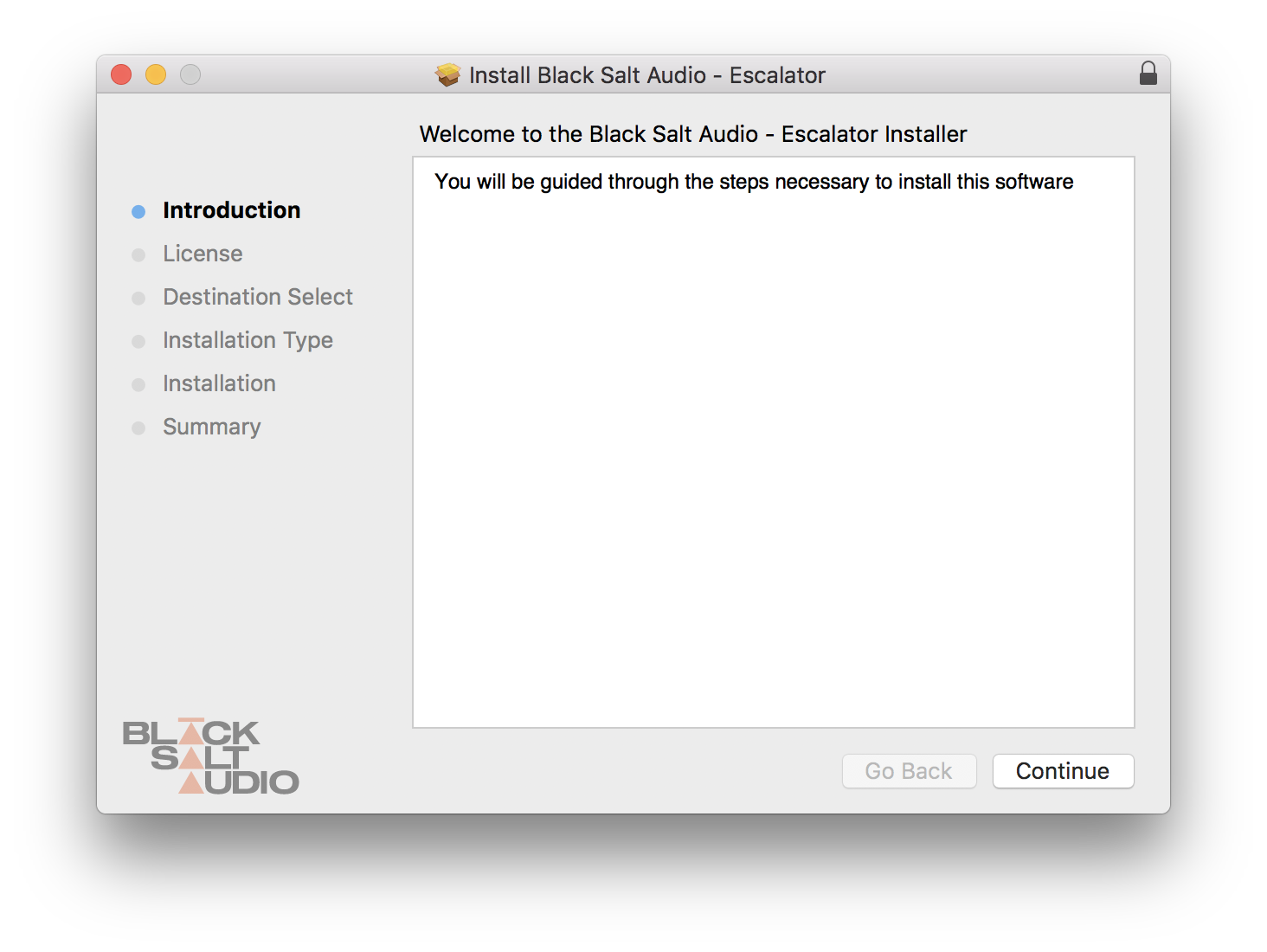
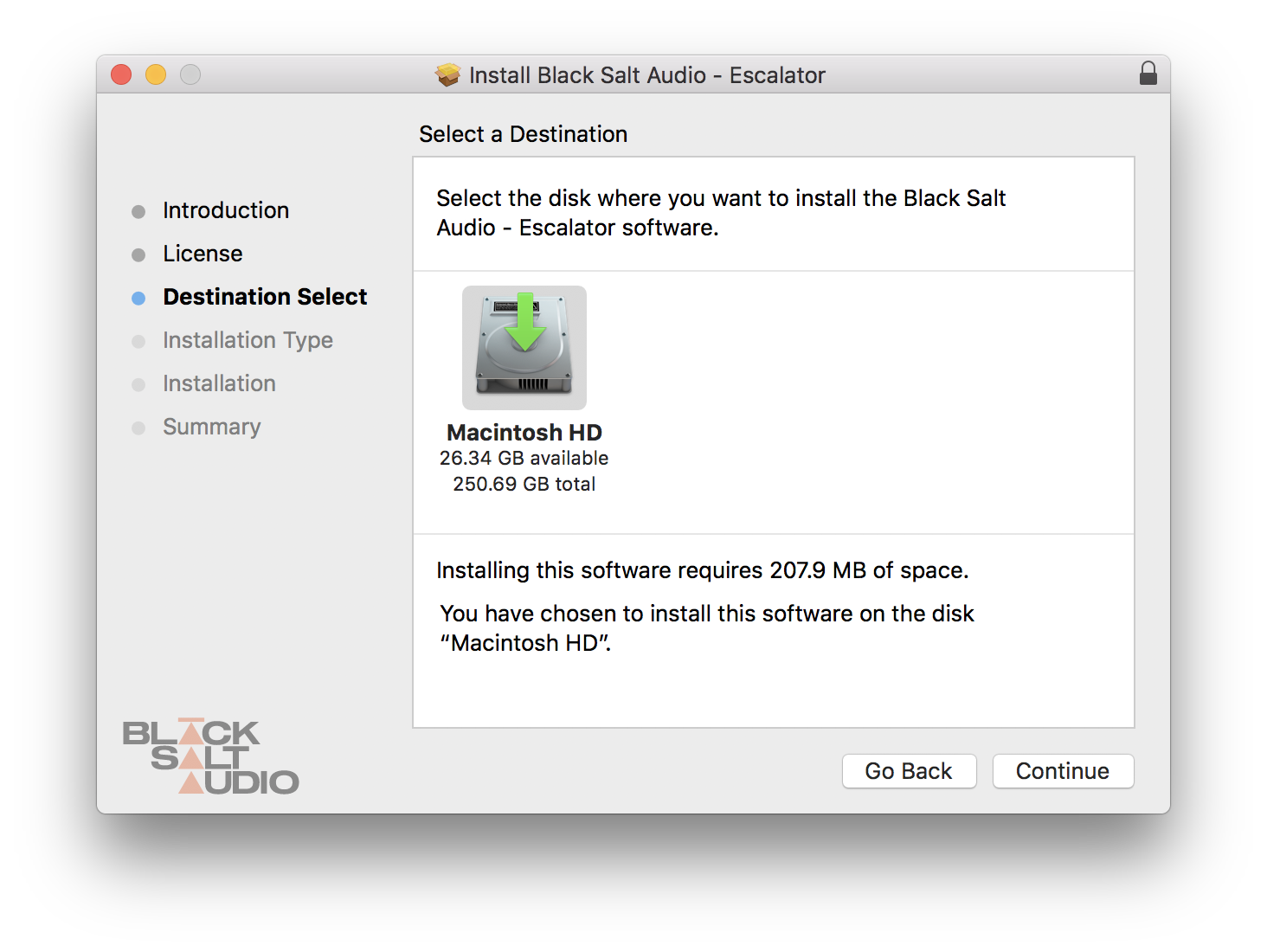
1. Locate the downloaded installer and launch the .pkg file.

2. Click 'Continue'.

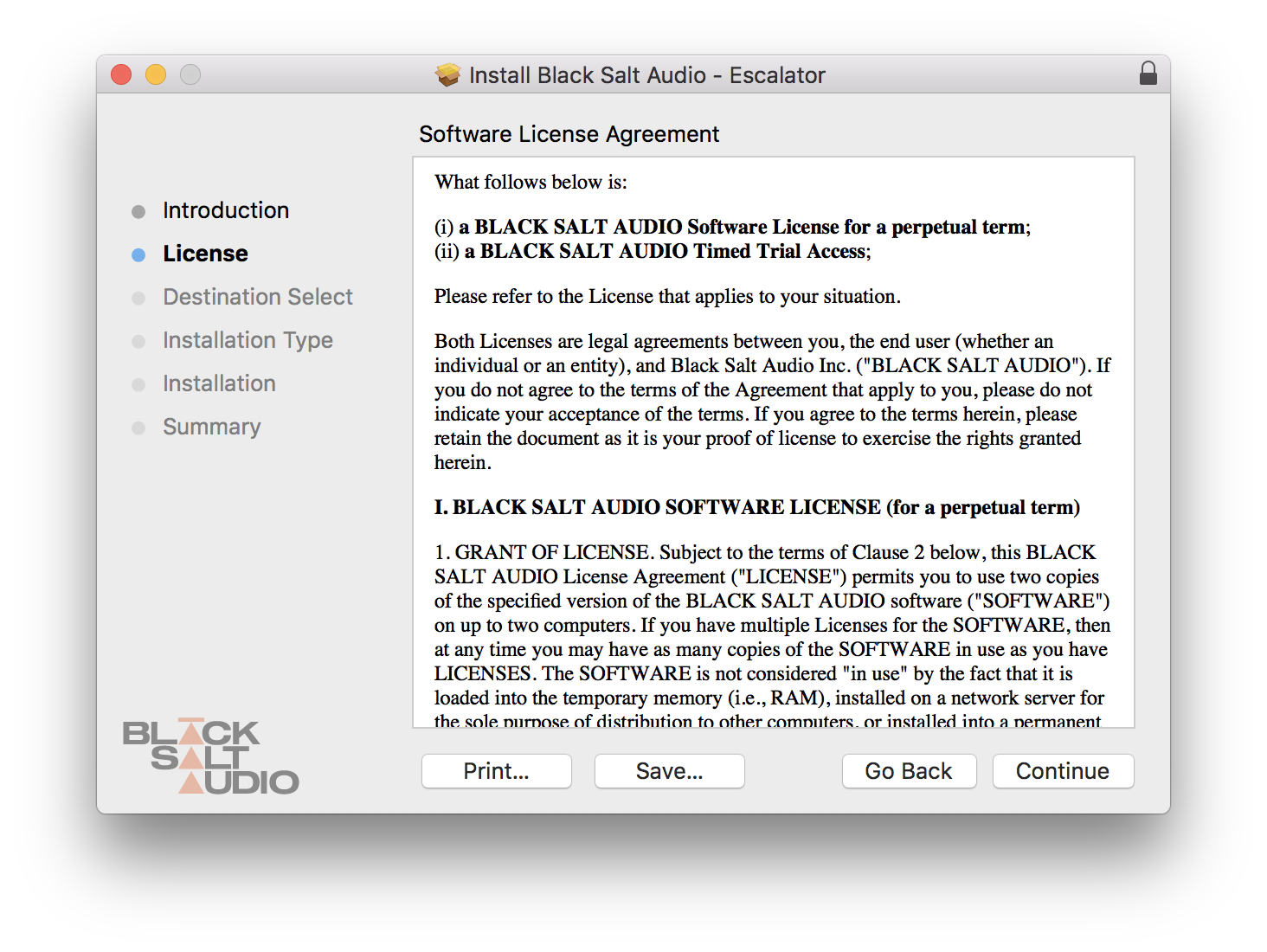
3. Click 'Continue'.

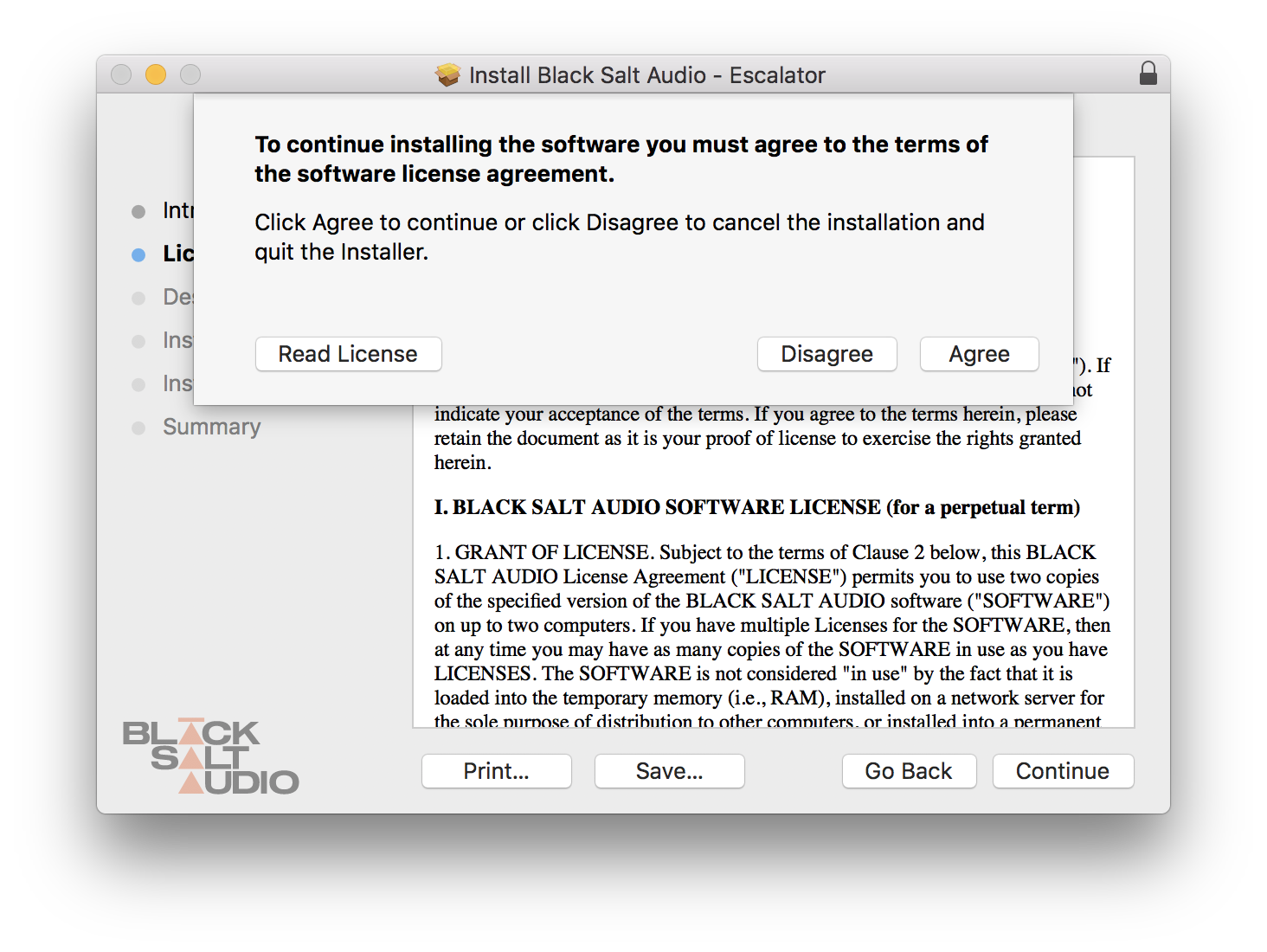
4. Click 'Agree'.

5. Click 'Continue'.

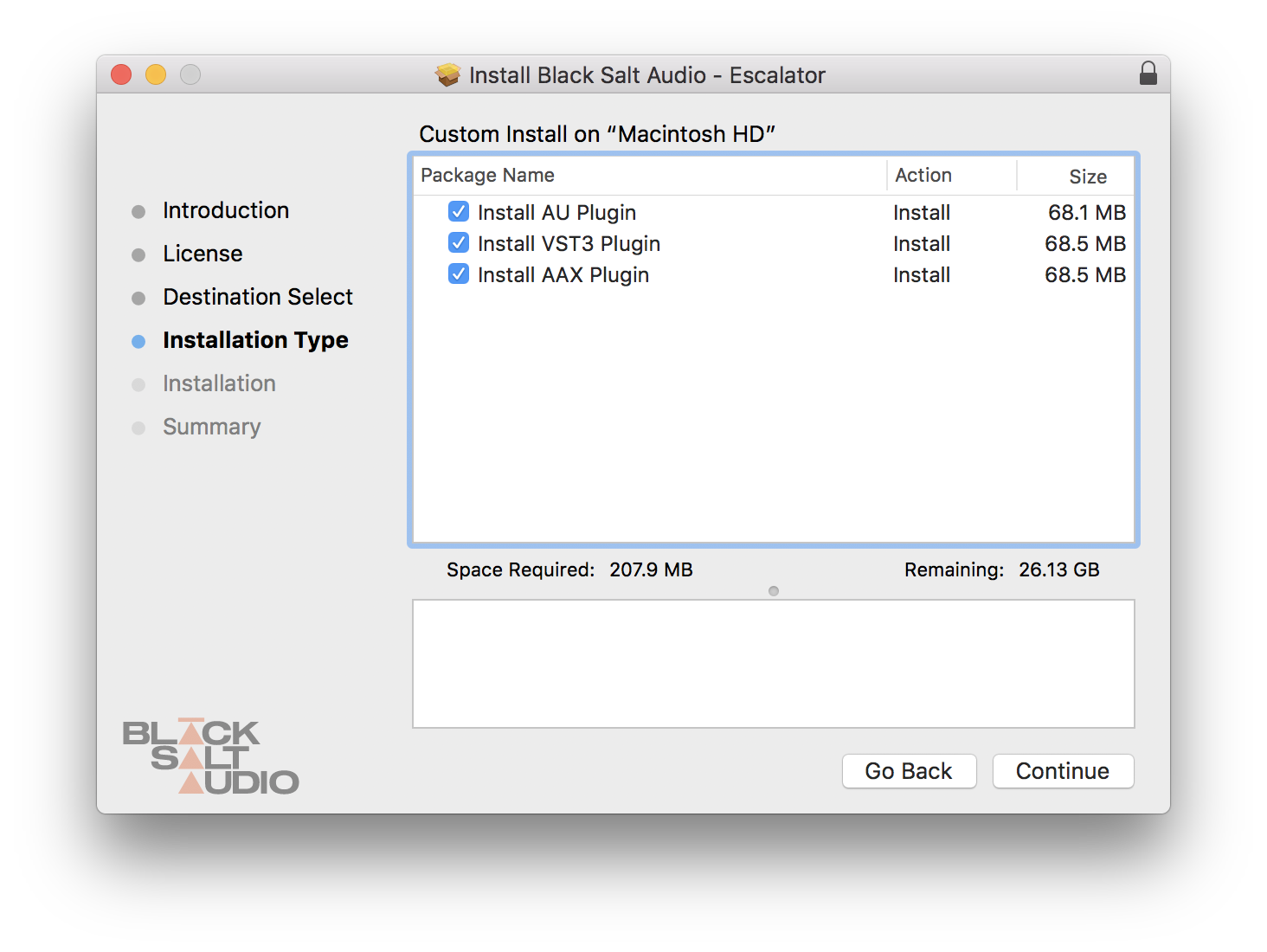
6. Select which versions you wish to be installed > click 'Continue'.

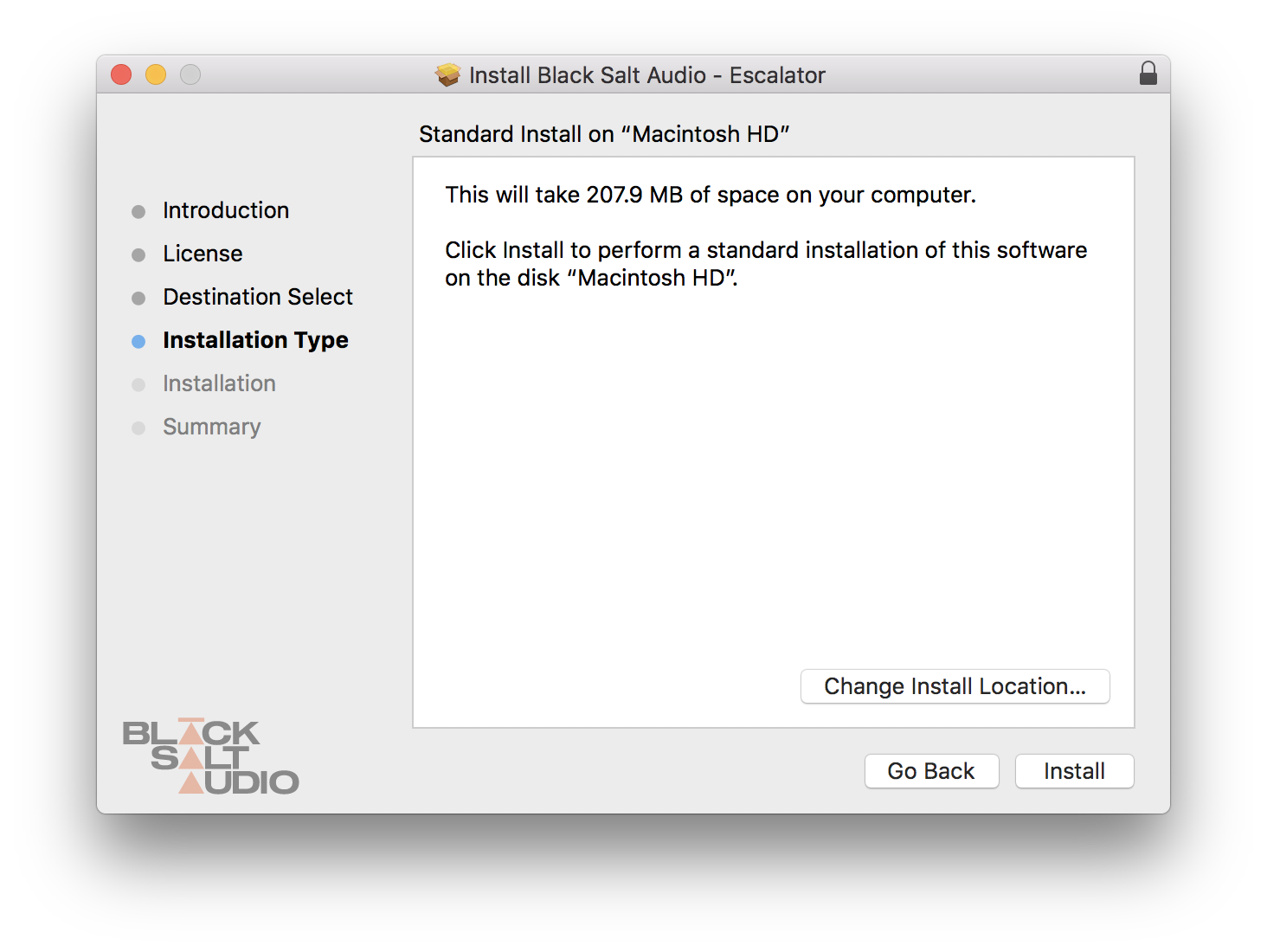
7. Click 'Install'.

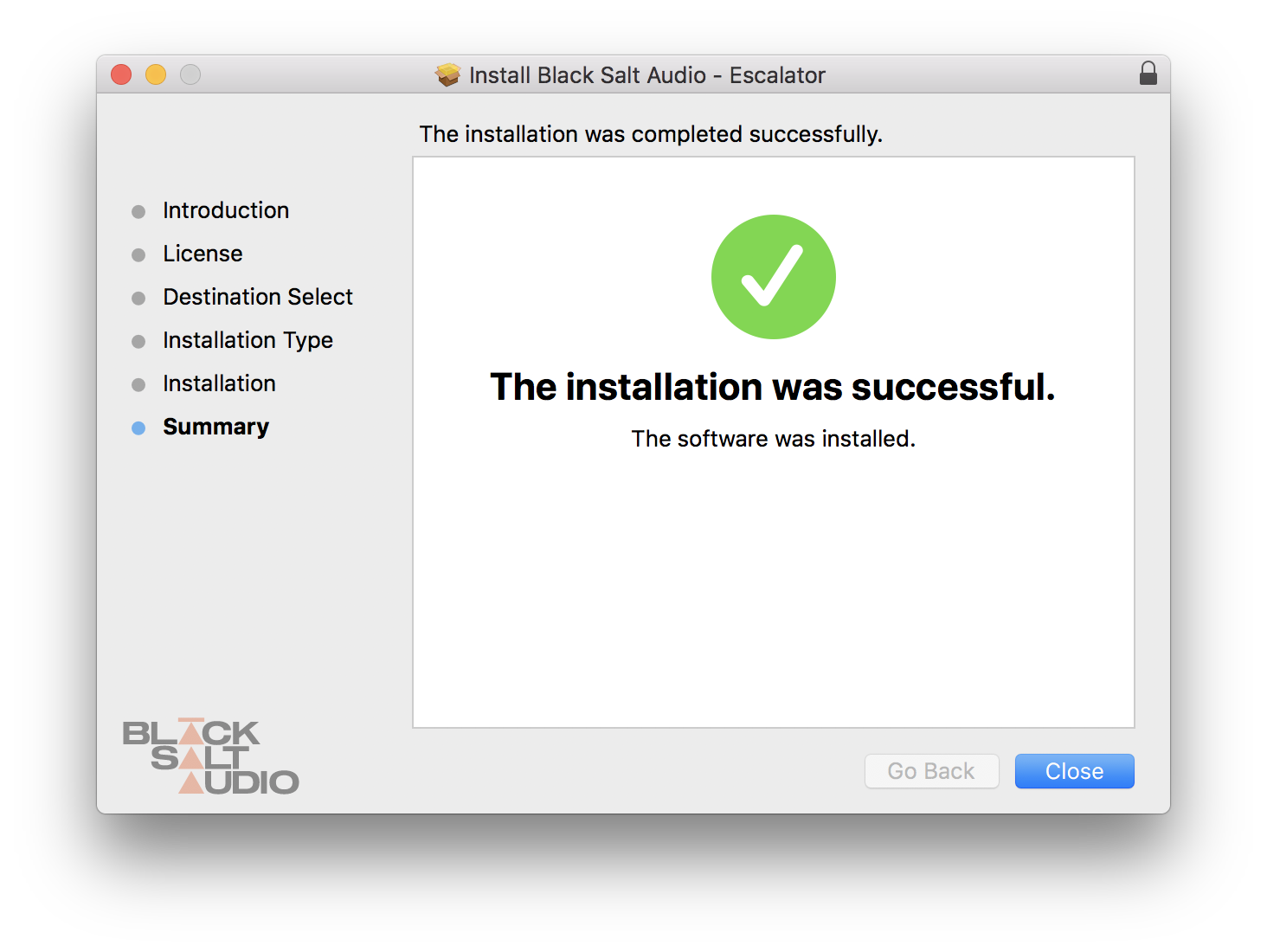
8. The plugin has now been installed > Click 'Close'.

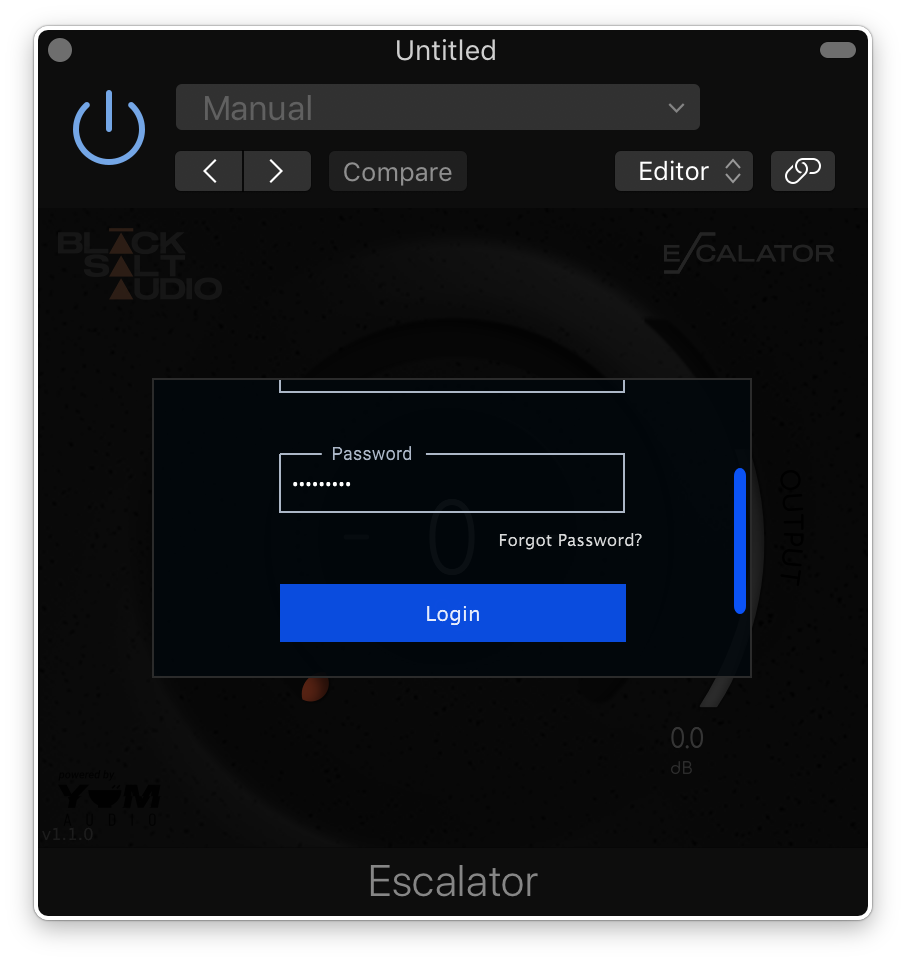
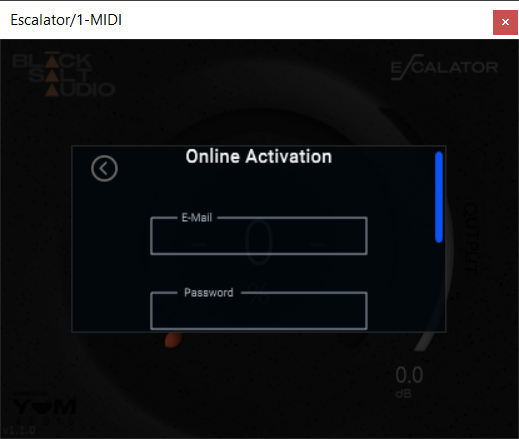
9. Launch your DAW and insert Escalator on a new track > open the plugin > click 'Activate License' > enter your Black Salt account details > click 'Login'.

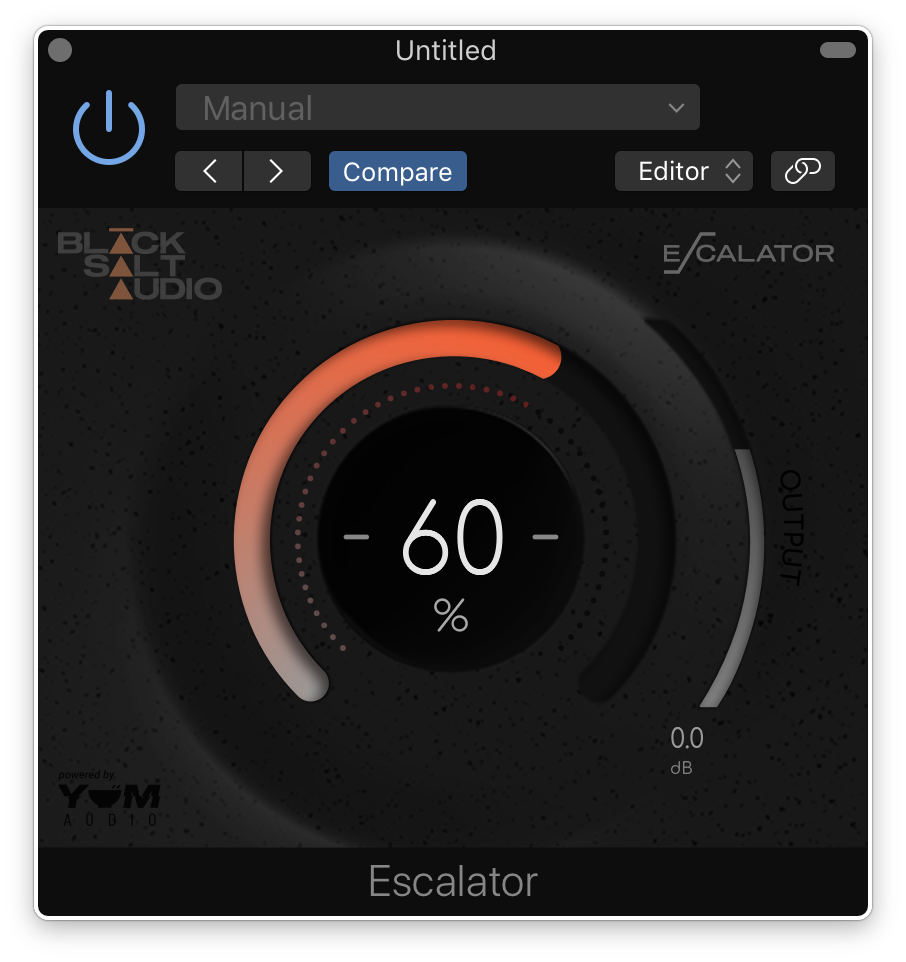
Escalator is now installed and ready to use.

Windows Installation

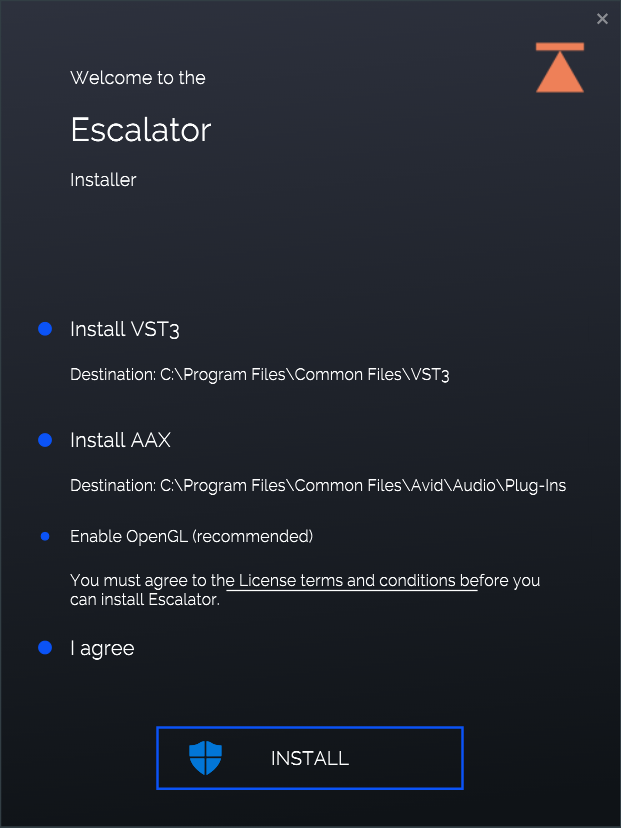
1. Locate the downloaded installer and launch the .exe file.

2. Select which versions you wish to be installed > click 'INSTALL'.

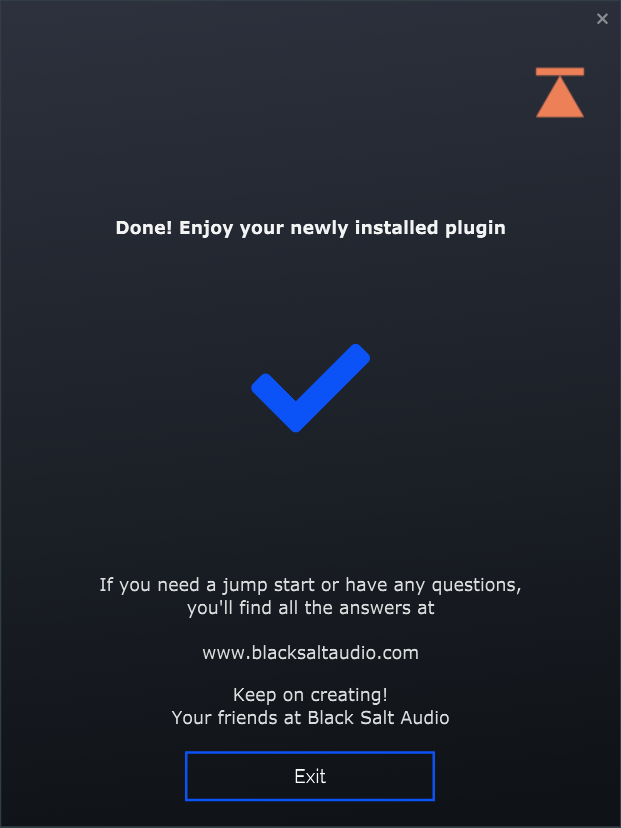
3. Click 'Exit'.

4. Launch your DAW and insert Escalator on a new track > open the plugin > click 'Activate License' > enter your Black Salt account details > click 'Login'.

Escalator is now installed and ready to use.

Bundle & Save

Black Salt Audio Bundle
$306.00

Plugin Boutique Rewards

Discover the most rewarding loyalty programme among all plugin retailers.

  • Free Loopmasters Samplepacks
  • Discounts on products and courses
  • Extra Virtual Cash claimed immediately at checkout
Find out more

Follow us:

X (Twitter) Facebook YouTube Instagram
Logo Logo

Plugin Boutique Limited, Part of the Beatport Group LLC.

Copyright © 2011-2025 Plugin Boutique. All rights reserved