Log In

Free gifts available with your purchase
Product information
Capture the Air in Dialogue
How it Works
Dialogue match in seconds by capturing your production dialogue and studio dialogue.
Dialogue Match in Seconds
Supertone Air is a reverb and EQ dialogue match plug-in that is designed to simplify your ADR workflow. Capture any reverb from existing dialogue and it will even replicate the EQ too. Have your ADR sound like production in a matter of seconds.
- Reverb & EQ: There is a certain air to production dialogue. Supertone Air aims to capture this air by extracting reverb and EQ characteristics from a dialogue recording that can be applied to any dry dialogue.
- Excel in Early Reflections: Our Acoustic Scene Transfer technology is capable of accurately capturing early reflections in a space, which is notoriously hard to replicate, yet crucial to the sense of space in a dialogue recording.
- Controls for Pros: Air comes with traditional reverb parameters, as well as additional parameters that are built to maximize the strengths of our neural network model. Fine-tune the Air Profile using these parameters to perfectly match the air.
- Optimized Workflow for Audiosuite: Built for professional post-production engineers, Air was designed to be built as an Audiosuite plug-in first, allowing instant capture of clips and offline processing within your project.
Why Supertone Air?
Supertone Air was made to be used by post-production engineers, dialogue editors, re-recording mixers, and more.
Features
- Dialogue match in seconds
- Accurate early reflection estimation
- Built for Pro Tools Audio Suite
- Gain control for Direct, Early, Late Reflections
- Share profiles across devices through profile import & export
- Download impulse response as WAV files
- Offline workflow
System Requirements
- macOS 10.13 and above (Native support for Apple Silicon)
- Windows 10 and above (64-bit only)
- AU, VST3, VST, and AAX
- Sample Rate and Buffer Size - 44100Hz, 48000Hz, and 96000Hz Supertone recommend using an I/O buffer size of 256 or higher.
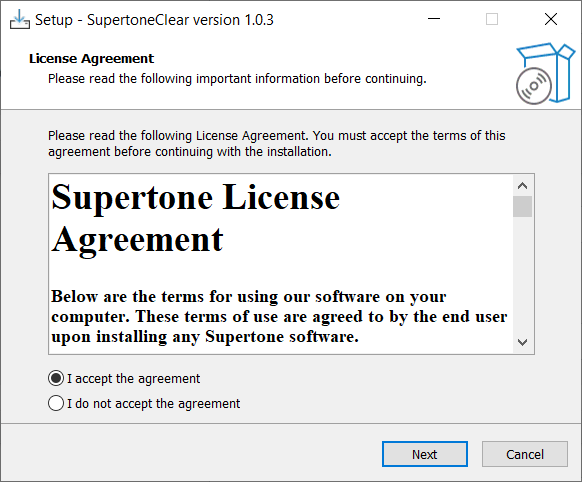
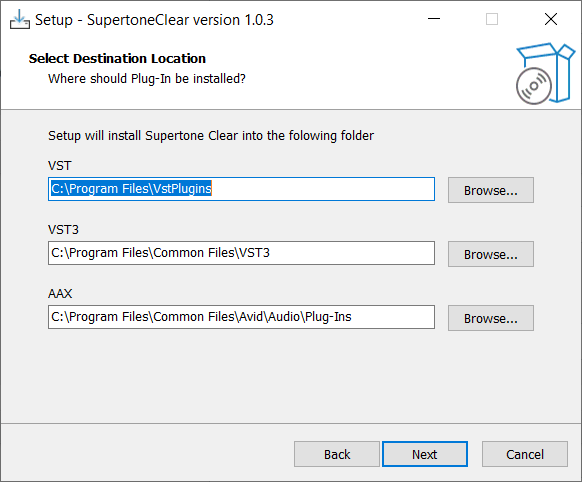
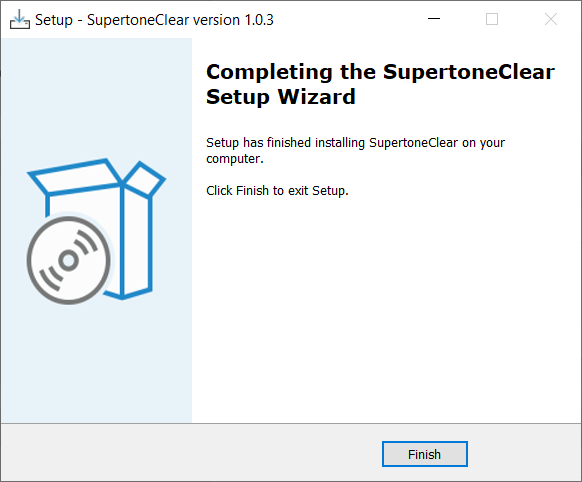
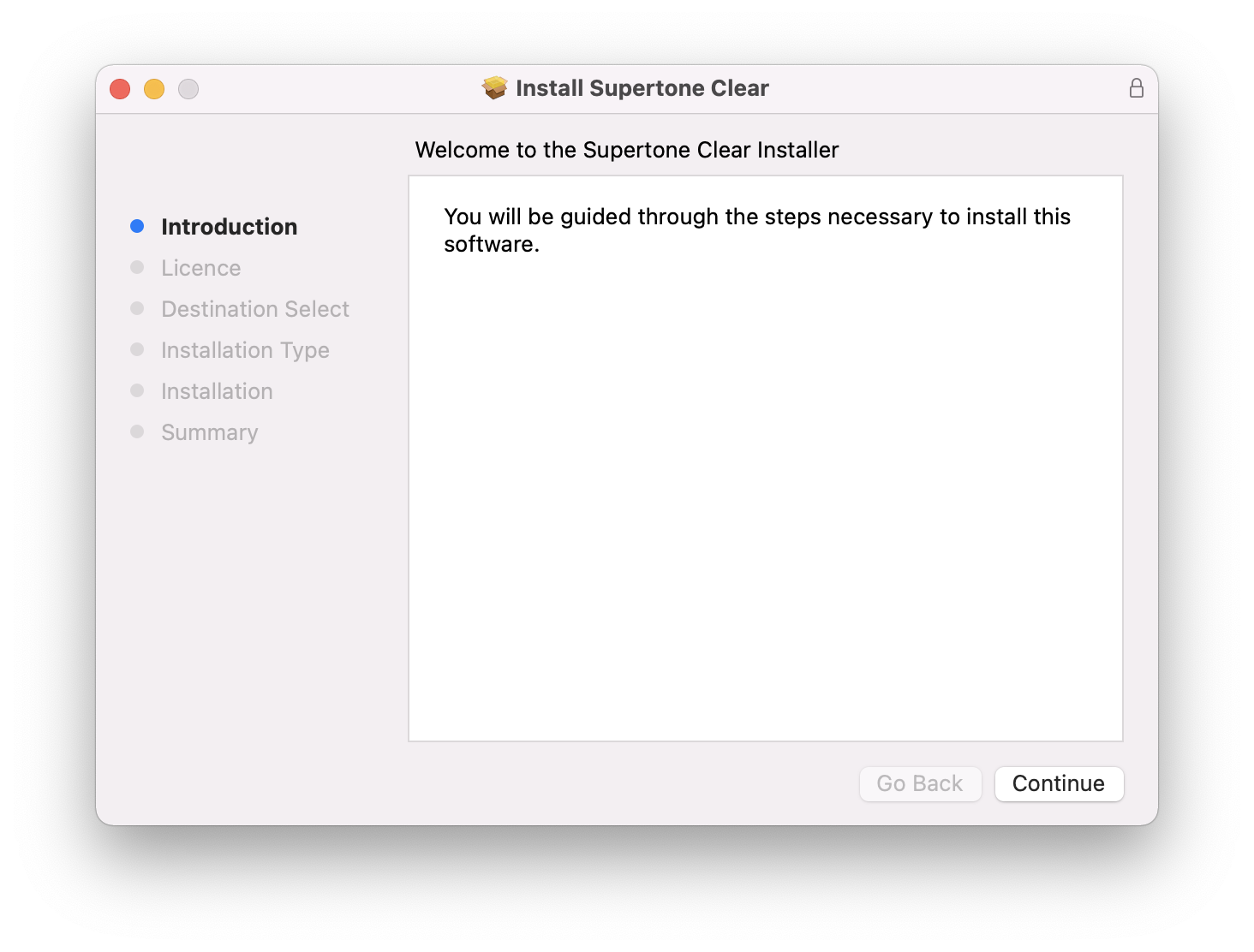
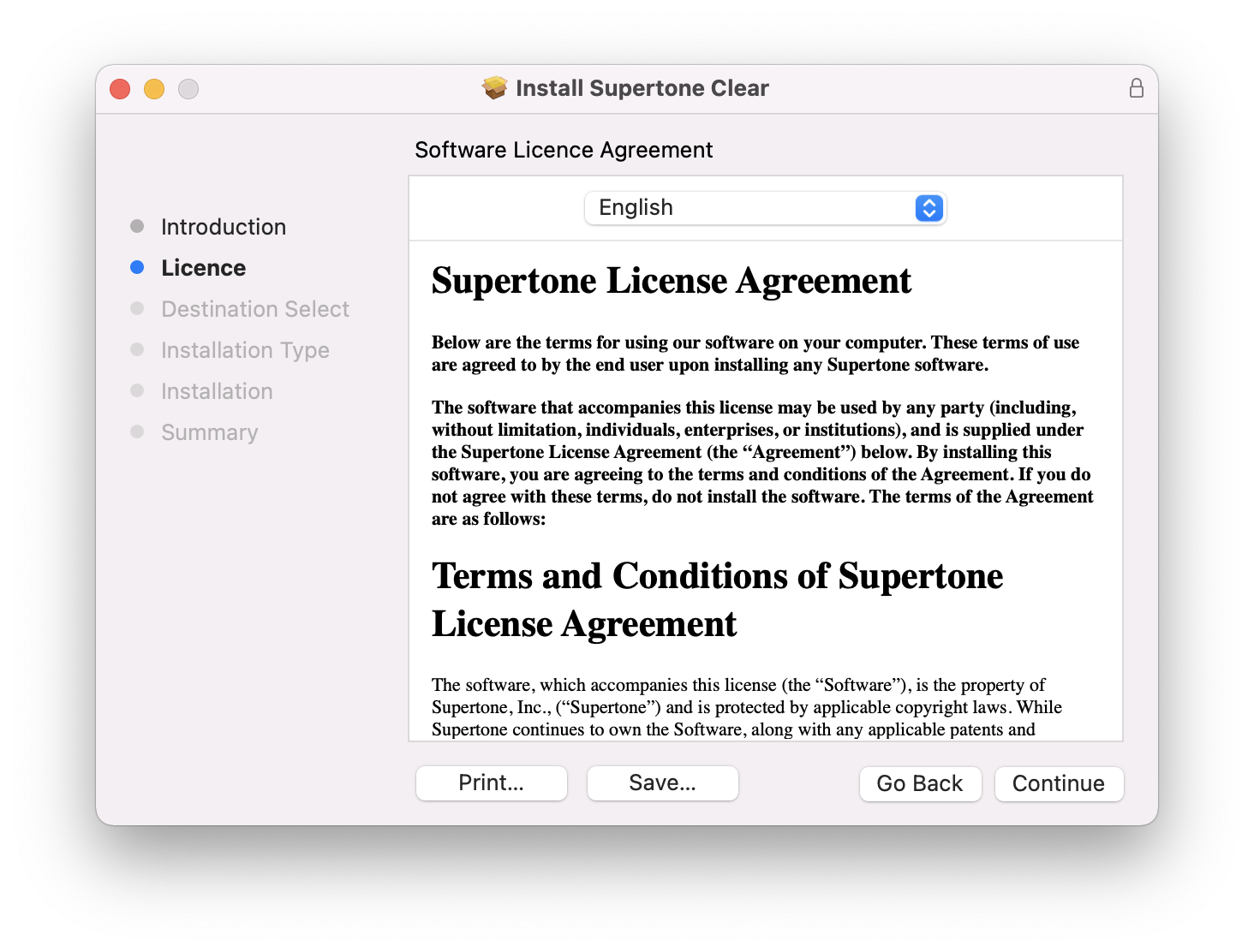
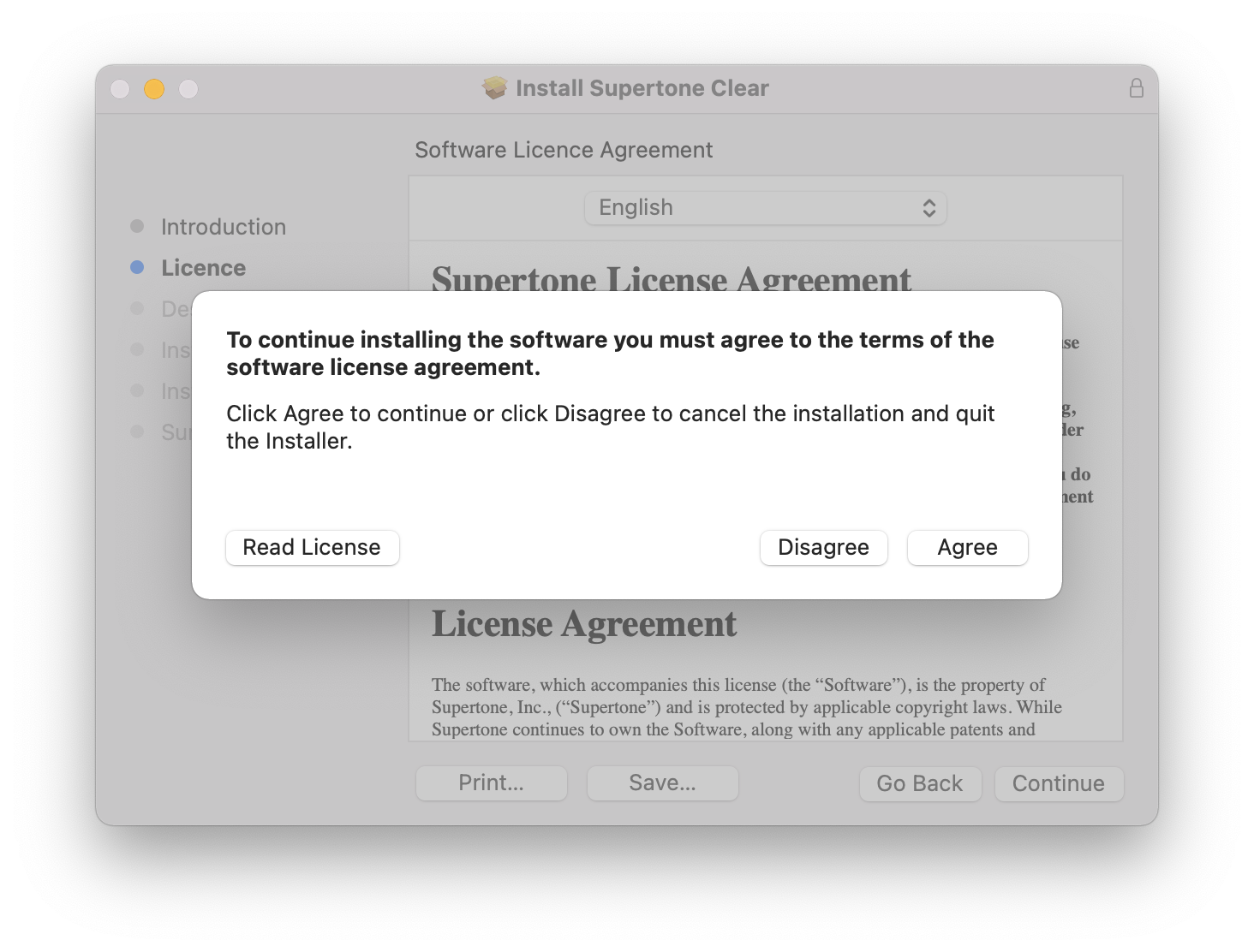
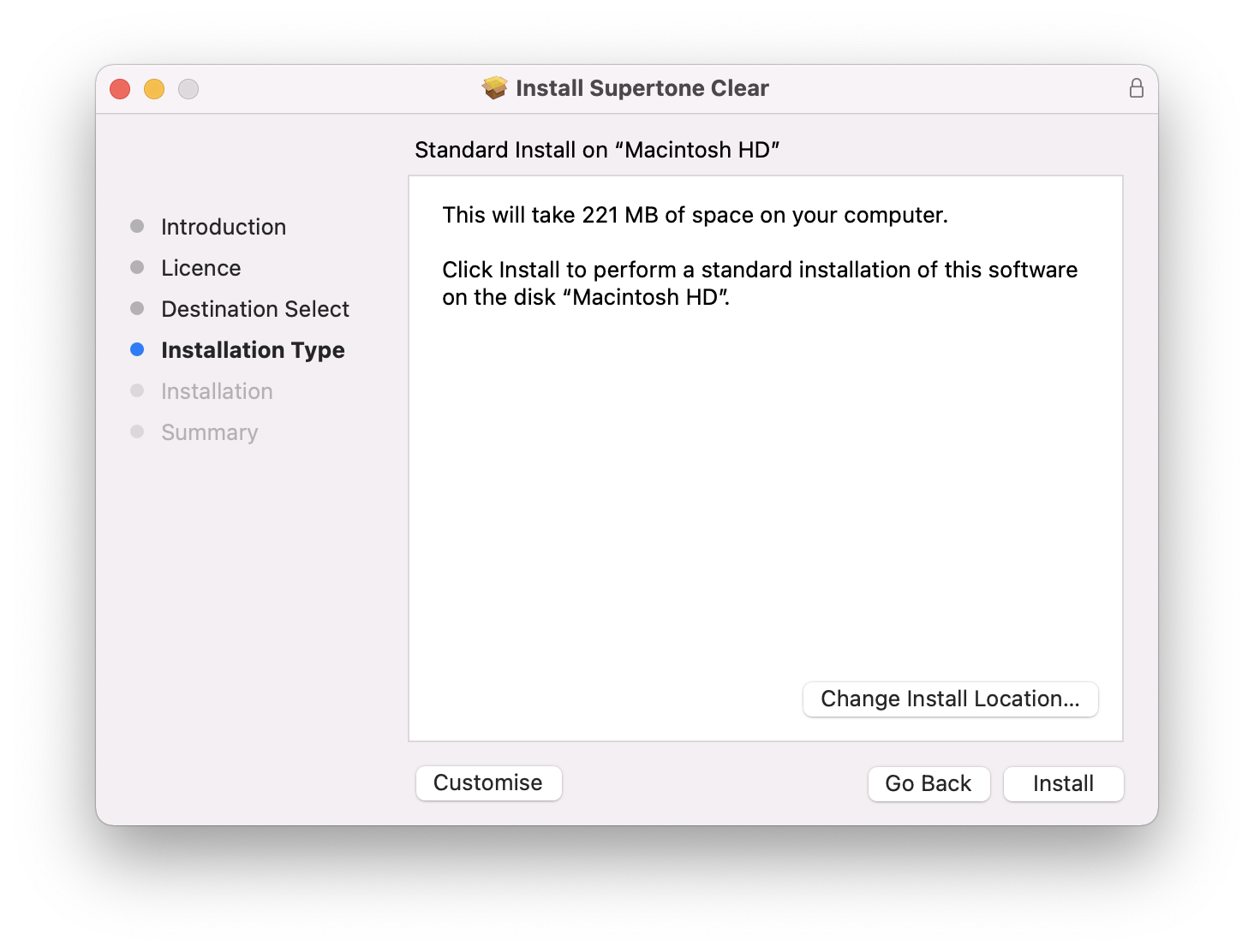
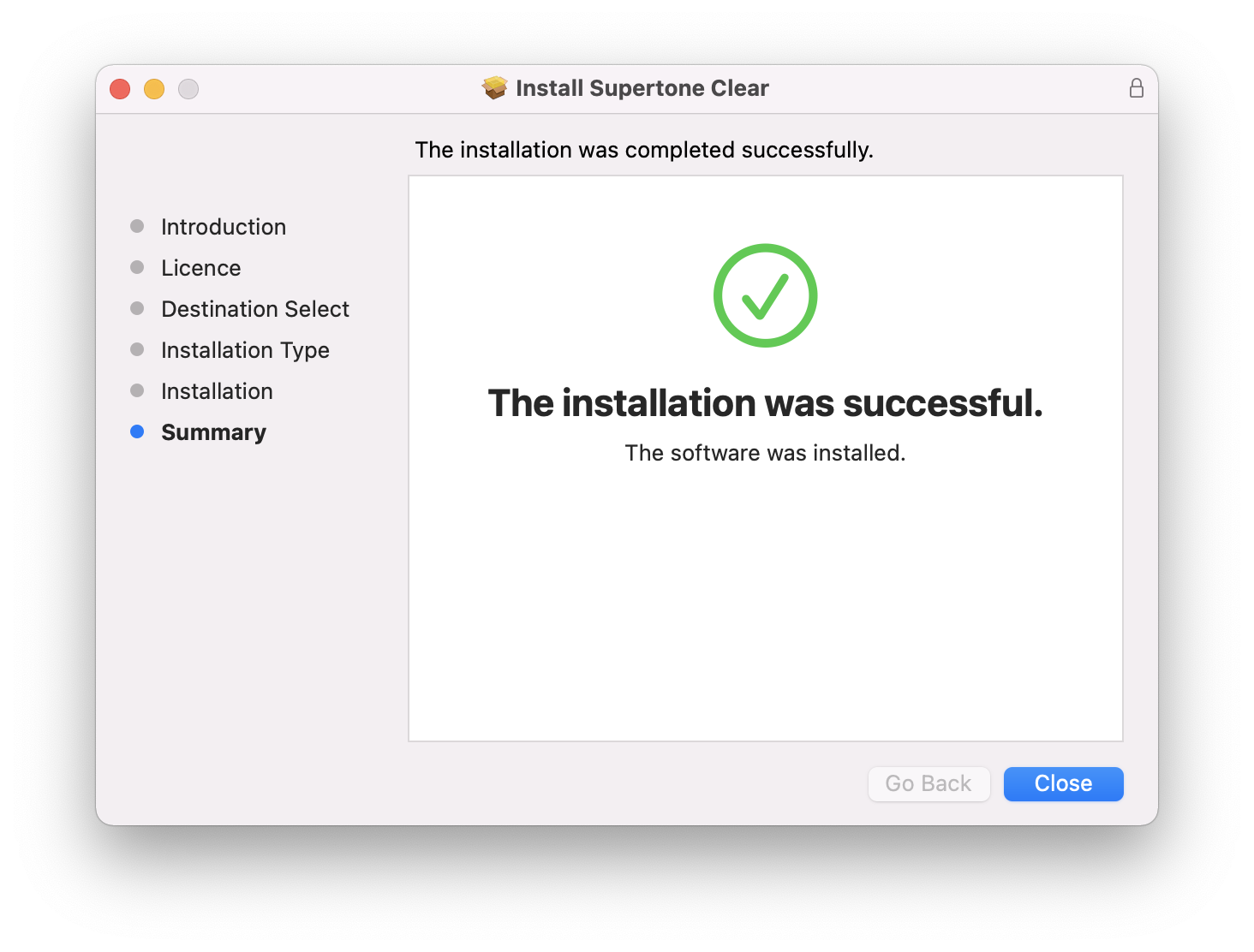
Installation Instructions