


 Log In

Free gifts available with your purchase

Hypermodern vocal effect.
UNLOCK YOUR SIGNATURE VOCAL SOUND
Evoke goes beyond traditional pitch correction and vocoding with vocal resynthesis — a purpose-built approach for modern, distinctive, and emotionally resonant tracks.
Hypermodern Vocals
Produce unforgettable vocals with a unique resynthesis engine, delivering vibrant, forward-thinking results not possible with other effects.
Instant Transformations
Reimagine the character of your vocals. Craft unique lead lines and multi-voice harmonies with a simple, drag-and-drop workflow.
Expressive and Personal
Vocals are the heart of a track. Evoke preserves the unique identity of every voice, making it ideal for front-and-center performances.
Design Your Voice
A full production suite for mix-ready vocals with deep tonal control, a versatile effects rack, and powerful modulation.
Key Use Cases
- Create unique vocals beyond traditional hard-tuning and vocoding.
- Craft distinctive lead vocals while maintaining intelligibility.
- Build lush harmony layers from a single vocal take.
- Use resynthesis to transform vocal character and tone in new ways.
- Instantly retune vocals for pitch correction and hard-tuning effects.
- Add depth and movement by modulating core vocal elements and controls.
- Turn vocal tracks into atmospheres, basses, SFX, and more.
- Get immediate results without complex setup or routing.
- Get inspired by expertly crafted presets for a variety of styles and use cases.
Features
- Vocal Resynthesis Engine: Transform your sounds with vocal resynthesis, letting you manipulate a voice’s core features and reconstruct an entirely new signal in real time.
- Multiple Character Modes: Access 15 distinct character modes to quickly explore resynthesis profiles — from natural choral effects to futuristic voices and textural tones like liquid or static.
- Multi-Voice Harmonization: Use up to four harmony voices to create scale-aware harmonies with per-voice level and pan controls for precise mixing and spatialization.
- Pitch Correction & Hard-Tune: Dial in everything from natural pitch tracking to aggressive hard-tuning. Enable synthetic glide for portamento-style slides found on synthesizers.
- Flexible Effects Rack: Choose from eight studio-grade effects and load them into twelve freely assignable slots in the dedicated Effects View — ideal for mix-ready presets and creative sound design.
- Deep Modulation System: Modulate any parameter via drag-and-drop, or dive into the modulation matrix for deeper control. Sources include macros, LFOs, curve sequencers, and envelope followers.
- Spectrum Filter & Freeze: Sculpt the resynthesized signal with a spectral filter for precise tone shaping, or freeze it to sustain vowels, build evolving drones, and trigger futuristic glitch effects.
- 350+ Preset Library: Explore over 350 presets organized into eight stylized preset packs, covering use cases such as lead vocals and harmonization — each with powerful macro controls.
- Instant Setup: Simply add Evoke to a track, set your scale, and start creating. No complex routing is required — although MIDI and sidechain modes are available for deeper control.
- MIDI & Sidechain Modes: Use external MIDI for scale/note control and sidechain audio for vocoder-style processing to integrate Evoke more deeply into your projects.
Mac
- macOS 10.9 or higher (64-bit only)
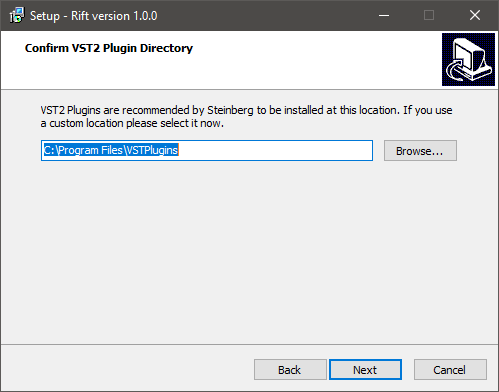
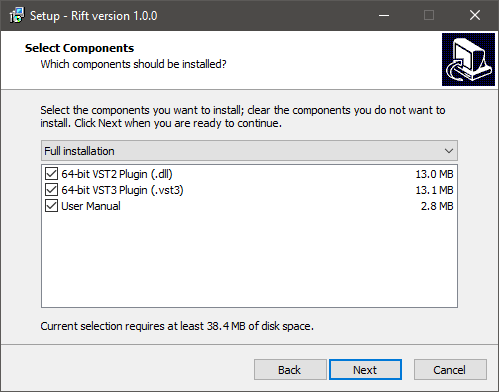
- AU, VST, VST3, AAX
Windows
- Windows 10 or higher (64-bit only)
- VST, VST3, AAX
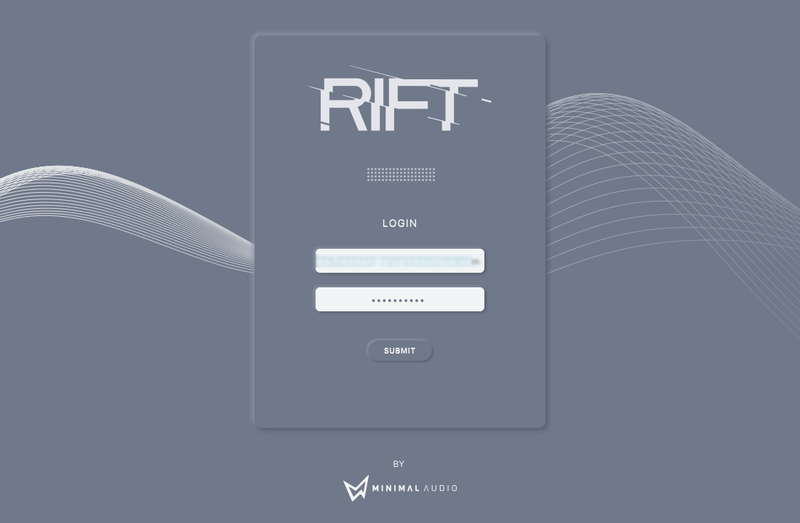
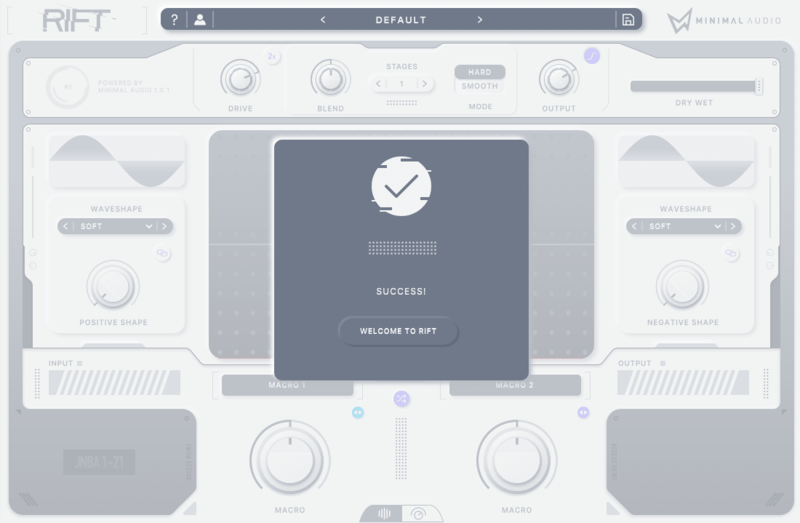
Please Note: An internet connection is required for activation.


Reviews Summary
While it aims to provide a helpful overview, it may not capture every perspective or detail. We encourage you to read individual reviews to make an informed decision.
Users overwhelmingly praise the plugin as an innovative, clean, and highly versatile vocoder and vocal design tool. Reviewers appreciate its deep modulation features and versatility across vocals, synths, and guitars, noting it excels at both subtle adjustments and futuristic, robotic transformations. While mostly celebrated for its high quality and depth, some reviewers noted a slight learning curve, mixed opinions on preset usefulness, and the inability to bypass the core resynthesis engine to use the secondary effects alone.


