Log In

Free gifts available with your purchase
Transform your voice. Keep your soul.
Metamorph is a plugin that transforms vocal recordings with premium, ethically trained voice models directly in your DAW. No internet required. Metamorph offers flexible capabilities for adding backing vocals or creating entirely new lead voices for music production.
Metamorph V1.1 delivers features the community has been asking for: import your own voice models, drag processed vocals directly into your timeline, and let intelligent range matching handle the technical details so you can focus on the music.
Who it's for
- Singers/Songwriters
Artists who write and perform their own music, often creating demos for themselves or pitching to other artists.
- Hobbyist/Enthusiasts
Non-professional musicians and content creators who create for personal enjoyment or social sharing and don’t require extensive technical knowledge
- Professional Producers
Experienced music producers working with multiple artists and clients who need versatile vocal options for various projects.
Release the Voices in Your Head
Explore new vocal possibilities while preserving the emotion of your original performance - perfect for demos, backing vocals, or creating new vocal sounds.
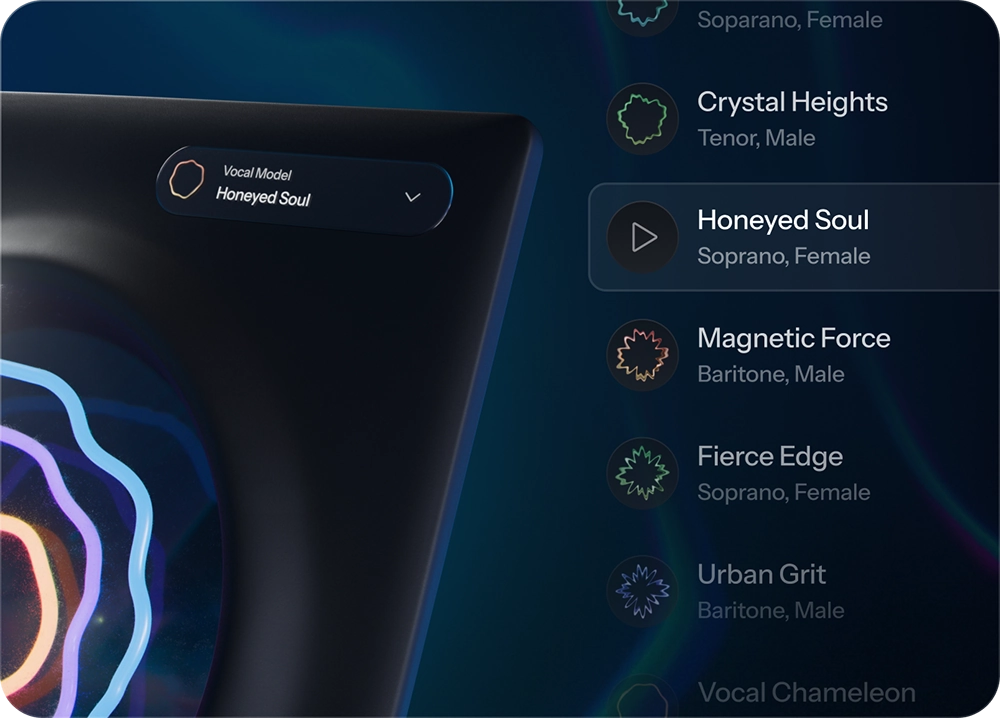
Professional AI Voice Models, Ethically Trained
Access a curated collection of premium voice models created with respect for the artists who contributed them. Each artist is compensated, and properly licensed, ensuring you can transform with confidence.
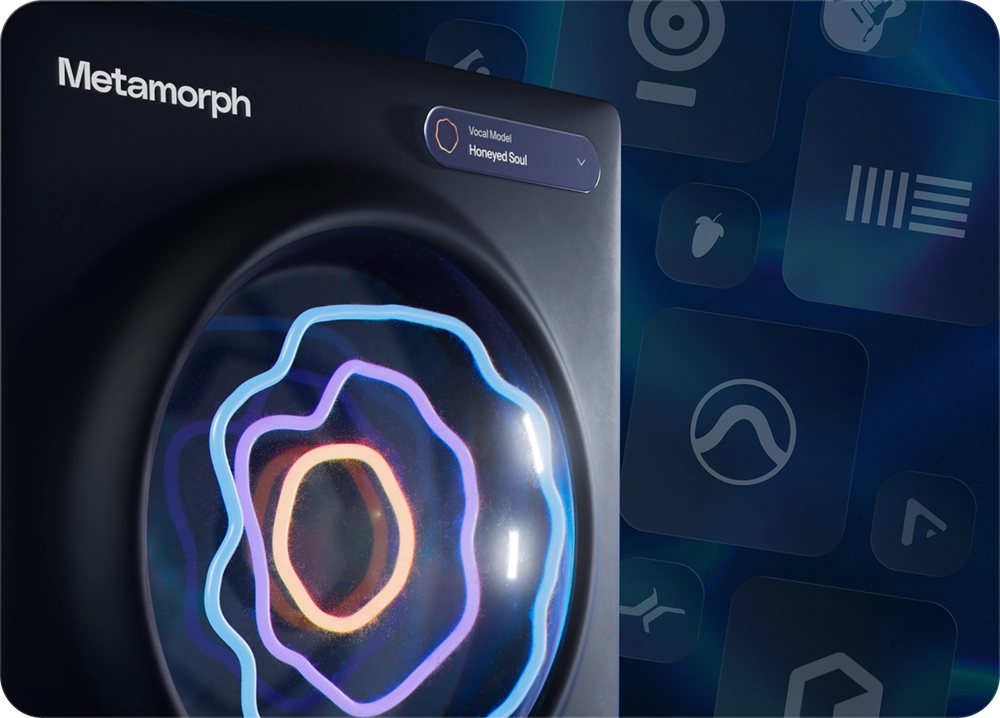
Works Where You Work
Metamorph integrates directly into your DAW workflow, processing everything locally on your computer. No internet connection required. Transform, audition, and refine without leaving your creative environment.
Your Data Is Your Data
No need for strange websites. Metamorph functions entirely offline and doesn't collect any of your data for AI training. Work with confidence knowing your music can't be leaked or used without your permission.
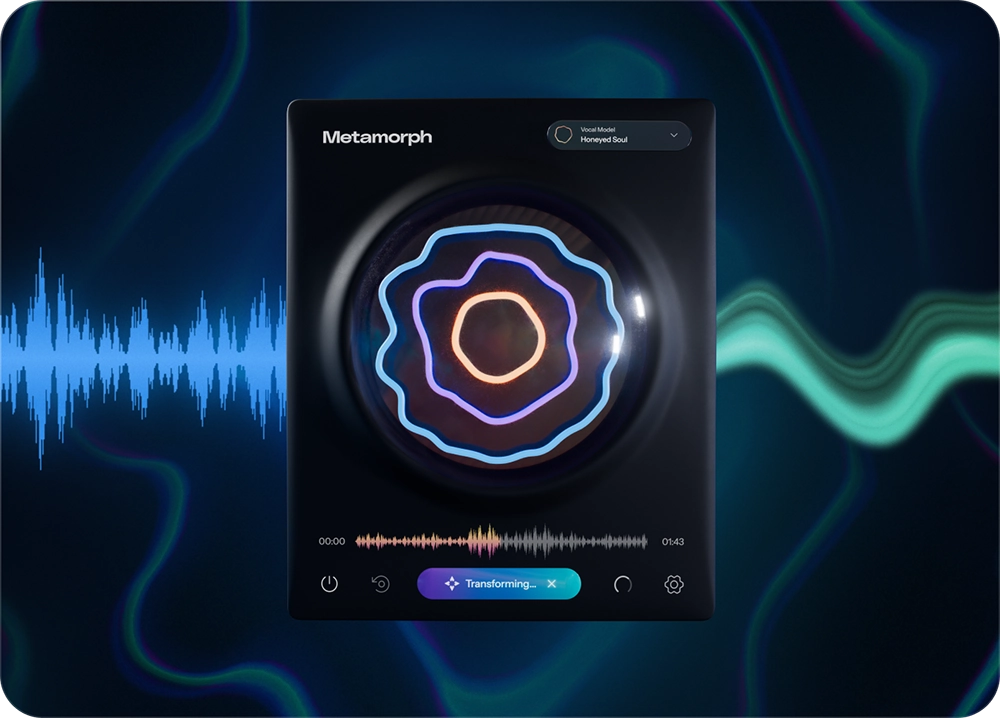
Simple Workflow, Professional Results
Capture a vocal track into Metamorph, choose a premium voice model, and get results with a single click. Once transformed, your new vocal is instantly ready to use in your session.
Features
- Premium Voice Models: Transform vocals using high-quality, ethically trained voice models.
- Offline Processing: Work anywhere, no internet connection required.
- Seamless DAW Integration: Works directly in your favorite recording software.
- Third-Party RVC Model Import: Expand your sonic palette beyond Metamorph's premium collection. Import custom-trained models or community creations directly into the plugin. Built with a security-first approach that protects your computer and privacy.
- Vocal Range Matching: Not every voice fits every model out of the box. Vocal Range Matching automatically analyzes the user's vocal input and optimizes it to sit naturally within the chosen voice model's range, delivering smoother, more authentic transformations with fewer artifacts.
- Drag-and-Drop Export: From plugin to timeline in seconds. Drag processed vocals directly from Metamorph onto your DAW timeline, no exporting, no file management, no extra steps. creative momentum stays unbroken.
- Enhanced Mac Accessibility: Full Tahoe support and VoiceOver accessibility ensure Metamorph works seamlessly for all Mac users.
Thomas Warren
"What I love about Metamorph is how naturally it reshapes a voice without messing with the performance. You can flip a vocal from male to female or with a mix knob blend the two and create completely new tones, and it still feels human."
Gloria Kaba
"As a producer, having the ability to instantly swap vocal styles with this plugin is a game-changer. It opens up new creative possibilities from auditioning different voices on a track to quickly building layered harmonies and delivering polished demos for clients. This tool saves time and inspires experimentation, making it a must-have for any modern music creator."
- macOS 13 and higher, and Windows 10 and 11
- AAX Native: Pro Tools 2018.1 or later
- VST3: A compatible VST host program that supports VST3 format
- Audio Units (macOS only): A compatible host program that supports the AU format