Log In

Free gifts available with your purchase
Note: This product is the Native version. The HD version for AAX DSP users is also available.
The DE555 is a new generation of de-essing technology, providing transparent, precise de-essing with unique flexibility.
Intelligent signal analysis allows the DE555 to effectively de-ess at any signal level – no manual input threshold adjustment required. Other options include continuously adjustable ratio and release controls to fine- tune the de-essing amount, plus a high frequency (HF) only mode for reducing the signal level of only the ‘sss’ and not the original dialog.
Key filter options include high pass and band pass filtering. A unique focus control further enhances the key filter’s ability to separate ‘essing’ from actual dialog. The key filter output can also be monitored.
Real-time displays of de-essing amounts and key filter response enable quick and easy setup.
Features
- Optimization for Apple Silicon and Latest Intel Processors
- Two activations per license / subscription
- High definition updated user interfaces
- New presets
- Zero Latency Algorithms
- Double Precision Processing
- New Frequency Shift Control
- Advanced de-essing technology
- Unique key filter focus and de-essing controls
- Real-time metering and key filter response plot
- High frequency (HF) only option
- Mono and stereo versions
System Requirements
Mac
- macOS 10.13 or higher (64-bit only) (macOS 12 Monterey compatible)
- McDSP plugins run natively on Intel and M1 Apple Silicon processors
- McDSP HD plugins support AAX DSP plugin format, AAX Native, AU, and VST3 plugin formats
- McDSP plugins support Mac OS 10.13.x (High Sierra), 10.14.x (Mojave), 10.15.x (Catalina), 11.x (Big Sur), 12.x (Monterey), and Windows 10
- Mac OS version 10.12.x (Sierra) may work but is not officially supported. Earlier Mac OS versions are not officially supported
Windows
- Windows 7, 8 & 10 (64-bit only)
HD v7 Software Support
- AAX DSP
- AAX Native
- Audio Units (AU)
- VST3
Compatible DAW's
- McDSP HD and Native plugins are compatible with Pro Tools, Logic Pro, Cubase, Nuendo, Ableton Live, LUNA, Reaper, Sonar, Studio One, and other DAWs that support AAX, AU, and/or VST3 plugin formats
- As of v7.0, VST is no longer supported. VST versions of v6 McDSP plugins will no longer be updated and will be uninstalled
- McDSP HD plugins also support the VENUE S6L systems. McDSP VENUE plugins are packaged in a VENUE specific installer available on the McDSP website.
Activation:
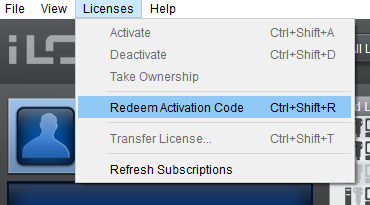
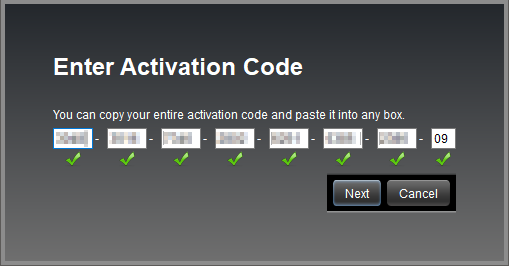
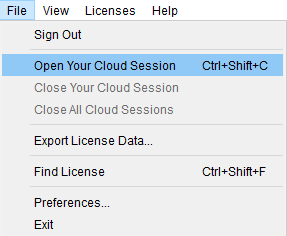
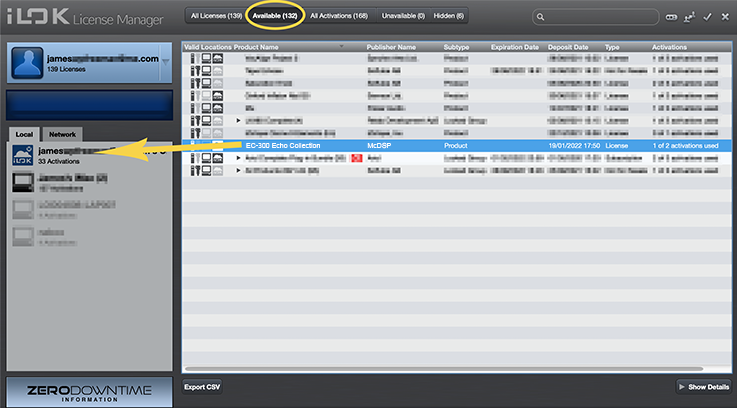
- McDSP plugins require an iLok2 or iLok3 USB Smart Key, or an iLok License Manager account and iLok Cloud for activation.
Important note: McDSP plugins require an iLok2 or iLok3 USB Smart Key, or a FREE iLok License Manager account and iLok Cloud session for authorisation. Each McDSP v7 plugin contains two activations per authorisation.
ProToolerBLOG
ProToolerBlog is the largest website in the world dedicated to Pro Tools.
“The controls are very easy to get a hang of, and despite the DE555 being very precise in operation, it’s really quick to dial in.”
Sound On Sound
Sound on Sound is an independent monthly music technology magazine.
“I’d be more than happy to use it in a mix, especially where results were needed fast."