/ Exciter / Harmonic Maximizer
Audiority

Harmonic Maximizer

4.6 (429 Reviews)
$45.00
Harmonic Maximizer - User Interface
Audiority Harmonic Maximizer - Blues Demo (Guitar + Voice) gallery thumbnail
Buy Now
Product information

Multi-band Exciter and Loudness Maximizer

Harmonic Maximizer is a multi-band exciter and loudness shaping plugin that will make your tracks powerful and more alive.

Features

  • Multi-band Exciter
  • Loudness Maximizer
  • Auto Gain + Auto Release
  • Saturation
  • Blending

System Requirements

Mac (Intel)

  • OSX 10.13 or later
  • Intel i5 or higher
  • 2GB RAM
  • Screen resolution: 1024×768
  • VST2, VST3, AU 64-bit host
  • PT11 or higher, AAX 64-bit host

Mac (Silicon)

  • macOS 11.0 or later
  • Apple M1 or higher
  • 2GB RAM
  • Screen resolution: 1024×768
  • VST2, VST3, AU 64-bit host
  • PT11 or higher, AAX 64-bit host

PC:

  • Windows 7 64bit or later
  • Intel i5 or higher
  • 2GB RAM
  • Screen resolution: 1024×768
  • VST2, VST3 64-bit host
  • PT11 or higher, AAX 64-bit host
Installation Instructions
Note: LDC2 Compander is used as the example.

Mac

Registration

1. Visit https://www.audiority.com/register and enter your personal details > Click 'Register.'

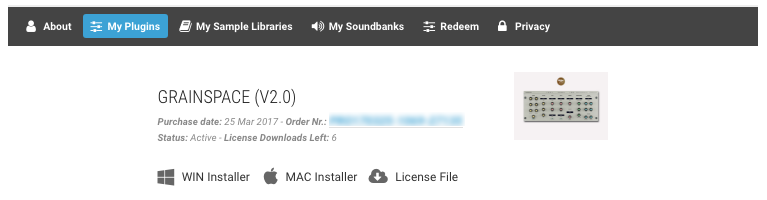
2. Once logged in, Click the 'Redeem' button at the top of the page and enter the redeem code, found in your Plugin Boutique User Account > Click 'Submit'.

3. Click the 'My Plugins' button > Select the Mac Installer.

4. Locate the .dmg installer file from the 'Downloads' section of your computer, and double-click it to begin the installation process > click ‘Continue.’

Installation

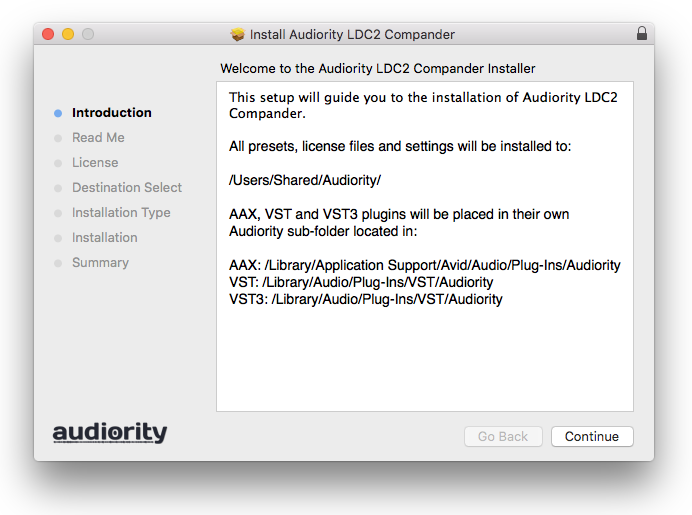
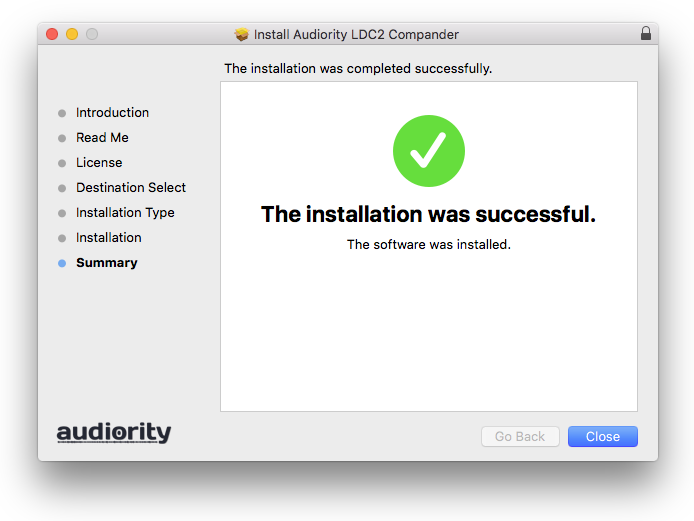
1. Open the .dmg file > Open the .pkg file to begin the installation.

2. Click 'Continue'.

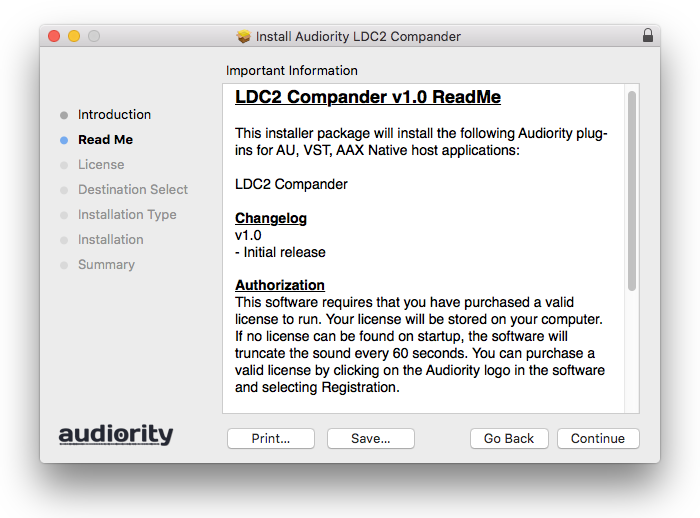
3. Click 'Continue'.

4. Click 'Continue'.

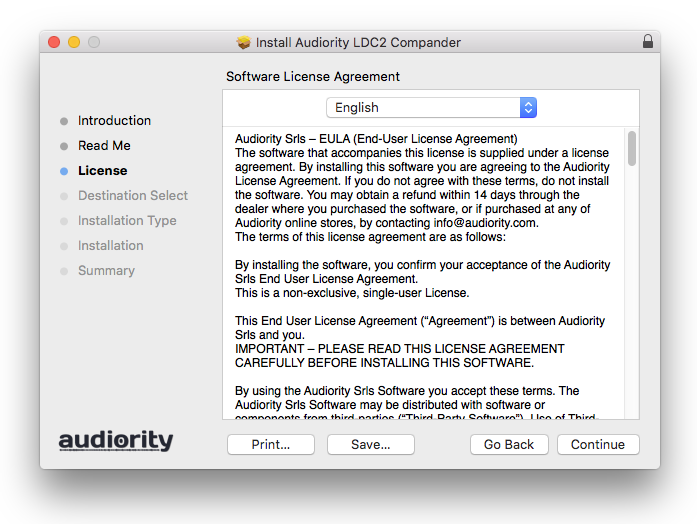
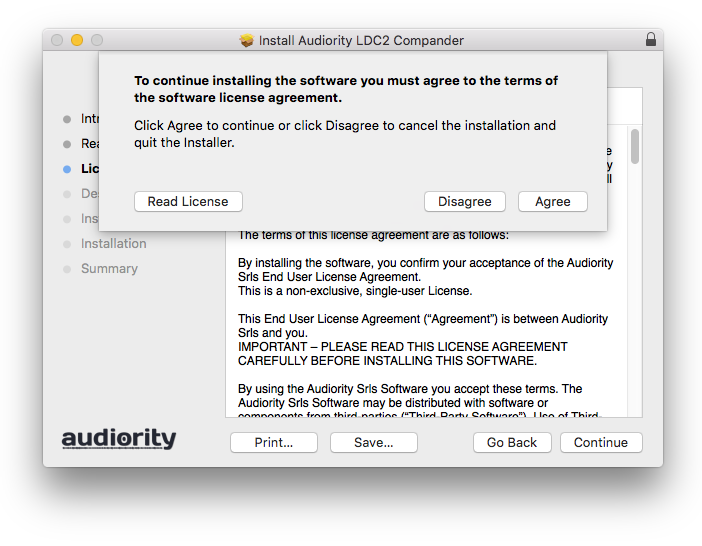
5. Click 'Agree'.

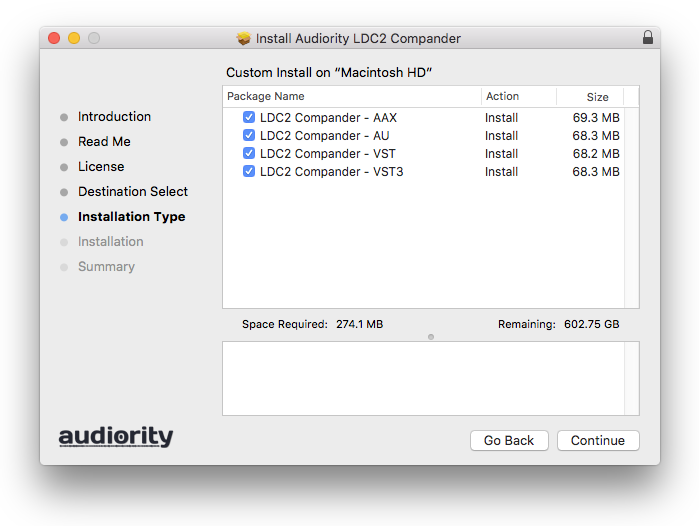
6. Click 'Continue'.

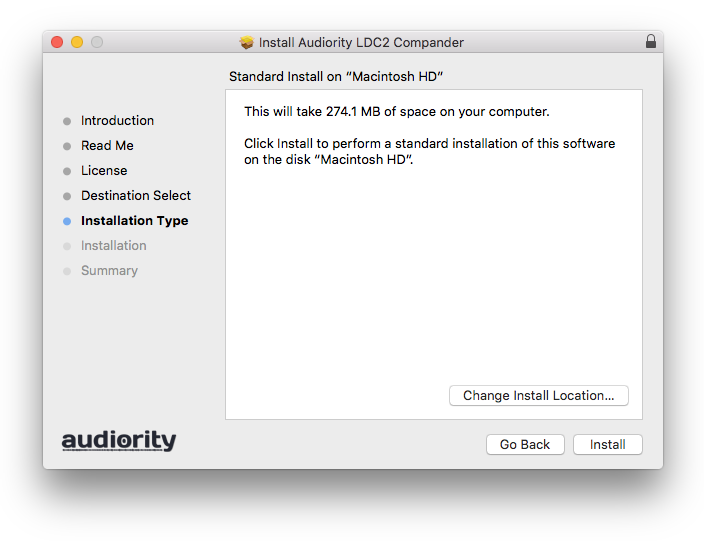
7. Click 'Install'.

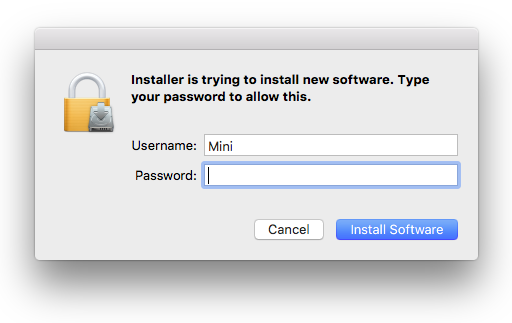
8. Enter your computer Username and Password > Click 'Install Software'.

9. Click 'Close'.

Activation

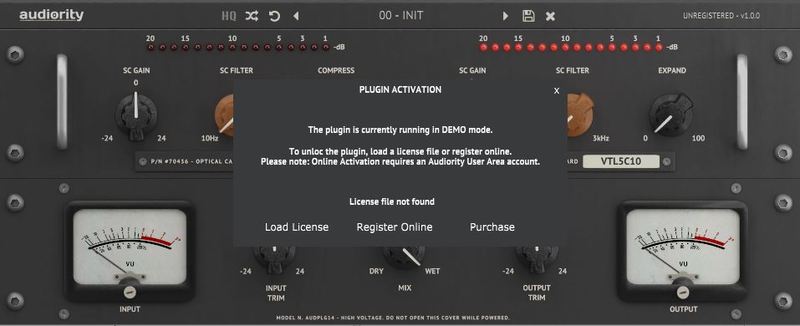
1. Open the newly installed plugin in your DAW > Click 'Register Online'.

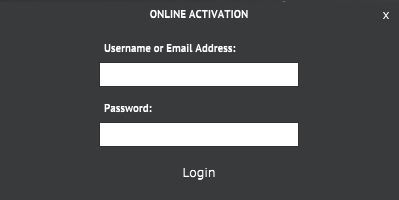
2. Enter your username and email address that you registered at Audiority > Click 'Login'.

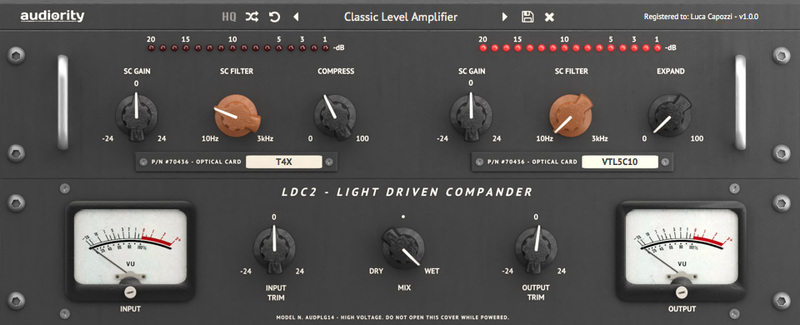
Your plugin is now activated and ready to use.

Windows

Registration

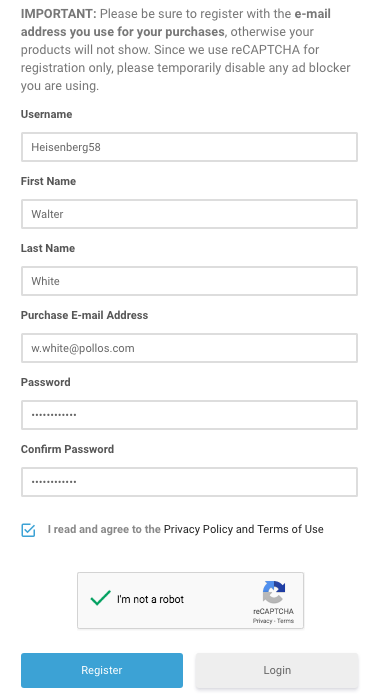
1. Visit https://www.audiority.com/register and enter your personal details > Click 'Register.'

2. Once logged in, Click the 'Redeem' button at the top of the page and enter the redeem code, found in your Plugin Boutique User Account > Click 'Submit'.

3. Click the 'My Plugins' button > Select the Windows Installer.

Installation

1. Double-click the installer to extract the contents > Double-click the .exe file to begin the installation.

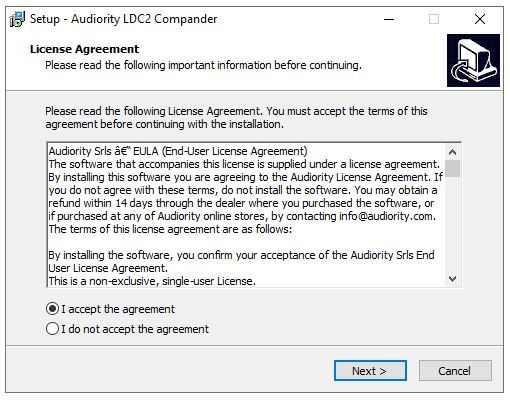
2. Select 'I Accept the Agreement' > Click 'Next'.

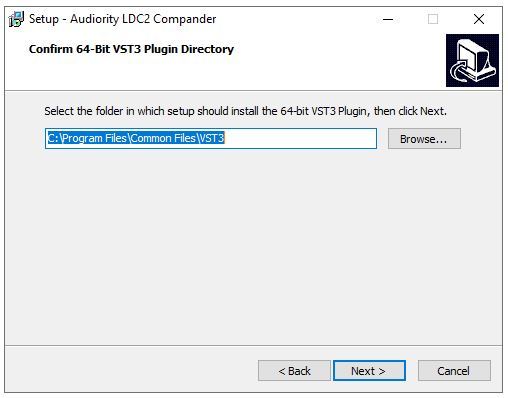
3. Click 'Next'.

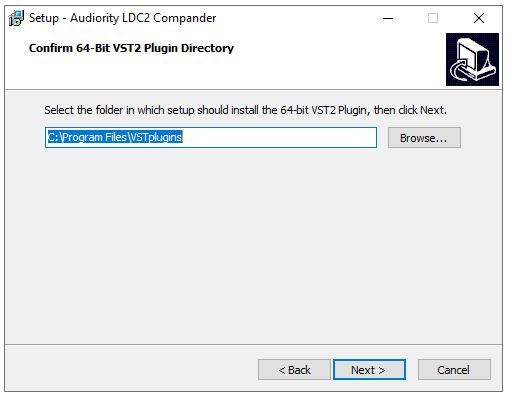
4. Click 'Next'.

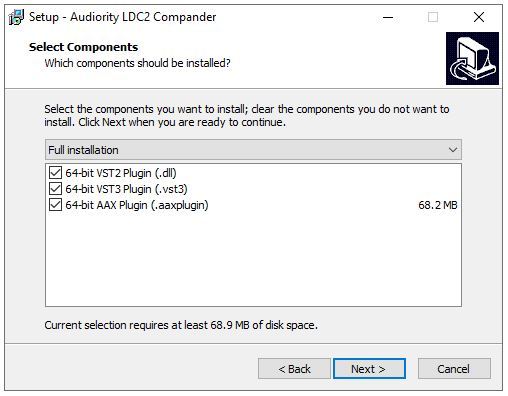
5. Click 'Next'.

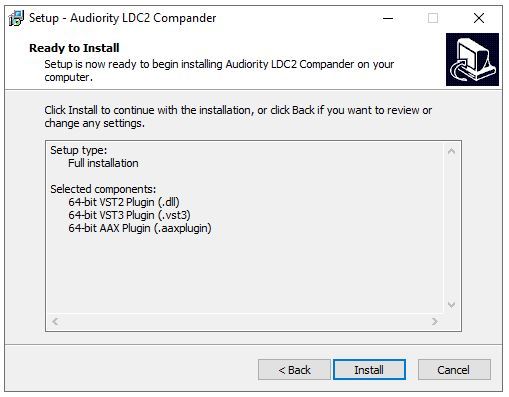
6. Click 'Install'.

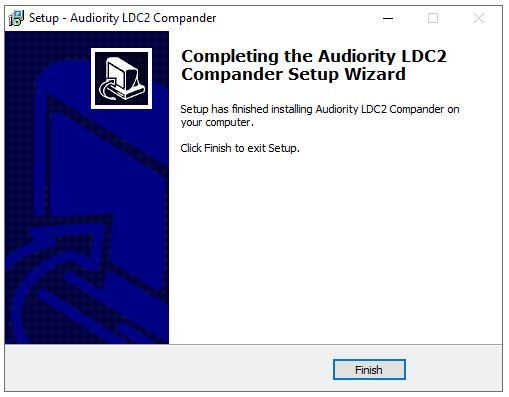
7. Click 'Finish'.

Activation

1. Open the newly installed plugin in your DAW > Click 'Register Online'.

2. Enter your username and email address that you registered at Audiority > Click 'Login'.

Your plugin is now activated and ready to use.

Plugin Boutique Rewards

Discover the most rewarding loyalty programme among all plugin retailers.

  • Free Loopmasters Samplepacks
  • Discounts on products and courses
  • Extra Virtual Cash claimed immediately at checkout
Find out more

Follow us:

X (Twitter) Facebook YouTube Instagram
Logo Logo

Plugin Boutique Limited, Part of the Beatport Group LLC.

Copyright © 2011-2025 Plugin Boutique. All rights reserved