Buy Oxygen, get a free gift with purchase:

Breathe Life Into Your Mix
Silky Smooth Top End Without The Harshness
Oxygen uses a unique process to control & enhance the top- end of any track in your mix, with a smooth & musical character you can’t get from EQ.
Different Oxygen Types
3 different Oxygen types to help you add the exact type of top-end you’re looking for - BITE, PRESENCE and AIR.
Sculpt Your Sound
The built-in compressor has 2 modes. PUNCH mode emphasizes the transients & increases the attack of your top-end. SMOOTH mode gives an overall softened dynamic response for a silky high end.
The CONTROL knob smartly sets the compression of the algorithm applied to the overall sound.
Add Character
The added harmonics and imperfections in the saturation module allow for a richer, warmer high-end that can be boosted without getting tiring to the ears.
The Side Enhancer found in the stereo version of Oxygen allows you to widen the high-end of your tracks. This can work great on stereo busses, giving extra width and shimmer to cymbals, vocals or other sources.
Custom Producer Presets
Kickstart your process with over 30 built-in presets from professional producers like Henrik Udd, Max Cameron, Forrester Savell, and more.
System Requirements
Mac
- Mac OS X 10.11 or higher
- At least 200 MB of free drive space
- AAX, AU, VST3 versions
PC
- Windows 10
- At least 200 MB of free drive space
- AAX, VST3 versions
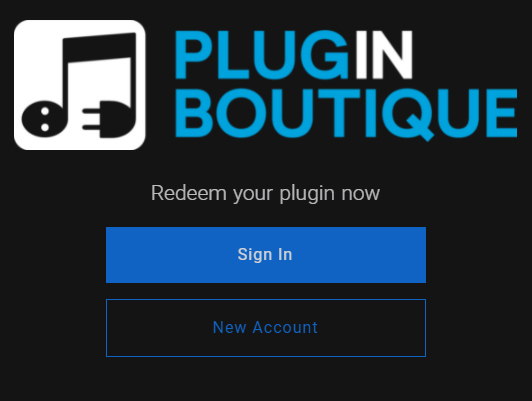
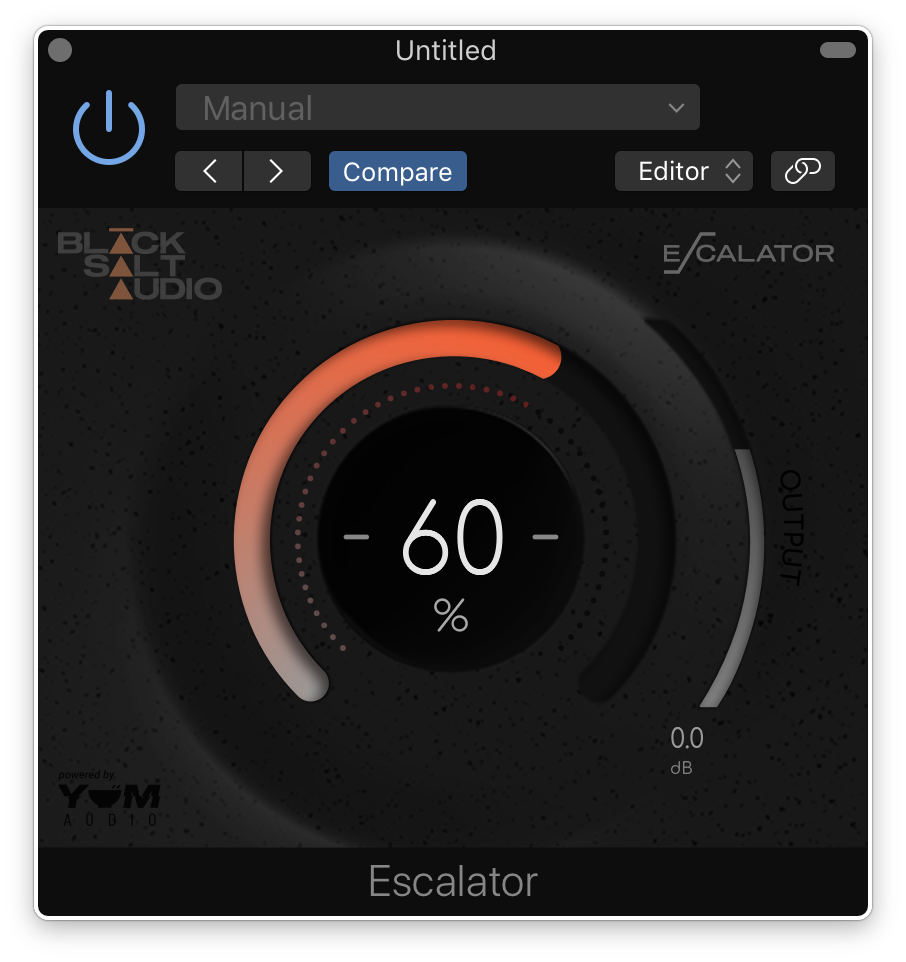
Note: Escalator is used as an example.
License Redemption
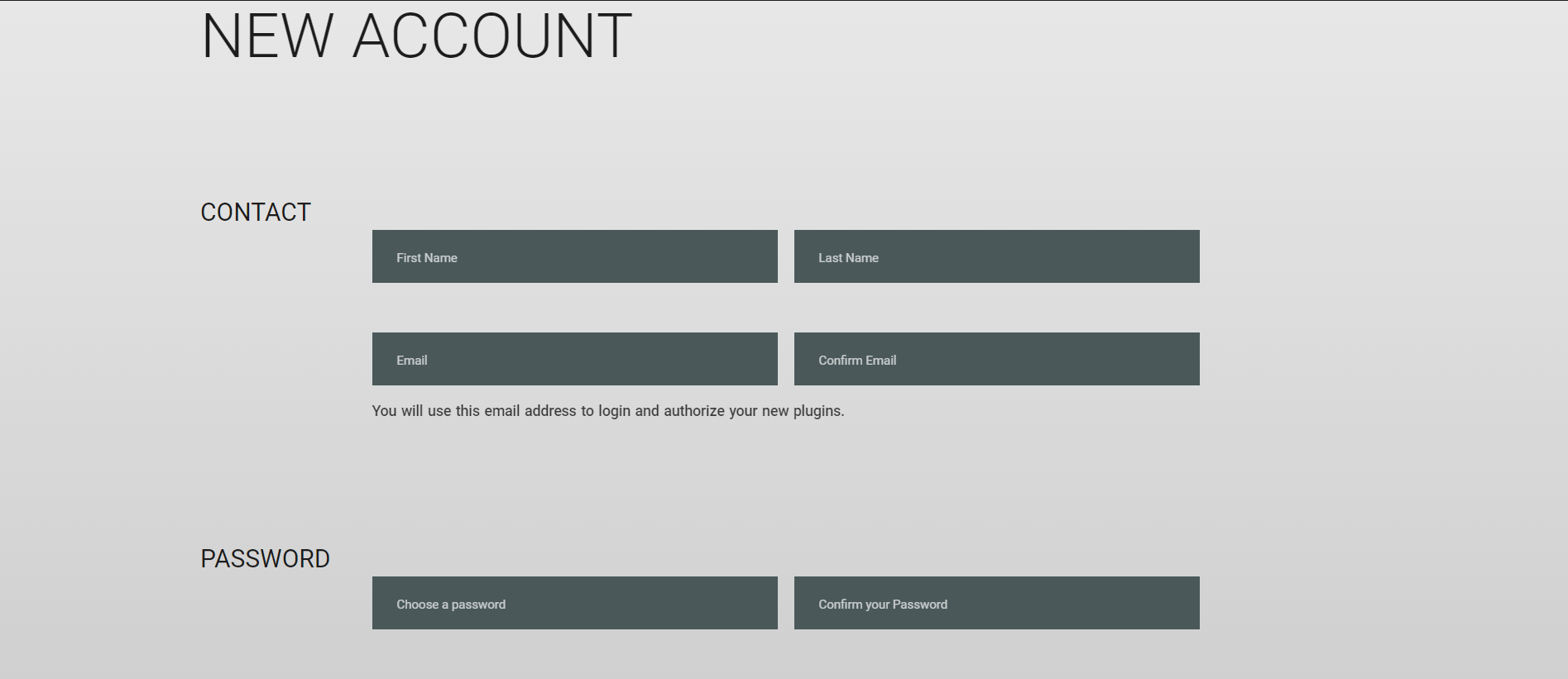
1. Visit https://blacksaltaudio.com/pluginboutique/redemption/ > sign in or create a new Black Salt Audio account.
2. Enter your details for your new Black Salt Audio account.
3. Scroll down and accept the Terms and Conditions > click 'Sign me up!'.
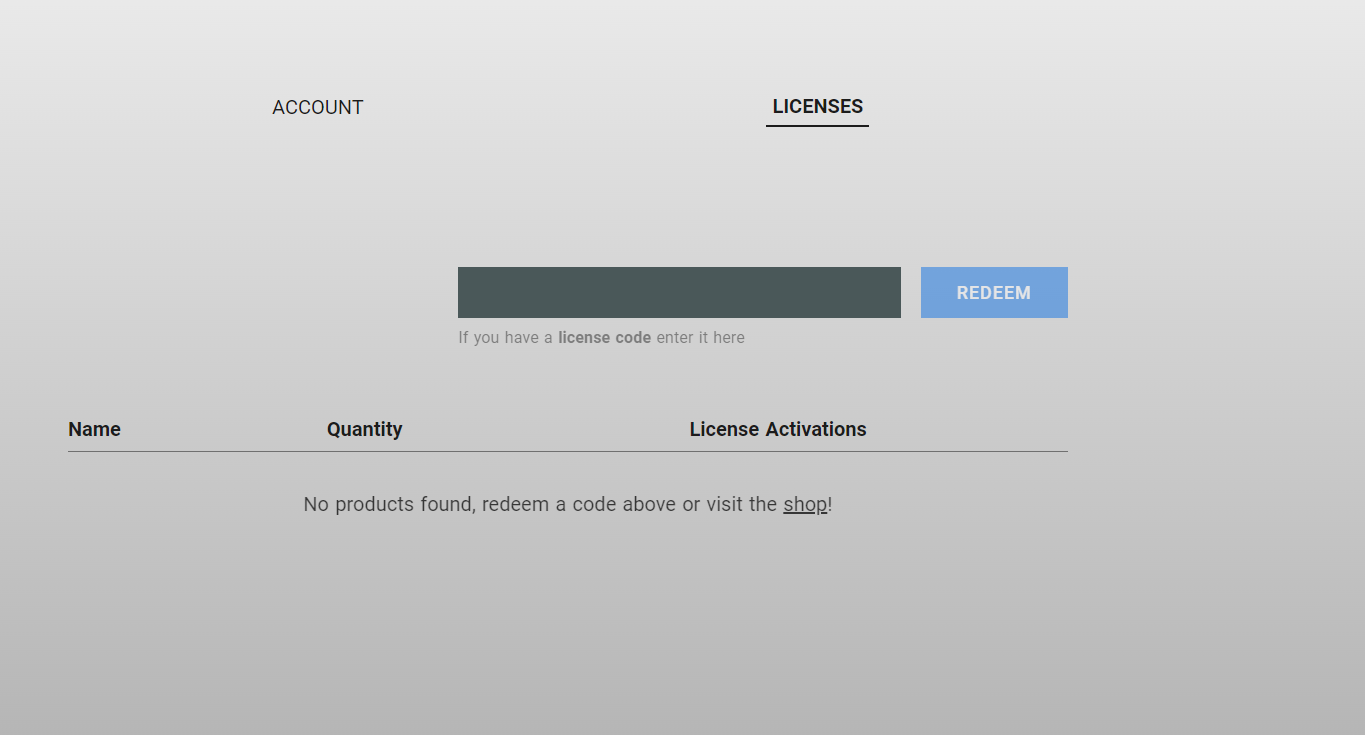
4. Enter your redeem code (found in your Plugin Boutique My Account page under 'Serial number' > click 'Redeem'.
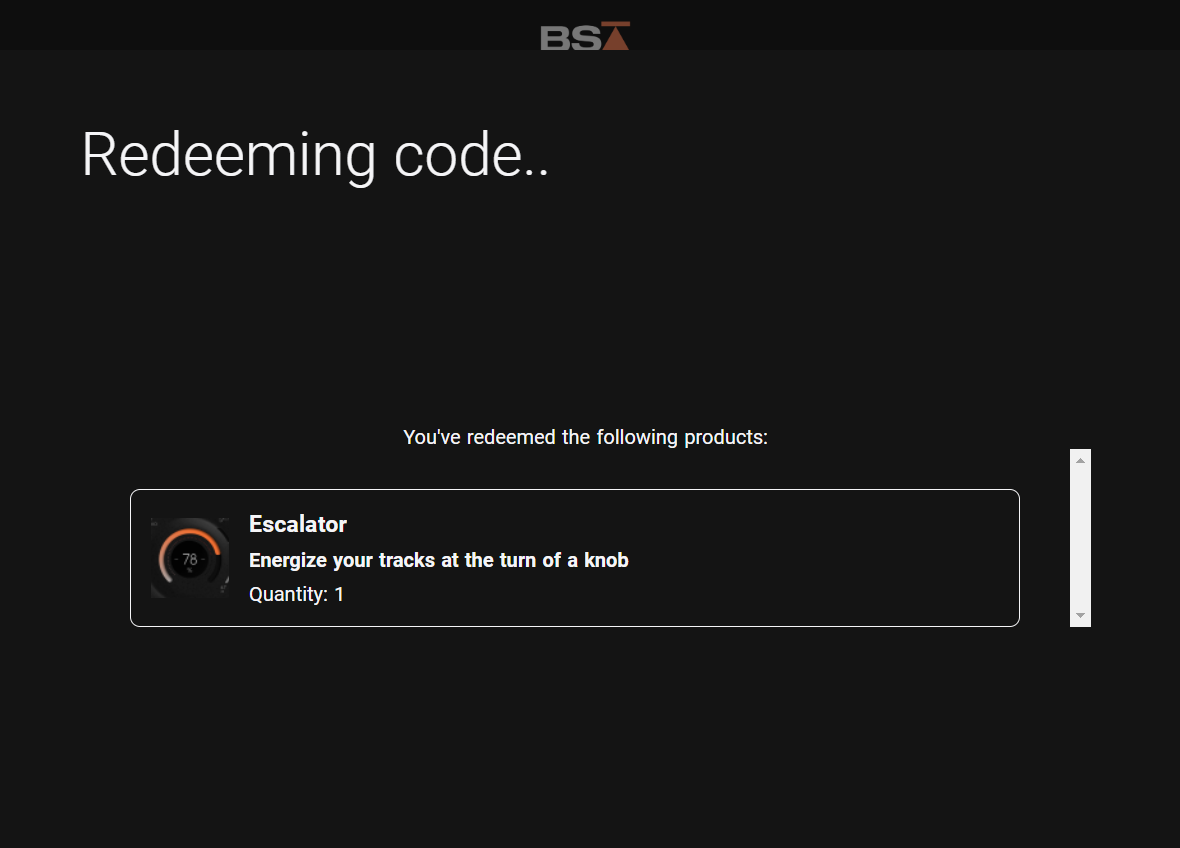
5. Your license has now been redeemed to your Black Salt Audio account > click anywhere to close this window.
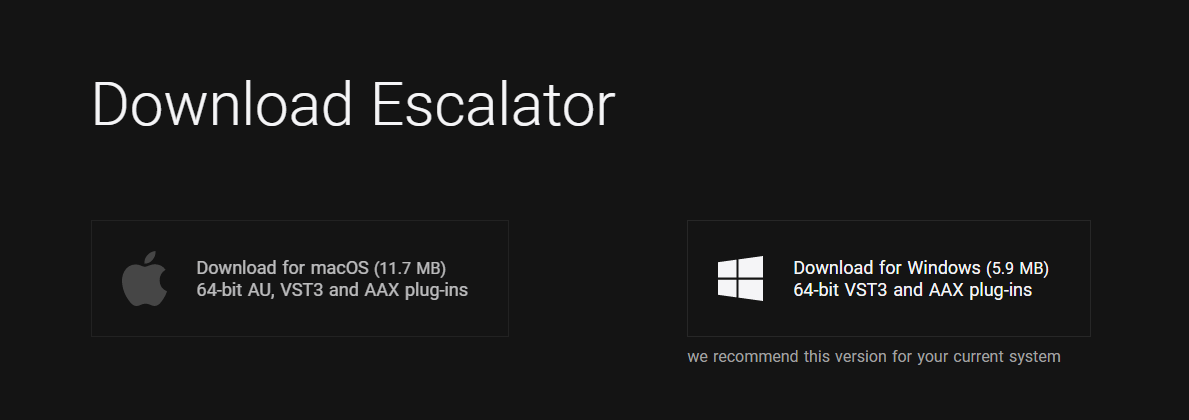
6. Locate the product you wish to install > click 'Download'.
7. Click the correct installer for your system.
Mac Installation
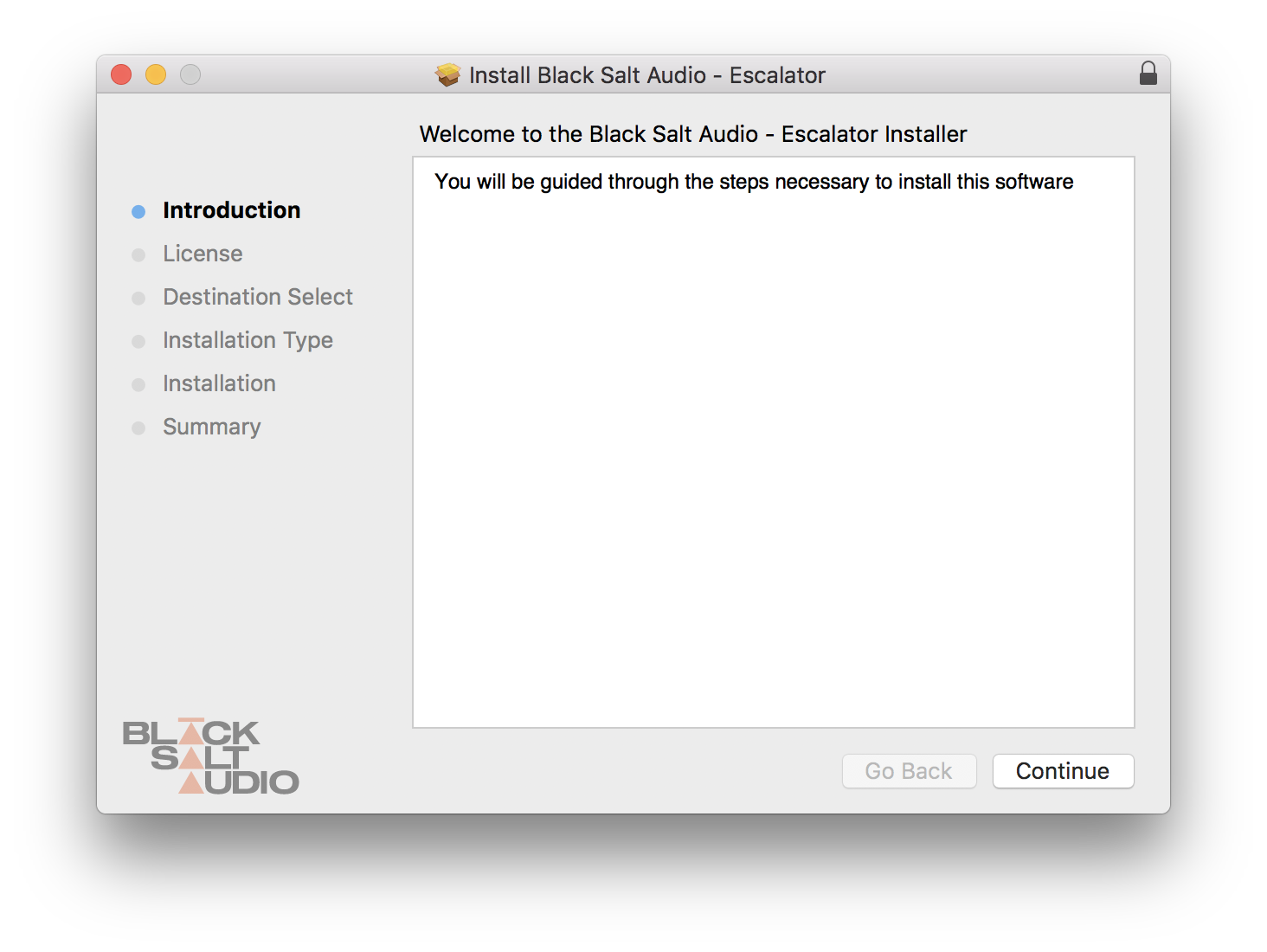
1. Locate the downloaded installer and launch the .pkg file.
2. Click 'Continue'.
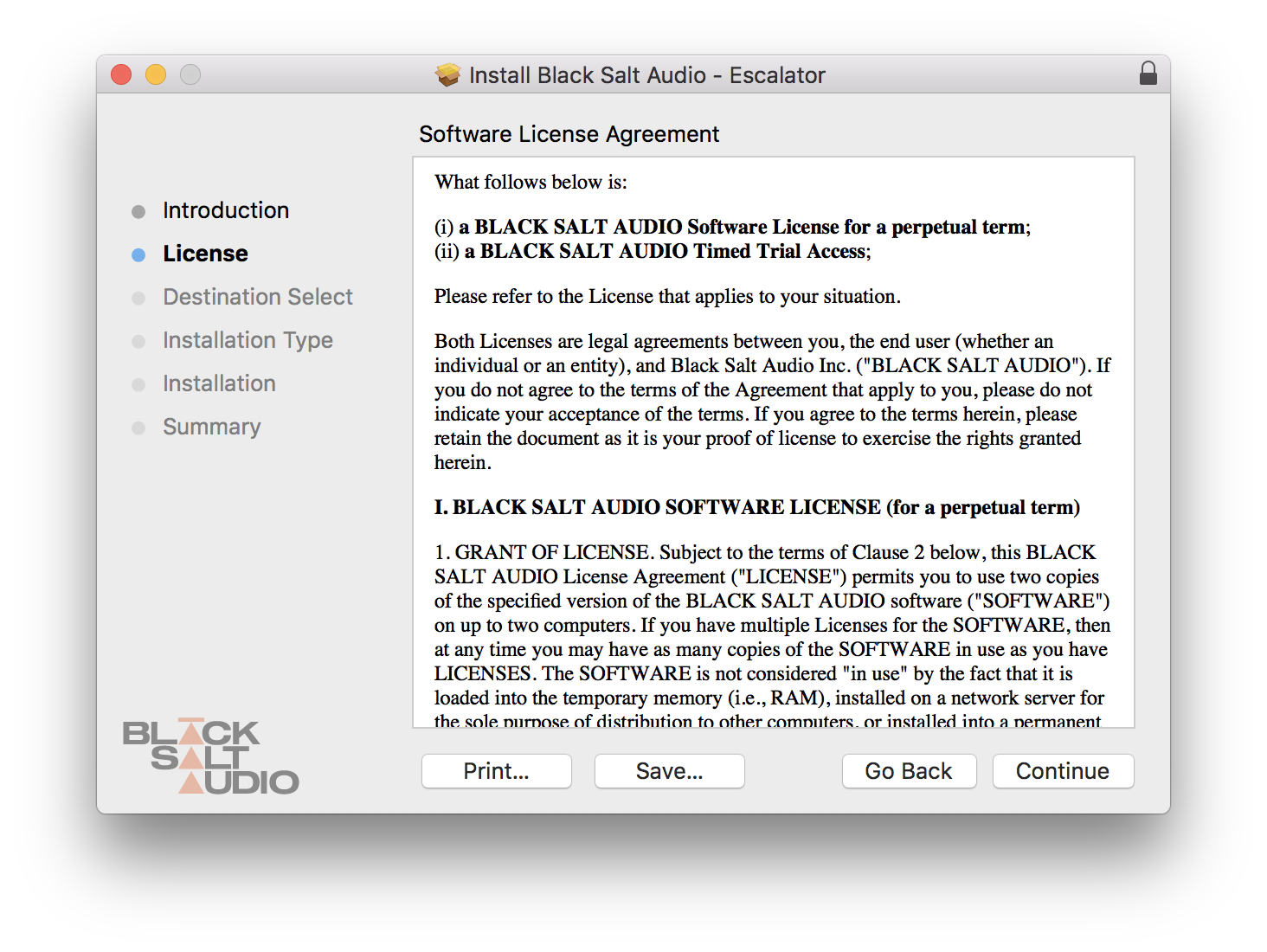
3. Click 'Continue'.
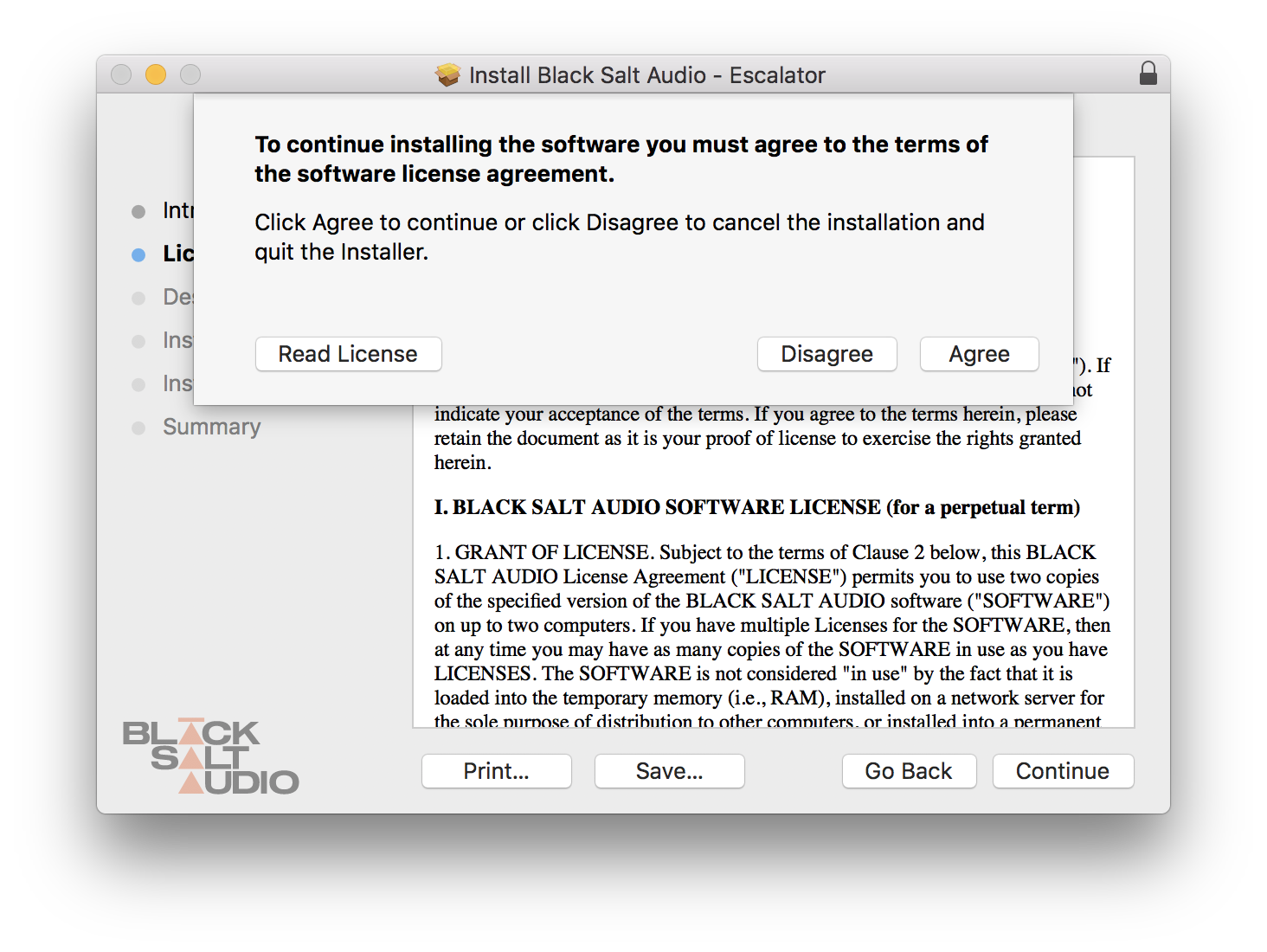
4. Click 'Agree'.
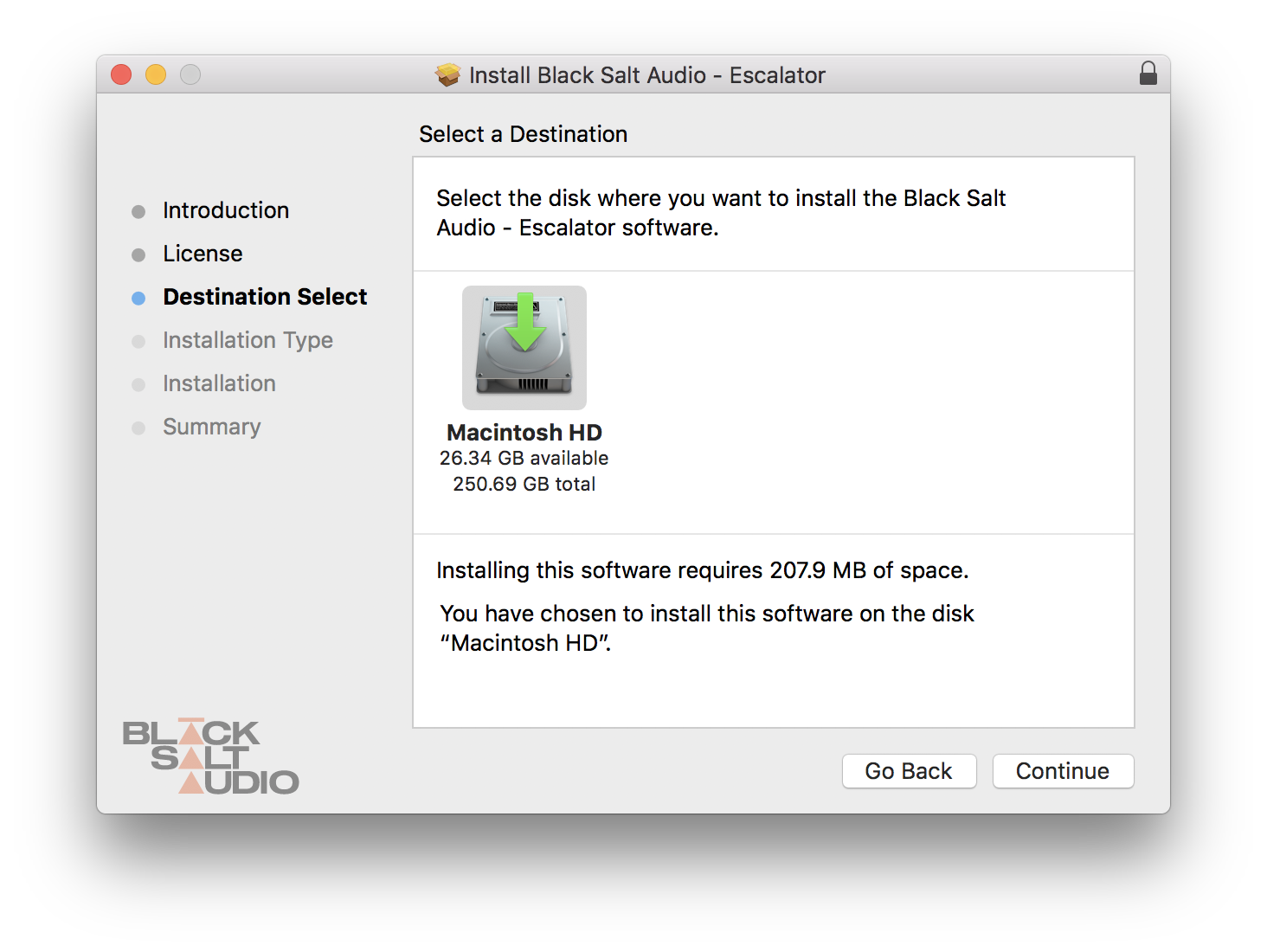
5. Click 'Continue'.
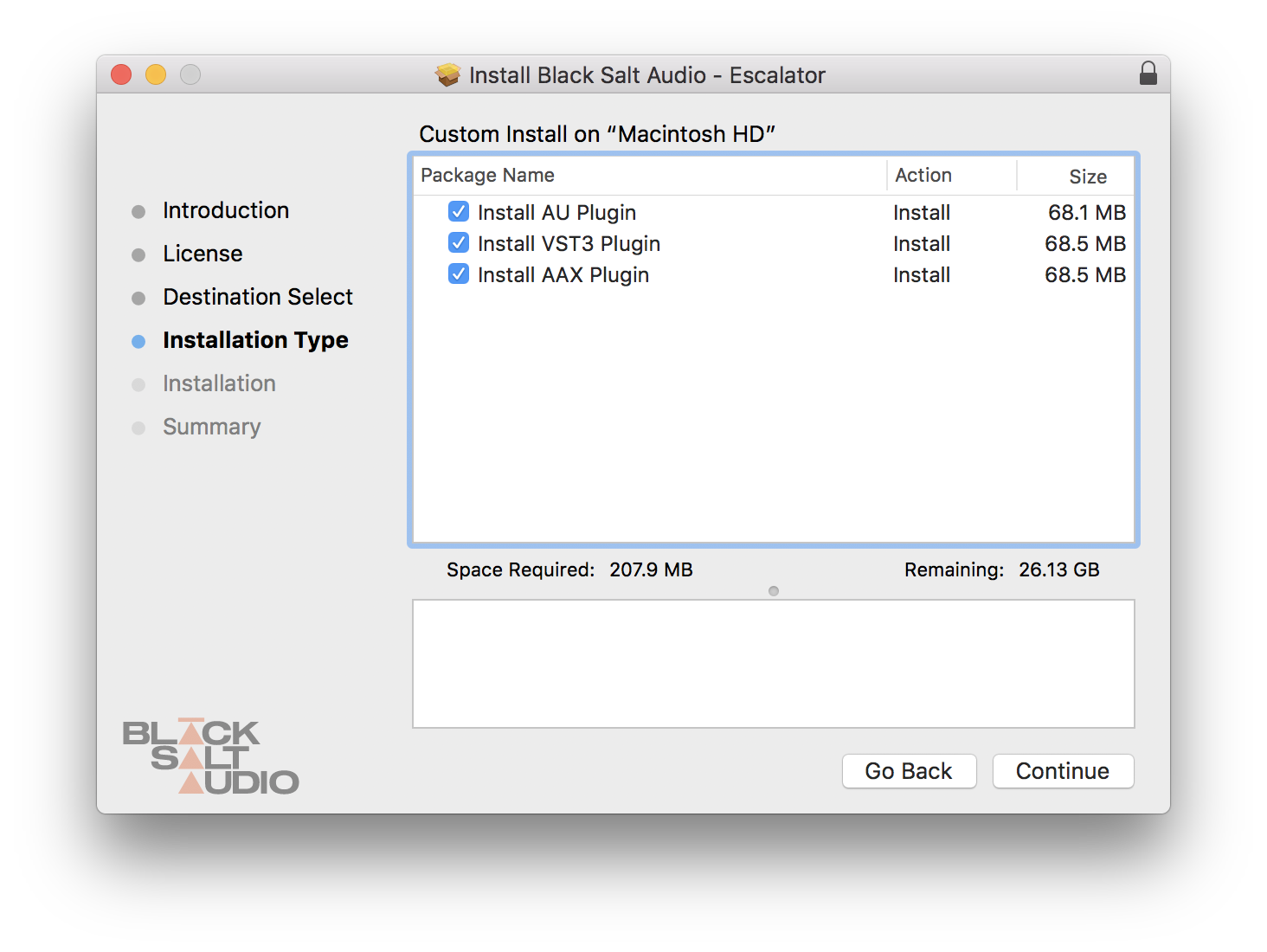
6. Select which versions you wish to be installed > click 'Continue'.
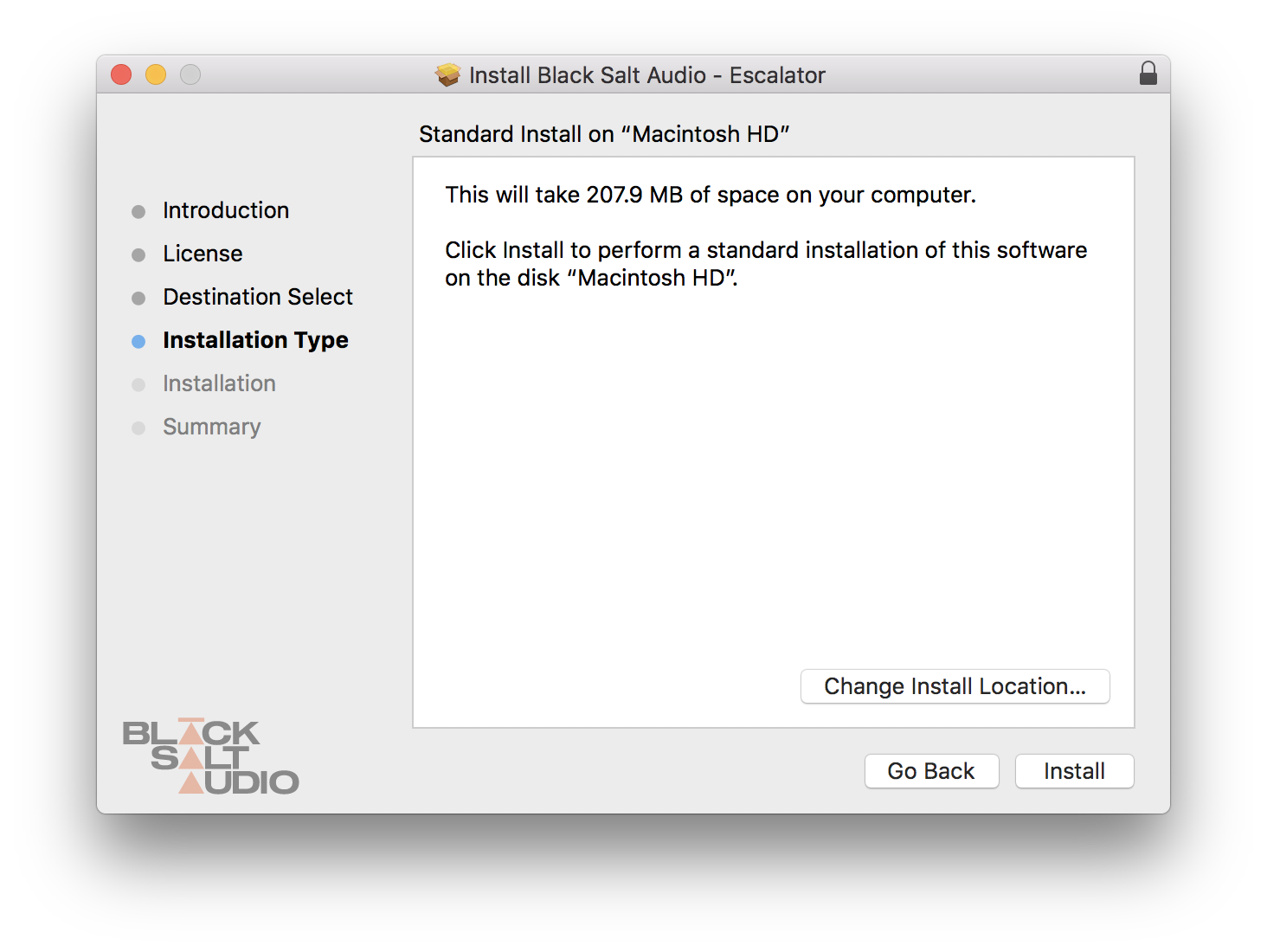
7. Click 'Install'.
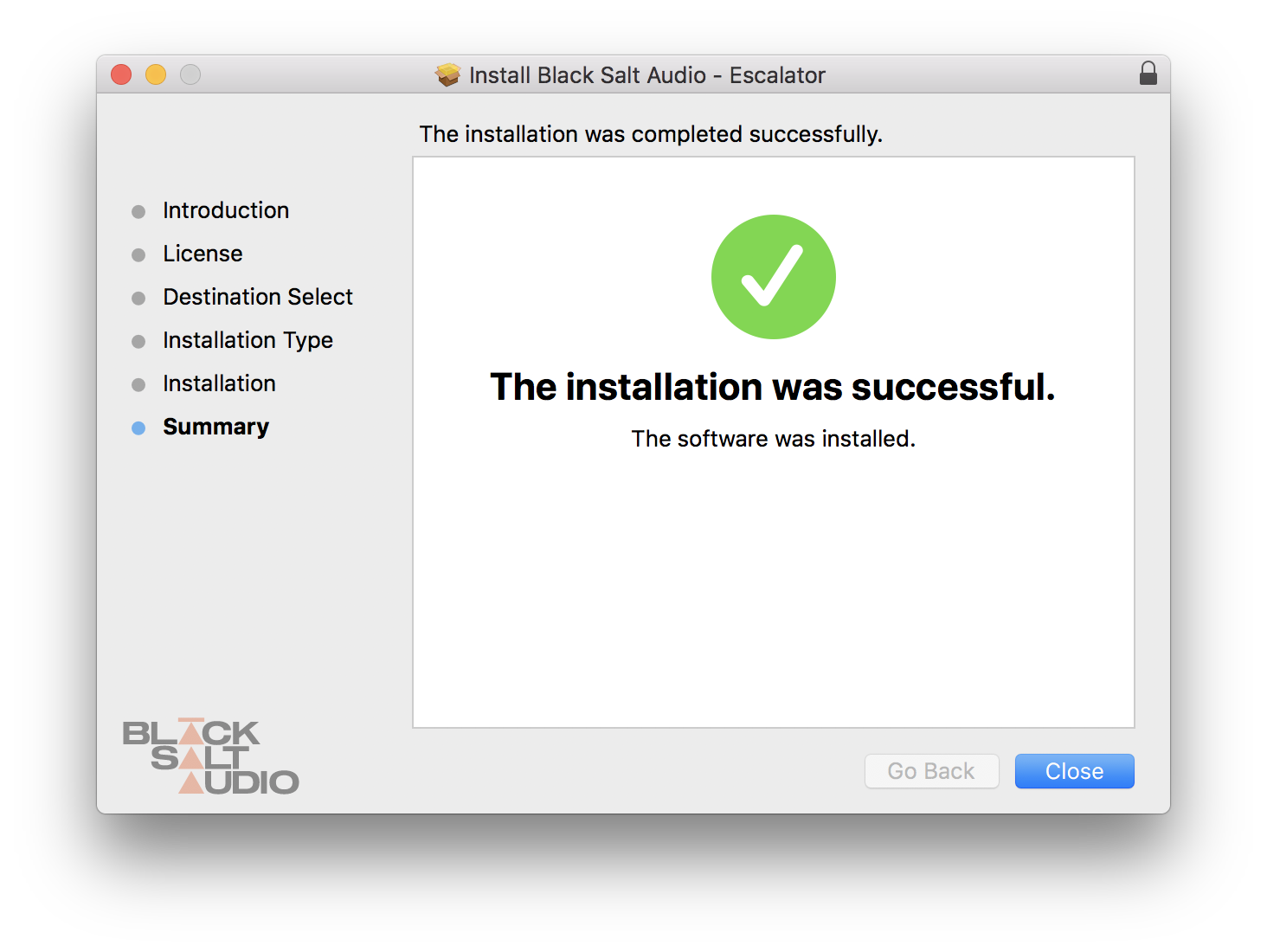
8. The plugin has now been installed > Click 'Close'.
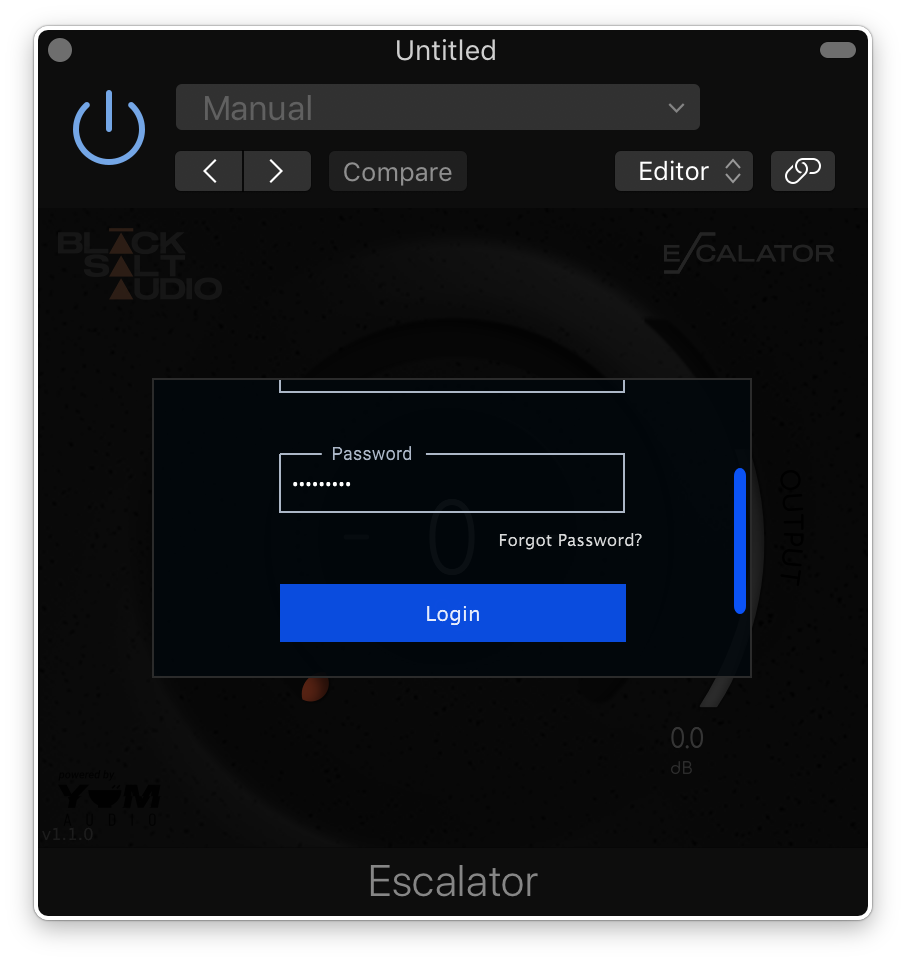
9. Launch your DAW and insert Escalator on a new track > open the plugin > click 'Activate License' > enter your Black Salt account details > click 'Login'.
Escalator is now installed and ready to use.
Windows Installation
1. Locate the downloaded installer and launch the .exe file.
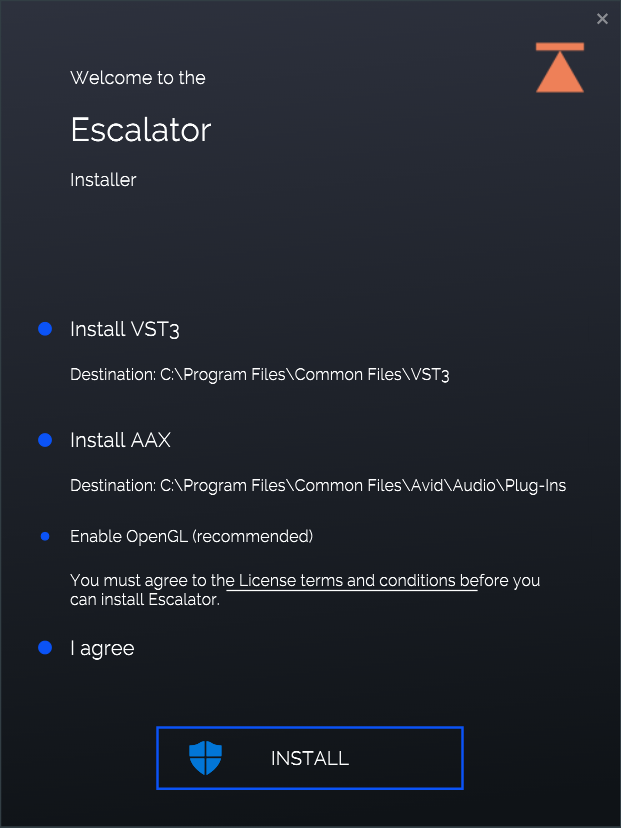
2. Select which versions you wish to be installed > click 'INSTALL'.
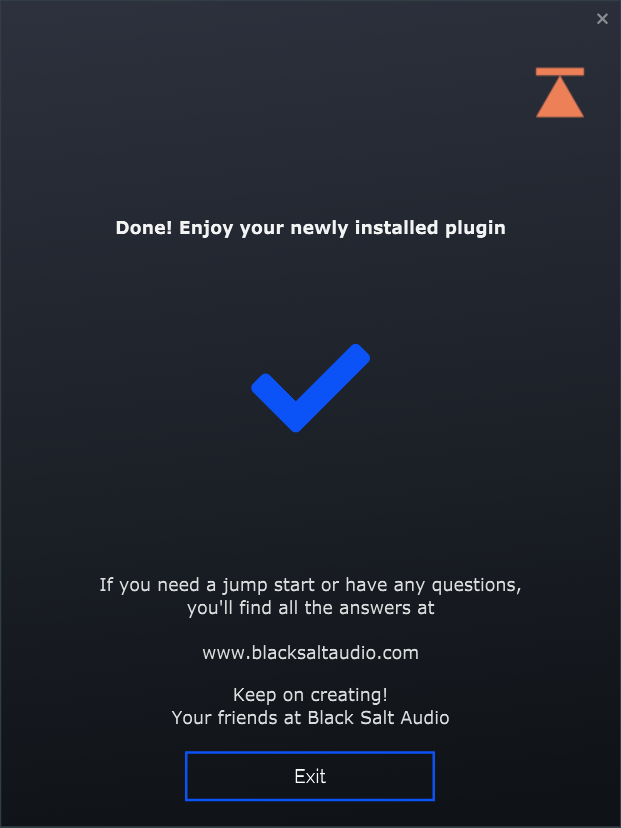
3. Click 'Exit'.
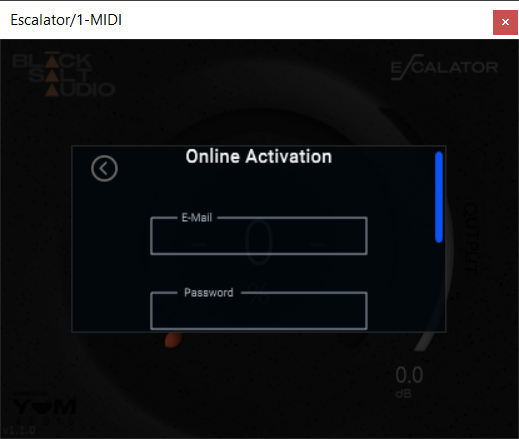
4. Launch your DAW and insert Escalator on a new track > open the plugin > click 'Activate License' > enter your Black Salt account details > click 'Login'.
Escalator is now installed and ready to use.