Log In
Free gifts available with your purchase
Broadcasting Goodness
Solid State Sibling
The VPRE-376 is a discrete class-A microphone preamp from a golden era of German broadcasting technology, when solid state entered the stage of iconic audio classics. Developed by most experienced engineers and using highest grade components including the wonderful Haufe transformers, the 376 is known as the powerhouse transistor counterpart to the all-time tube legend V76.
Classic Thrust
This preamp adds a straight forwardness to your signals by working out the transients, which is great for brightening and placing things front and centre. Adding a touch of light compression, it enhances a great variety of sources with a full bodied physicalness. A final cleanup of the low end with the integrated high pass filter will fit your tracks into the mix easily.
Upgraded Interface
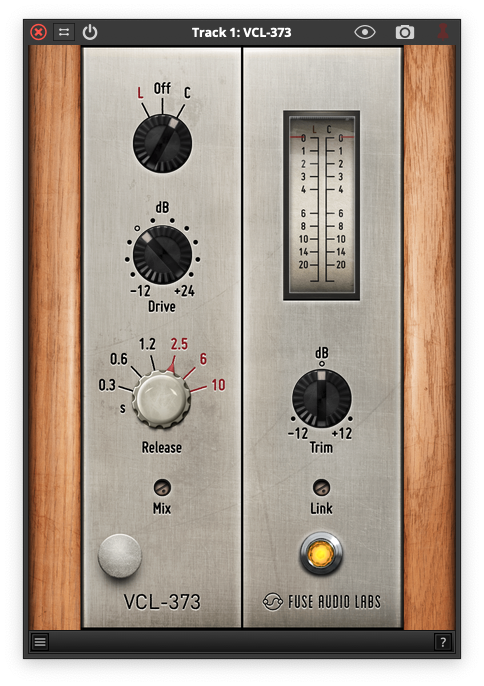
The emulation honors the original circuitry and component choice in all aspects. On top of this, the VPRE-376 adds some convenient features making every day work so much easier: A continuous drive control for finer adjustments, an integrated gain compensation and a linear trim for getting those levels right, completed by a precise VU meter and a phase inversion switch.
Strong & Easy
Lift your vocals and give them the beautiful character of those old records, enhance your kick with some tasty tone and color, or adrenalize your sound with a beautiful forward edge. Whenever you need something to make your tracks stand out, reaching for the VPRE-376 is a sure shot. That sound combined with its unbeatable ease of use: Killer combo!
Features
- Solid State Design: Discrete class-A mic preamp from Germany’s broadcasting golden age, renowned for its high-quality Haufe transformers.
- Enhanced Clarity: Brightens signals and emphasizes transients, adding fullness and a touch of light compression for various sources.
- User-Friendly Features: Continuous drive control, integrated gain compensation, linear trim, VU meter, and phase inversion for convenient adjustments.
- Versatile Performance: Perfect for lifting vocals, enhancing kicks, and giving tracks a distinct character with effortless ease of use.
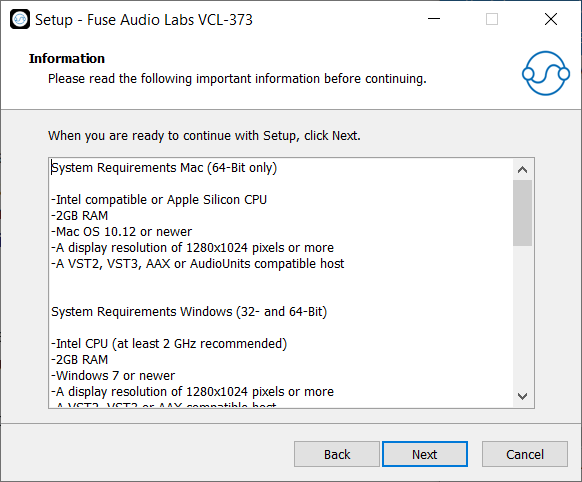
System Requirements
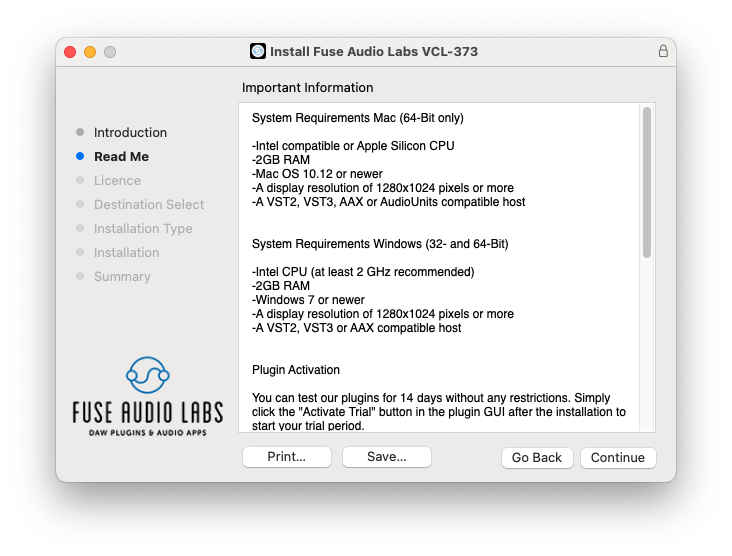
Mac (64-Bit only)
- Intel compatible or Apple Silicon CPU
- 2GB RAM
- Mac OS 10.12 or newer
- A display resolution of 1280x1024 pixels or more
- A VST2, VST3, AAX or AudioUnits compatible host
Windows (32- and 64-Bit)
- Intel compatible CPU (at least 2 GHz recommended)
- 2GB RAM
- Windows 7 or newer
- A display resolution of 1280x1024 pixels or more
- A VST2, VST3 or AAX compatible host