Buy Klirrton Grindstein, get a free gift with purchase:
Precisely modelled in collaboration with Klirrton Manufaktur and producer Kristian Kohle from Kohlekeller Studio, the Grindstein is the official analog modelled simulation suite of their ultimate death metal preamp, along with the cutting edge Schnauze noise gate and the new Fleisch equalizer.
Dirty and fuzzy death metal tones from the 90s into the modern age, from a ripping chainsaw to a more modern and tight sound with just a touch of grind.
It can go from the Swedish HM2 sound all the way to 90’s Florida transistor distortion, but with modern fat low-end and tightness like never heard before!
Features
- Faithfully modelled on original hardware
- Two mixable channels (Bottomshaker and Chainsaw)
- Built-in boost based on Lichtbringer circuit
- Phase switch for out-of-phase supergrindy sound
- 3 band EQ on the Chainsaw channel and 2 band EQ on the Bottomshaker
- Noise Gate based on Schnauze circuit
- 5 band Fleisch EQ, with carefully selected boost and cut bands
- Cab simulator with 7 speaker combinations selected by Kris Kohle
System Requirements
Mac (Intel)
- OSX 10.8 or later (64-bit only)
- Intel i5 or higher
- 2GB RAM
- Screen resolution: 1024×768
- VST2, VST3, AU 64-bit host
- AAX 64-bit host (Pro Tools 11 or higher required)
Mac (M1 Apple Silicon)
- macOS 11 or later (64-bit only)
- Apple M1 or higher
- 2GB RAM
- Screen resolution: 1024×768
- VST2, VST3, AU 64-bit host
- AAX 64-bit host (Pro Tools 11 or higher required)
PC
- Windows 7 (64-bit only)
- Intel i5 or higher
- 2GB RAM
- Screen resolution: 1024×768
- VST2, VST3 64-bit host
- PT11 or higher, AAX 64-bit host
Important Note: This software is 64-bit only and will not function on 32-bit systems.
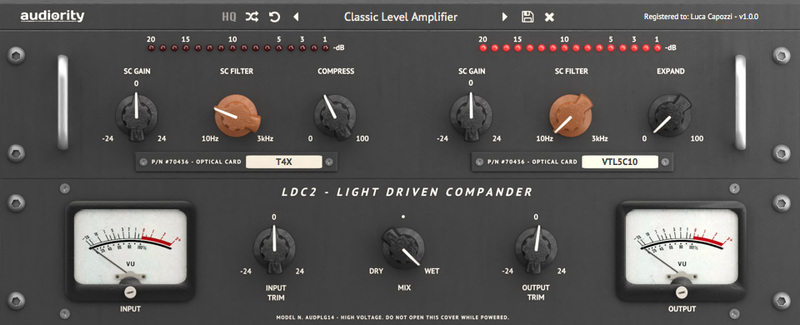
Note: LDC2 is used as the example.
Mac
Registration
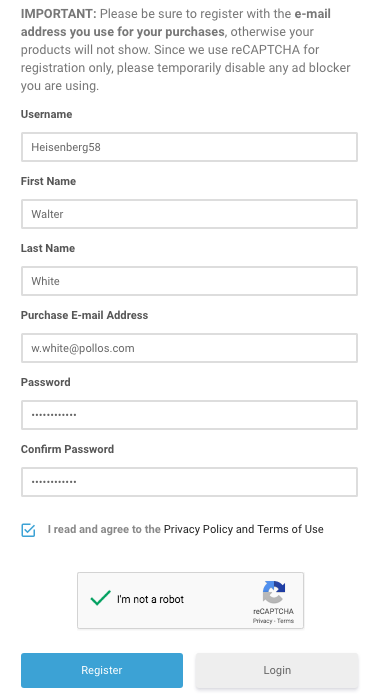
1. Visit https://www.audiority.com/register and enter your personal details > Click 'Register.'

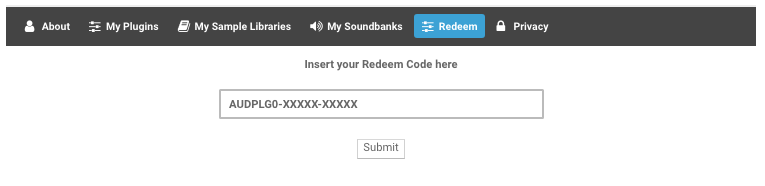
2. Once logged in, Click the 'Redeem' button at the top of the page and enter the redeem code, found in your Plugin Boutique User Account > Click 'Submit'.

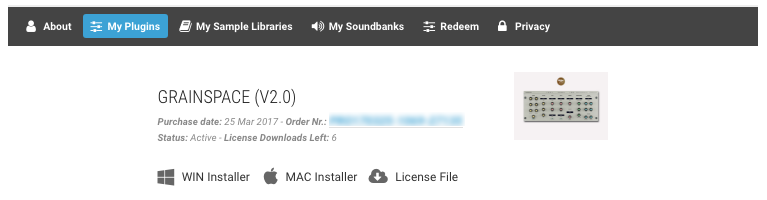
3. Click the 'My Plugins' button > Select the Mac Installer.

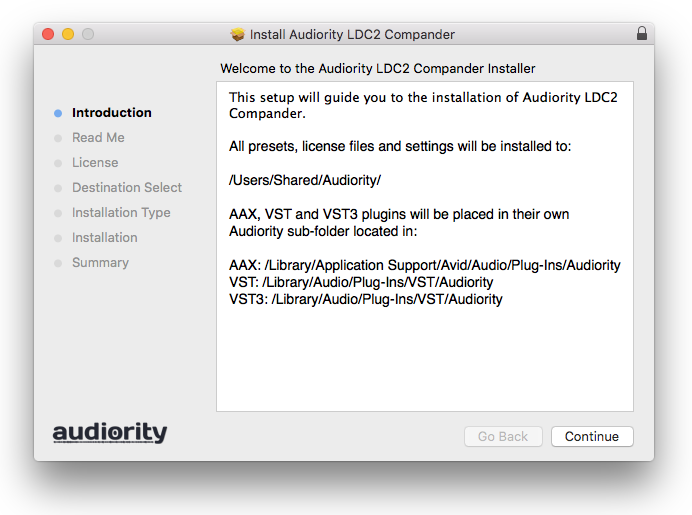
4. Locate the .dmg installer file from the 'Downloads' section of your computer, and double-click it to begin the installation process > click ‘Continue.’
Installation
1. Open the .dmg file > Open the .pkg file to begin the installation.
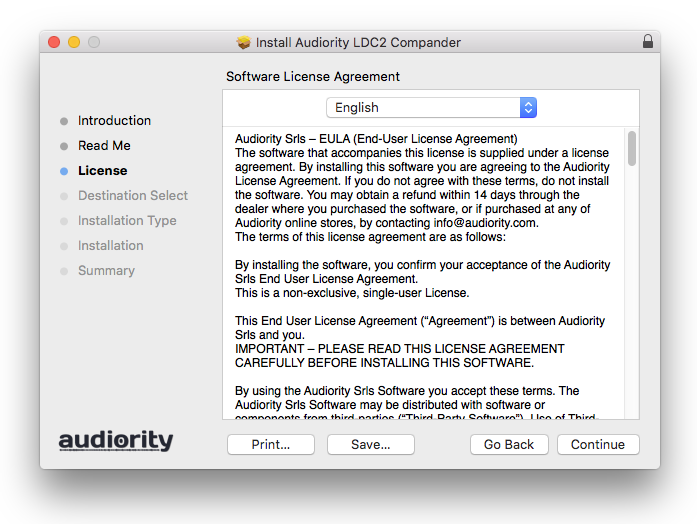
2. Click 'Continue'.

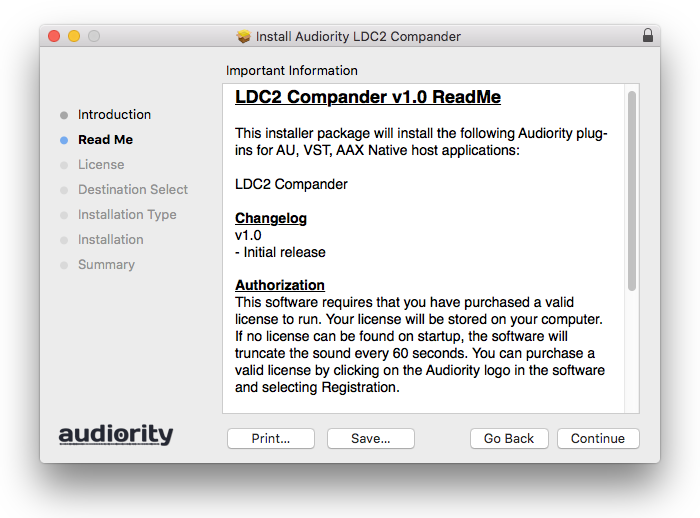
3. Click 'Continue'.

4. Click 'Continue'.

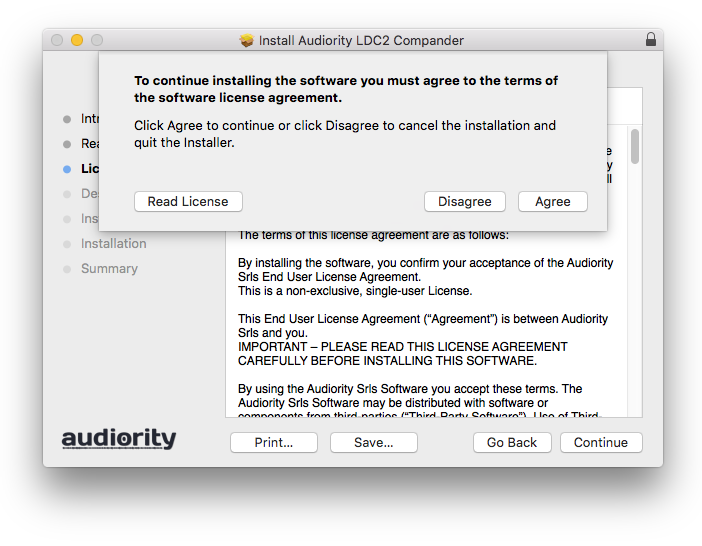
5. Click 'Agree'.

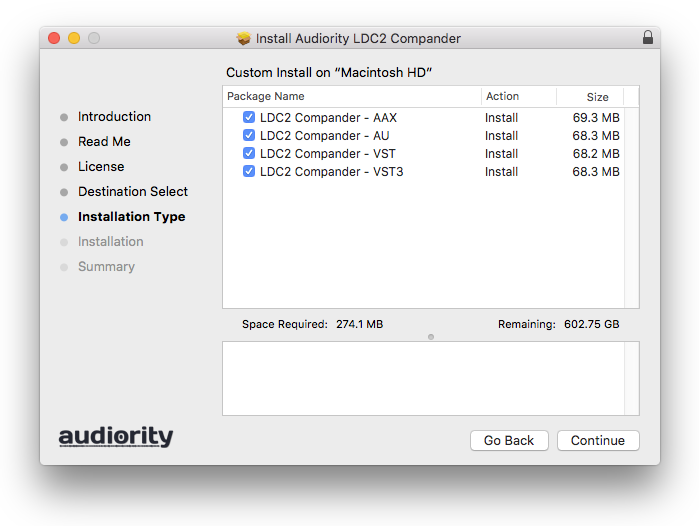
6. Click 'Continue'.

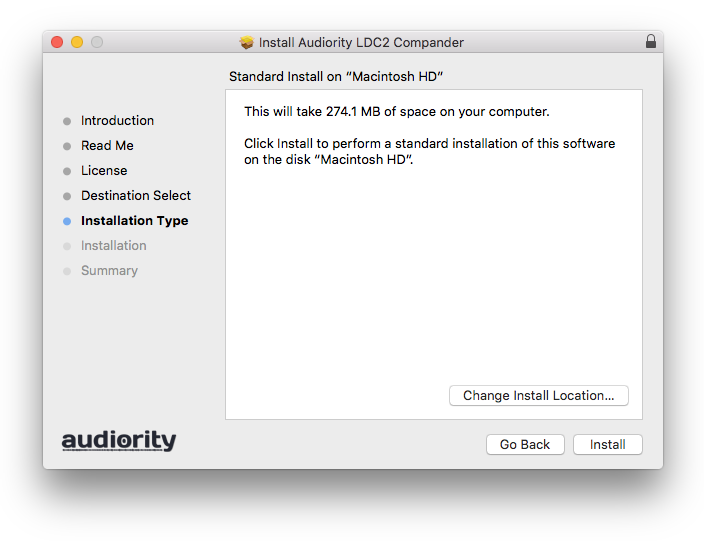
7. Click 'Install'.

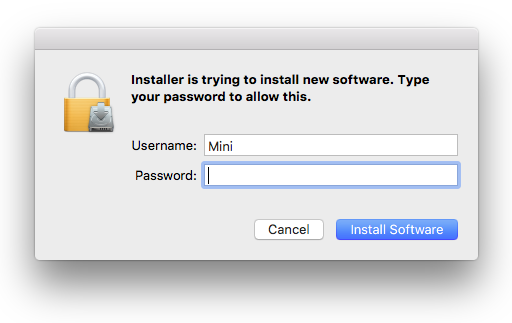
8. Enter your computer Username and Password > Click 'Install Software'.

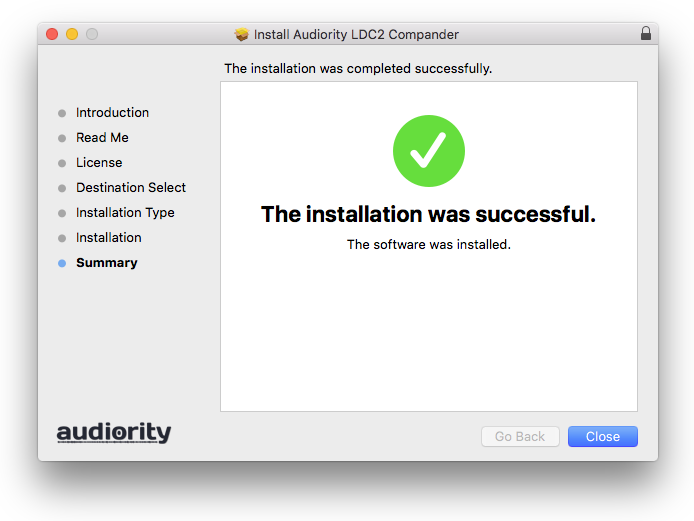
9. Click 'Close'.

Activation
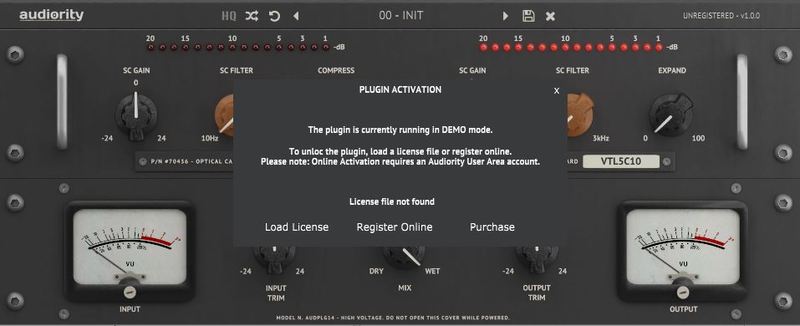
1. Open the newly installed plugin in your DAW > Click 'Register Online'.

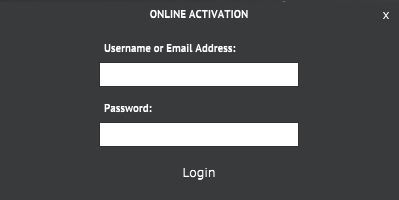
2. Enter your username and email address that you registered at Audiority > Click 'Login'.

Your plugin is now activated and ready to use.

Windows
Registration
1. Visit https://www.audiority.com/register and enter your personal details > Click 'Register.'

2. Once logged in, Click the 'Redeem' button at the top of the page and enter the redeem code, found in your Plugin Boutique User Account > Click 'Submit'.

3. Click the 'My Plugins' button > Select the Windows Installer.

Installation
1. Double-click the installer to extract the contents > Double-click the .exe file to begin the installation.
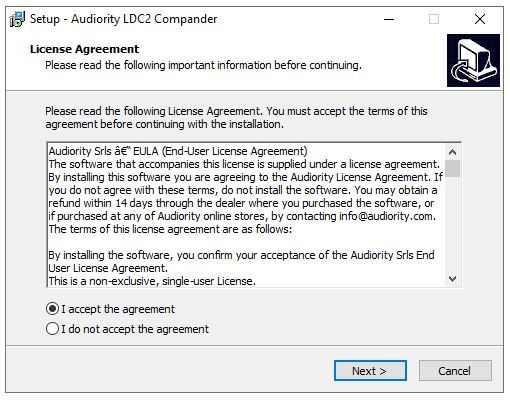
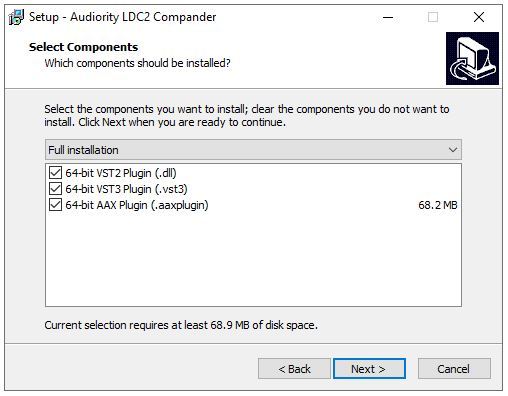
2. Select 'I Accept the Agreement' > Click 'Next'.

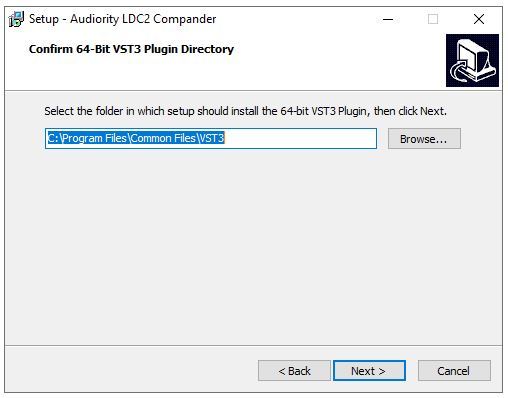
3. Click 'Next'.

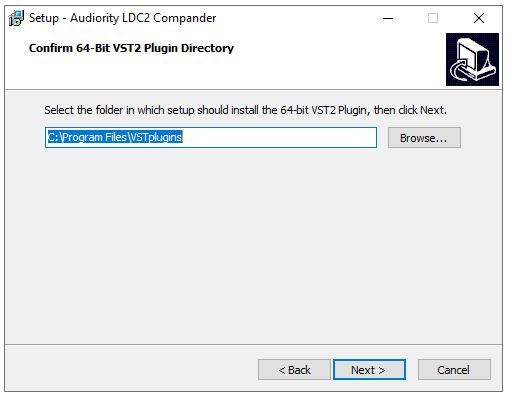
4. Click 'Next'.

5. Click 'Next'.

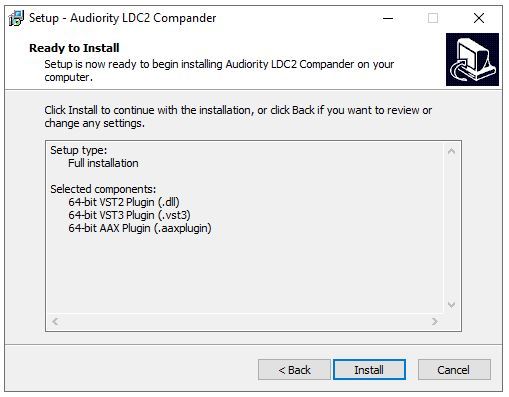
6. Click 'Install'.

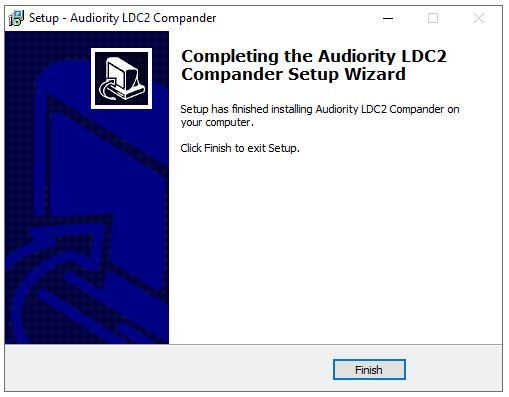
7. Click 'Finish'.

Activation
1. Open the newly installed plugin in your DAW > Click 'Register Online'.

2. Enter your username and email address that you registered at Audiority > Click 'Login'.

Your plugin is now activated and ready to use.