/ Expansion Packs / Groove Shaper Expansion: Vocal Perc Essentials
Pitch Innovations

Groove Shaper Expansion: Vocal Perc Essentials

4.6 (5 Reviews)
$5.00 $9.00

44% off until Dec 07

Groove Shaper Expansion: Vocal Perc Essentials
Groove Shaper Expansions - Vocal Beat Essentials | Presets Demo gallery thumbnail
Buy Now
Product information

"Vocal Perc Essentials is a must-have expansion pack for the Groove Shaper plugin, offering a range of creative vocal-inspired percussion patterns. 

Featuring Beat-boxing, Kathak & Konnakol (a South Indian art form of vocalizing percussion syllables), and other vocal-inspired rhythms, this pack adds rhythmic flair to your tracks, making it easier than ever to produce unique, organic grooves. Perfect for layering over drums, synths, or strings, these presets will bring a fresh dynamic to your compositions. 

Whether you're working in hip-hop, electronic, cinematic, or world music, these vocal rhythms are essential for taking your beats to the next level with Groove Shaper.

System Requirements

  • An existing copy of Pitch Innovations Groove Shaper is required to use this expansion.
Installation Instructions

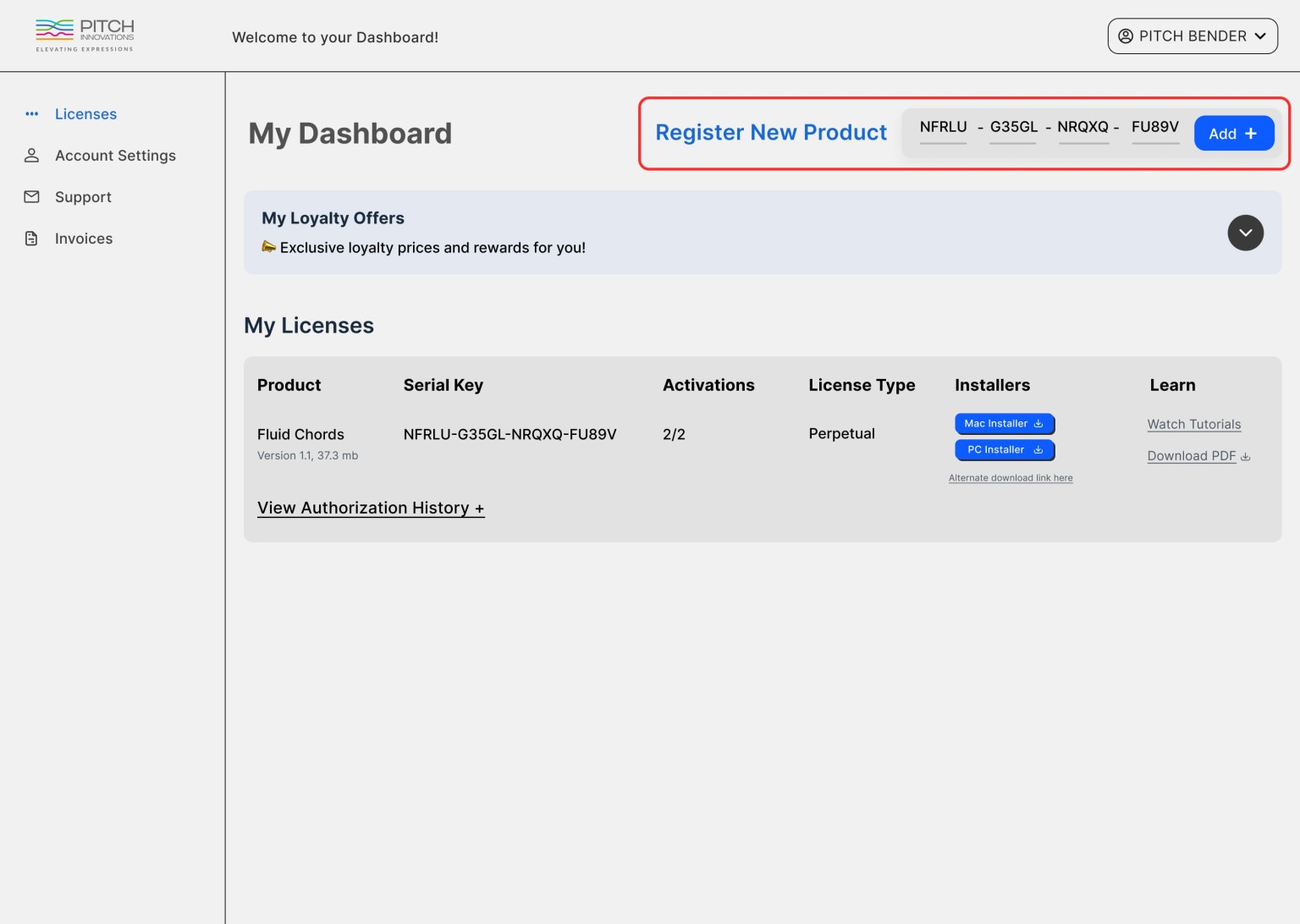
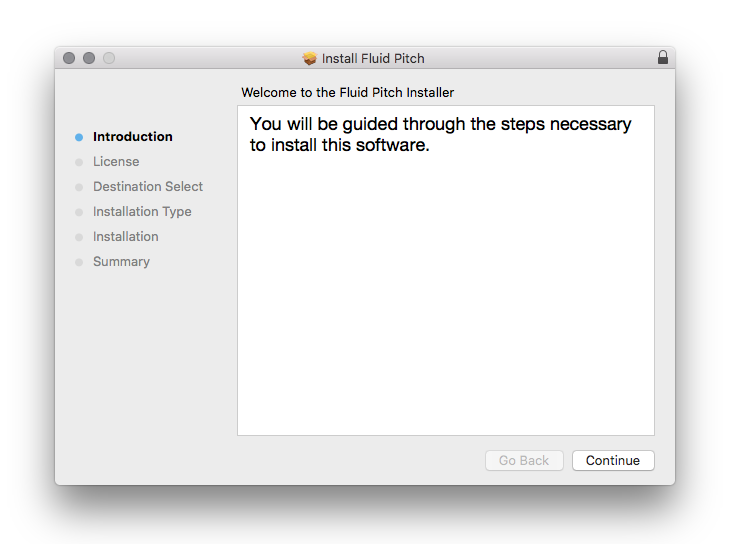
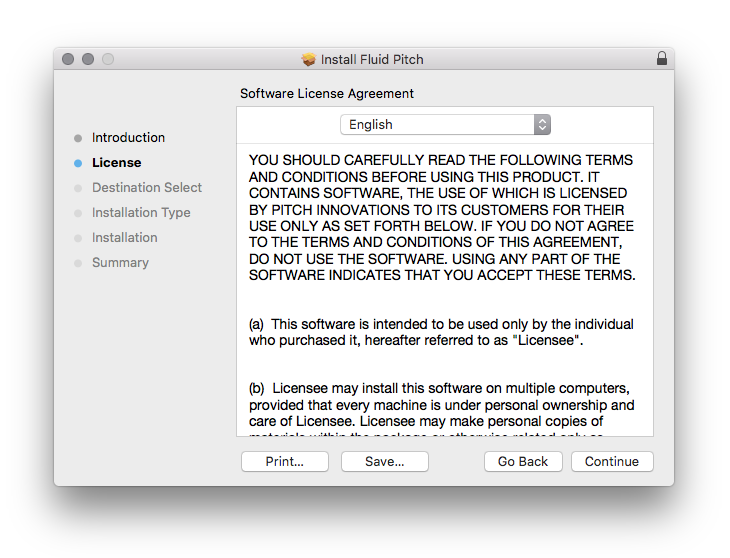
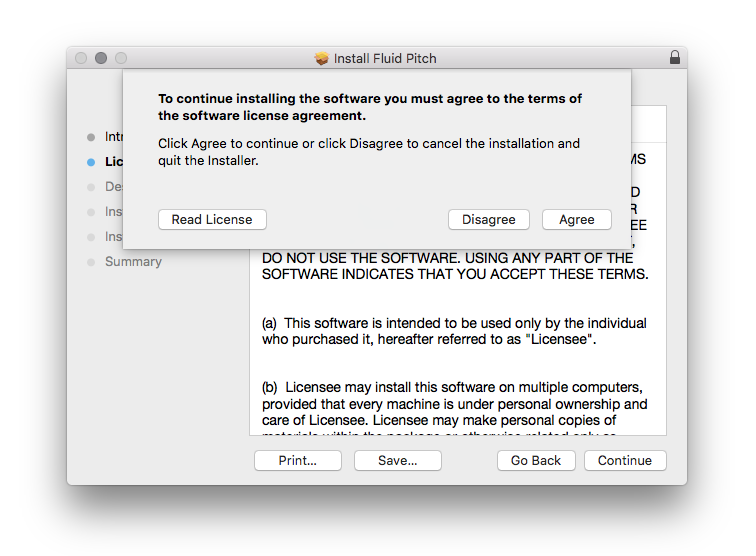
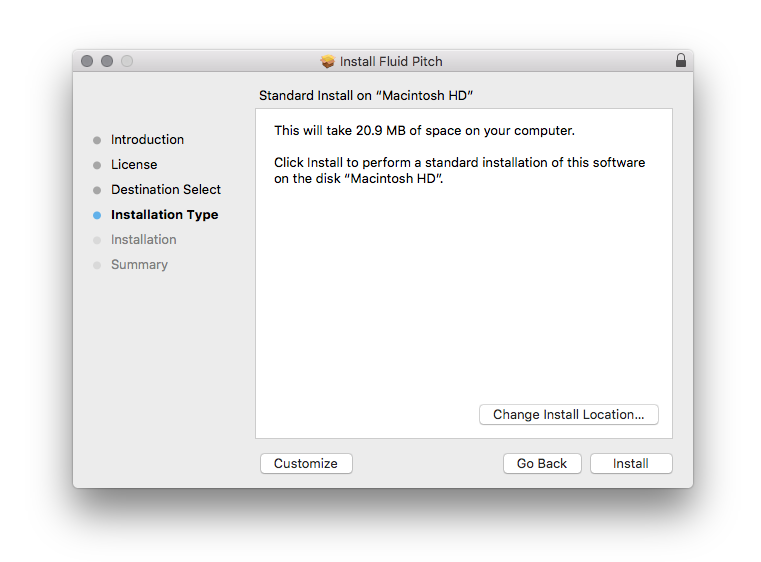
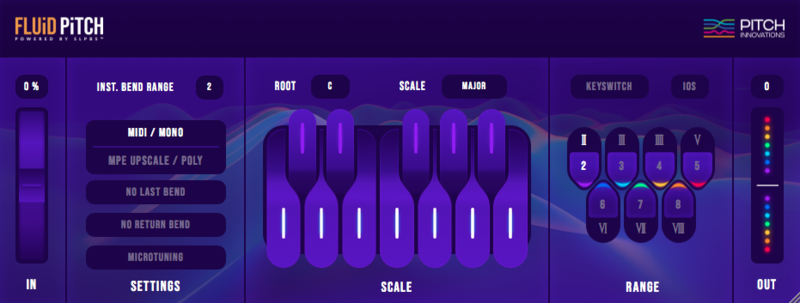
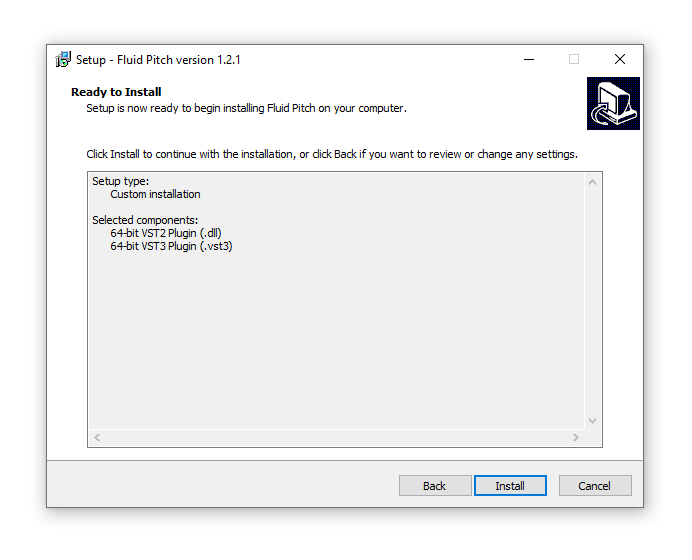
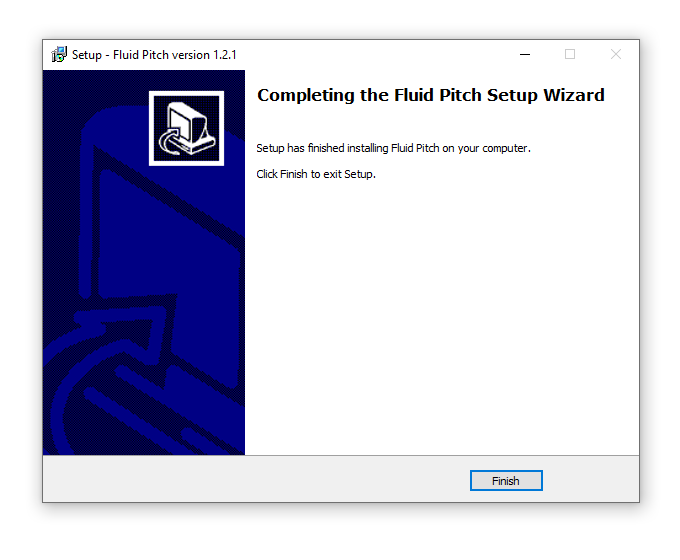
Please Note: Fluid Pitch is used as an example.

Registration

1. Visit www.pitchinnovations.com/register-product/

2. Enter your email, choose a password and enter your name > Click 'Sign Up'.

3. Enter your product code then click 'Add +'.

4. Click on either "Mac Installer' or 'PC Installer' on the same page to download the relevant installer.

Mac

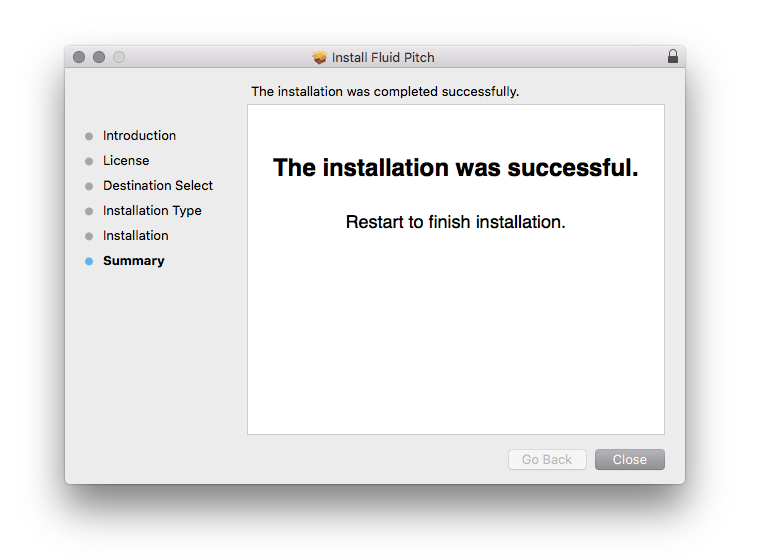
1. Double click the .zip folder to reveal its contents and run the .pkg installer > Click 'Continue'.

2. Click 'Continue'.

3. Click 'Agree'.

4. Click 'Install'.

5. Click 'Close'.

6. Open Fluid Pitch inside of your DAW > Enter your Pitch Innovation account details & click 'Submit'.

Fluid Pitch is now activated and ready for use inside of your DAW!

Windows

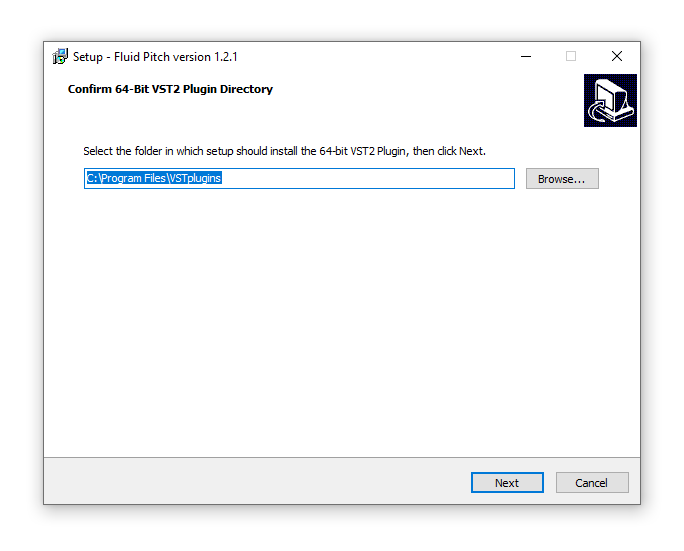
1. Double click the .zip folder to reveal its contents and run the .exe installer > Click 'Next'.

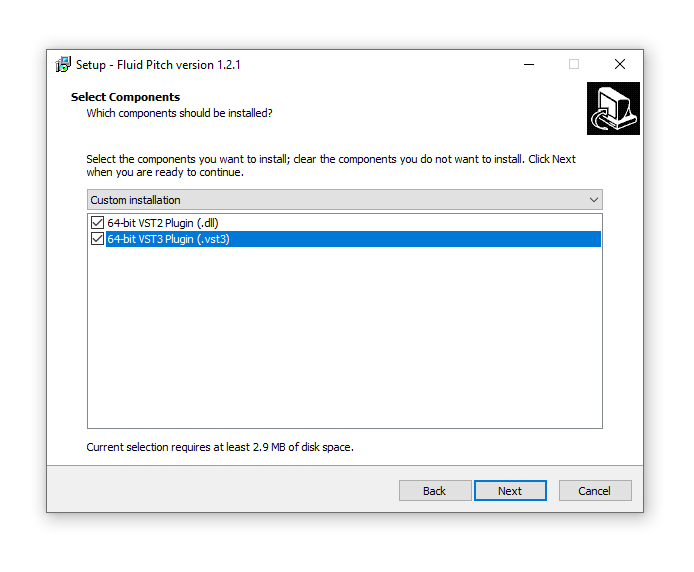
2. Click 'Next'.

3. Click 'Install'.

4. Click 'Finish'.

5. Open Fluid Pitch inside of your DAW > Enter your Pitch Innovation account details & click 'Submit'

Fluid Pitch is now activated and ready for use inside of your DAW!

Plugin Boutique Rewards

Discover the most rewarding loyalty programme among all plugin retailers.

  • Free Loopmasters Samplepacks
  • Discounts on products and courses
  • Extra Virtual Cash claimed immediately at checkout
Find out more

Follow us:

X (Twitter) Facebook YouTube Instagram
Logo Logo

Plugin Boutique Limited, Part of the Beatport Group LLC.

Copyright © 2011-2025 Plugin Boutique. All rights reserved