


Buy Bass Expansion Pack (BIAS FX Expansion), get a free gift with purchase:
Add extra juice to fuel your bass engine with our optimized sound algorithm based effects. Include 7 must have bass stomp boxes. It supports you from bottom up from now on, this pack includes 1 bass preamp, 1 overdrive, 1 EQ, 1 Compressor and 3 modulation pedals.
The Bass Expansion pack gives you a complete suite of insane tones for bass guitar. With this update, you are now able to add some of the most sought-after bass effects and stompboxes in the industry, add them into BIAS FX’s dual signal chain, integrate them with BIAS Amp models.
Whether you play a 4, 5, or 6 string bass, you can add a collection of pounding sound effects to your low end frequencies right with the new BIAS FX bass pack. It features 7 must have bass stompboxes to your arsenal: 1 bass preamp , 1 overdrive , 1 EQ , 1 Compressor, and 3 modulation pedals. Let’s go in-depth each pedal:
Features:
- EQ Bass: a graphical equalizer for bass players to easily shape their tone while retaining the signal’s transparency, a must have item for all bass players.
- Comp Bass Compressor: an analog based compressor dedicated on the low frequencies, providing a very easy control and warm and smooth sound.
- Drive Bass DI Drive: the DI Driver captures the warm and rich tones of the most sought-after tube bass amplifiers. This bass DI is capable of dialing up big vintage tube tones, bright modern slap sounds, solid distortions, and all in between.
- Mod Bass Chorus: this chorus pedal allows you to add sauce to your tone but still can retain your low frequency by adjusting low filter and blend portion – it’s solo time!
- Mod Bass Octave: this pedal emulates the analog octave divider to create a single note one octave below the pitch of the played note, adding a new dimension to your sound. Designed to improve and enhance the tone of fast bass chops.
- Mod Bass Envelope Filter: it’s funky time – this pedal increases the frequency response and improves signal-to-noise ratio making it the perfect for use with both guitar and bass.
- Drive Bass Deluxe Drive: this pedal gives you a classic bass drive tone for modern bass players, providing more tone shaping options than ever before.
System Requirements
- Please Note: BIAS FX Desktop is required to run this Expansion Pack
Installation Instructions
Mac:
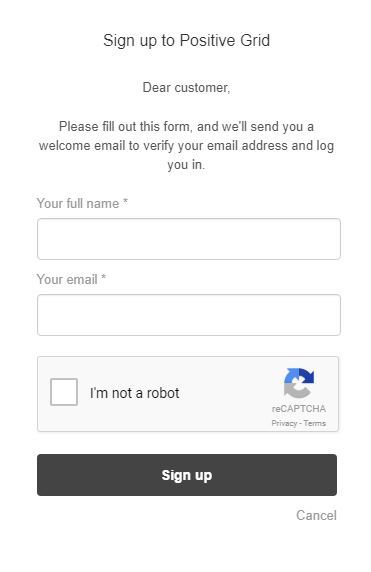
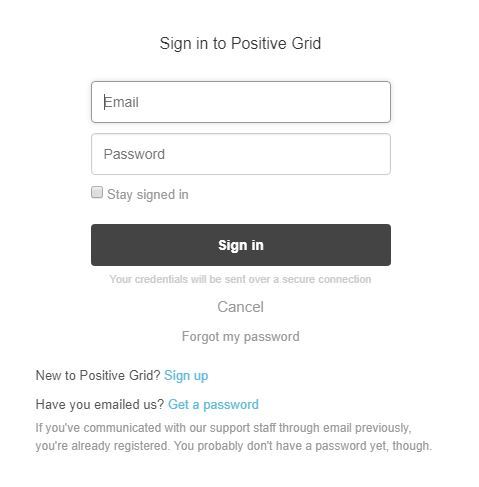
1. Log into/create your Positive Grid User Account.
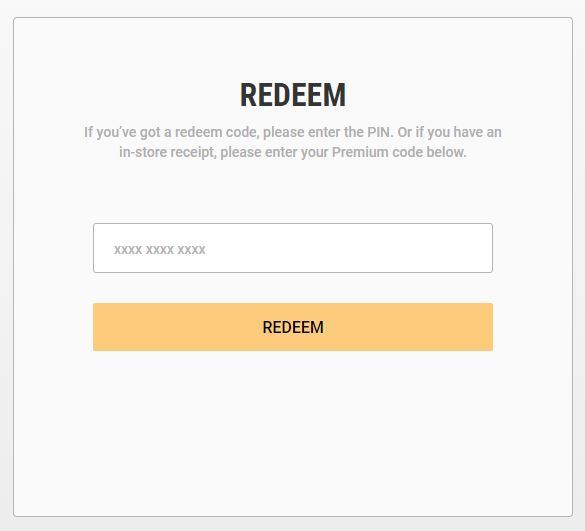
2. Copy and paste/manually enter the serial number from your User Account via Positive Grid's Redemption Area > click 'Redeem.'
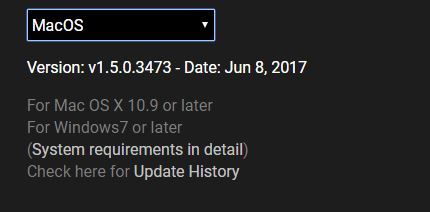
3. The download option will become available for your purchased product via the Positive Grid's download page. Scroll down the page to find your purchased product (Mac OS) installer, and click 'Download.'
4. Once the download has concluded, double-click and open the .pkg file to run the installer.
Note: BIAS FX Desktop is used as the example.
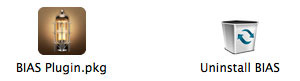
5. Click 'Continue.'
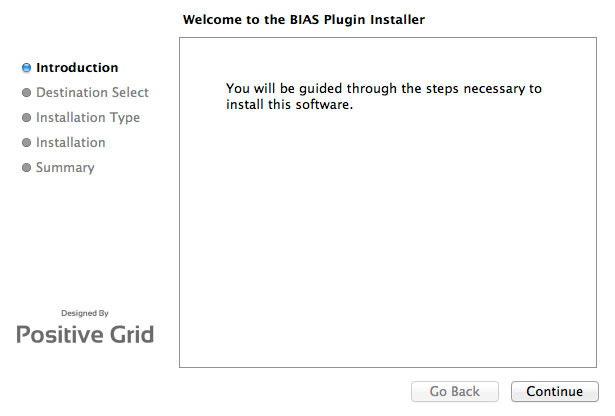
6. Confirm the computer folder/location in which to save the software to > click 'Install.'
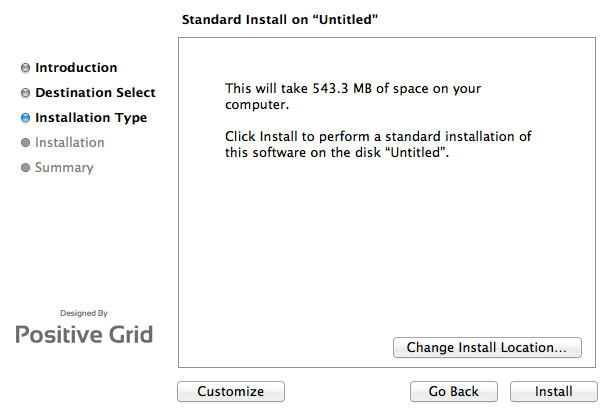
7. Once the installation has successfully completed, click 'Close.'
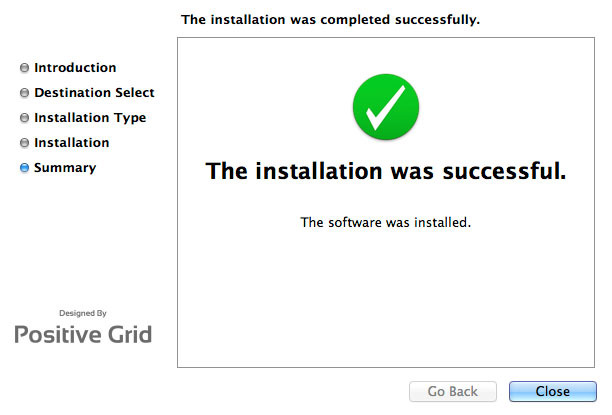
8. Restart your DAW and open the software.
Note: You may need to refresh/rescan your DAW's plug-in selection, in order to show the new installation.
Activation
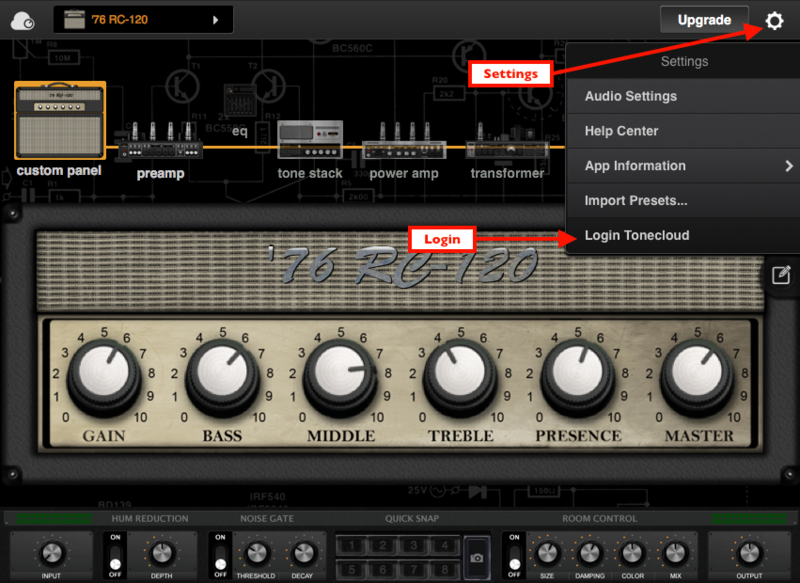
1. Open the software and click the settings icon on the upper right corner of the window. Then click "Login ToneCloud" in the drop-down menu to log in and activate the software.
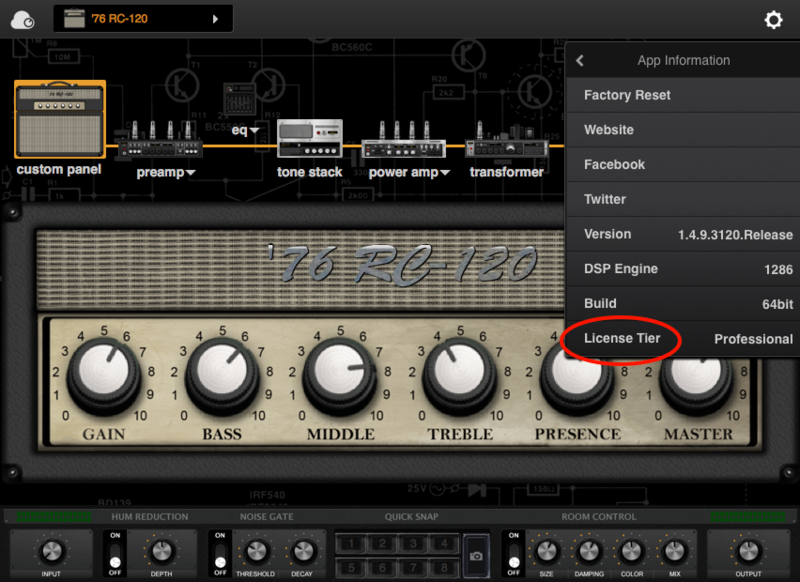
2. To check if the software has been activated, go to settings, App Information and make sure that it shows "Desktop" (for Standard license) or "Professional" (for Professional license) under License Tier.
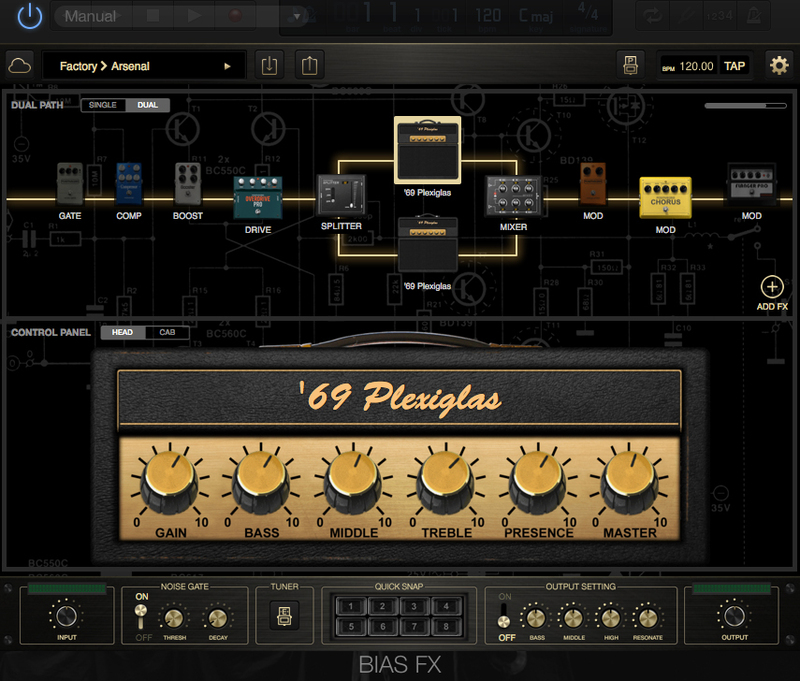
Your software is now activated into full version mode, ready for use within your DAW
Experiencing Trouble Activating Your Software?
1. If you still can't log in after following the steps, something must went wrong. Please refer to this article for troubleshooting.
2. The licence will be tied with the account which you key in after the purchase process. If you log in with a different account, BIAS will turn into a demo version. Please make sure you are using the same account you signed up with for the purchase.
3. BIAS Desktop allows you to activate the full licence on 2 devices. Please make sure the quota is still enough. You can release the quota by uninstall the software completely from your devices.
4. Another common root cause is the firewall setting of your anti-virus software. If the version you are using is a Demo (disabled "save/save as", system message showing for upgrade) and is unable to activate to standard version. Please disable your anti-virus software temporarily then try again.
PC/Windows:
1. Log into/create your Positive Grid User Account.
2. Copy and paste/manually enter the serial number from your User Account via Positive Grid's Redemption Area > click 'Redeem.'
3. The download option will become available for your purchased product via the Positive Grid's download page. Scroll down the page to find your purchased product (Windows 32-bit/64-bit)) installer, and click 'Download.'
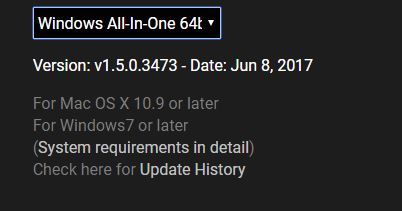
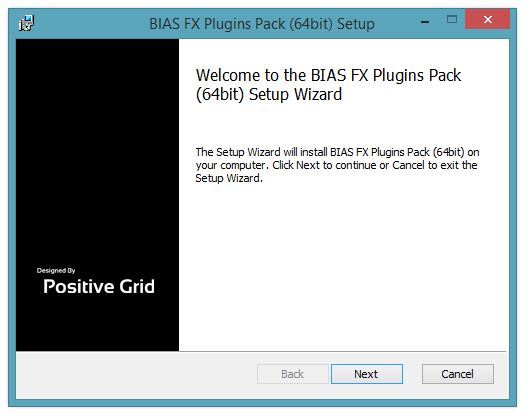
4. Once the download has concluded, double-click and open the .msi installer file to run the installer.
Note: BIAS FX Desktop is used as the example.
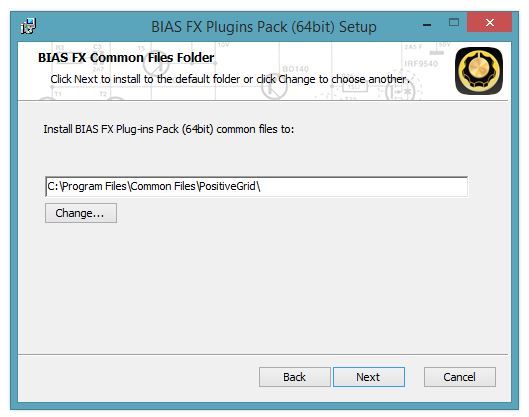
5. Choose and select a software folder in which to install the 64-bit format common files to > click 'Next.'
Note: 32-bit software formats need to be saved to - C:\Program Files (x86)\Common Files\PositiveGrid\
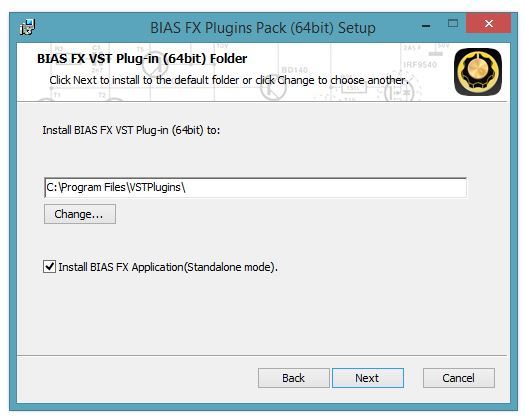
6. Choose and select a software folder in which to install the 64-bit format VST files to > click 'Next.'
Note: 32-bit software formats need to be saved to - C:\Program Files (x86)\VSTPlugins\
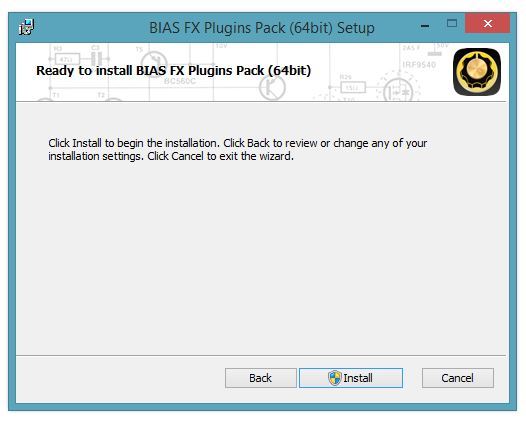
7. Review the installation and click 'Install.'
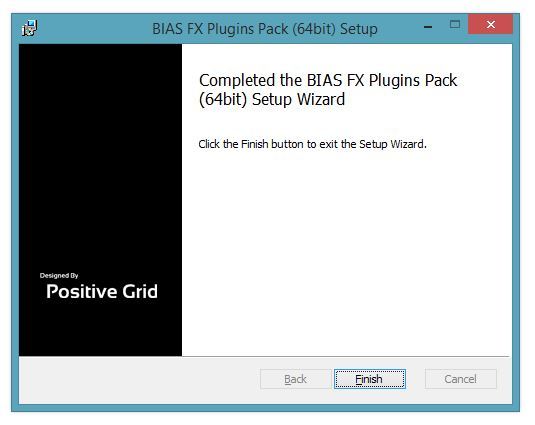
8. The installation of your software has successfully completed > click 'Finish.'
8. Restart your DAW and open the software.
Note: You may need to refresh/rescan your DAW's plug-in selection, in order to show the new installation.
Activation
1. Open the software and click the settings icon on the upper right corner of the window. Then click "Login ToneCloud" in the drop-down menu to log in and activate the software.
2. To check if the software has been activated, go to settings, App Information and make sure that it shows "Desktop" (for Standard license) or "Professional" (for Professional license) under License Tier.
Your software is now activated into full version mode, ready for use within your DAW
Experiencing Trouble Activating Your Software?
1. If you still can't log in after following the steps, something must went wrong. Please refer to this article for troubleshooting.
2. The licence will be tied with the account which you key in after the purchase process. If you log in with a different account, BIAS will turn into a demo version. Please make sure you are using the same account you signed up with for the purchase.
3. BIAS Desktop allows you to activate the full licence on 2 devices. Please make sure the quota is still enough. You can release the quota by uninstall the software completely from your devices.
4. Another common root cause is the firewall setting of your anti-virus software. If the version you are using is a Demo (disabled "save/save as", system message showing for upgrade) and is unable to activate to standard version. Please disable your anti-virus software temporarily then try again.


