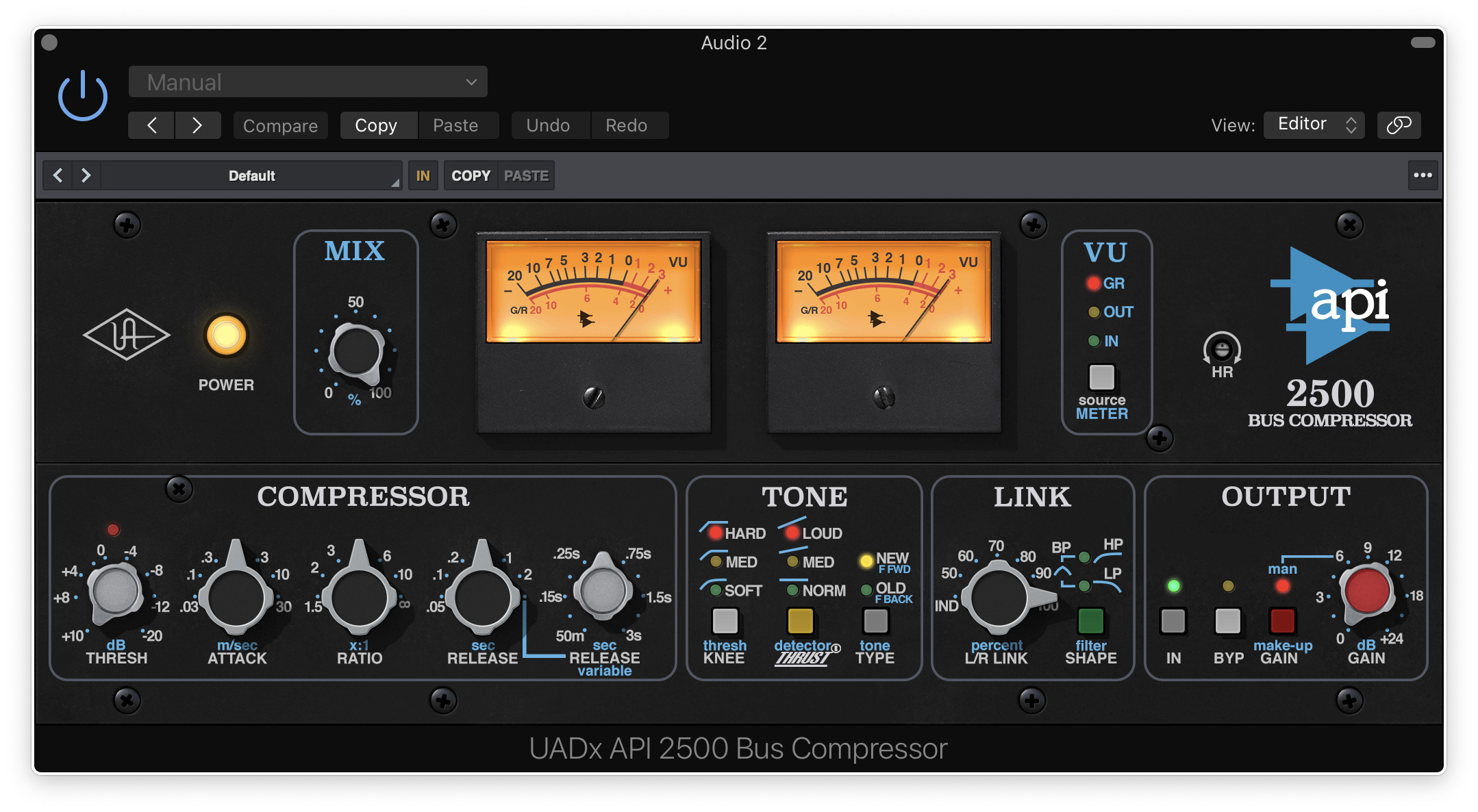
Buy dbx 160 Compressor/Limiter , get a free gift with purchase:
The dbx 160 Compressor/Limiter plug-in is a fully licensed, faithful emulation of the legendary studio hardware, capturing the quirky sonics of its colorful VCA compression along with added controls for modern workflows.
Add Versatile VCA Compression to your Tracks
Whether you’re using it on synths, bass guitar, or a drum bus, the dbx 160 plug-in emulates the original hardware’s grabby, low-end glue and old-school character, full of the same unique nonlinearities that make it a must-have for any engineer’s compressor toolkit.
Simple to Use, Timeless Character
With the same simple control set and at-a-glance metering of the original, the dbx 160 plug-in makes it easy to crush a parallel drum bus, or inject subtle fatness. It can also add aggressiveness and impact to everything from guitar power chords to a hip-hop vocal.
Leveled Up for Modern Workflows
Along with graphic enhancements and improved VU metering, the dbx 160 plug‑in’s Dry/Wet Mix control lets you easily punch up a drum bus with parallel compression, while the added Sidechain Filter lets you keep the low end tight, enhancing the compressor's impact.
Features
- Add a unique voice and flavor to your compressor toolkit with the first solid-state VCA compressor ever made
- Harness fat compression textures on bass guitar, drum buses, synths, and more
- Give acoustic guitars and snare drums in-your-face “thwack”
- Create with Dry/Wet mix control for quick parallel compression and Sidechain Filter for reduced low-frequency pumping
- Use with any audio interface, no UA hardware required
- macOS Big Sur 11, Monterey 12, Ventura 13, Sonoma 14, Sequoia 15 and Tahoe 26
- Windows 10 or Windows 11 (64-bit editions)
- Intel, AMD, or Apple silicon processor
- Internet connection to download software and authorize UAD Native plug-ins (UADx)
- Free iLok account
- Compatible with iLok USB (2nd generation or higher) but not required
- Free UA Connect application for managing UAD Native plug-ins (UADx)
- A supported DAW compatible with VST3, AU, or AAX plug-in file formats.
Registration
1. Click the Download button in your Plugin Boutique account or go to https://www.uaudio.com/my/account/redeem/.
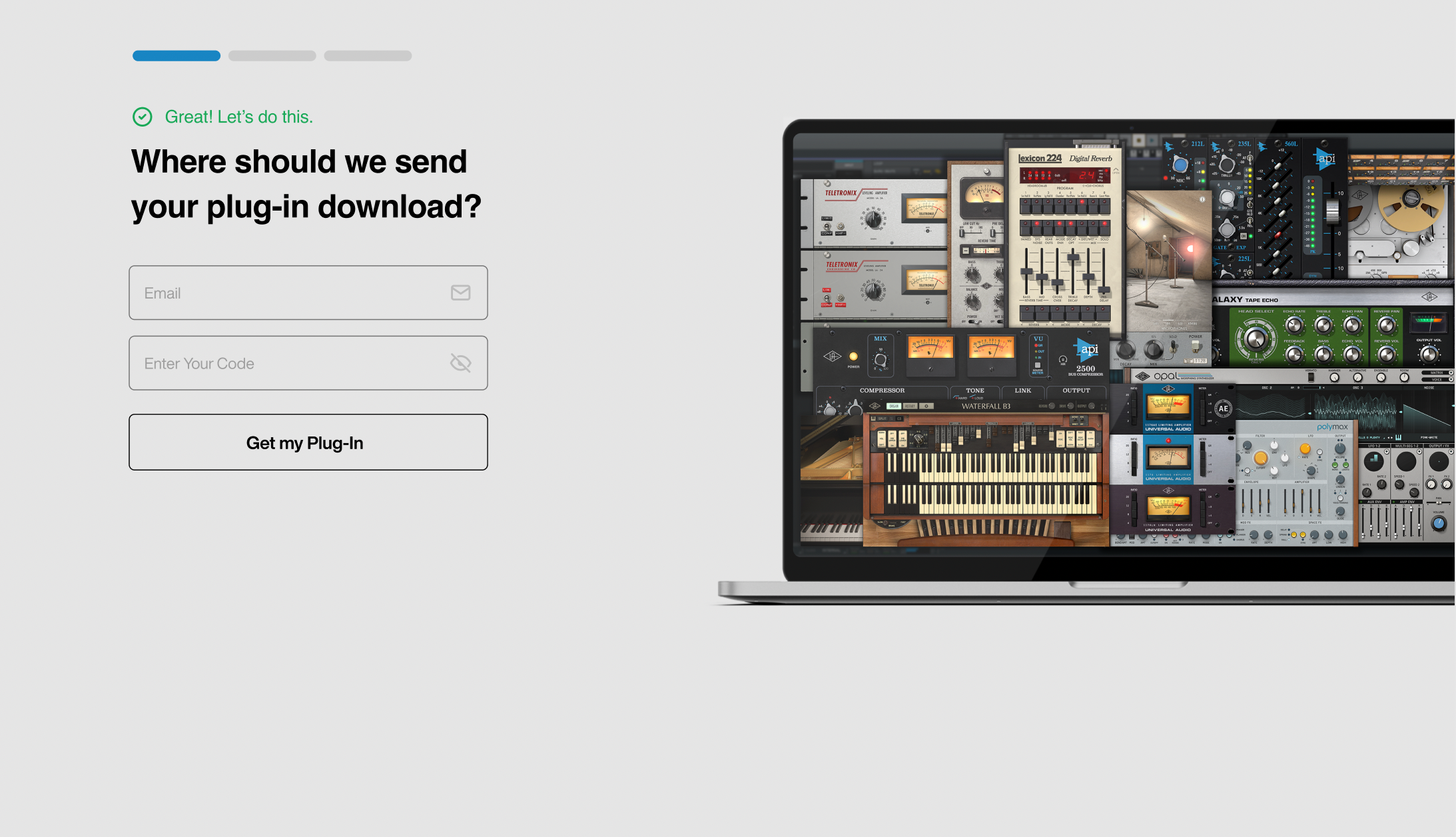
2. Enter your email and the serial code found in your Plugin Boutique User Account > Click 'Get my Plug-in'.
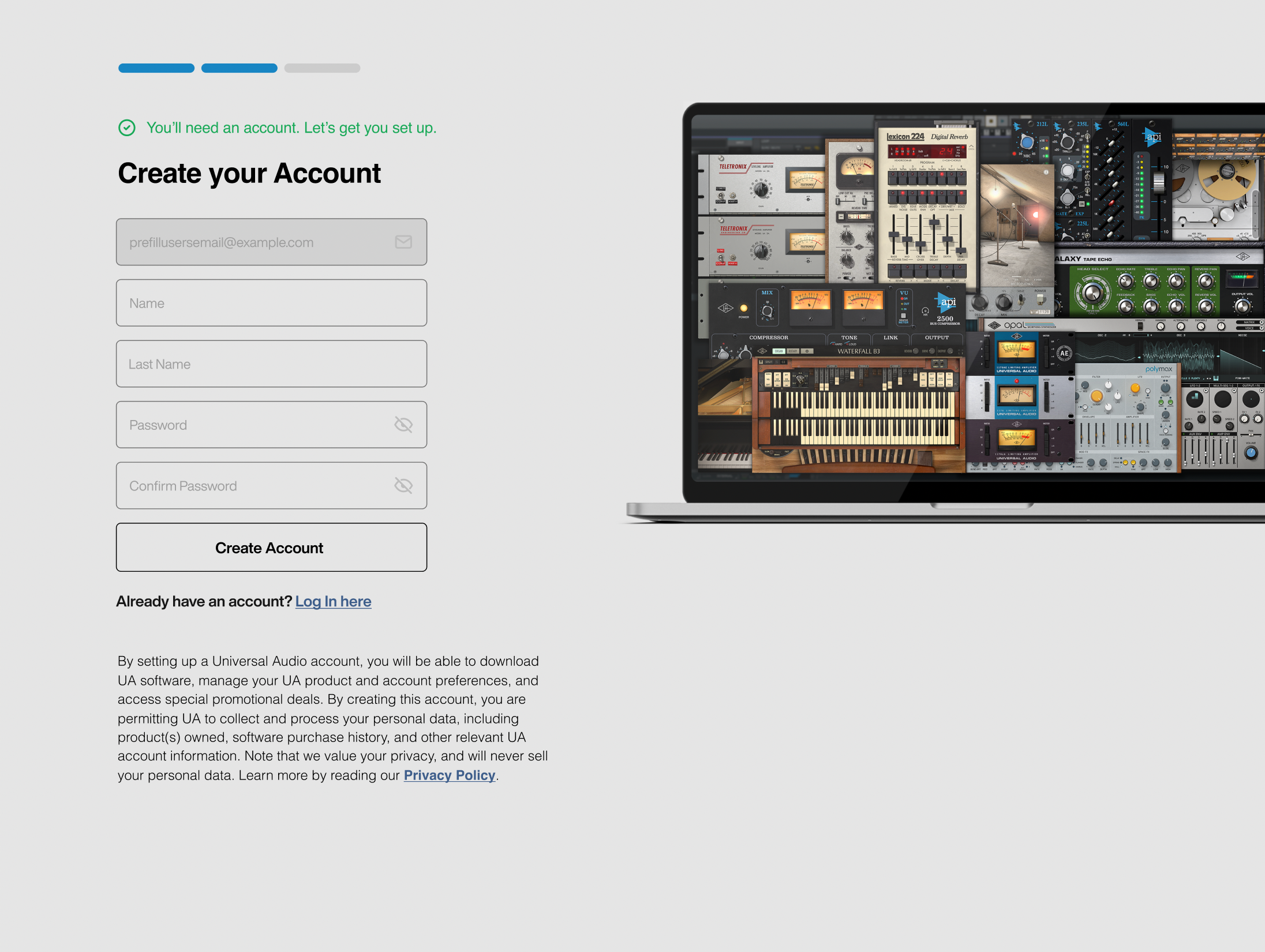
3. Enter the details required to create your Universal Audio account > Click 'Create Account'.
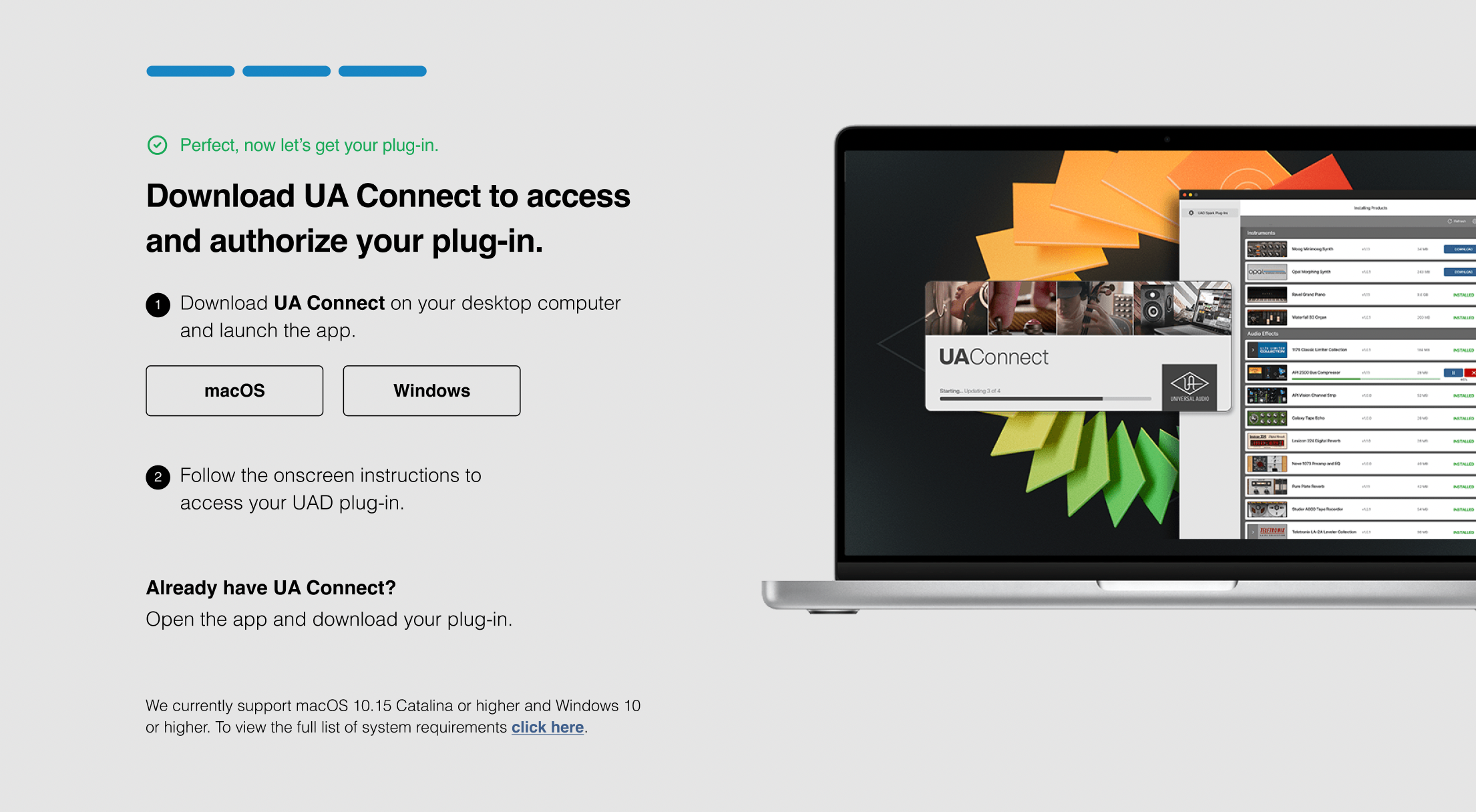
4. Download UA Connect by clicking either 'macOS' or 'Windows' depending on the system you are using.
Windows Installation
1. Once the download is complete, extract and open the ZIP folder you just downloaded > Open the PC folder > Double-click the UA Connect.exe installer file.
2. Read the terms of agreement > Click 'I Agree'.

3. The installation of PACE License Support will now begin > Click 'Next >'.
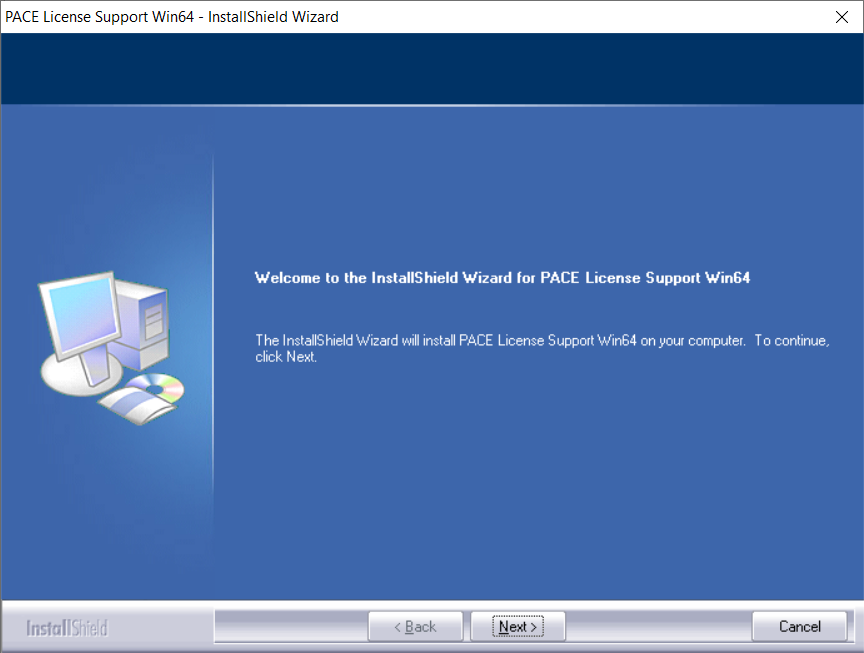
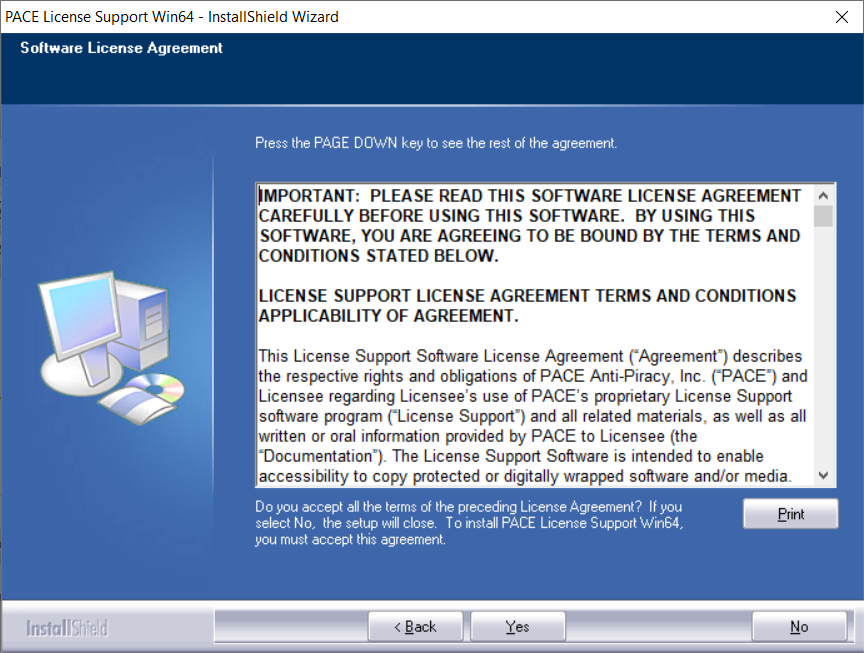
4. Read the license agreement > Click 'Yes'.
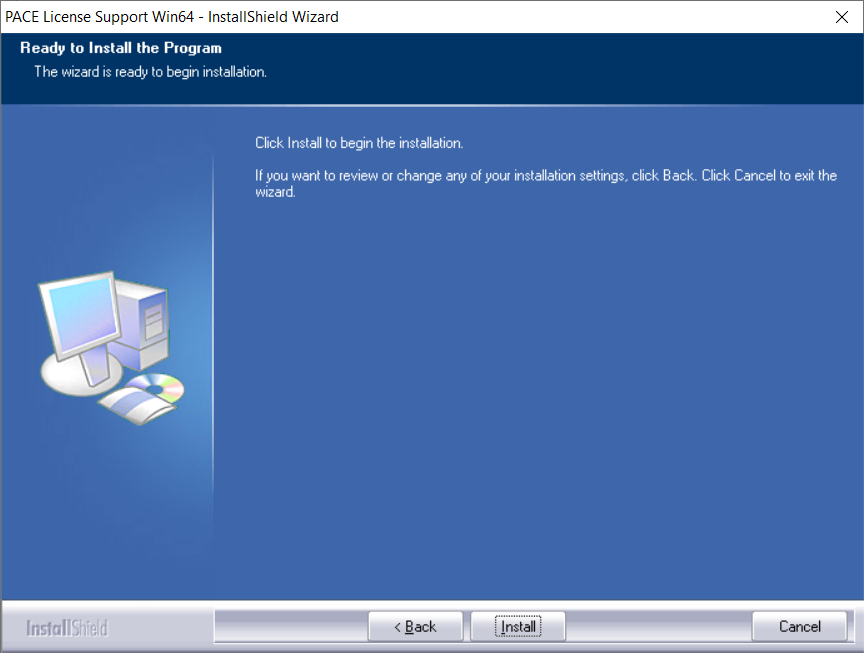
5. Click 'Install'.
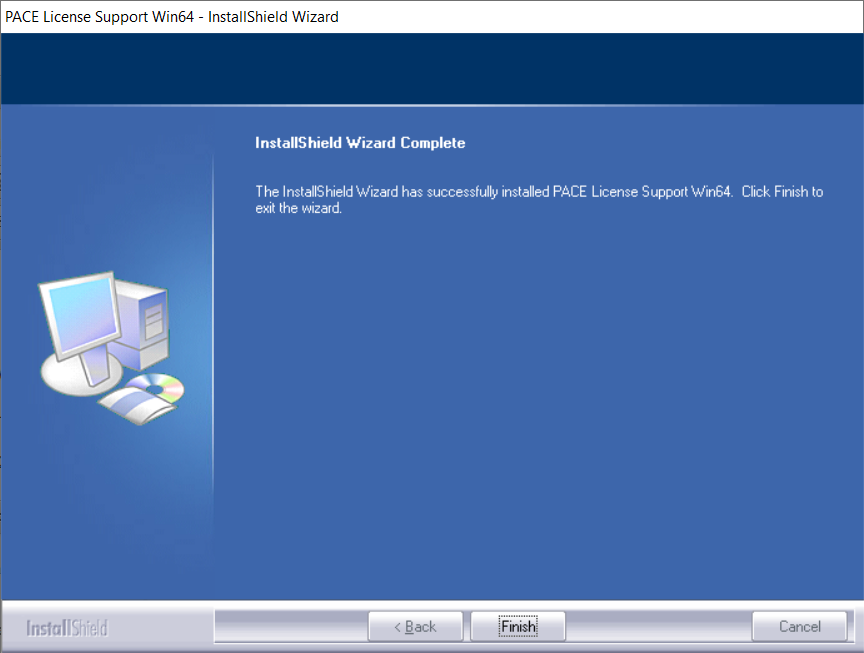
6. Click 'Finish'.
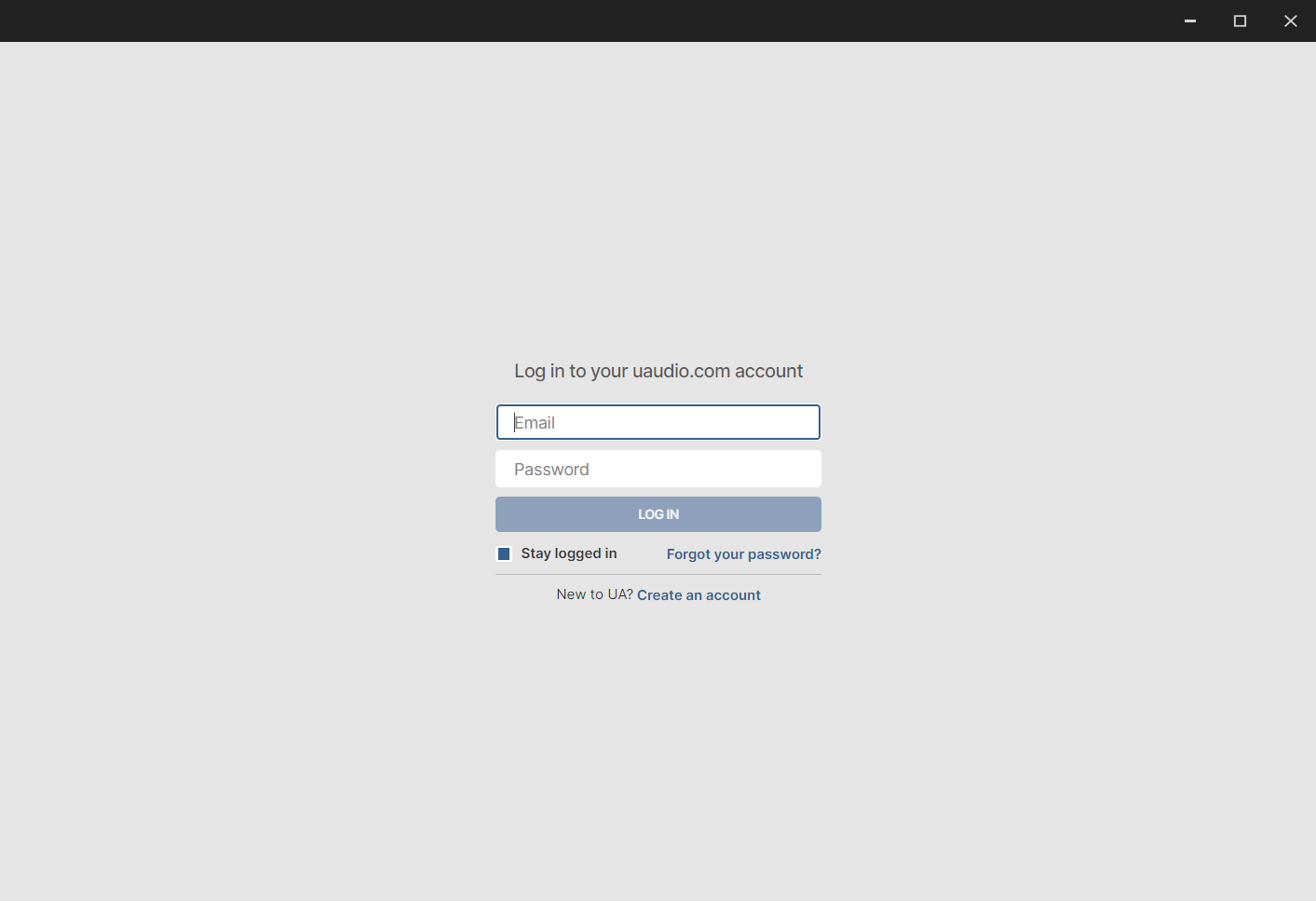
7. Locate and open UA Connect > Enter the email address and password of your Universal Audio account.
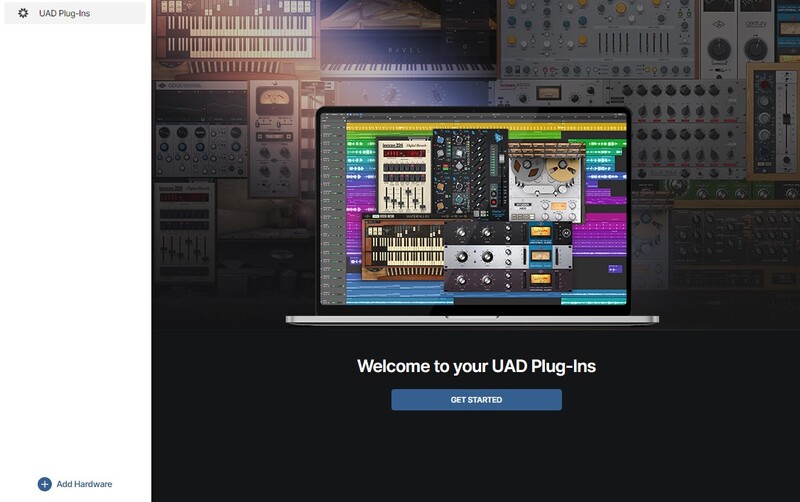
8. Click 'GET STARTED'.
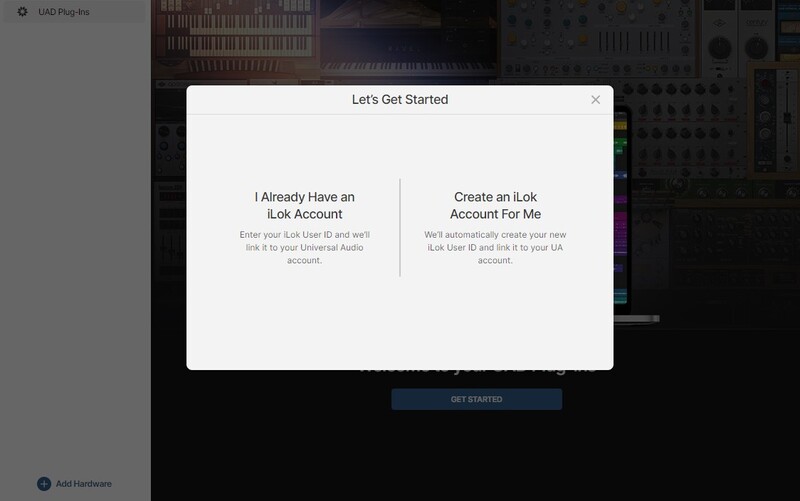
9. Select the option that is relevant to you - either 'I Already Have an iLok Account' or 'Create an iLok Account For Me'.
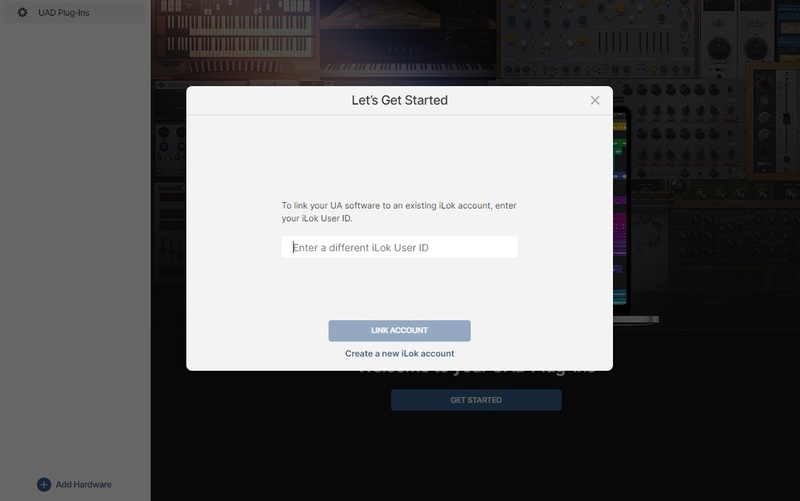
10. Enter your iLok account User ID then click 'LINK ACCOUNT'
 .
.
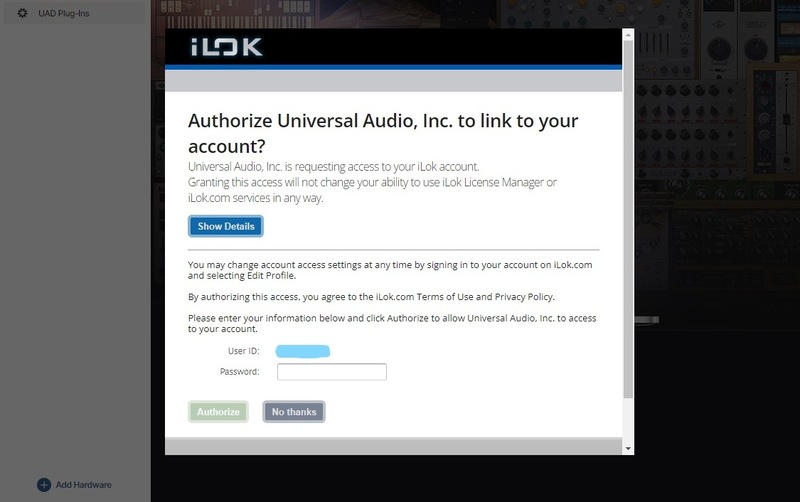
11. Enter the password for you iLok account and click 'Authorize'.
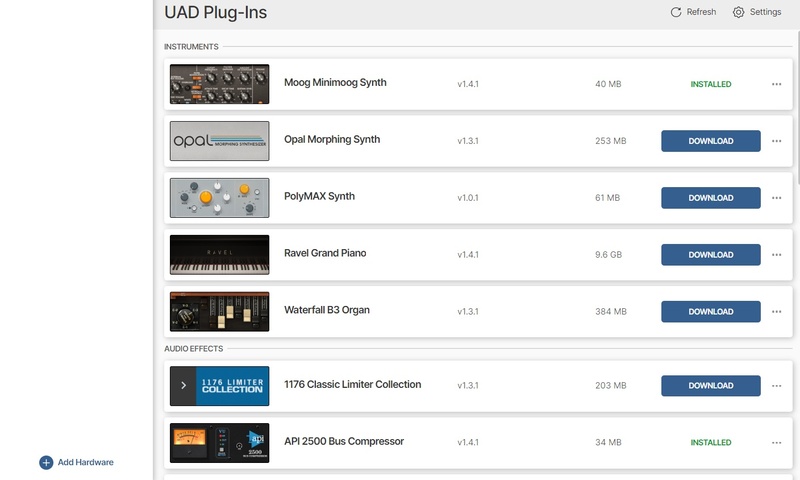
12. Locate the plugin you wish to install > Click 'DOWNLOAD'.
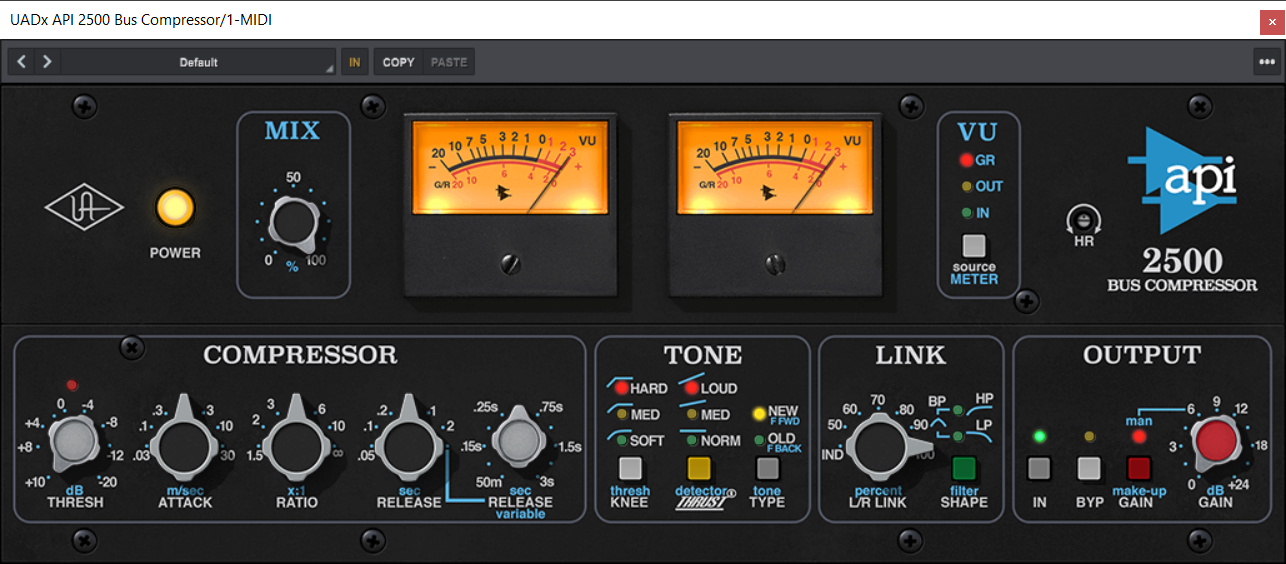
13. Once the plugin has been installed, open your DAW and then the newly installed plugin.
Your software is now activated and ready to use in your DAW!
Mac Installation
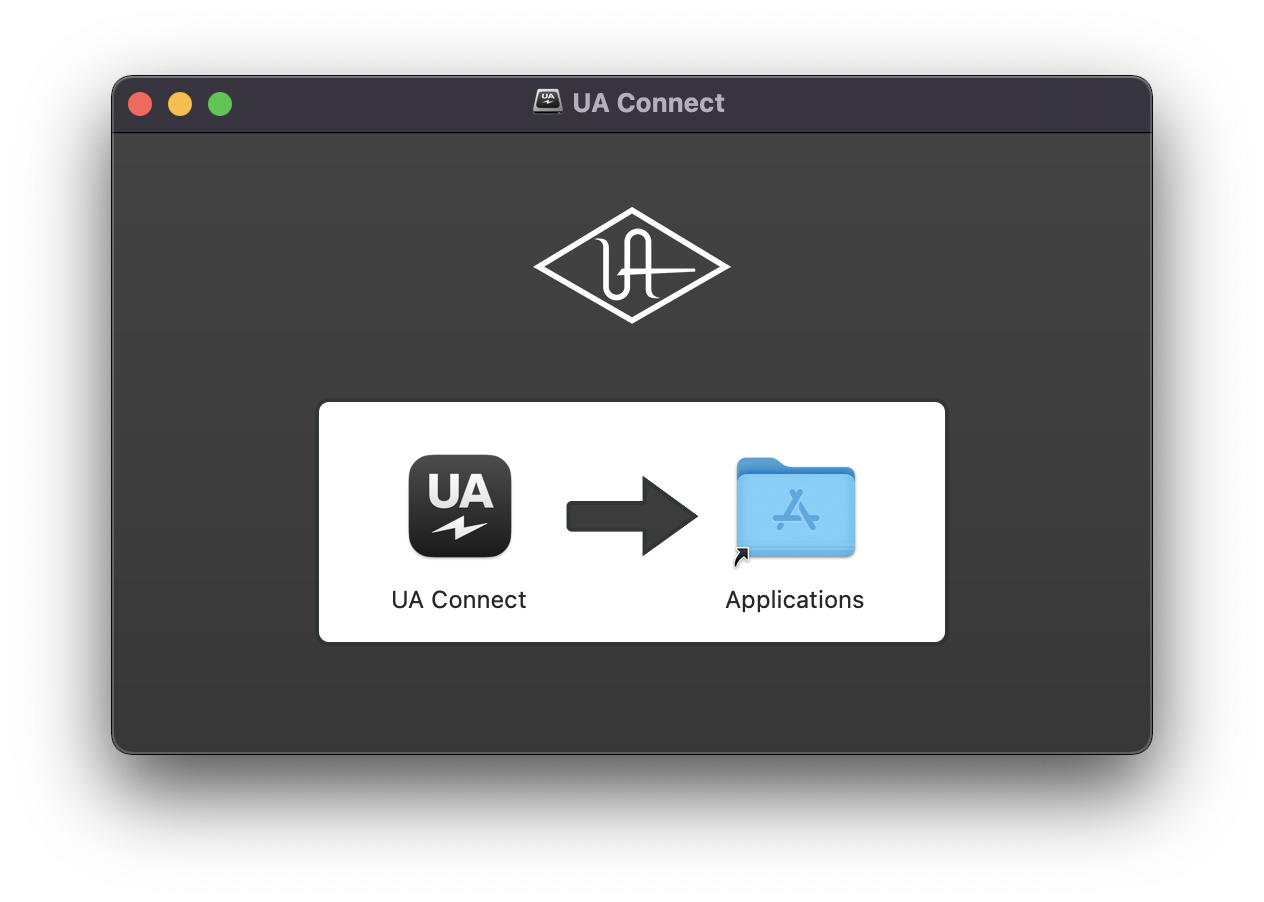
1. Once the download is complete, double-click the UA Connect.dmg installer file.
2. Drag UA Connect into your Applications folder.
3. Locate and open UA Connect > Enter the email address and password of your Universal Audio account.
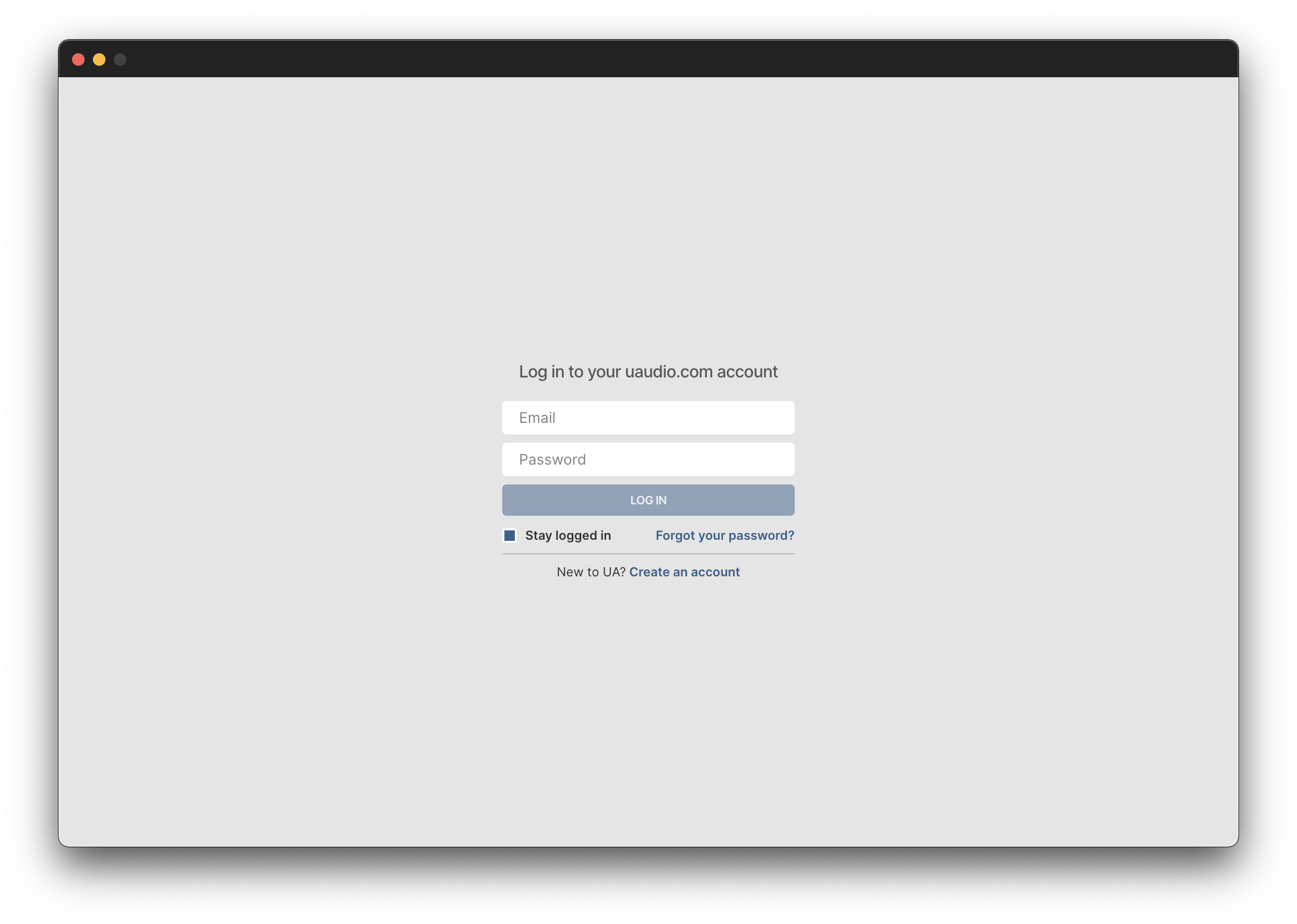
4. Click 'GET STARTED'.
5. Select the option that is relevant to you - either 'I Already Have an iLok Account' or 'Create an iLok Account For Me'.
6. Enter your iLok account User ID then click 'LINK ACCOUNT'
.
7. Enter the password for you iLok account and click 'Authorize'.
8. Locate the plugin you wish to install > Click 'DOWNLOAD'.
9. Once the plugin has been installed, open your DAW and then the newly installed plugin.
Your software is now activated and ready to use in your DAW!