Log In

Free gifts available with your purchase
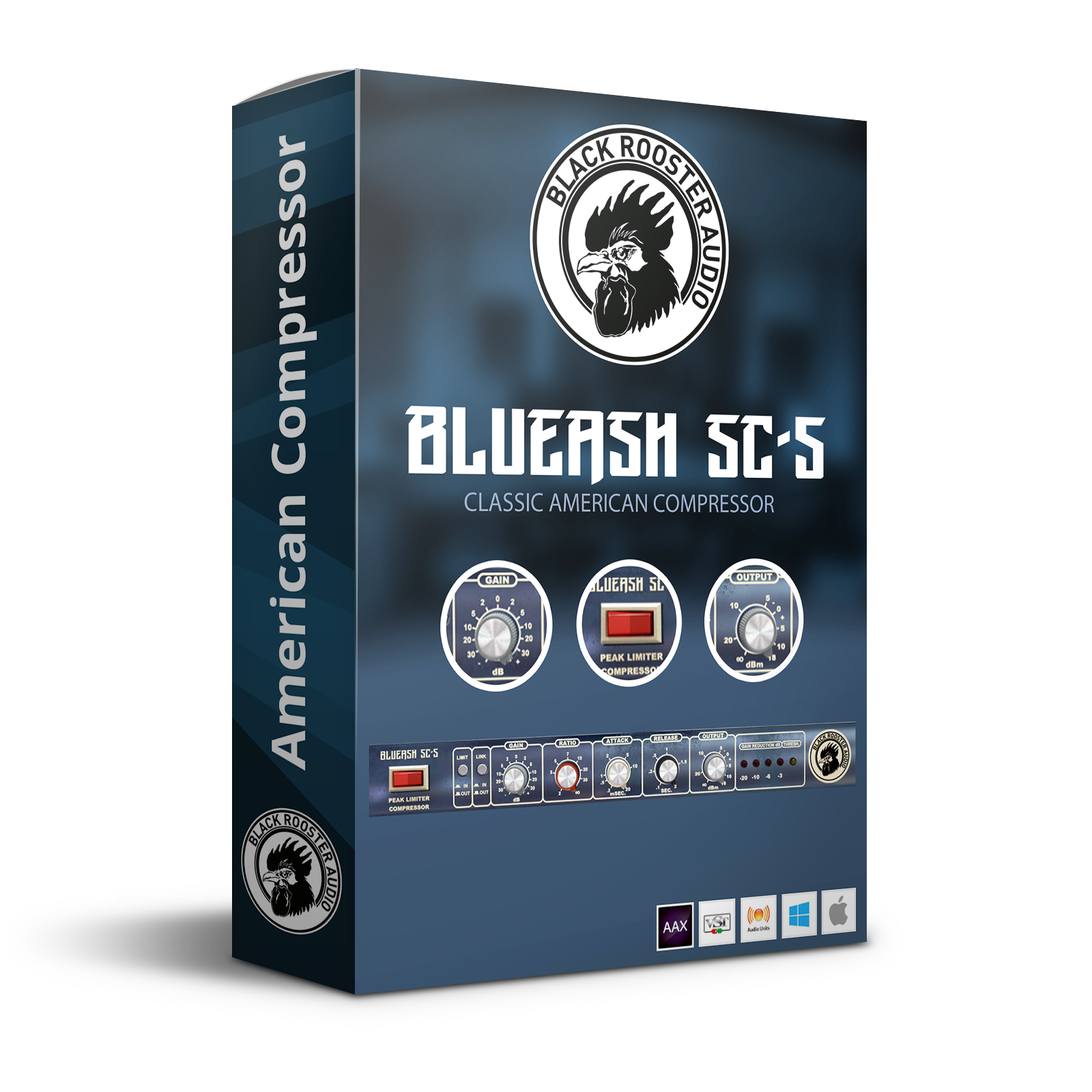
70s All-American Compressor
Accurately modeled after the original 70s blue-faced version of a classic and sought-after VCA compressor the SC-5 opens up a whole world of versatility: You‘re going for super gentle compression to sweeten the signal on your master buss? You‘re looking for a distorted, smashed-up sound on your drum buss? You want to tame lively and dynamic material? The BlueAsh SC-5 handles it all. The full-blown set of parameters allows you to dial in just the right setting for your application. Yet it always maintains its own pleasant and characteristic tone.
Features
Auto Gain Compensation
The BlueAsh SC-5 is a fixed threshold compressor: More compression can be achieved by increasing the input gain. This will of course boost your signal's volume. Drag the input gain knob while holding the right mouse button and the output gain will be adjusted so the perceived output level will remain approximately the same.
Authentic Circuit Emulation
Black Rooster Audio real time SPICE type component based circuit simulation approach allows to authentically capture the sound and feel of the analog counterpart in all nuances. Every crucial part of the circuit, including the custom VCA design, the dual time-constant detector circuit, the feedback compressor loop and the audio path have been faithfully modeled.
SSE2 Optimized Code
DSP operations are pipe-lined using the SSE2 instruction set. This ensures highest possible performance operation despite very complex computations.
Auto-Adjusted Oversampling for Maximum Audio Transparency
Aliasing artifacts are efficiently attenuated using a low latency linear phase Dolph-Chebyshev poly-phase design. The oversampling is auto adjusted to your session‘s sample rate to save valuable CPU power while offering the most transparent sound possible.
HighDPI / Retina Support
All their plug-Ins support high pixel density on Mac OSX and Windows to bring you the most enjoyable user experience on high DPI displays. Please refer to your manual to find whether your DAW is HighDPI capable if you‘re working on Windows.
System Requirements
Mac
- Mac OSX 10.9 or newer (M1/M2 supported)
- Intel Core CPU or Apple SIlicon M1/M2 Processor
- 1GB of RAM
- VST, VST3, AU or AAX compatible host (64bit)
- Display resolution of 1280x1024 pixels or more
PC
- Windows 7 or newer
- SSE2 compatible processor (Intel Core CPU recommended)
- 1GB of RAM
- VST, VST3 or AAX compatible host
- Display resolution of 1280x1024 pixels or more