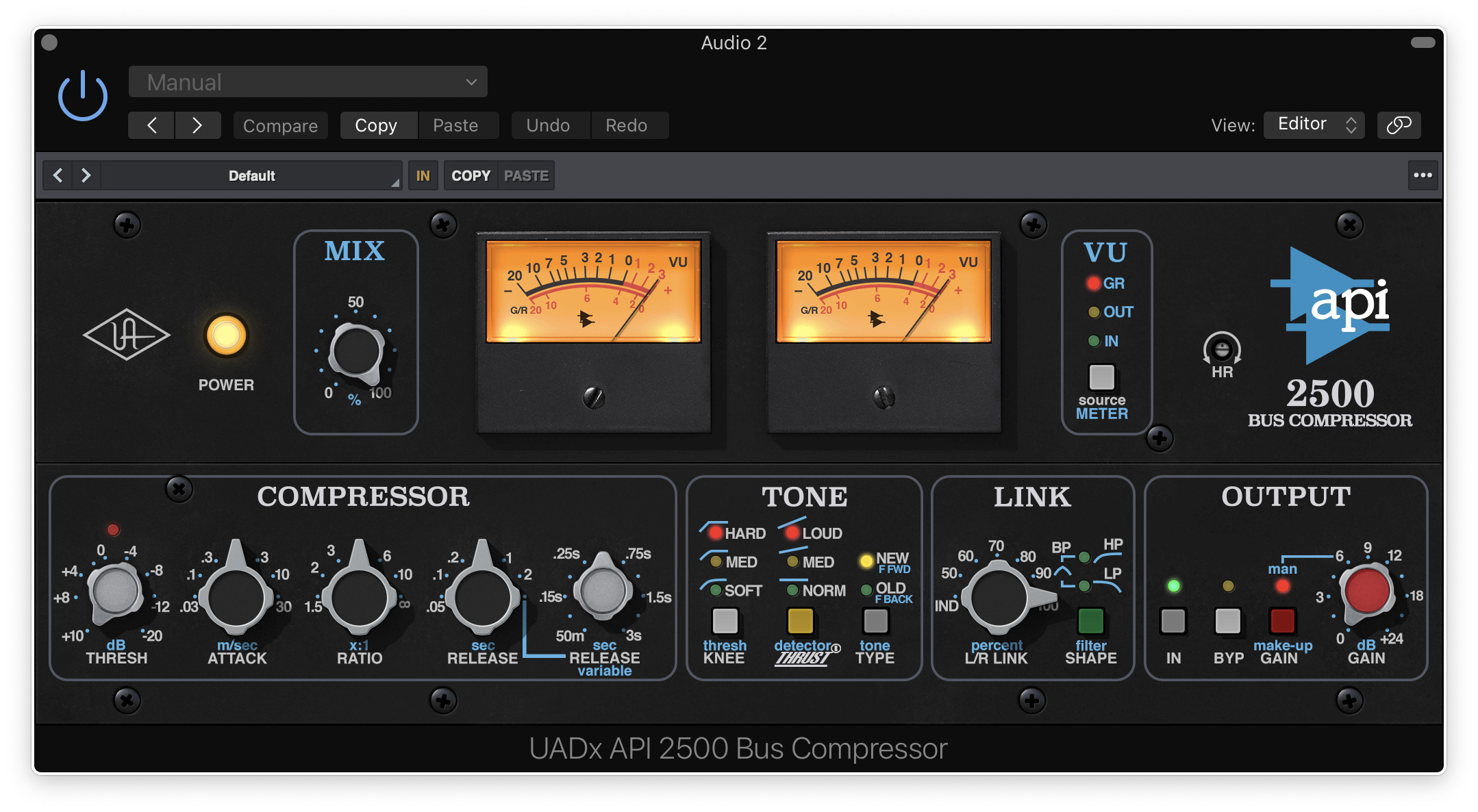
Buy UAD 1176 Classic FET Compressor, get a free gift with purchase:
1176 Classic FET Compressor

Add the iconic punch of a world famous compressor.
Based on the most legendary FET compressor of all time, the UA 1176 Classic FET Compressor plug-in delivers the same fast attack, colorful saturation, and mix-ready tone heard on countless hit records. Built with the same authentic analog modeling as the full 1176 collection, this special edition makes it easy to add punch, character, and edge to any track.
Key Benefits
- Add punch and attitude to your vocal and instrument recordings with a special edition of the classic UA FET compressor
- Harness the fast attack and colorful saturation of an original 1176, right down to the transformers and FET amplifiers
- Dial in your sound quickly with the Input/Output controls and fine-tune your Attack and Release for nearly any source
- Go from subtle to extreme, for smashed textures using the infamous "All Button" mode
Fast FET Compression and Limiting for Your Mixes
Start your journey with the iconic compression used on nearly every hit recording of our time. This special version of the UA 1176 Classic FET Compressor features the same authentic analog modeling of the full collection, so you can dial in the punch and attitude of an iconic "desert island" compressor on nearly any source.
Features
- Authentic 1176 Emulation – Faithfully reproduces the tone and behavior of the legendary FET compressor
- Ultra-Fast Attack & Release – Provides the signature punch and responsiveness favored by top engineers
- Classic Ratio Settings – Includes the famous 4:1, 8:1, 12:1, and 20:1 compression ratios
- "All-Buttons-In" Mode – Engages a unique, aggressive compression style for explosive sound shaping
- Rich Harmonic Character – Enhances warmth and presence, perfect for vocals, drums, bass, and guitars
- Versatile Application – Ideal for subtle dynamic control or extreme compression effects
- Modern Digital Precision – Delivers the revered analog sound with the reliability and flexibility of digital processing
- macOS Big Sur 11, Monterey 12, Ventura 13, Sonoma 14, Sequoia 15 and Tahoe 26
- Windows 10 or Windows 11 (64-bit editions)
- Intel, AMD, or Apple silicon processor
- Internet connection to download software and authorize UAD Native plug-ins (UADx)
- Free iLok account
- Compatible with iLok USB (2nd generation or higher) but not required
- Free UA Connect application for managing UAD Native plug-ins (UADx)
- A supported DAW compatible with VST3, AU, or AAX plug-in file formats.
Registration
1. Click the Download button in your Plugin Boutique account or go to https://www.uaudio.com/my/account/redeem/.
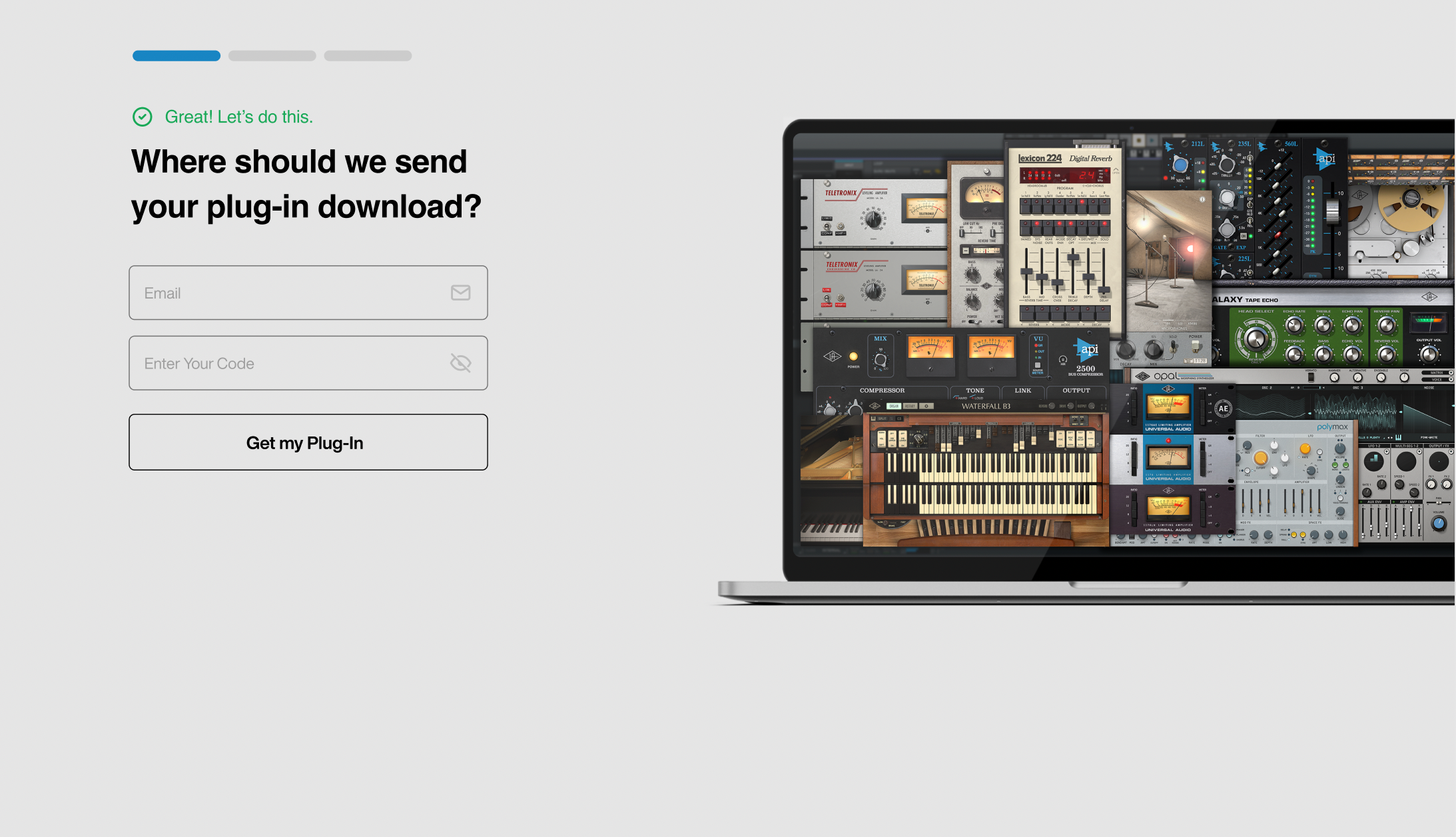
2. Enter your email and the serial code found in your Plugin Boutique User Account > Click 'Get my Plug-in'.
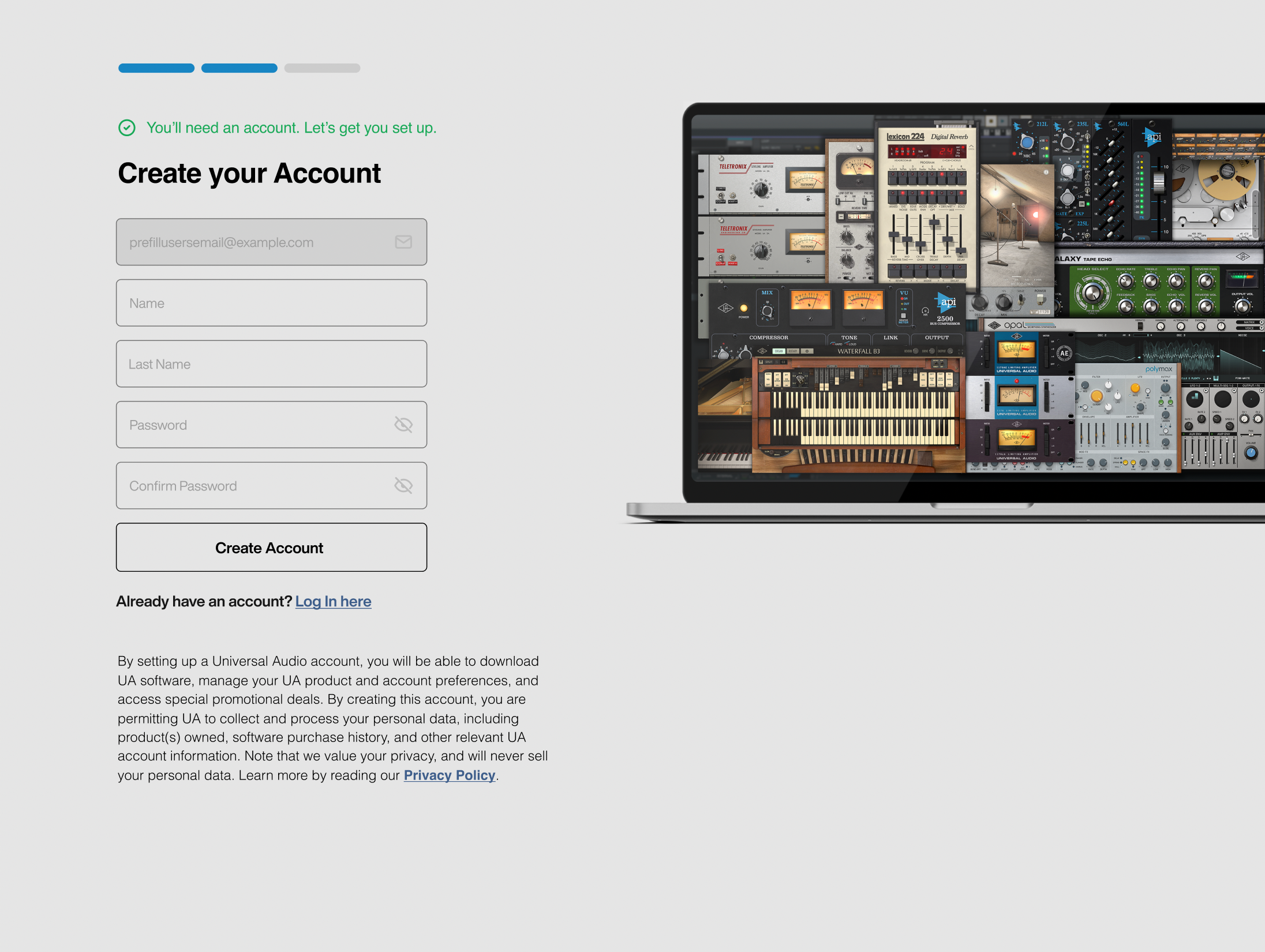
3. Enter the details required to create your Universal Audio account > Click 'Create Account'.
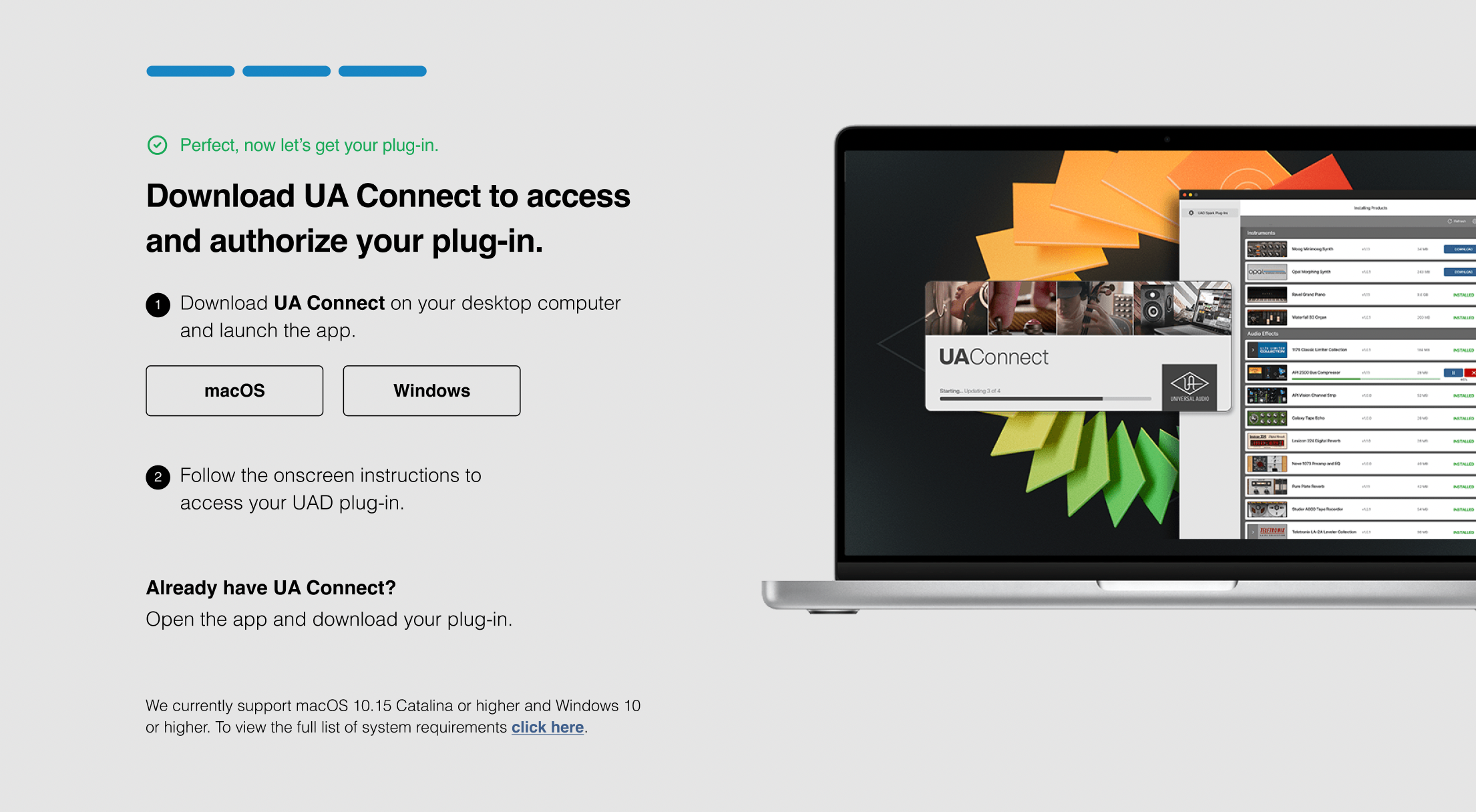
4. Download UA Connect by clicking either 'macOS' or 'Windows' depending on the system you are using.
Windows Installation
1. Once the download is complete, extract and open the ZIP folder you just downloaded > Open the PC folder > Double-click the UA Connect.exe installer file.
2. Read the terms of agreement > Click 'I Agree'.

3. The installation of PACE License Support will now begin > Click 'Next >'.
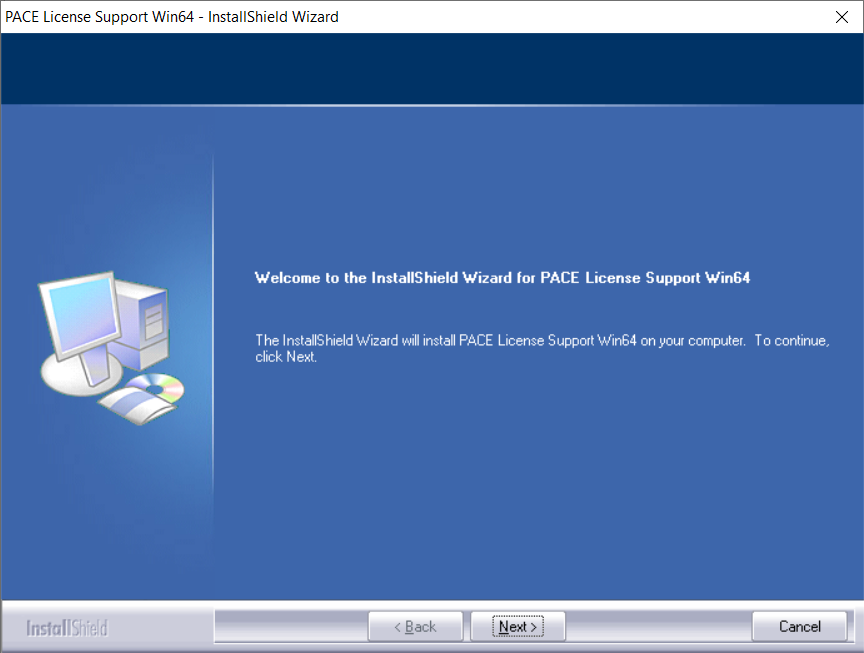
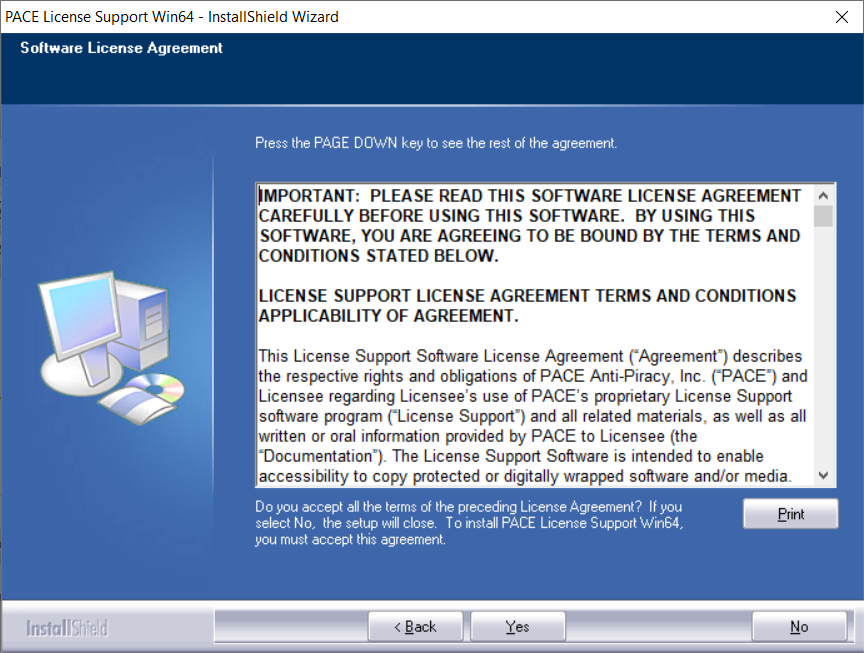
4. Read the license agreement > Click 'Yes'.
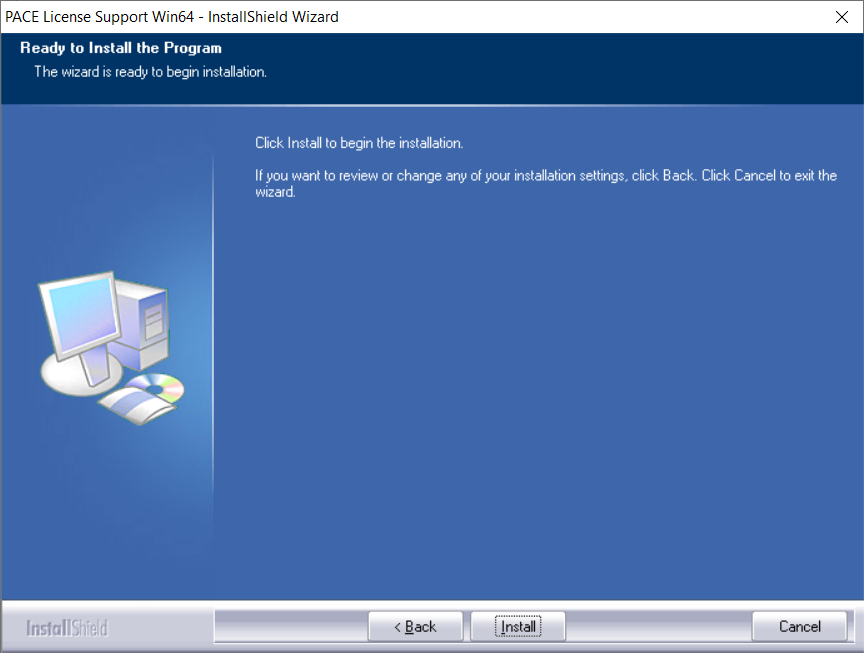
5. Click 'Install'.
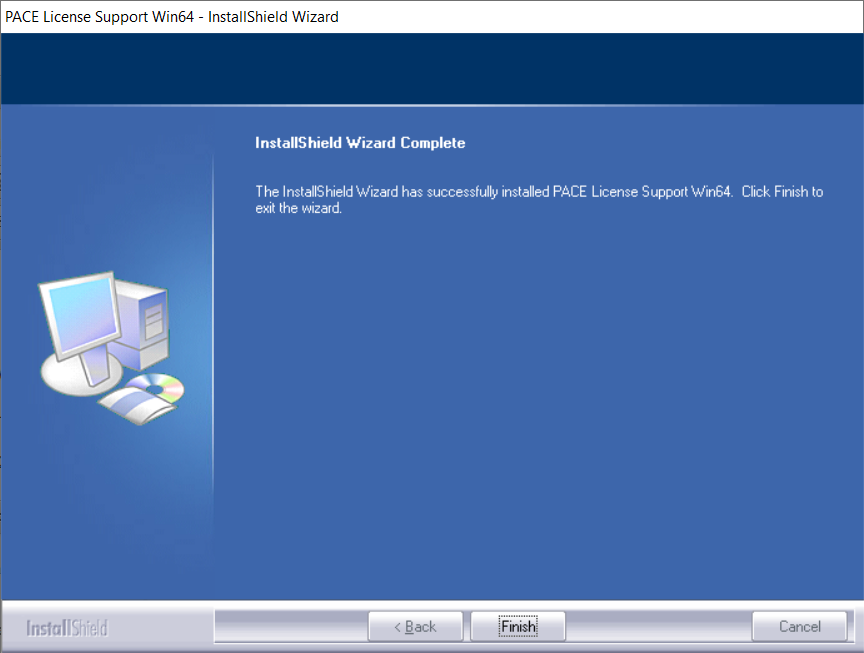
6. Click 'Finish'.
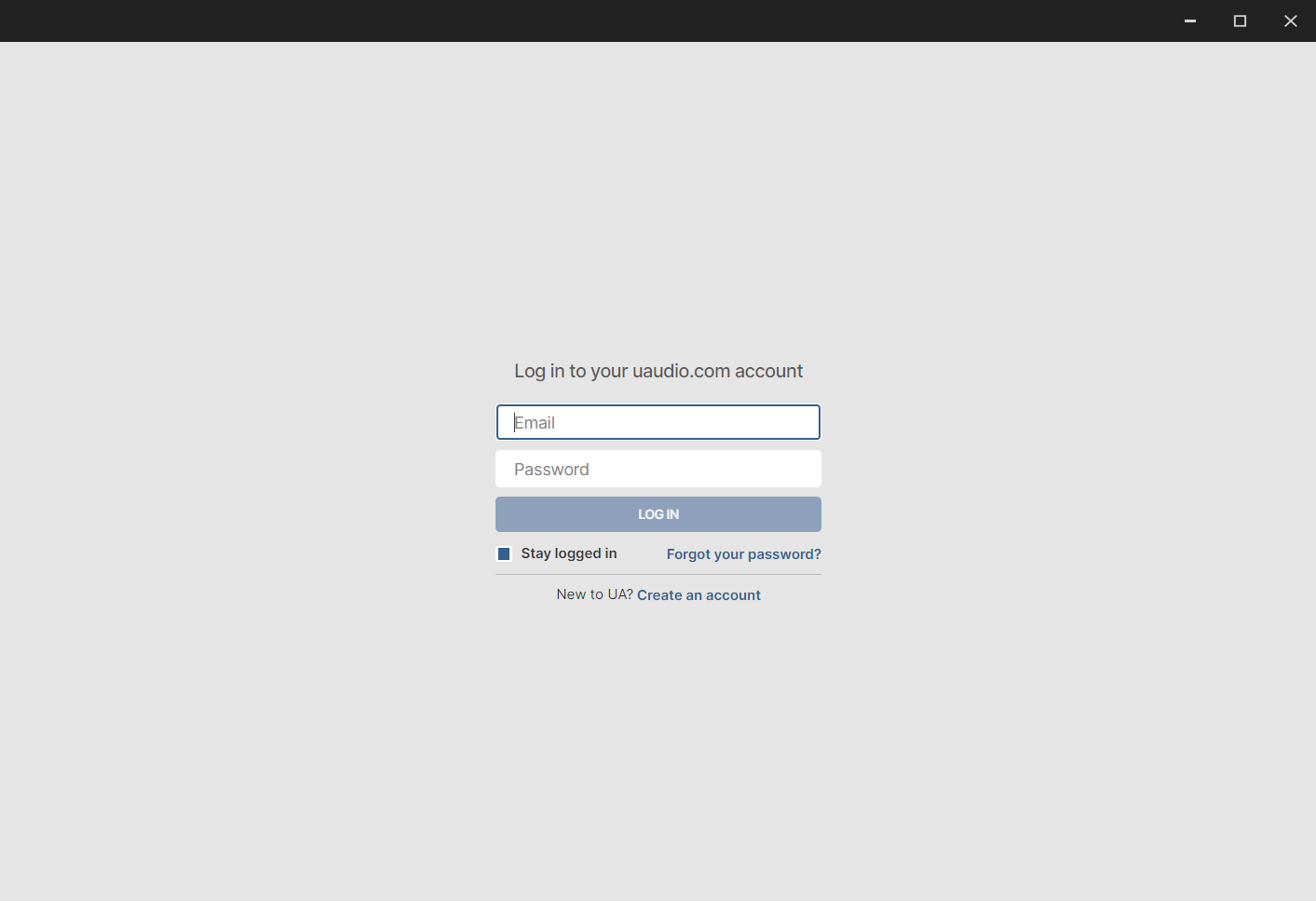
7. Locate and open UA Connect > Enter the email address and password of your Universal Audio account.
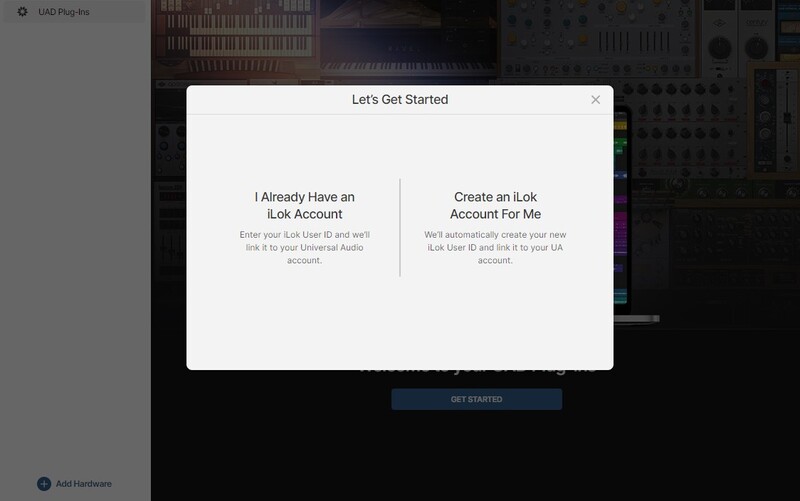
8. Click 'GET STARTED'.

9. Select the option that is relevant to you - either 'I Already Have an iLok Account' or 'Create an iLok Account For Me'.
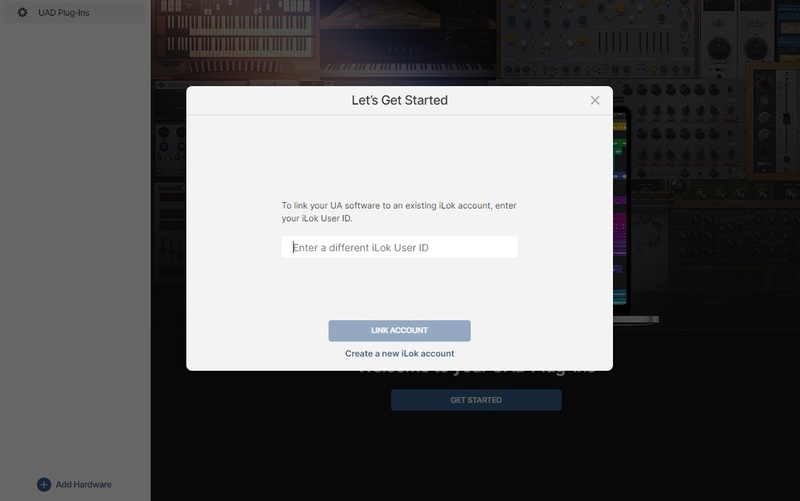
10. Enter your iLok account User ID then click 'LINK ACCOUNT'
 .
.
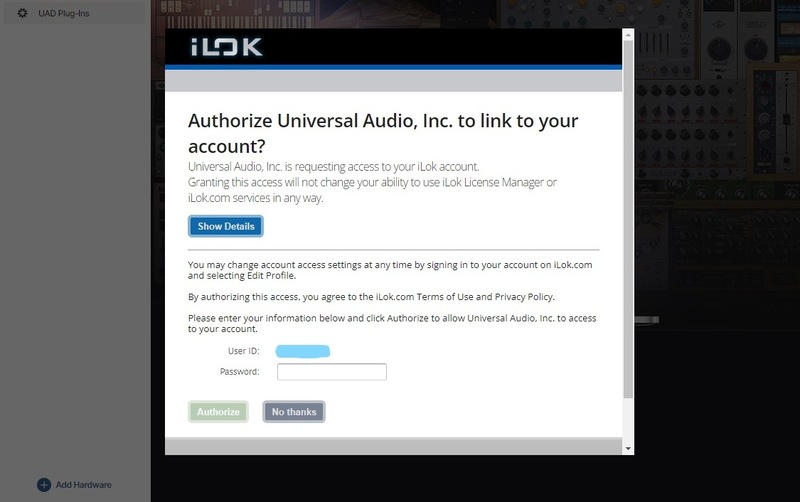
11. Enter the password for you iLok account and click 'Authorize'.
12. Locate the plugin you wish to install > Click 'DOWNLOAD'.
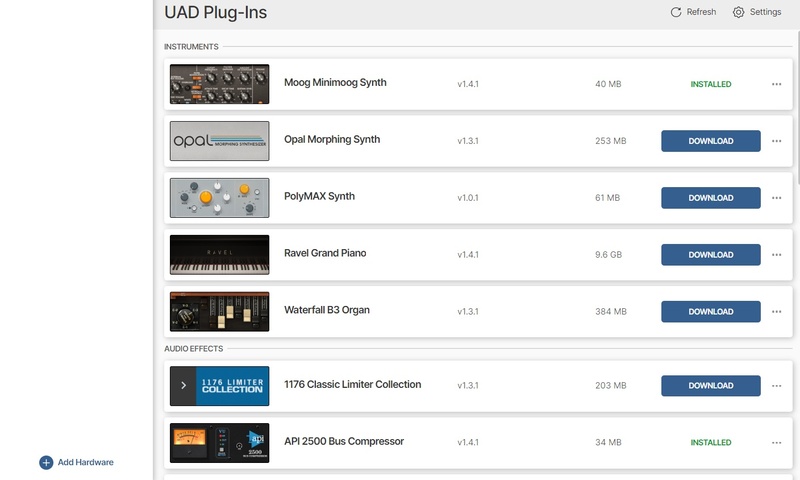
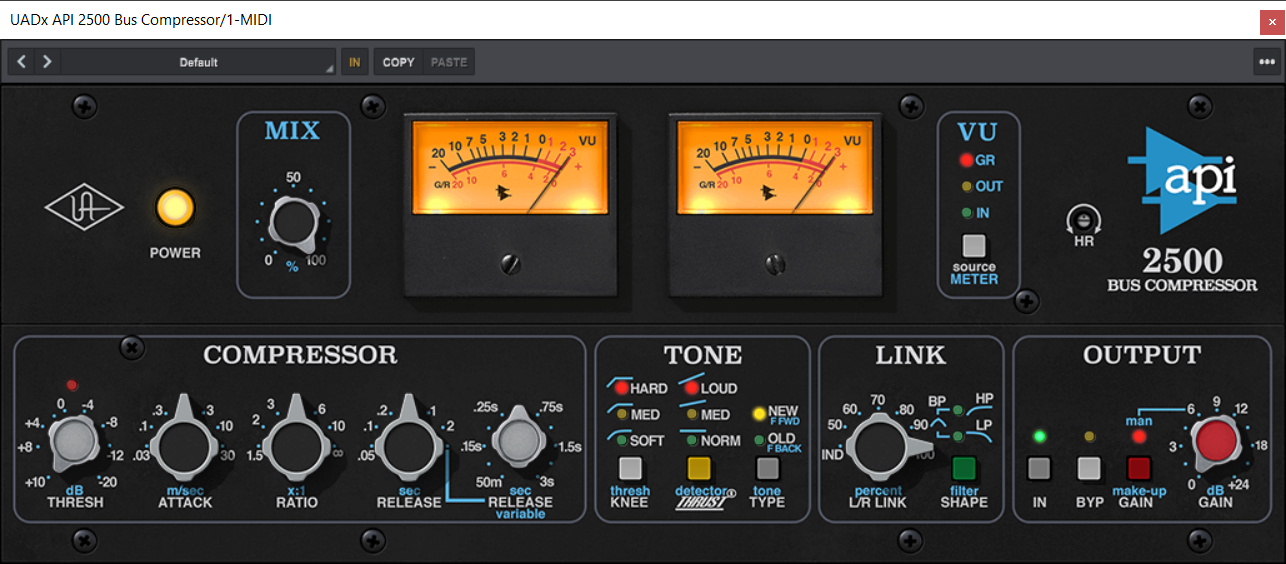
13. Once the plugin has been installed, open your DAW and then the newly installed plugin.
Your software is now activated and ready to use in your DAW!
Mac Installation
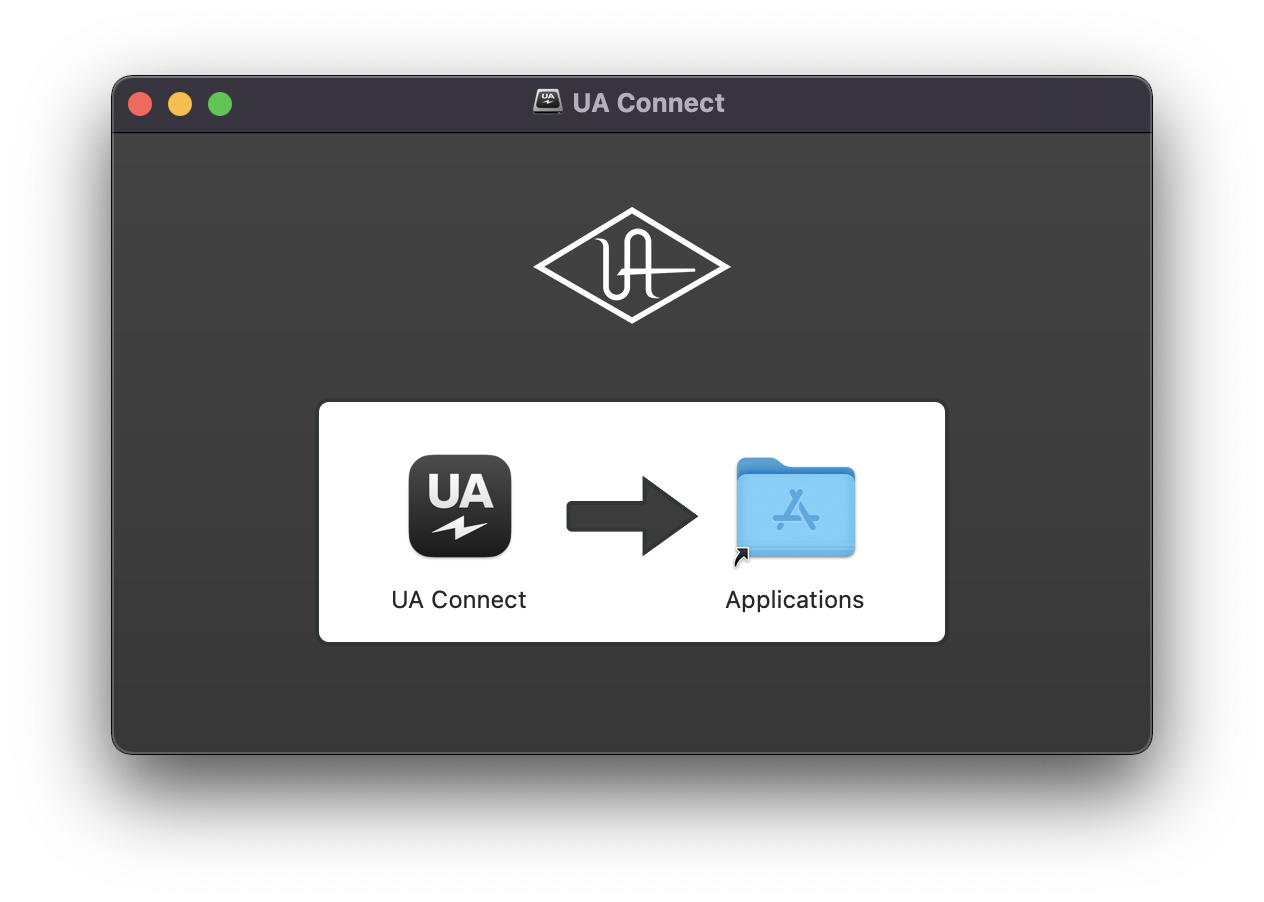
1. Once the download is complete, double-click the UA Connect.dmg installer file.
2. Drag UA Connect into your Applications folder.
3. Locate and open UA Connect > Enter the email address and password of your Universal Audio account.
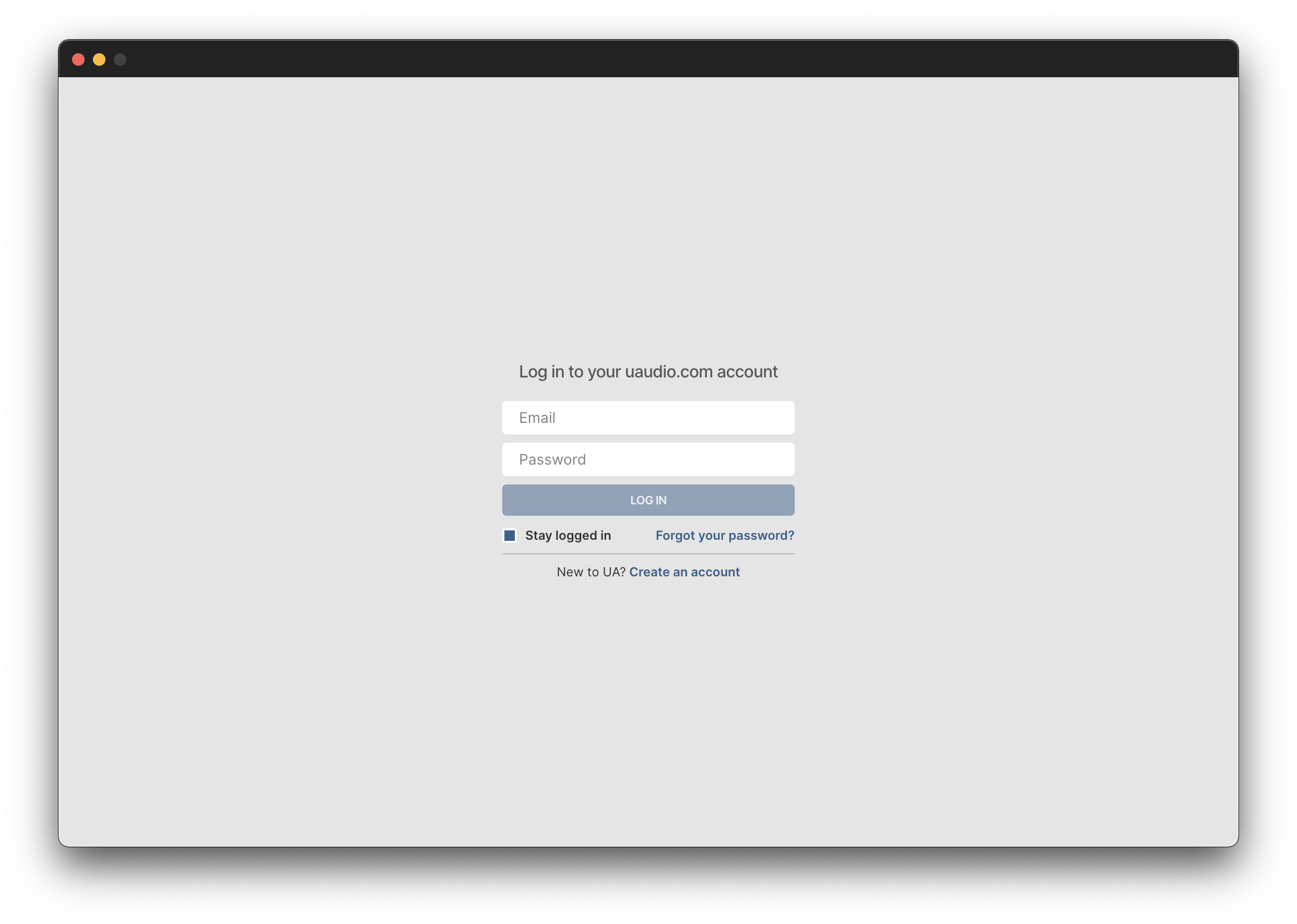
4. Click 'GET STARTED'.
5. Select the option that is relevant to you - either 'I Already Have an iLok Account' or 'Create an iLok Account For Me'.
6. Enter your iLok account User ID then click 'LINK ACCOUNT'
.
7. Enter the password for you iLok account and click 'Authorize'.
8. Locate the plugin you wish to install > Click 'DOWNLOAD'.
9. Once the plugin has been installed, open your DAW and then the newly installed plugin.
Your software is now activated and ready to use in your DAW!