


 Log In

Free gifts available with your purchase

Dynamics Remodeler / Character Compressor
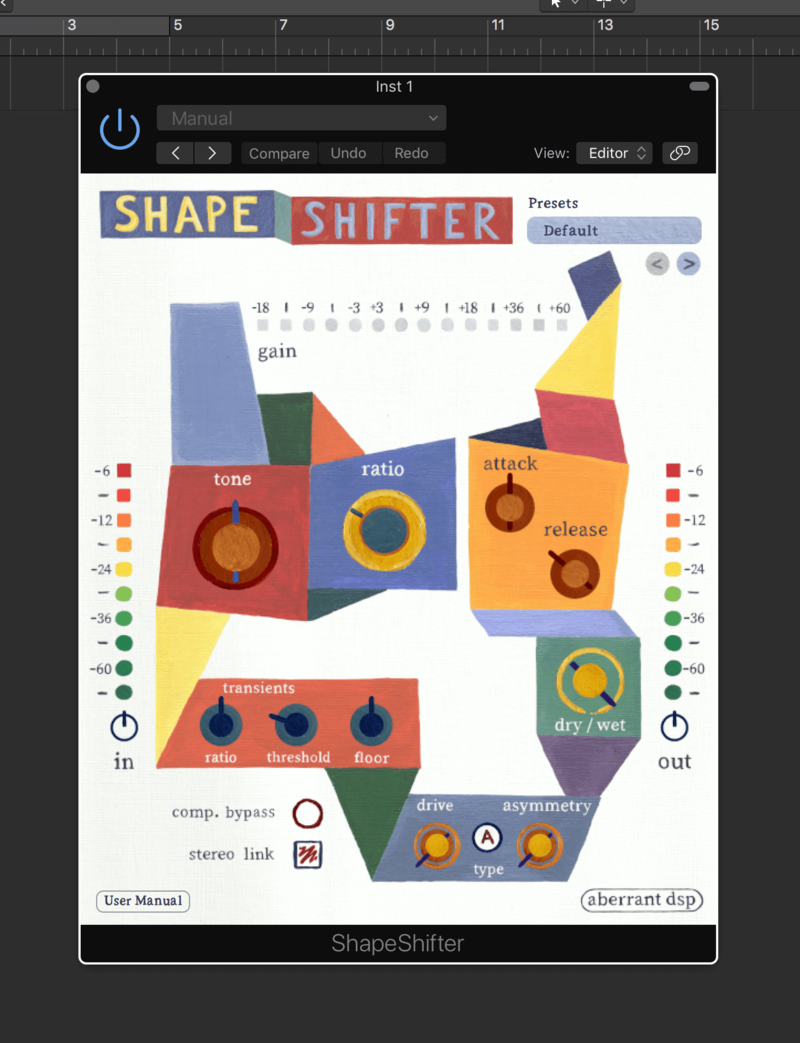
Inspired by SketchCassette’s NR Comp algorithm, ShapeShifter is a one-of-a-kind dynamics remodeler and character compressor that will completely transform the shape of your sounds. ShapeShifter moulds a blend of multi-band upward and downward compression into a toolbox for adding colour, body, and grit to your sounds. This can take the form of anything from a subtle vibe boost to blown-open, raucous carnage.
Features
- Upward / Downward compression controlled with a common Ratio
- Transients section with Ratio and Threshold controls, allowing for separate control of downward compression
- Upward compression Floor control for taming room sound or unwanted noise
- Flexible envelope shaping through Attack and Release time controls
- Tone adjustment for broad shifts in colour and character
- Wide-ranging Drive control with two models: A (gentle) and B (hard)
- Asymmetry control for attaining harsher, grittier drive textures by way of even-order harmonics
- Dry / Wet mixer for easy parallel processing
- Custom preset system with 64 factory presets, showcasing ShapeShifter’s versatility
System Requirements
Mac
- macOS 10.10 Yosemite - macOS 13 Ventura (Intel / Apple Silicon supported) (64-bit only)
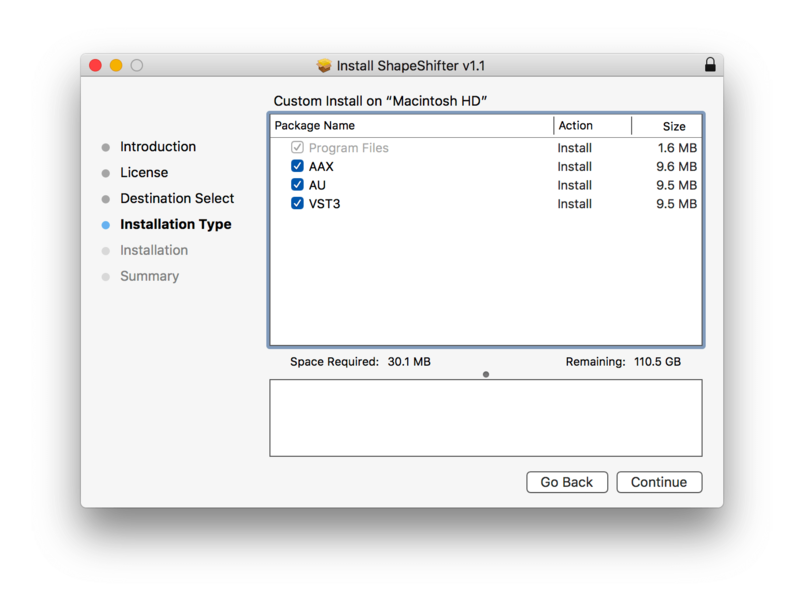
- AU, VST3, AAX
Windows
- Windows 7 or later (64-bit only)
- VST3, AAX
Awards

Gearspace.com
The world's best pro audio and music production community & discussion forum.
"Fabulous FX from subtle analogue treatment to far-out trashy."

Reviews Summary
While it aims to provide a helpful overview, it may not capture every perspective or detail. We encourage you to read individual reviews to make an informed decision.
Users praise the plugin as an inventive, character-driven compressor that excels at tone shaping, rich saturation, and heavy texture rather than transparent dynamics control. Ideal for adding grit and vibe to drums and bass, it functions like a single-band OTT, though some note it can hype high frequencies and requires EQ balancing.


