Buy Low Control, get a free gift with purchase:

The Holy Grail of Low End plugins
Low Control is a low end compressor and harmonic enhancer all-in-one. It allows you to quickly dial in a rich, powerful and professional low end that translates across all speakers.
CONTROL
The CONTROL side of the plugin allows you to compress the low frequencies independently from the rest of the signal. Simply dial in the threshold, then select the frequency you want to compress below, then boost back in as much or as little controlled low end as you’d like.
ENHANCE
The ENHANCE side of the plugin allows to add rich harmonic enhancement at a user-defined frequency. Set the frequency slider to lower frequencies for deep sub bass or higher frequencies to help your bass translate to smaller speakers.
System Requirements
Mac
- Mac OS X 10.11 or higher
- At least 200 MB of free drive space
- AAX, AU, VST3 versions
PC
- Windows 10
- At least 200 MB of free drive space
- AAX, VST3 versions
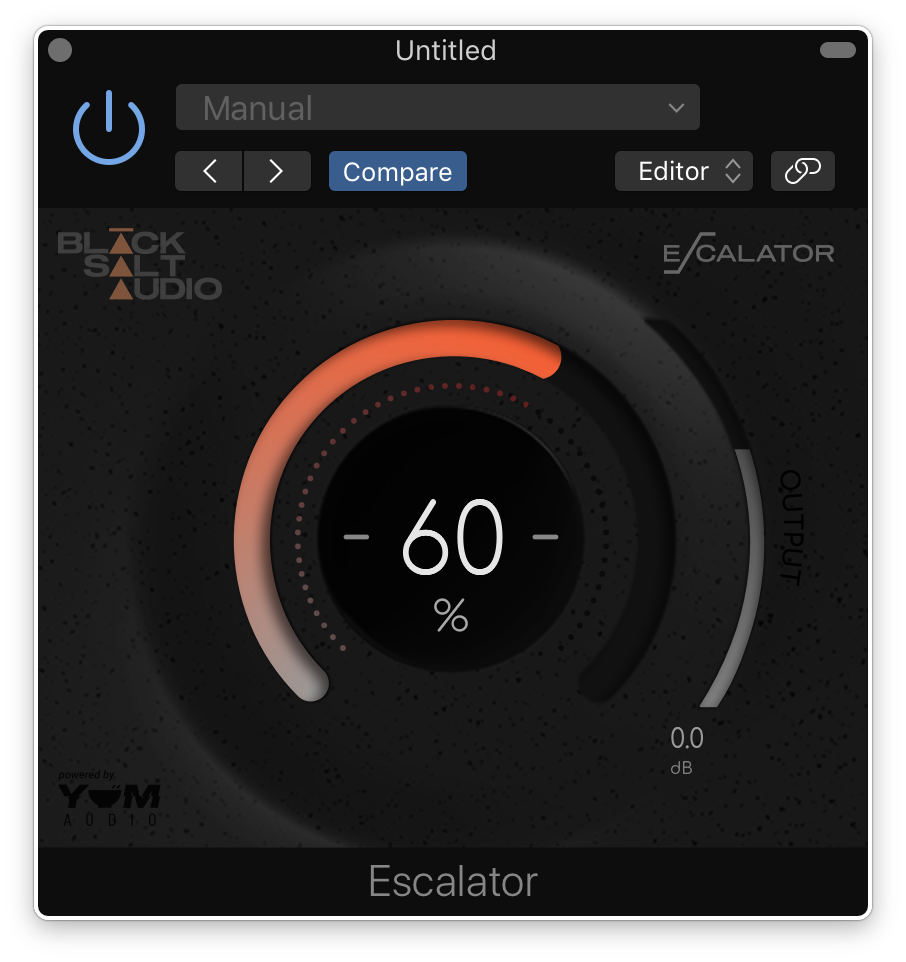
Note: Escalator is used as an example.
License Redemption
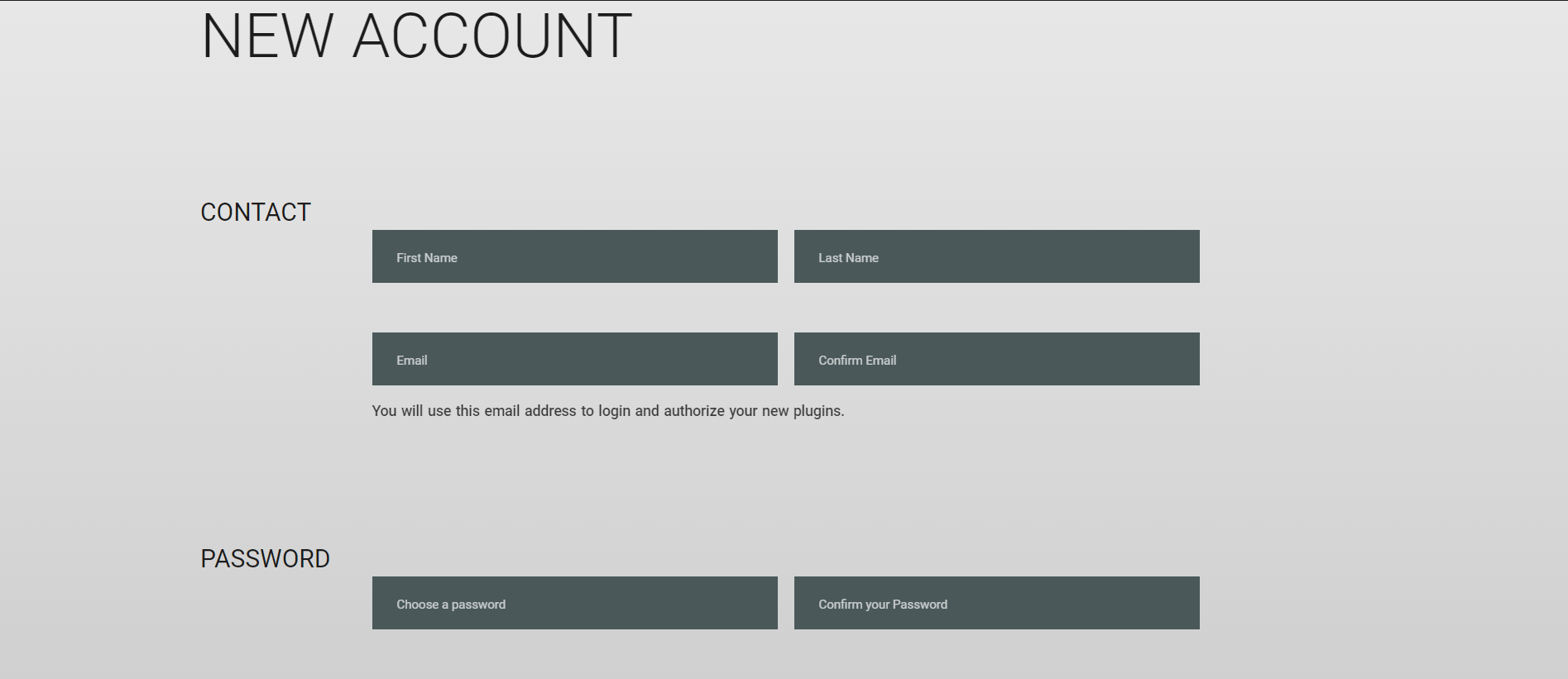
1. Visit https://blacksaltaudio.com/pluginboutique/redemption/ > sign in or create a new Black Salt Audio account.
2. Enter your details for your new Black Salt Audio account.
3. Scroll down and accept the Terms and Conditions > click 'Sign me up!'.
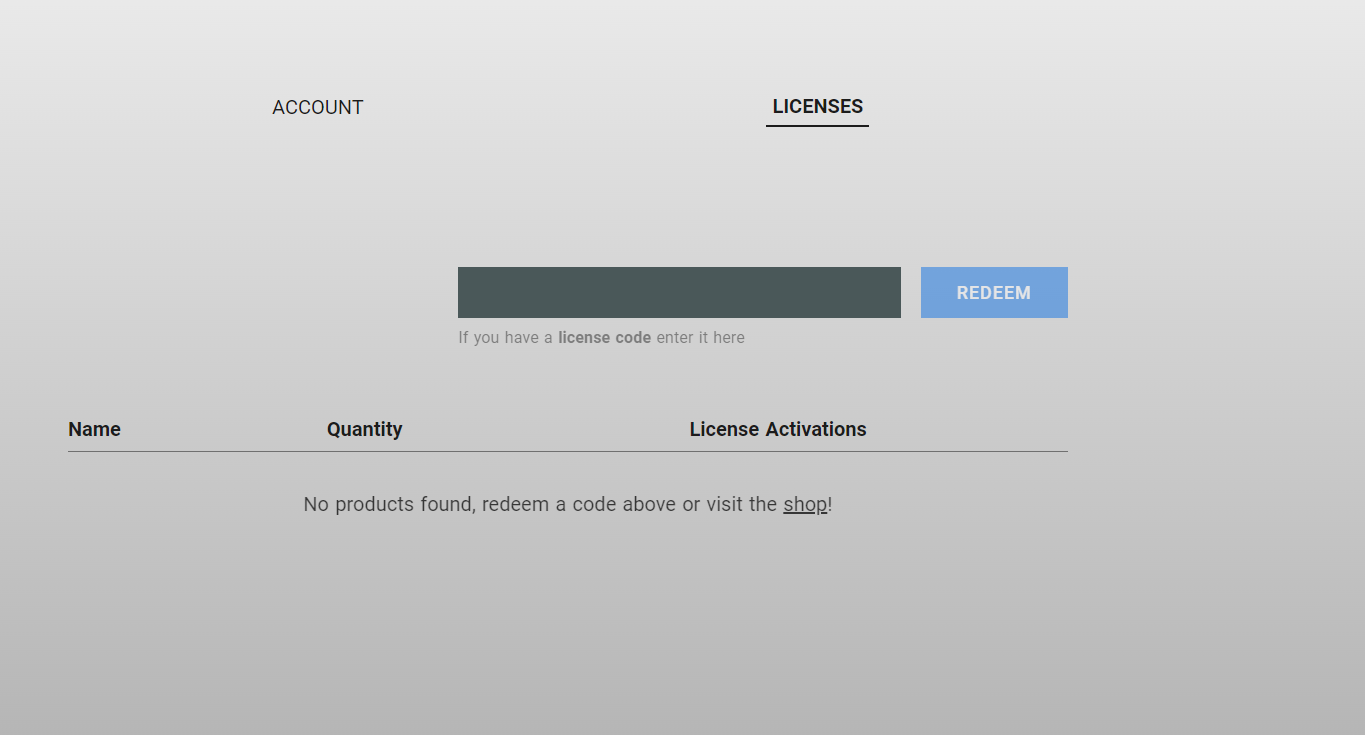
4. Enter your redeem code (found in your Plugin Boutique My Account page under 'Serial number' > click 'Redeem'.
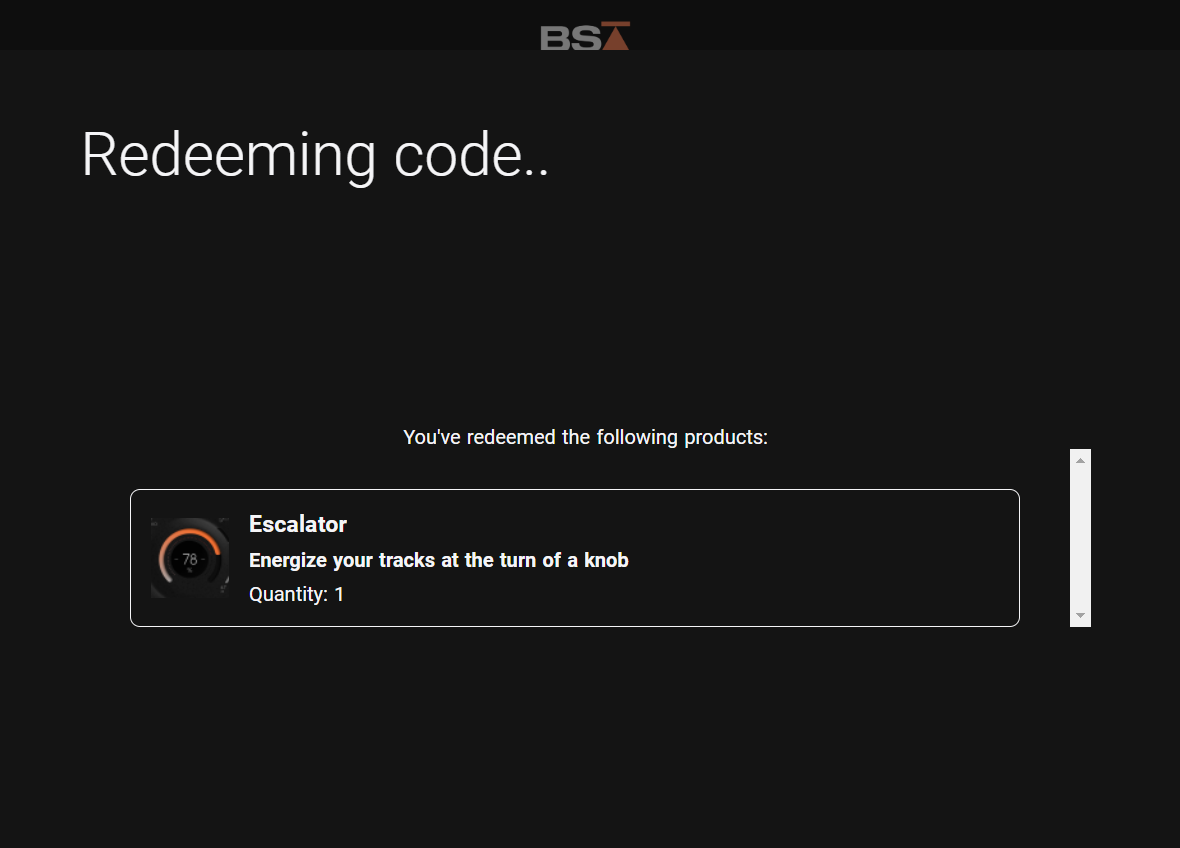
5. Your license has now been redeemed to your Black Salt Audio account > click anywhere to close this window.
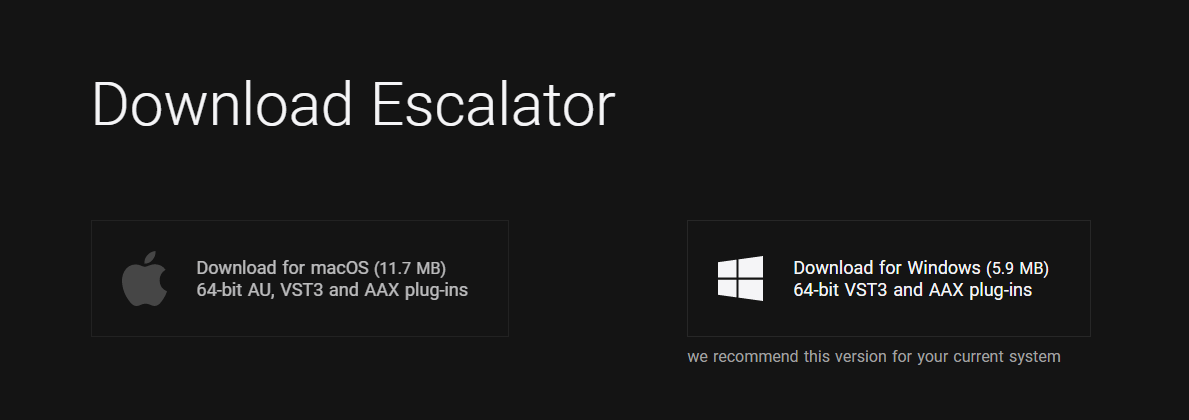
6. Locate the product you wish to install > click 'Download'.
7. Click the correct installer for your system.
Mac Installation
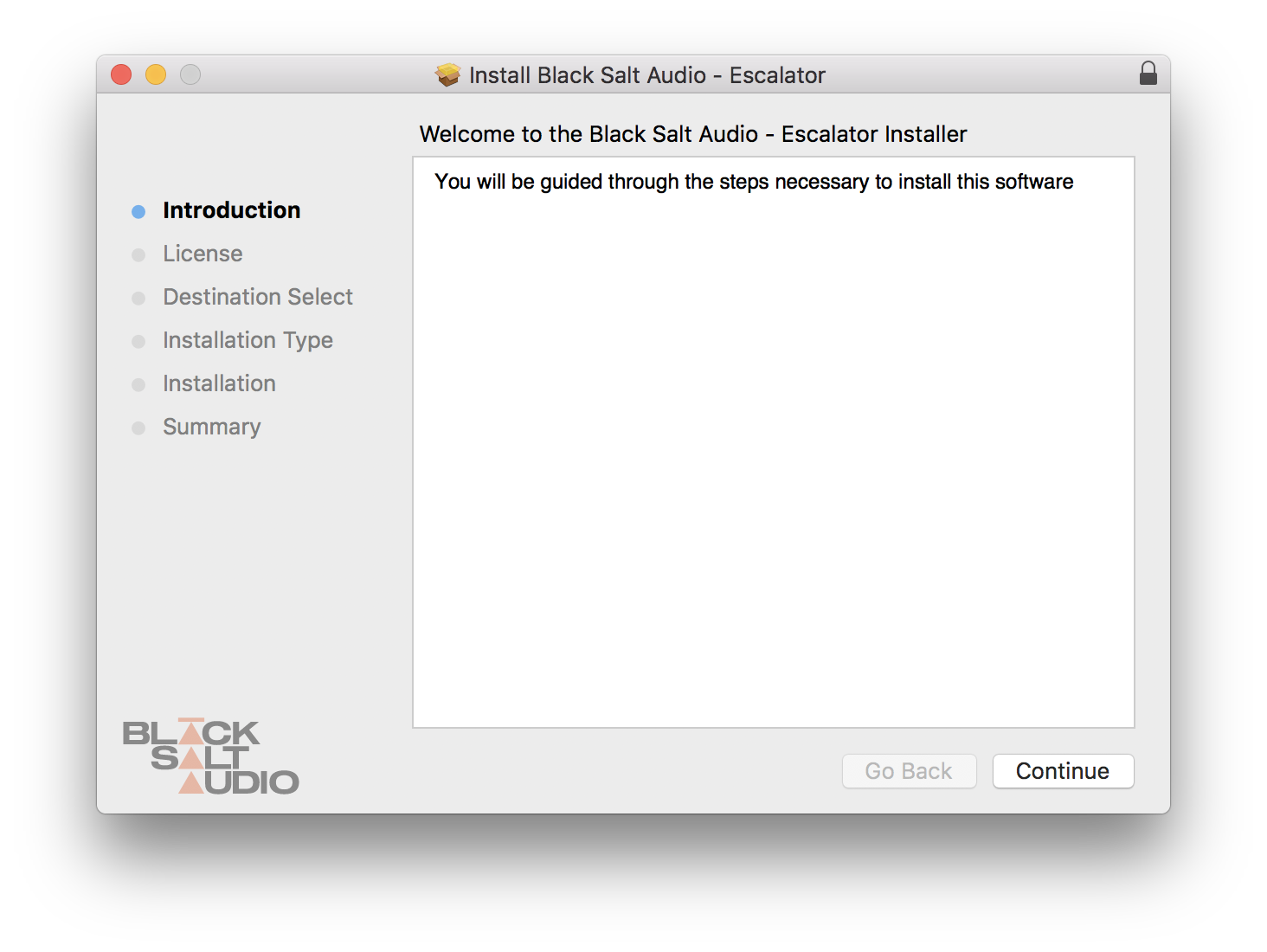
1. Locate the downloaded installer and launch the .pkg file.
2. Click 'Continue'.
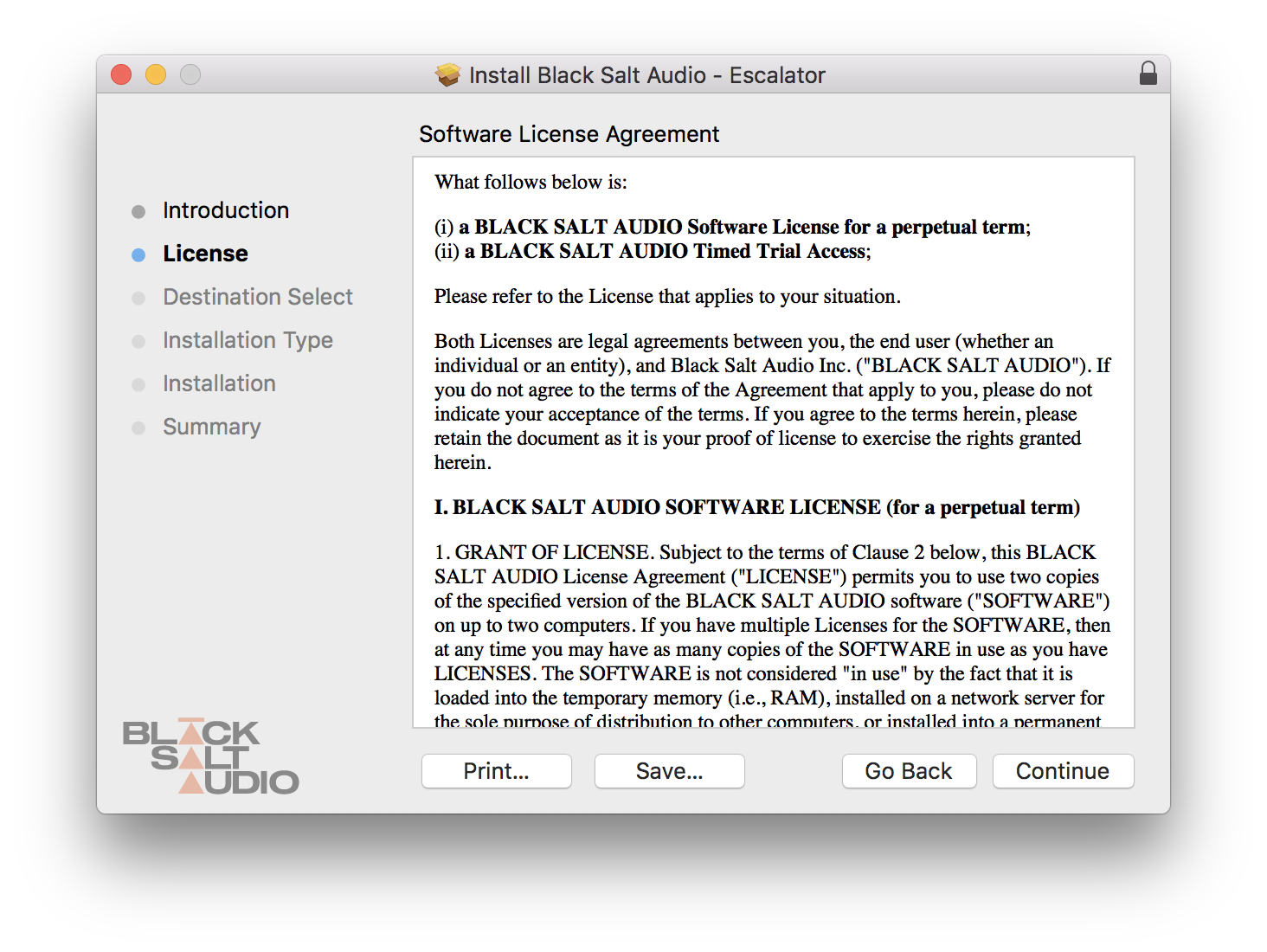
3. Click 'Continue'.
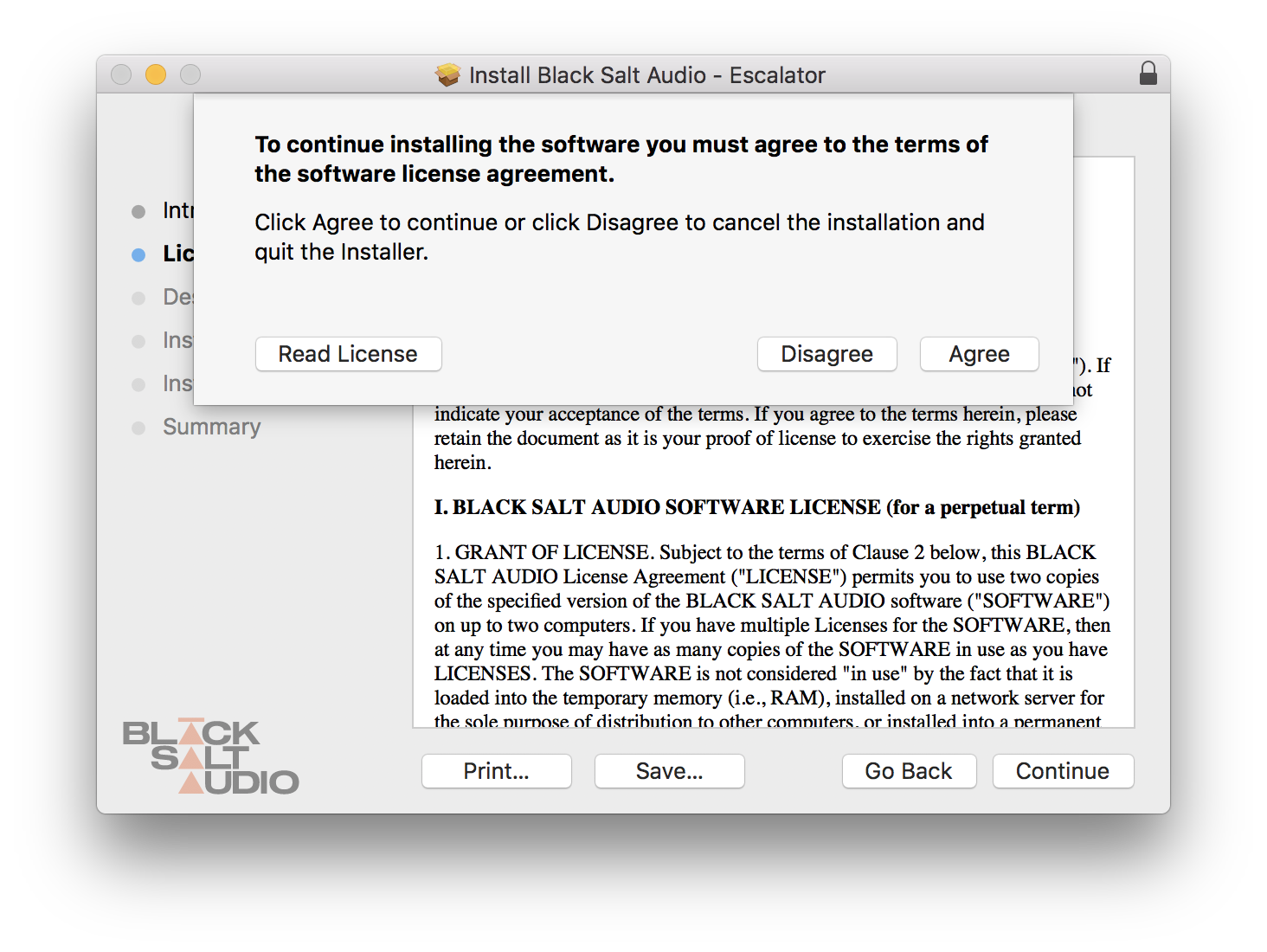
4. Click 'Agree'.
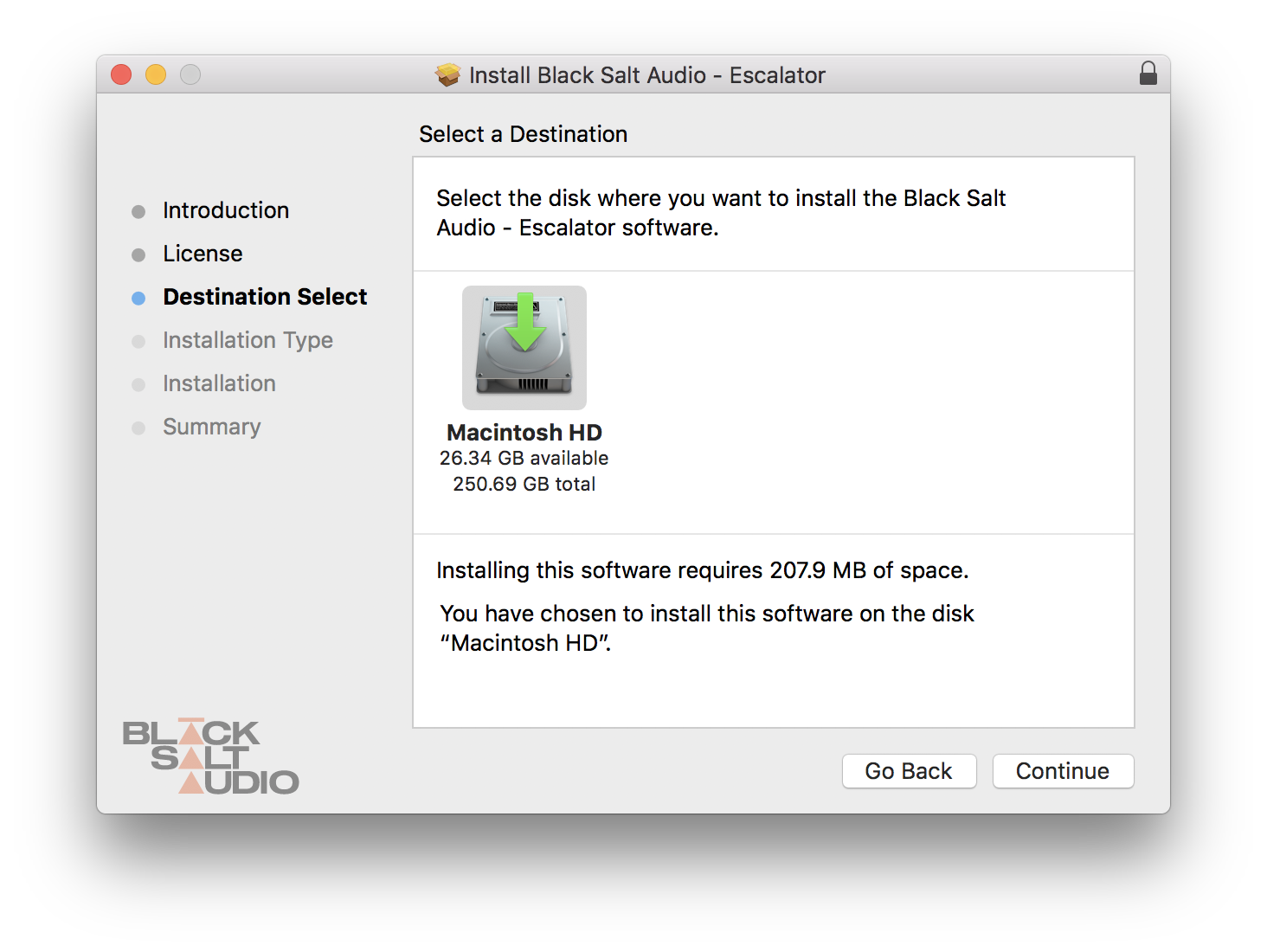
5. Click 'Continue'.
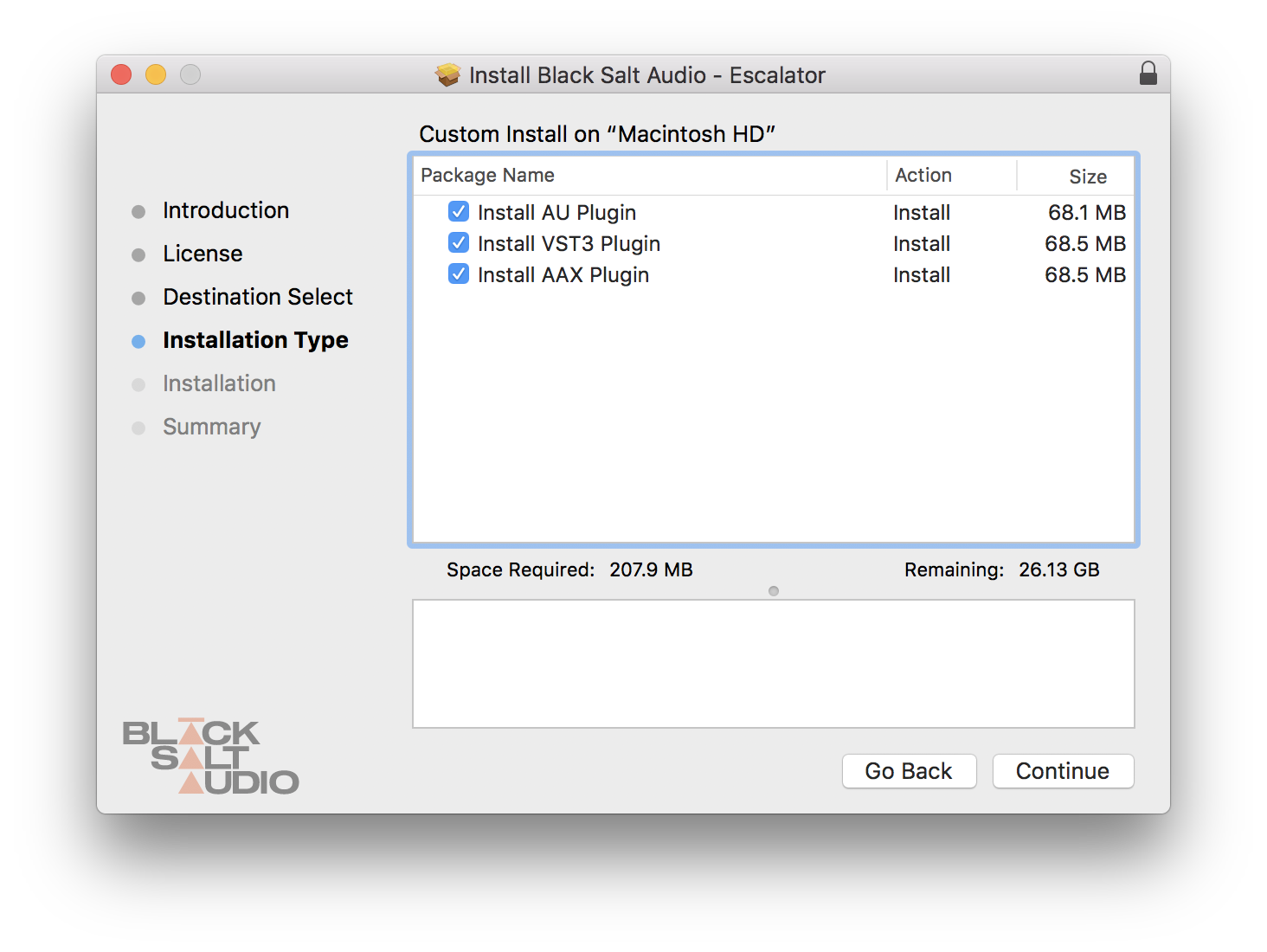
6. Select which versions you wish to be installed > click 'Continue'.
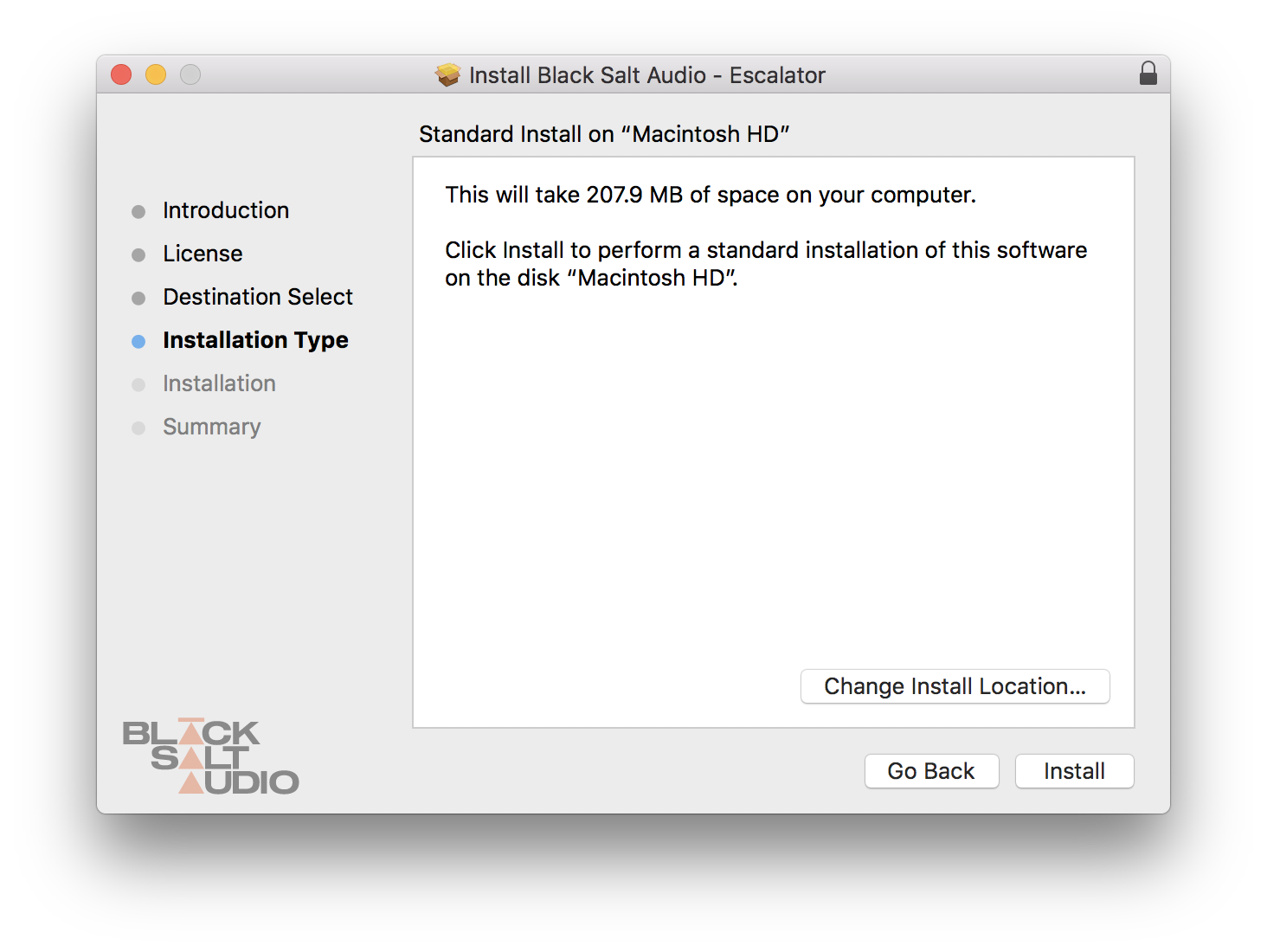
7. Click 'Install'.
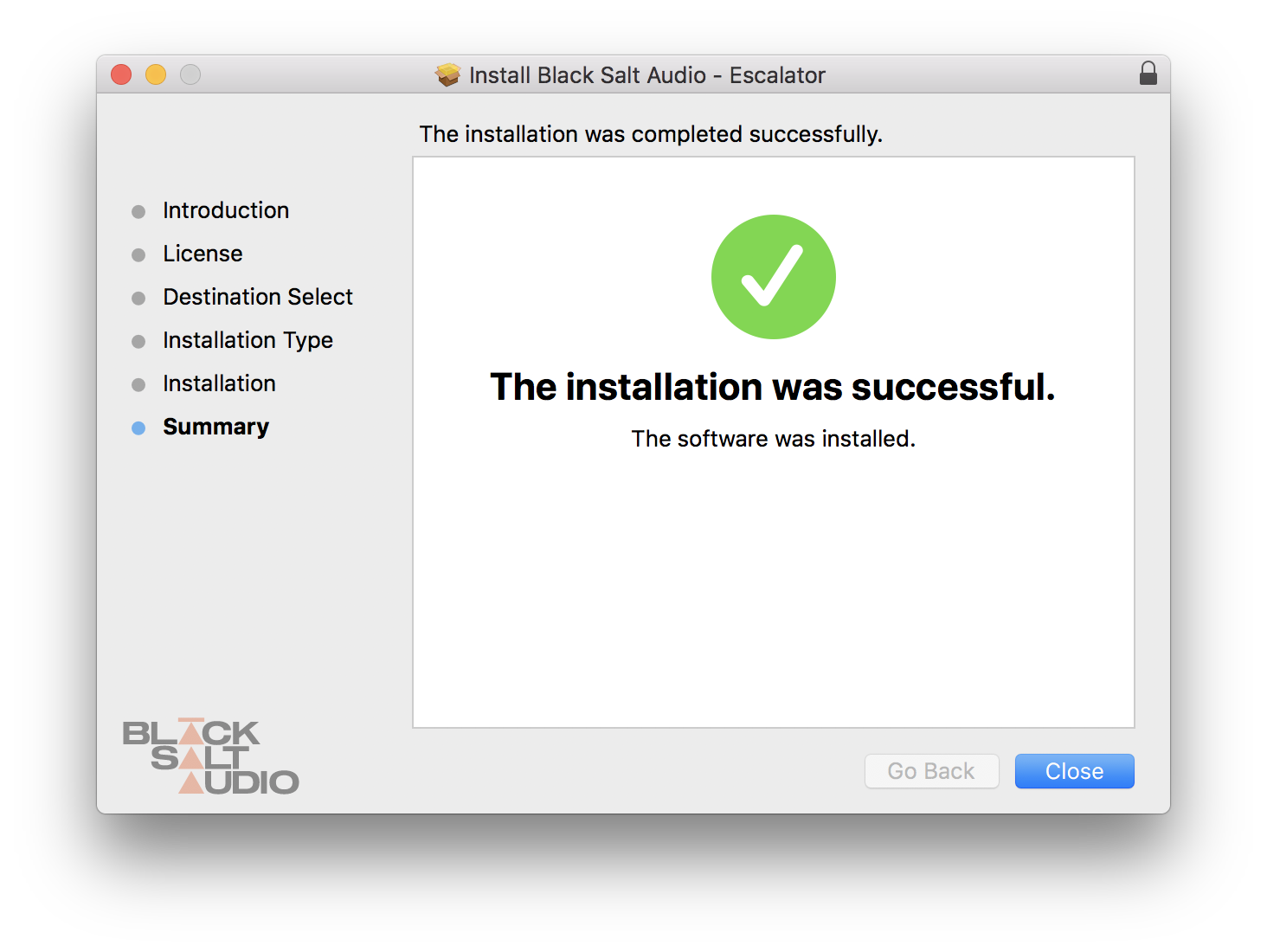
8. The plugin has now been installed > Click 'Close'.
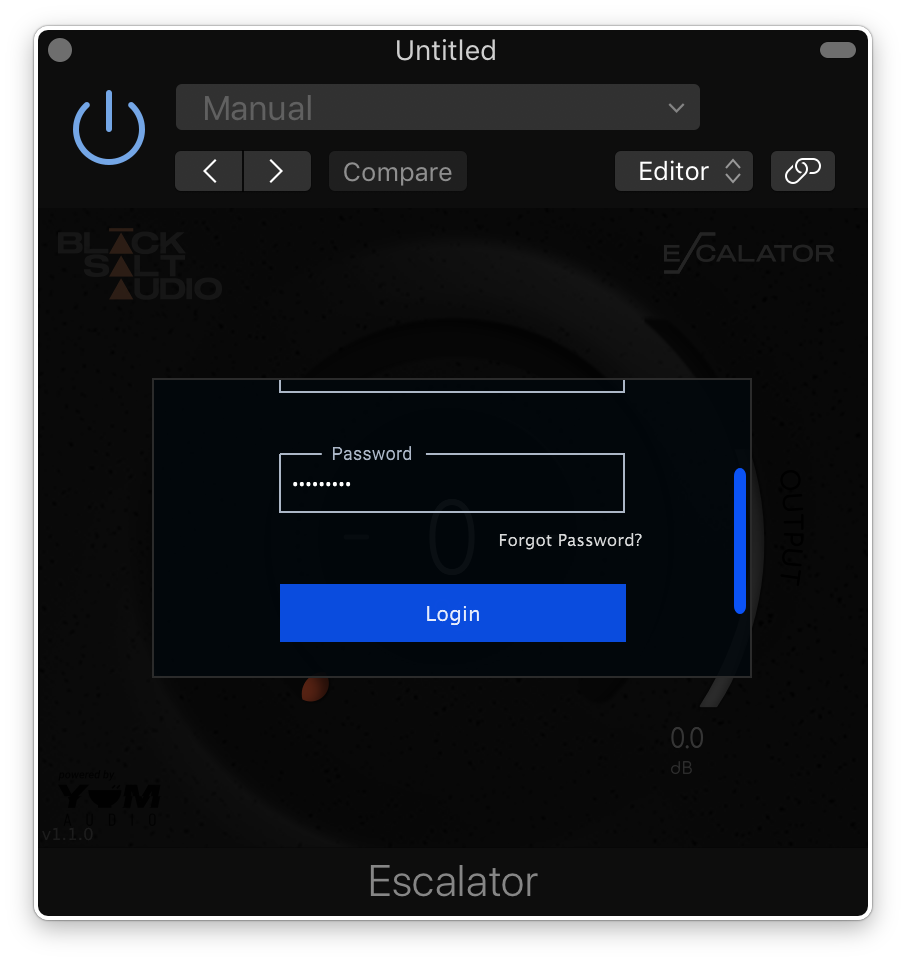
9. Launch your DAW and insert Escalator on a new track > open the plugin > click 'Activate License' > enter your Black Salt account details > click 'Login'.
Escalator is now installed and ready to use.
Windows Installation
1. Locate the downloaded installer and launch the .exe file.
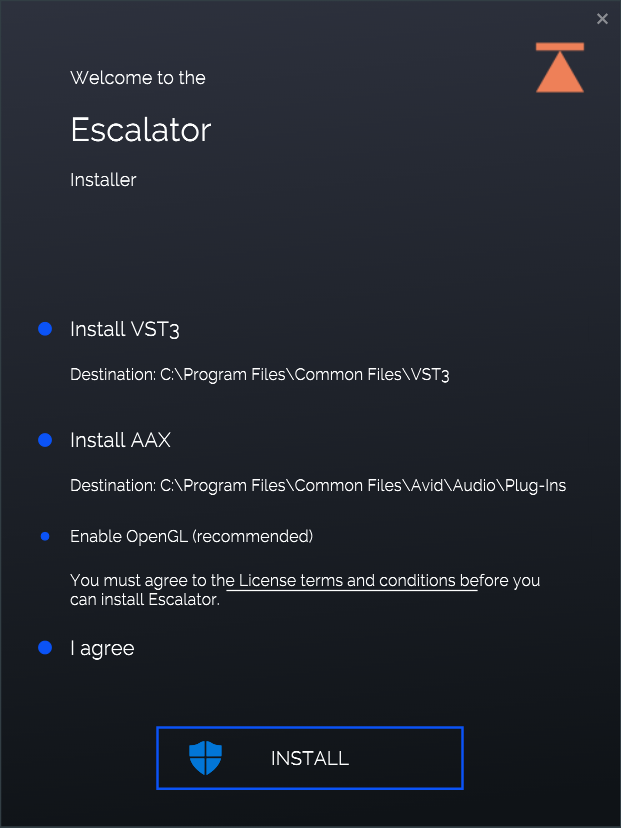
2. Select which versions you wish to be installed > click 'INSTALL'.
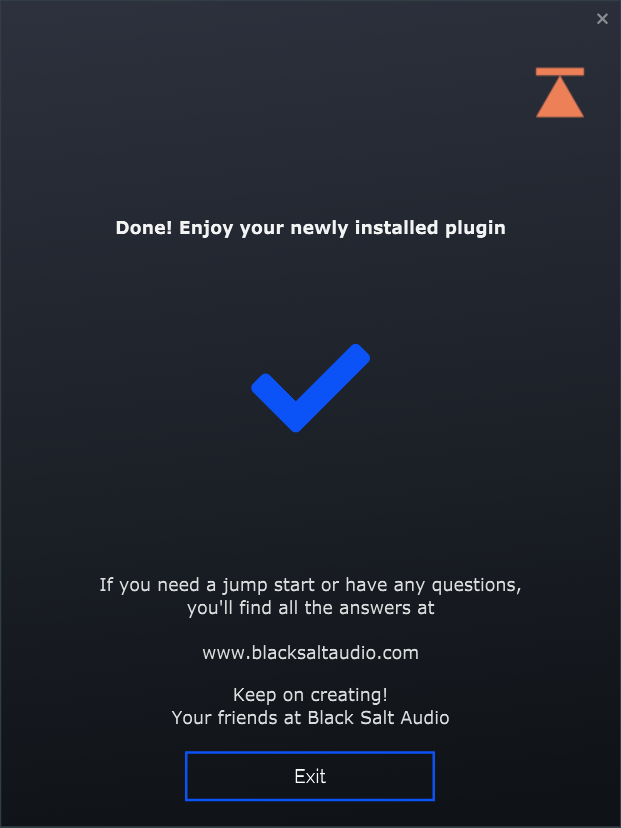
3. Click 'Exit'.
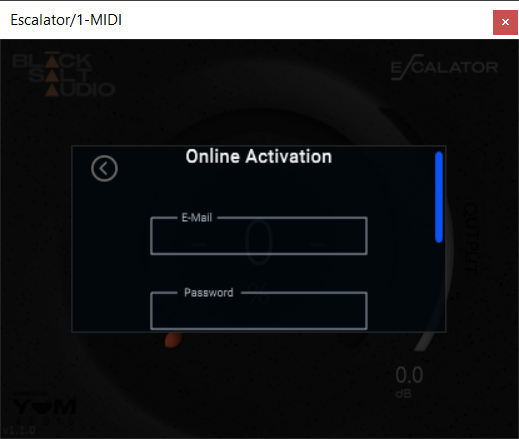
4. Launch your DAW and insert Escalator on a new track > open the plugin > click 'Activate License' > enter your Black Salt account details > click 'Login'.
Escalator is now installed and ready to use.