Buy LimitOne, get a free gift with purchase:
Audio limiting is the art of managing and controlling sound energy. Often the goal is to increase loudness by changing level dynamics in the most transparent way possible. Historically, this was done by using an electric circuit that follows the envelope of an audio signal and steers a variable gain to reduce peaks and boost low levels. These methods were later emulated in the digital domain and many variations and flavors have been created since.
LimitOne is different. The goal was not to eliminate all other clippers or limiters out there, as they all add their own color, but to develop a novel approach and do things in a different way, allowing you to get results that weren’t previously possible.
Leapwing Audio found inspiration in two-stage limiter methods and multi-band compressor designs, in how clipping adds color and punch, and also took note of the problems and artifacts that some processing introduces. Then they imagined what an easy-to-use tool would look like if they would not limit thenselves to existing methods. This led to the idea of a hybrid algorithm that combines the advantages of digital signal processing in the frequency domain and time domain.
Features
- Hybrid Algorithm Design: Combines frequency and time-domain processing for adaptive dynamics control.
- Pufferfish Algorithm: Frequency domain processor that optimizes energy distribution across the frequency spectrum with automated multi-band dynamics control.
- Hedgehog Algorithm: Time domain processor designed to shape transients using adaptive control based on Drive and Ceiling levels.
- Spectral and Time-based Processing: Adaptive dynamics control in both frequency and time domains.
- Drive and Ceiling Controls: Single set of parameters to manage both algorithms for intuitive use.
- Variable Limiting/Clipping Balance: Adjust the balance between softer limiting and harder clipping, allowing for more control over your sound.
- Transparent Sound Management: Designed to offer new levels of control without the artifacts or coloration introduced by traditional limiters.
System Requirements
Mac
- macOS 10.13 or higher (64-bit only)
- VST2, VST3, AU, AAX
Windows
- Windows 8 and 10 (64-bit only)
- VST2, VST3, AAX
Mac
Registration
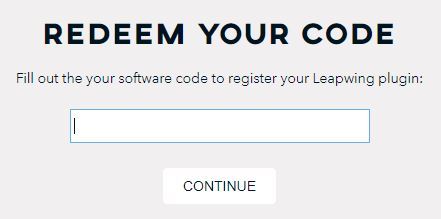
Go to https://www.leapwingaudio.com/redeem/ > Enter your redeem code found in the 'Serial Number' section of your Plugin Boutique User Account and click 'Continue'.

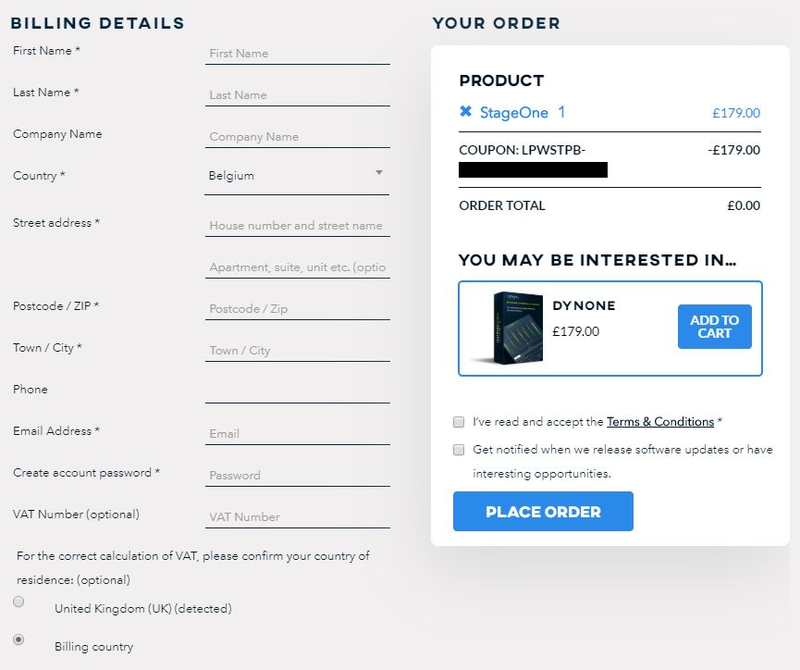
2. To create your Leapwing Audio account, fill out all fields with an asterisk (*) next to them > Check that the order total is £0.00 then click 'Place Order'.
Installation
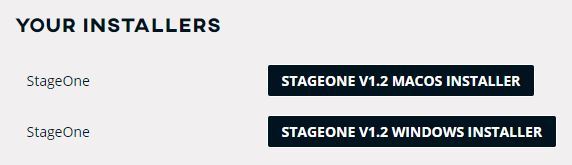
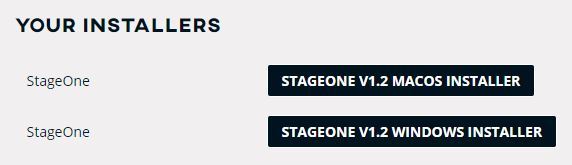
1. In your Leapwing Audio account click the 'STAGEONE V1.2 MACOS INSTALLER' button to download your installer.

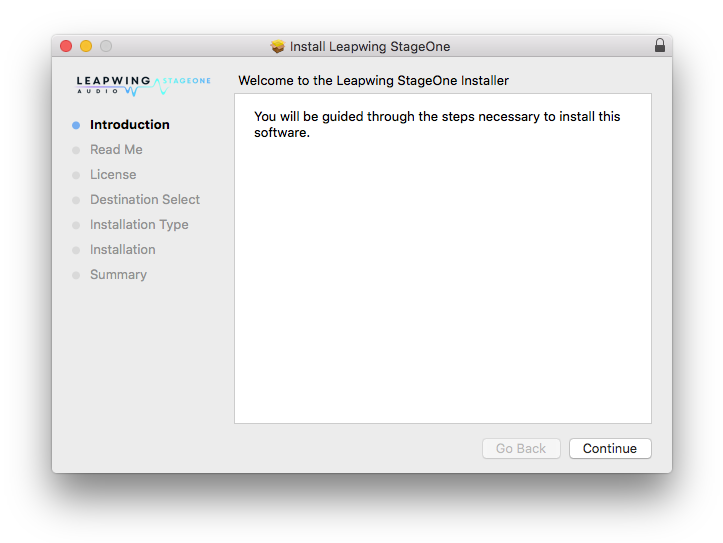
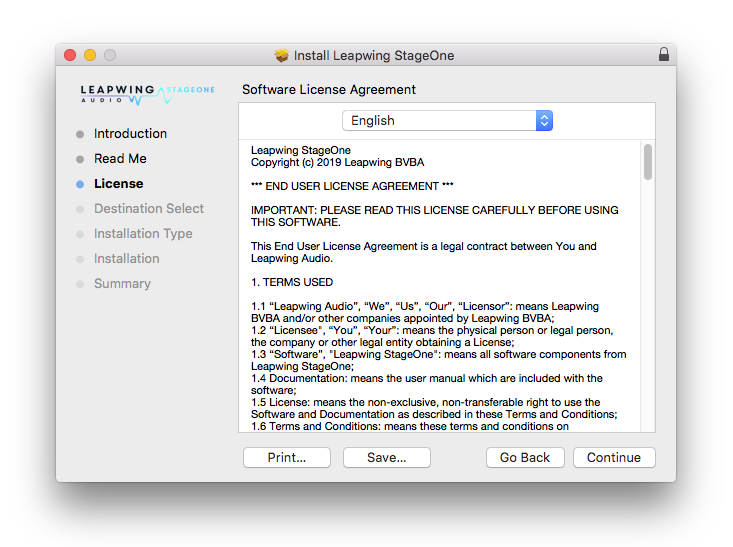
2. Double-click the .zip file to extract the contents and open the .pkg file to begin installation > Click 'Continue'.

3. Click 'Continue'.

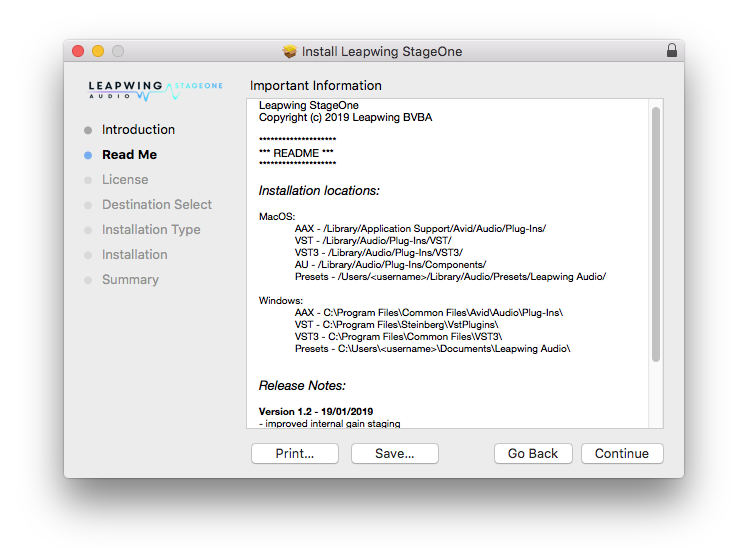
4. Click 'Continue'.

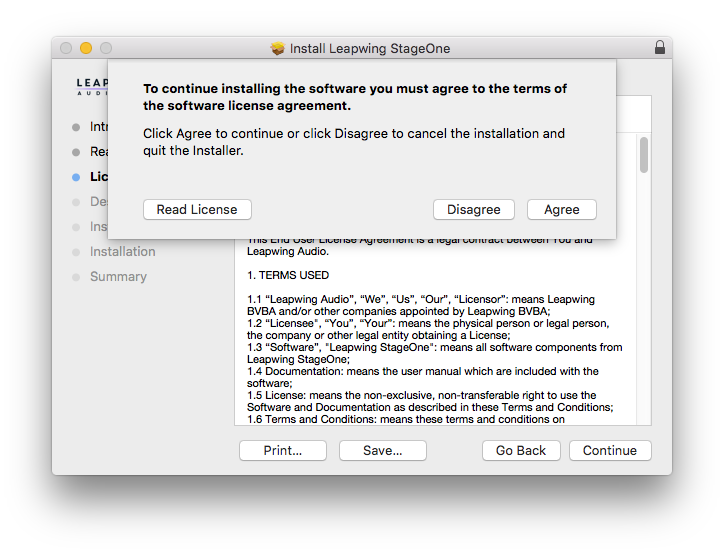
5. Click 'Agree'.

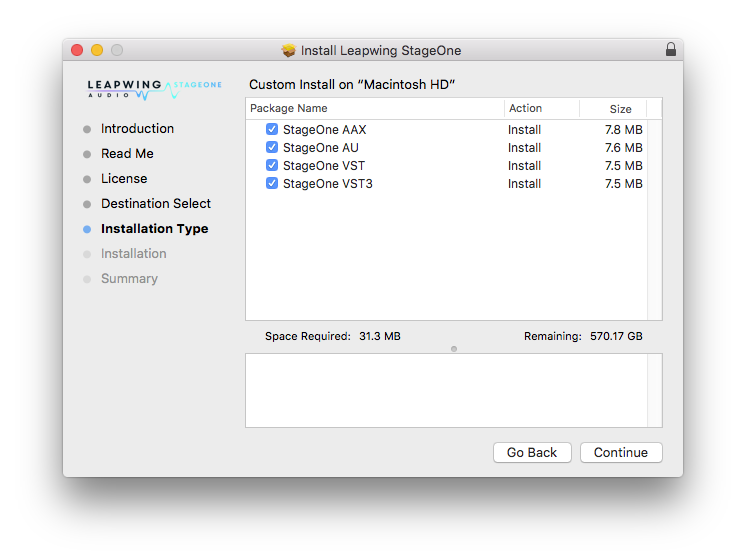
6. Click 'Continue'.

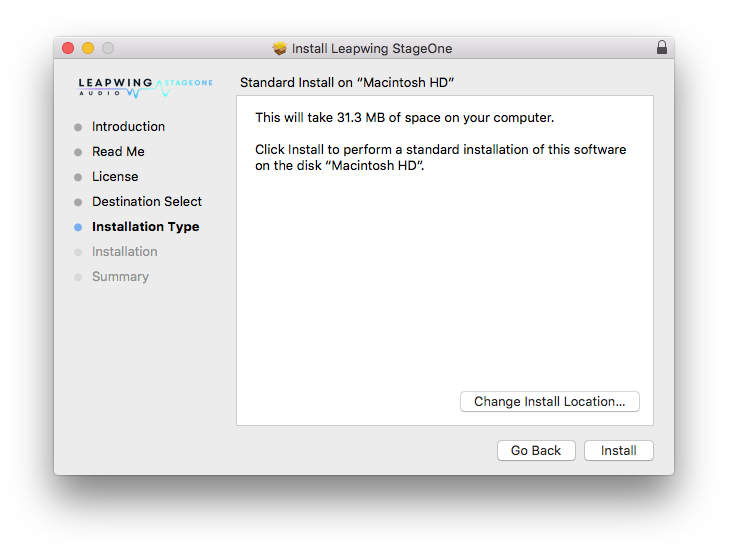
7. Click 'Install'.

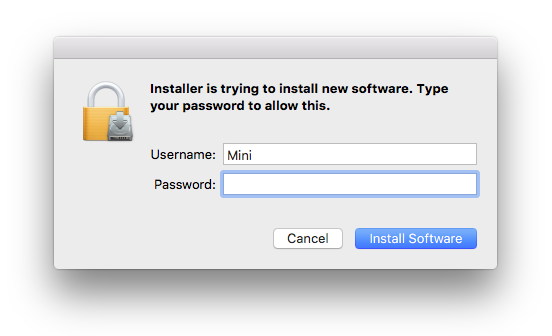
8. Enter your computer Username and Password > Click 'Install Software'.

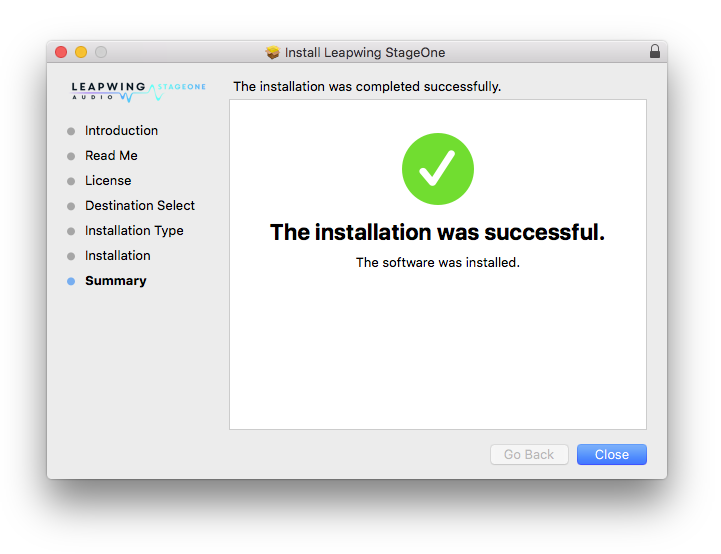
9. Click 'Close'.

Activation
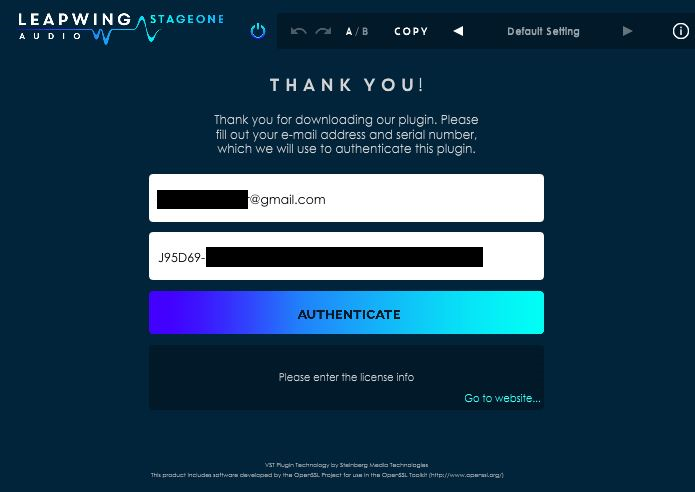
1. Open your recently installed product in your DAW and enter your Leapwing Audio-registered email address and Serial Number, found in your Leapwing Audio account > Click 'Authenticate'.
Note: After registration, you will also have received your serial number in the confirmation email from Leapwing Audio.
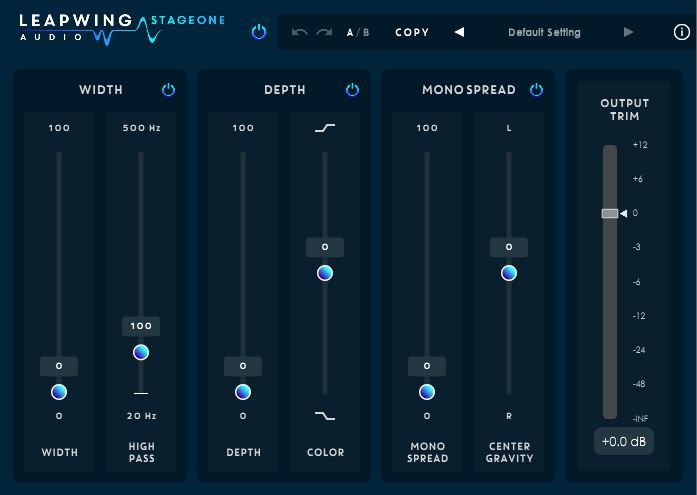
Your software is now activated and ready to use.

Windows
Registration
Go to https://www.leapwingaudio.com/redeem/ > Enter your redeem code found in the 'Serial Number' section of your Plugin Boutique User Account and click 'Continue'.

2. To create your Leapwing Audio account, fill out all fields with an asterisk (*) next to them > Check that the order total is £0.00 then click 'Place Order'.
Installation
1. In your Leapwing Audio account click the 'STAGEONE V1.2 WINDOWS INSTALLER' button to download your installer.
Note: After registration, you will also have received the installer download links in your confirmation email from Leapwing Audio.

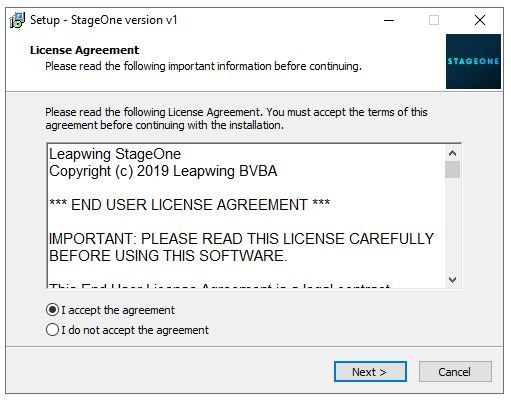
2. Double-click the .zip file to extract the contents and open the .exe file to begin installation > Select 'I Accept the Agreement' and click 'Next'.

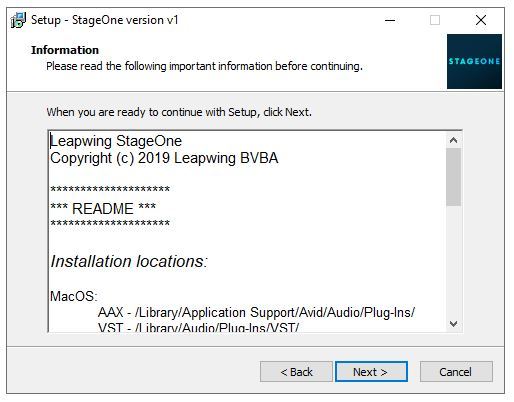
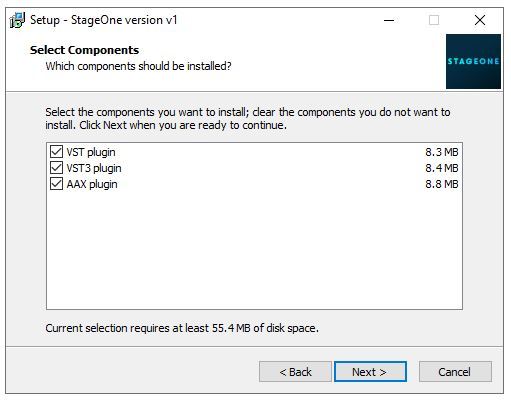
3. Click 'Next'.

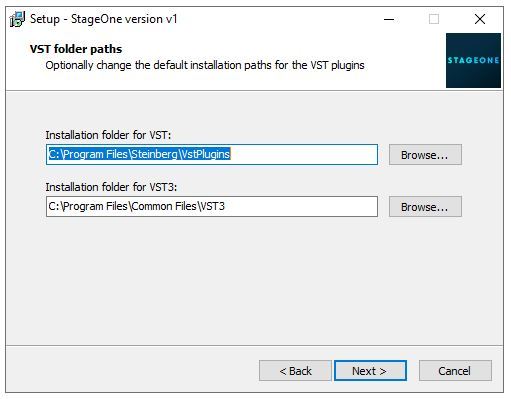
4. Click 'Next'.

5. Click 'Next'.

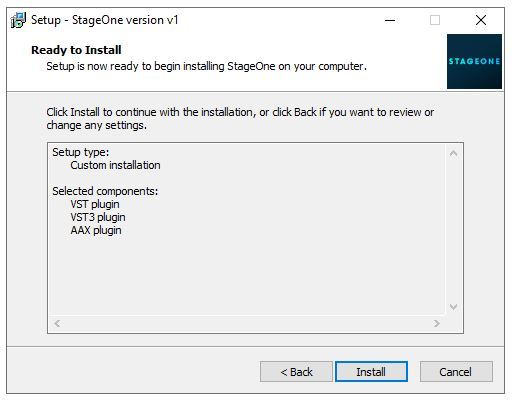
6. Click 'Install'.

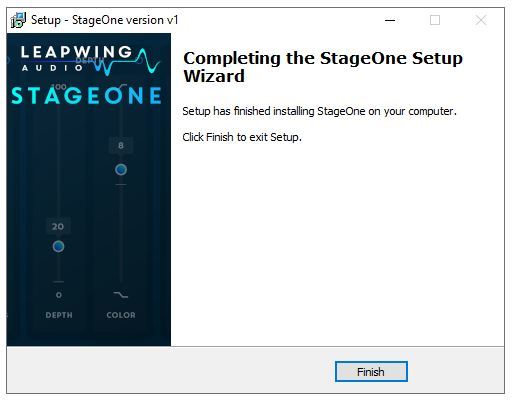
7. Click 'Finish'.

Activation
1. Open your recently installed product in your DAW and enter your Leapwing Audio-registered email address and Serial Number, found in your Leapwing Audio account > Click 'Authenticate'.
Note: After registration, you will also have received your serial number in the confirmation email from Leapwing Audio.

Your software is now activated and ready to use.