


 Log In
Free gifts available with your purchase
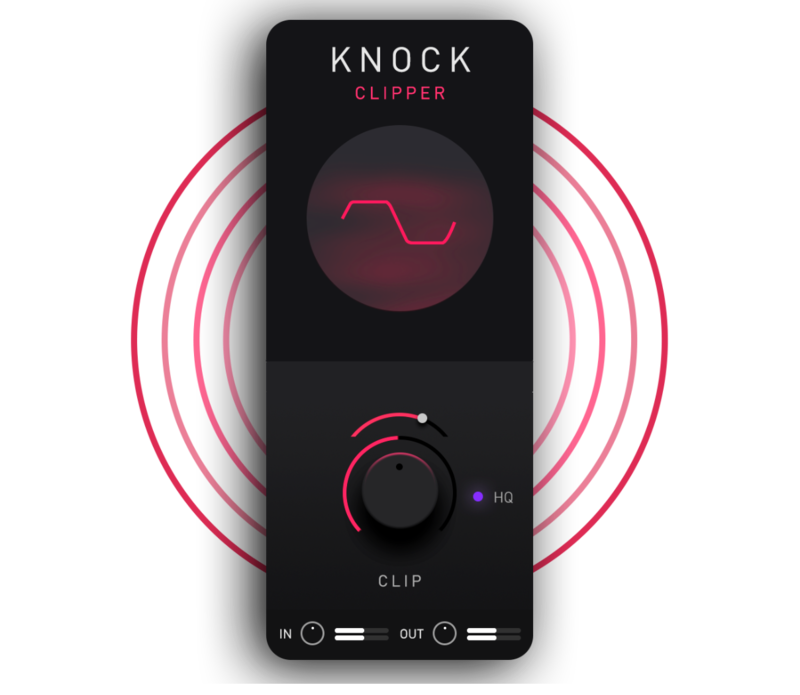
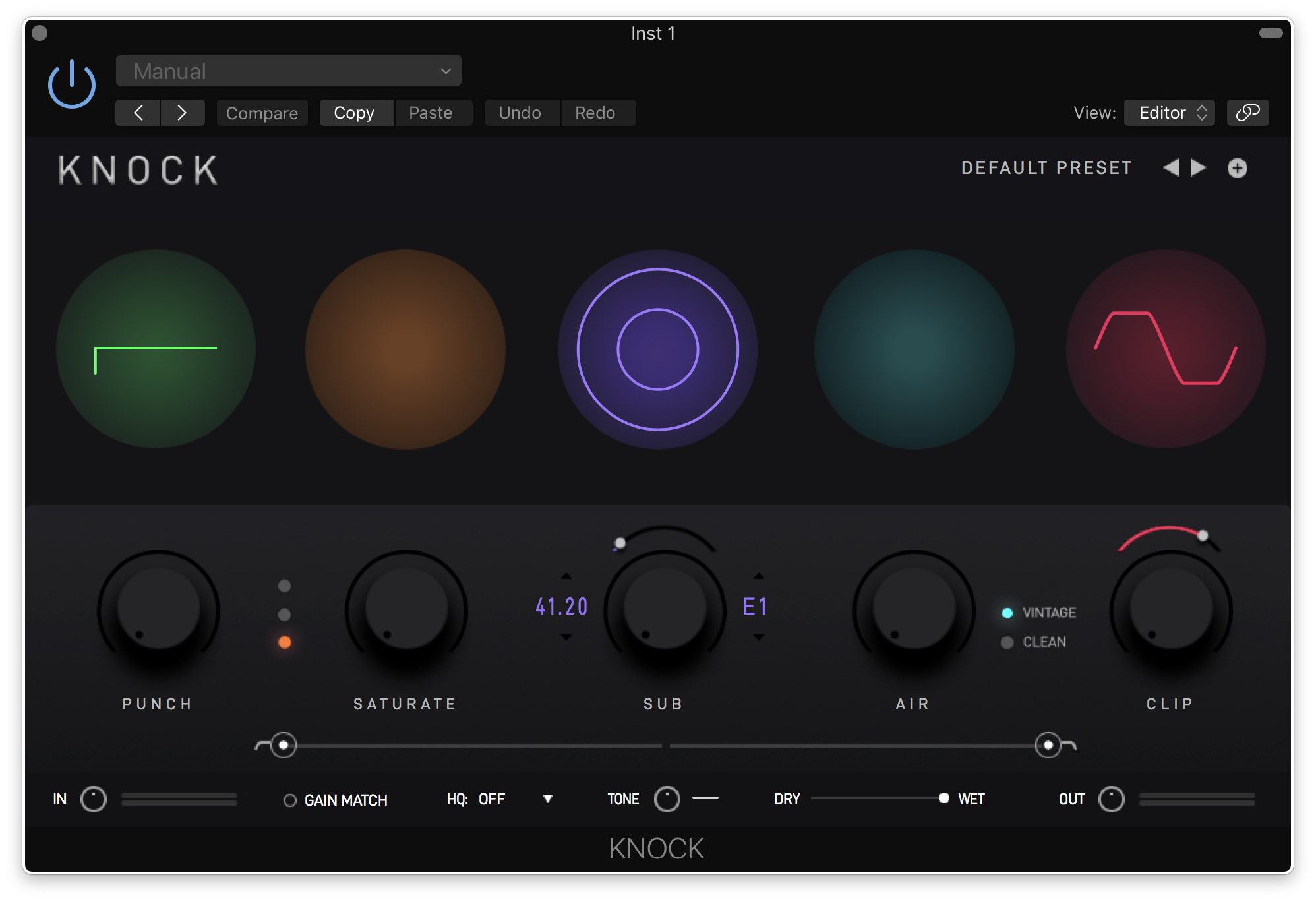
KNOCK Clipper is a premium quality, user adjustable hard/soft clipper designed by DECAP. It is the CLIP module from his acclaimed plugin, KNOCK. It is inspired by the signature sound of his popular drum kit series DRUMS THAT KNOCK, which has helped shaped the sonics of modern music.
Push your drums hard without ever going above 0db to give your drums a warm, aggressive tone reminiscent of pushing vintage analogue gear into "the red". Select a harder clip curve for a more aggressive tone, or a softer clip curve for a rounder tone. KNOCK Clipper has an optional high-quality mode to enable oversampling.
Features
- The Exact Clipper from DECAP’s Acclaimed KNOCK Plugin
- User Adjustable Hard / Soft Clipper
- Lightweight on CPU
- Easy to Use
- Never Go Above 0db
System Requirements
Mac
- macOS 10.15 and later (Intel / M1 Apple Silicon supported) (64-bit only)
- AU, VST3, AAX
- Intel Core i5, i7, i9, Xeon, Apple M1
- 8 GB RAM required (16 GB recommended)
- 500 MB Minimum Hard Disk Space
Windows
- Windows 10 and later (64-bit only)
- VST3, AAX
- 8 GB RAM required (16 GB recommended)
- Intel Core i5, i7, i9, Xeon (all Gen 5 and above), AMD Quad Core
- 500 MB Minimum Hard Disk Space
Note: KNOCK Clipper is supported by all major DAWs in 64-bit VST3, AU and AAX formats.
Important note: When accessing this software via a Rent to Own plan or the Beatport Studio membership, it's installed and run through the Beatport Access portal. An internet connection is required every 30 days to validate your license.


Reviews Summary
While it aims to provide a helpful overview, it may not capture every perspective or detail. We encourage you to read individual reviews to make an informed decision.
Users highly praise this plugin for its simplicity, ease of use, and excellent sound quality. Described as intuitive, basic, and effective, it is highly recommended for adding punch and grit to drums and basslines without ruining transients, with many appreciating that it is free and straightforward.


