Log In

Free gifts available with your purchase
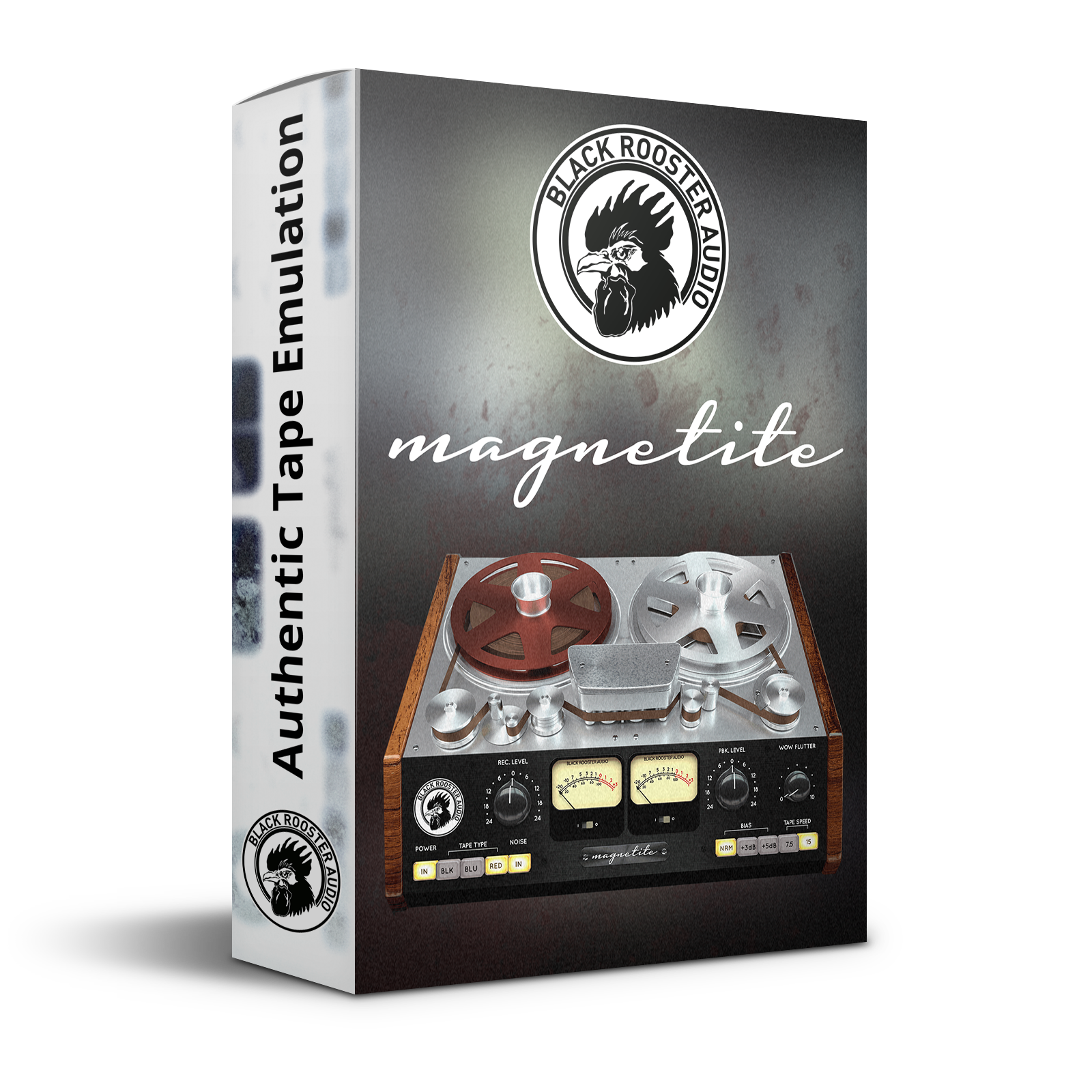
Authentic Tape Warmth
Magnetite is Black Rooster Audio's homage to the sound of magnetic tape recorders. Simply dial in the desired amount of saturation and warmth using the recording gain knob and Magnetite will add the analog tape sonics that you're looking for to your mixes.
Huge drums, distorted loops, saturated vocals, you name it - let Magnetite breathe new life into your tracks. They recommend using Magnetite as the first insert of your chain, just as if your signals were recorded to tape. You can, of course, put it into different spots if you're going for creative effects.
Features
Authentic Sound
They put a lot of thought and work into emulating all the sonic aspects associated with analog tape: Class A recording and playback amplifiers, tape response and saturation, NAB pre- and de-emphasis EQs, the sonic effect of different tape speeds and bias levels, hiss and hum - it's all there. They also added an adjustable wow and flutter feature that emulates frequency modulation (FM) due to motor speed fluctuations.
SSE2 Optimized Code
DSP operations are pipe-lined using the SSE2 instruction set. This ensures highest possible performance operation despite very complex computations.
Auto-Adjusted Oversampling for Maximum Audio Transparency
Aliasing artifacts are efficiently attenuated using a low latency linear phase Dolph-Chebyshev poly-phase design. The oversampling is auto adjusted to your session‘s sample rate to save valuable CPU power while offering the most transparent sound possible.
Highdpi / Retina Support
All their plug-Ins support high pixel density on Mac OSX and Windows to bring you the most enjoyable user experience on high DPI displays. Please refer to your manual to find whether your DAW is HighDPI capable if you‘re working on Windows.
System Requirements
Mac
- Mac OSX 10.9 or newer (M1/M2 supported)
- Intel Core CPU or Apple SIlicon M1/M2 Processor
- 1GB of RAM
- VST, VST3, AU or AAX compatible host (64bit)
- Display resolution of 1280x1024 pixels or more
PC
- Windows 7 or newer
- SSE2 compatible processor (Intel Core CPU recommended)
- 1GB of RAM
- VST, VST3 or AAX compatible host
- Display resolution of 1280x1024 pixels or more