


 Log In
Free gifts available with your purchase
Product information
X-Crackle
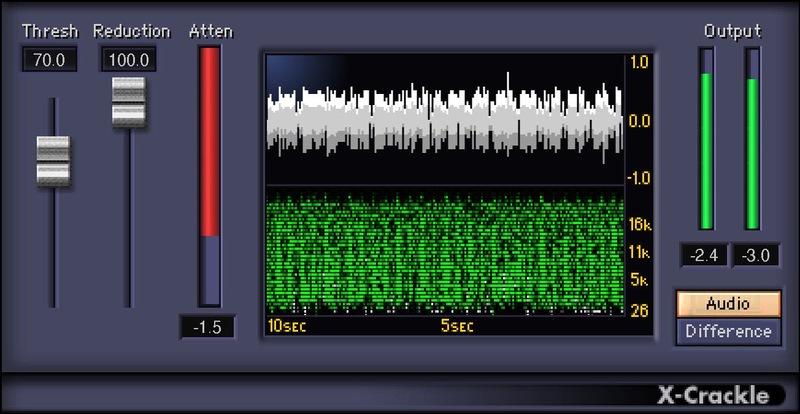
Clean Crackles & Pops from Digitized Vinyl and Old Recordings
X-Crackle removes the subtle clicks and pops from damaged vinyl and other flawed recordings. After optimizing X-Crackle’s parameters, it automatically reduces surface noise—and thanks to sophisticated psycho-acoustic noise reduction algorithms, leaves the remaining audio untouched.
To simplify parameter adjustment and obtain the best results, the dual-window X-Crackle Scope shows the original waveform, along with a sonogram that displays the crackles being minimized.
Features
- Choose the crackle attenuation magnitude, from slight to strong
- Accommodate different crackle levels with the threshold control
- The display correlates crackle reduction to the threshold
- See the crackle reduction amount in the Attenuation meter
System Requirements
Mac
- macOS Monterey 12, Ventura 13, Sonoma 14, Sequoia 15
- VST / AU / AAX
PC
- Windows 10+
- VST / AAX
Installation Instructions














