Log In
Free gifts available with your purchase
Product information
Broadcasting Digital Mixer
Handle All Your Audio Needs Inside-The-Box
cMixer is a standalone software conceived for events broadcasting purposes, including online radios, talk shows, dialogue recordings, speeches, conferences, meetings, podcasting and for small live concerts.
It can handle all your audio needs inside-the-box while using your favourite plugins to process the audio. Automix, Follow and Gate modes will help you to handle multi-microphone broadcasting sessions. This way you can use a computer and a soundcard instead of a hardware mixer to manage your audio broadcasting events.
- 10 Mono Input + 3 Stereo Input Channels
- 5-Band Parametric EQ & up to 4 Plugins Per Channel
- AutoMix Engine Can Handle Multi-Microphone Sessions Automatically
- Follow Mixing Mode
- AutoGate Mode
- 2 Stereo MixBus Sends
- 2 Stereo Outputs
- External Recording Output
- Side-Chain Gain Control for Stereo Channels
- Pink Noise Generator
- WAV/AIFF Recording
- Preset Manager
- MIDI Matrix. Control cMixer Using Your MIDI Device.
Main Features:
Inputs
- 10 mono input channles + 3 stereo input channels (stereo channels can also be used in mono configuration).
- Phase invert. -20dB Pad. HPF. Input gain (+/- 15dB). 5-Band parametric EQ. 4 vst/au plugins. Panorama. Mute & Solo.
- Automixing, Follow & Gate modes available only on mono input channels.
- 3 group channels featuring 5-Band Parametric EQ & 4 vst/au pluings.
- 2 Mix Bus sends pre/post. Dedicated mixing window for each Mix Bus.
- Automixing engine handle the best possible audio performance when working with multiple microphones in real-time, by controlling the output gains automatically and reducing feedback, comb filtering from nearby microphones and any background noise. See how it works here.
Follow Mode
- This mode allows following the main speaker within a broadcasting session automatically. When activated only the main speaker channel will be listened, the rest of the channels will be muted. See how it works here.
- This processing mode allows activating or deactivating automatically any channel output depending the output level. This way you can get a clear audio signal from the microphones in use by removing any background noise or feedback coming from other open microphones that are not in use. See how it works here.
Side-Chain
- A useful feature when playing some music through the stereo channels and want to lower its gain automatically each time that some one is speaking through a microphone.
Recording
- Stereo/Mono recording. Multitrack recording mode allows recording only the selected input channels.
Outputs
- 2 Stereo outputs. Out 2 can be also used for reference speakers and to monitor mix busses or recording.
- 2 Stereo Mix Bus Outputs
- 1 External recording output
- Control cMixer using a midi device.
Audio IO
- The amount of audio physical inputs & outputs for your session depends on your soundcard capabilities.
- cMixer can work up to 192kHz and 24 Bits if your soundcard allows these settings (see your soundcard tech specs).
Presets Manager
- Store and recall the whole session data.
- For better & faster user experience.
System Requirements
PC
- Windows 7 or later
- 64-bit
- Minimum 2GB RAM
- Minimum Screen Resolution: 1920x1080.
Mac:
- OSX 10.7 or later
- 64-bit
- Minimum 2GB RAM
- Minimum Screen Resolution: 1920x1080.
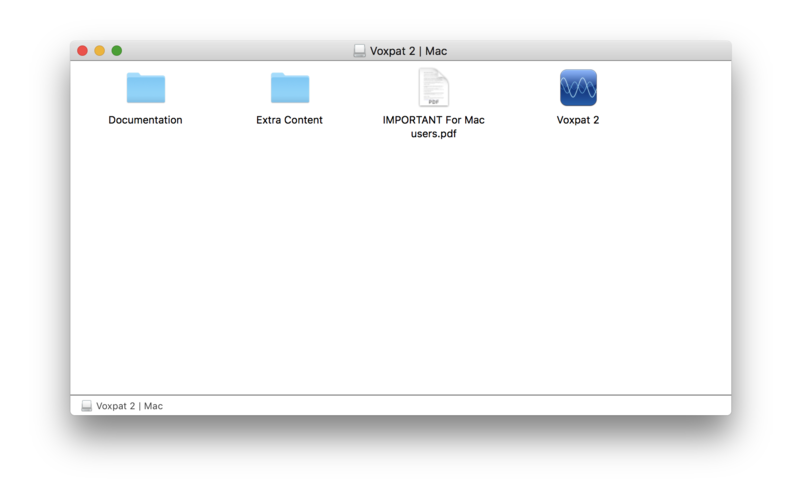
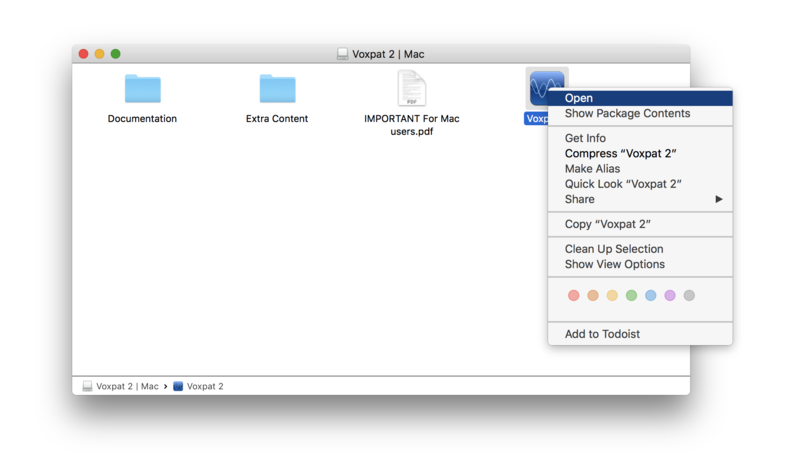
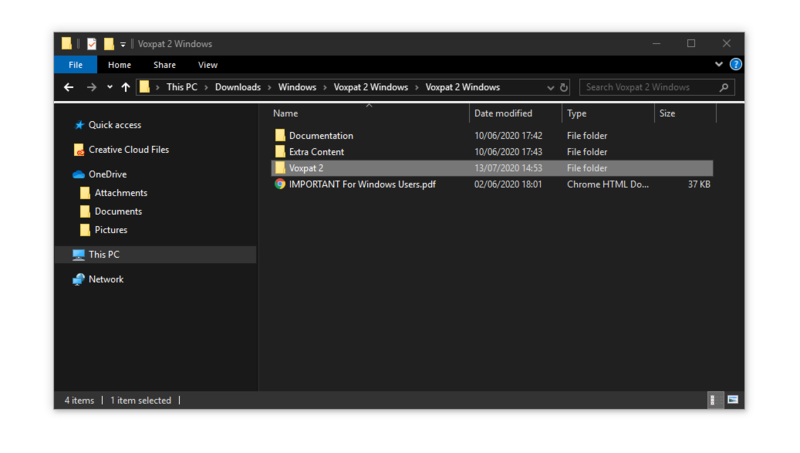
Installation Instructions