Log In

Free gifts available with your purchase
Product information
Need Inspiration for Your Tracks?
A fresh, exciting chord progression is a perfect way to inspire amazing melodies, bass lines and drum patterns. But sometimes habits keep us from writing chord progressions that truly inspire us. Forager presents a way of creating unique chord progressions that help do just that.
Overview
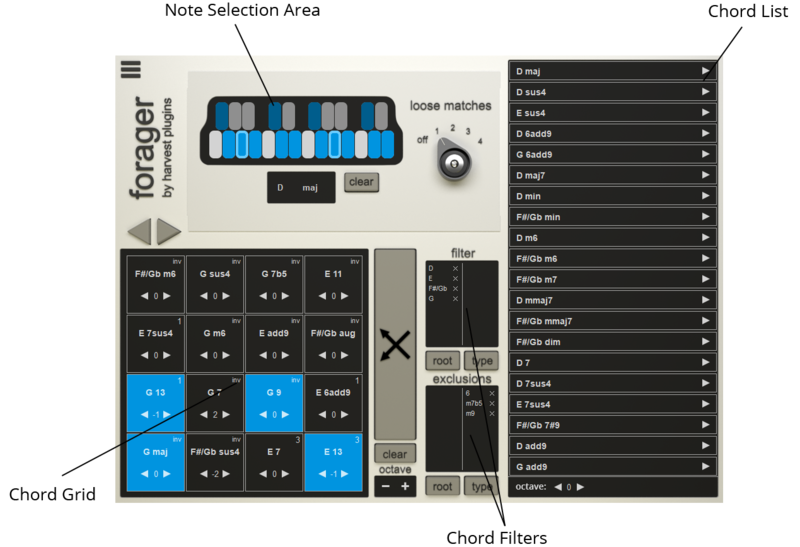

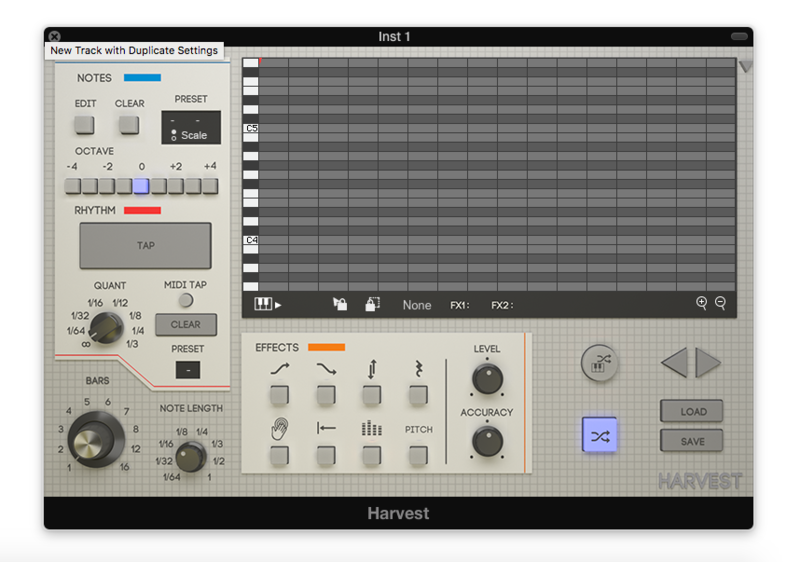
Note Selection Panel
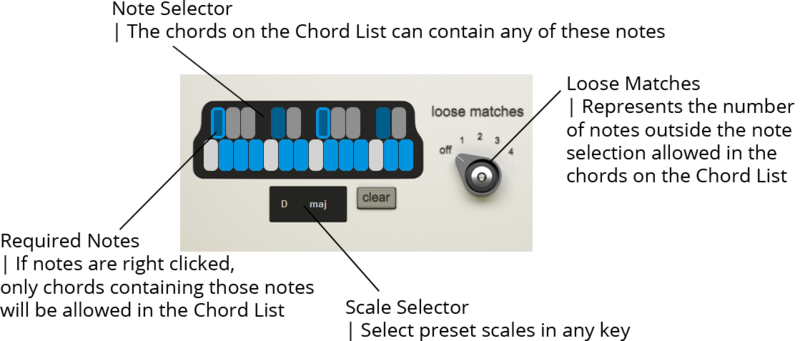

Chord List
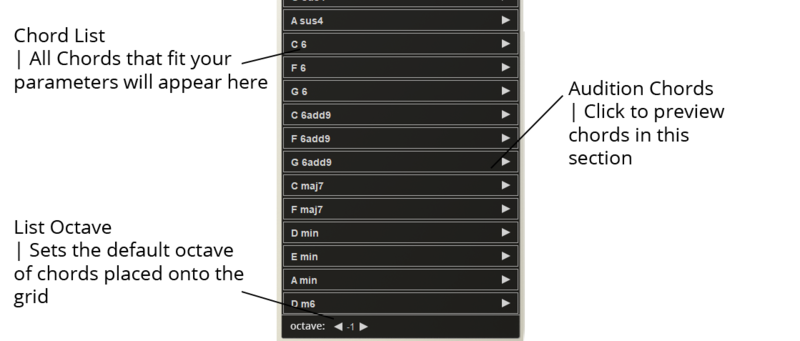

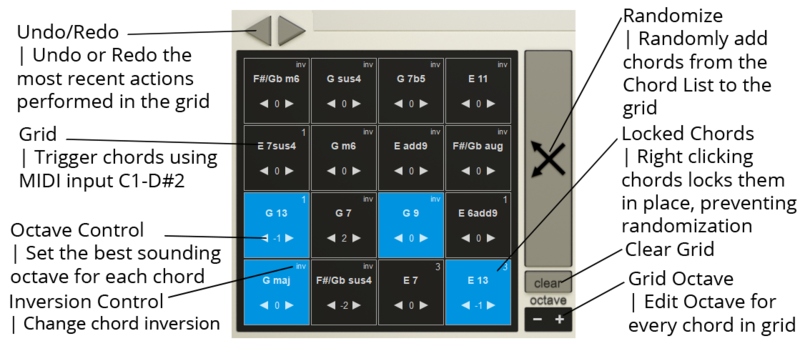
Grid Matrix

Filter Panel


Features
- Easily Play All Chords Using an Actual MIDI Instrument (don't kill creativity by dragging and dropping).
- Use the Element of Surprise to Explore New Vibes (using Forager is actually FUN).
- Break Out of Your Usual Patterns (Forager provides an entirely new workflow guaranteed to get you creating songs you never imagined).
- Control the Complexity of Your Chords (easily break out of key without creating chaos in your track).
- Originality-Centric Workflow (take all the creative credit, don't use packs someone else made).
- Made For All Genres Of Music (control how simple or complex you make your chord progressions).
- Usable With Any Sound (you can play all your chords & progressions with your favourite instruments & synths).
- Compatible With Most DAWs (plus both Mac & PC).
System Requirements
Windows
- PC with Windows 7 (with SP 1), Windows 8 or Windows 10
- DAW with VST Support (64-bit only)
- Broadband internet connection for installation.
- 20 MB free disk space.
macOS
- Intel® Mac with Mac OS X 10.7 - macOS 10.15
- DAW with AU / VST Support (64-bit only)
- Broadband internet connection for installation.
- 20 MB free disk space.
DAW Compatibility
Supported DAW's:
- FL Studio
- Ableton Live
- Logic Pro X
- Cubase
- Studio One
- Reaper
- BitWig
- Cakewalk
- Mixcraft
- Waveform
- MuLab
Unsupported DAW's:
- Pro Tools
- Reason
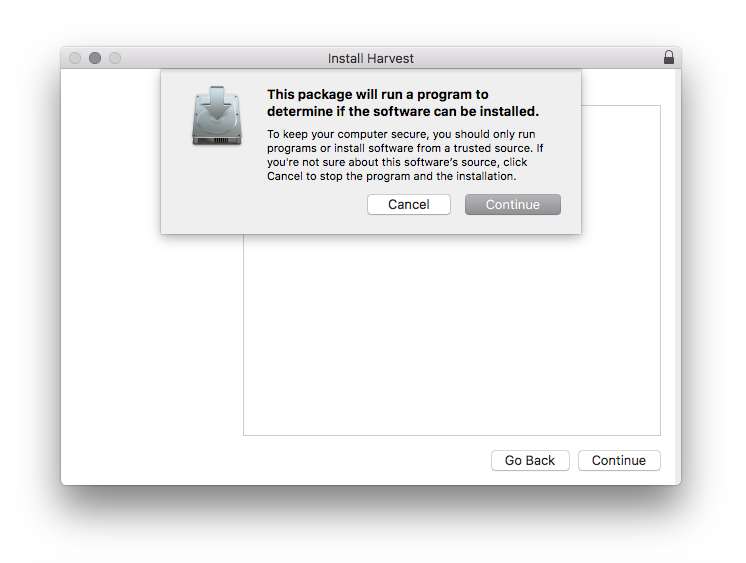
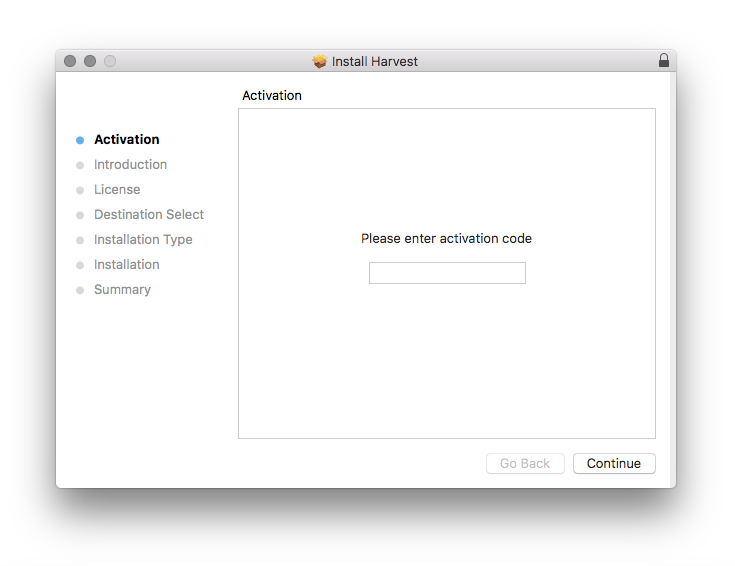
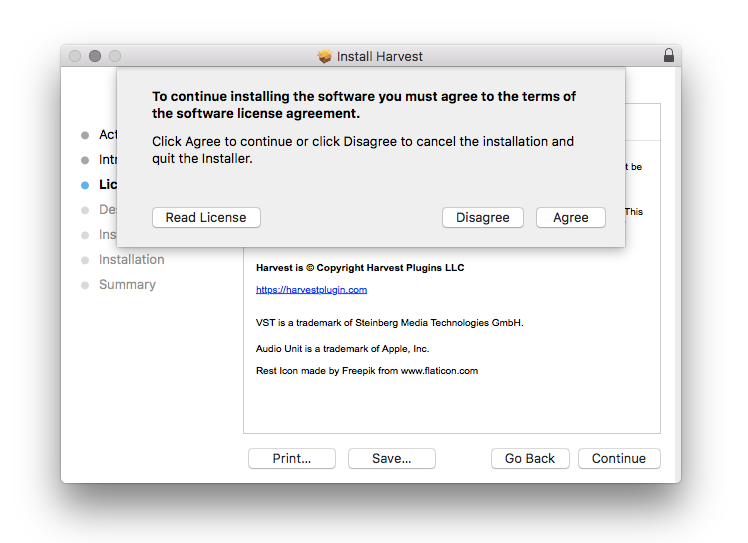
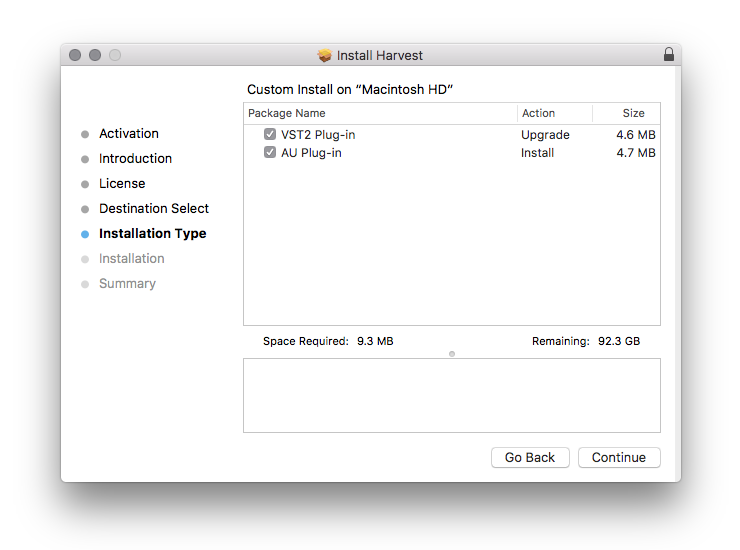
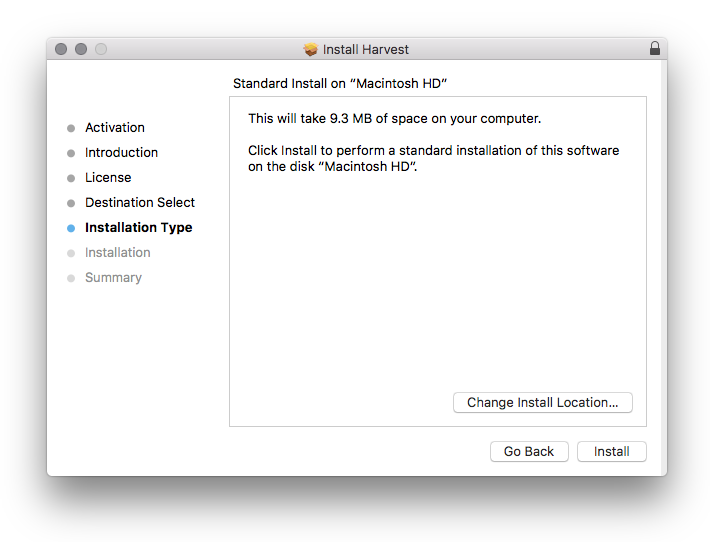
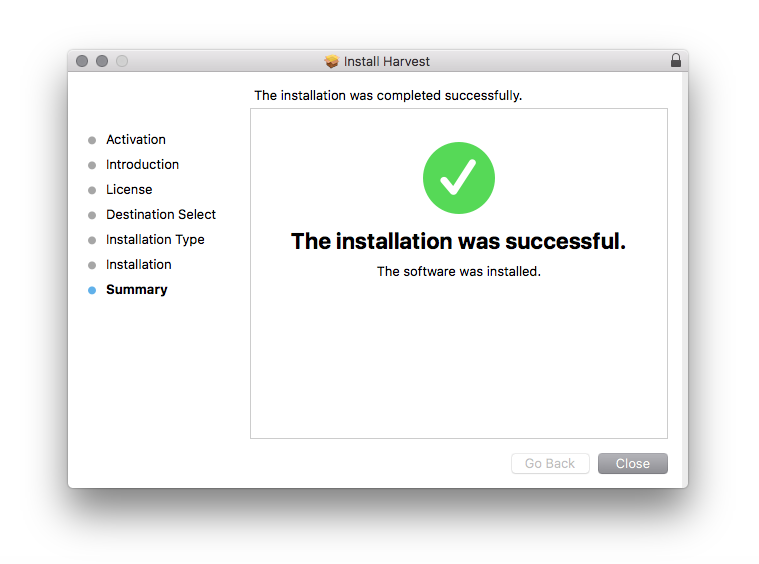
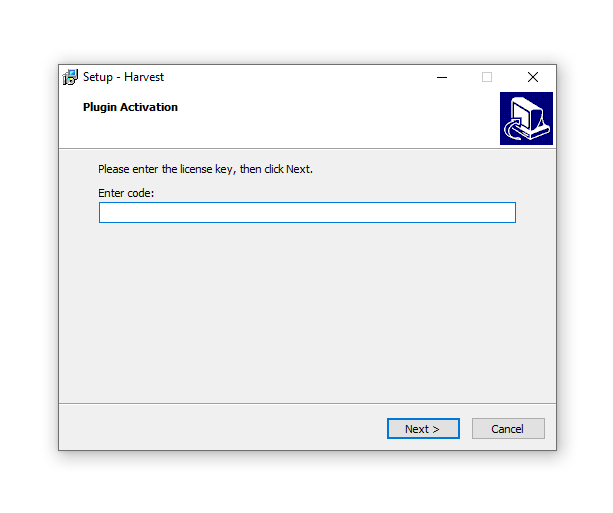
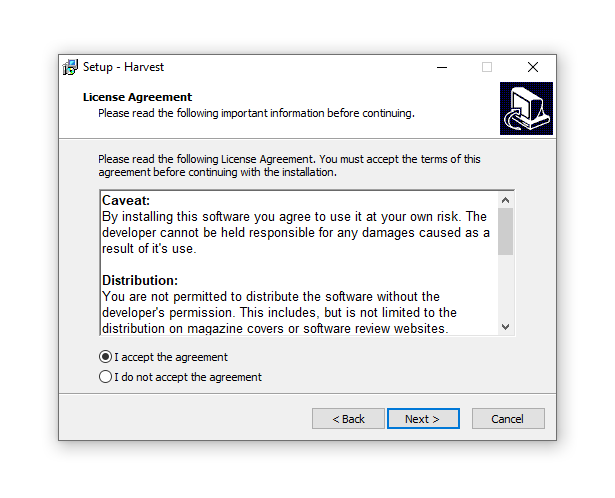
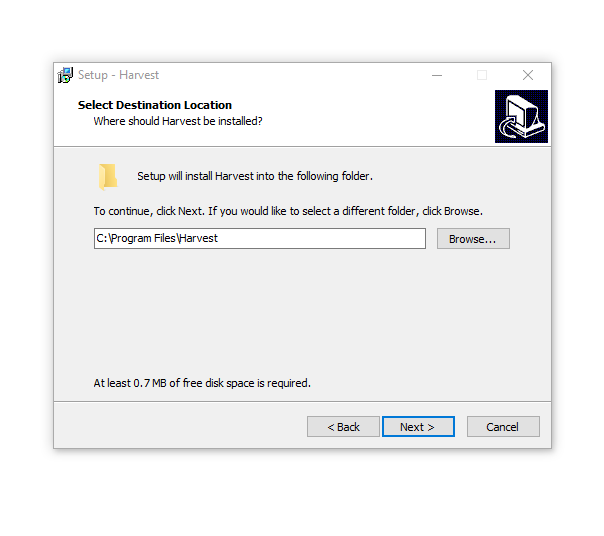
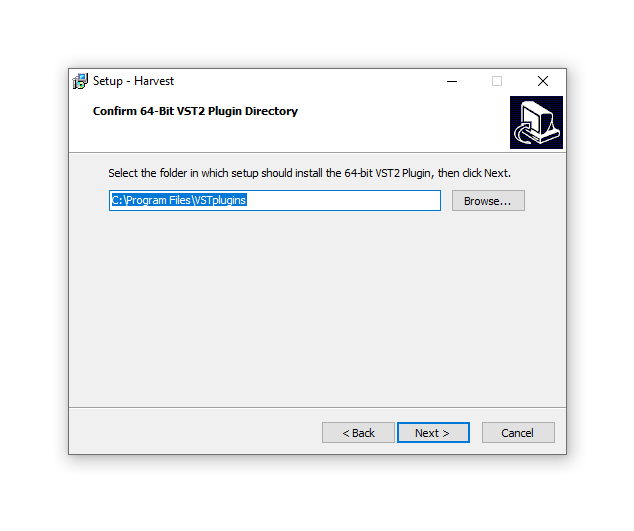
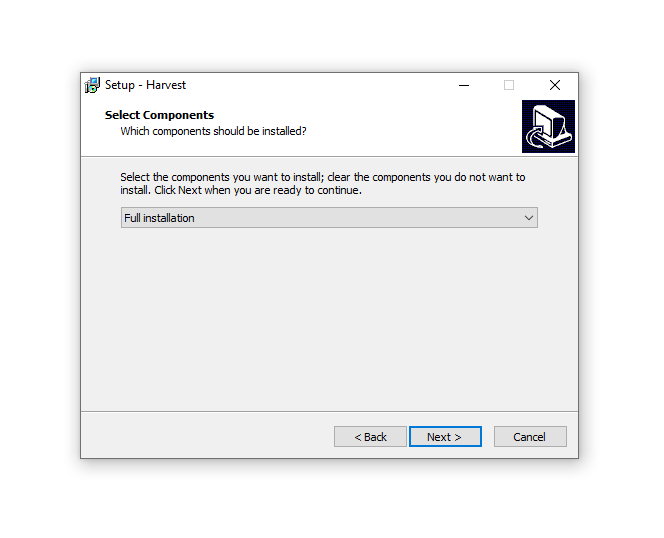
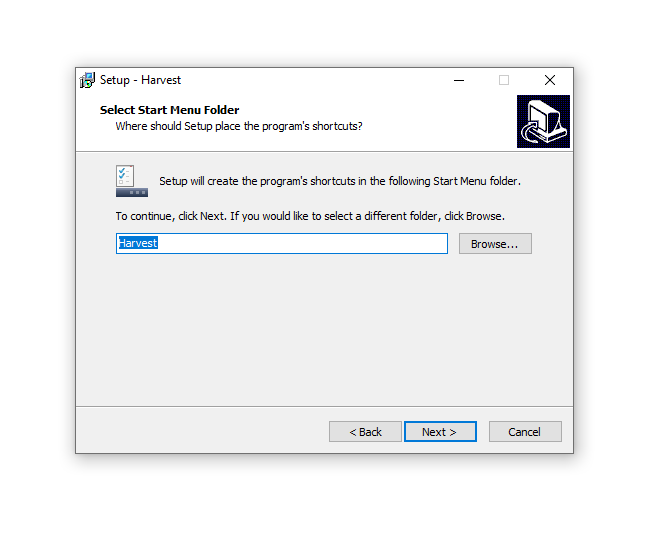
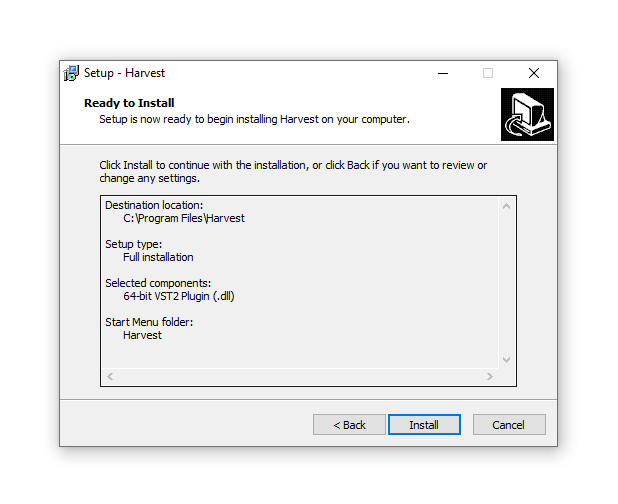
Installation Instructions