


 Log In
Free gifts available with your purchase
Your Complete Vocal Processing Suite
- Four powerful dedicated Vocal FX
- AIR Vocal Tuner - Seamless corrective and creative vocal tuning plugin
- AIR Vocal Harmonizer - Intelligent harmonisation for instantly gratifying musical results.
- AIR Vocal Distortion - Distortion FX for adding character, from subtle to extreme.
- AIR Vocal Doubler - Intuitive doubler effect for rich ensemble vocals
- Real-time and offline processing
- Dozens of production-ready presets
Vocal Tuner
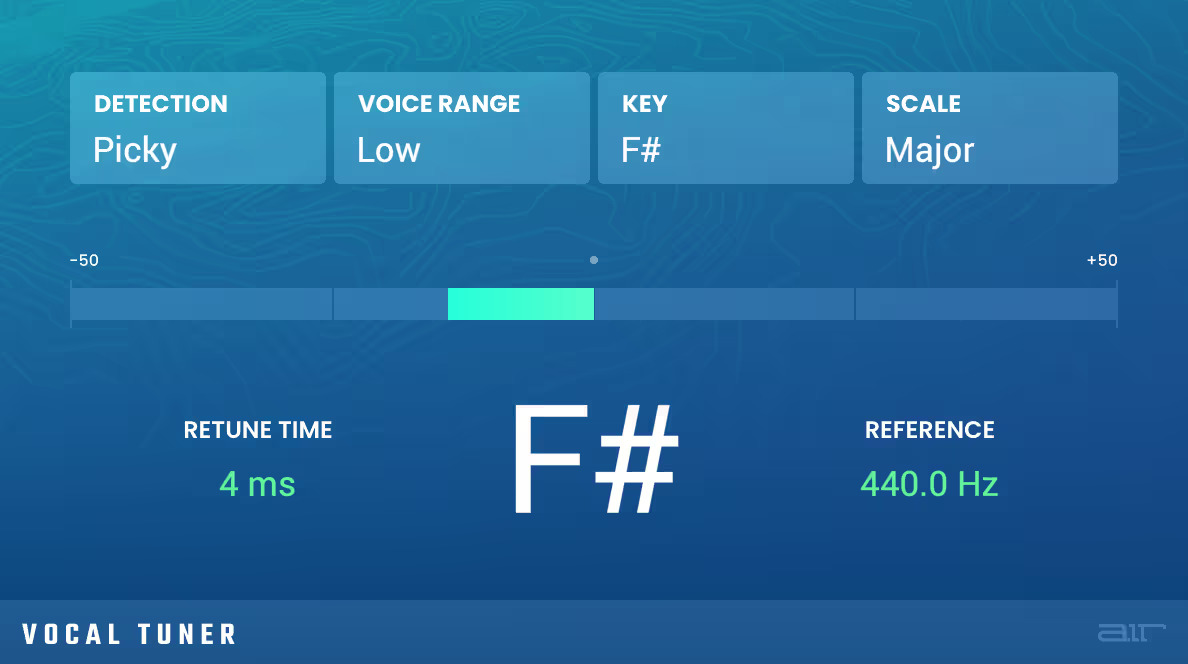
Always In Tune
AIR Vocal Tuner is a revolutionary automatic pitch correction plugin. Whatever modern vocal sound you're aiming for, AIR Vocal Tune can achieve it instantly. Apply gentle, discreet pitch correction on a slow jam ballad or in-your-face robotic-style processing for melodic rap - all with ease. The versatile AIR Vocal Tuner is ready for any style and genre with a powerful set of controls to quickly dial in detection behavior key, scale and retune time.
Learn more about Vocal Tuner.
Vocal Harmonizer
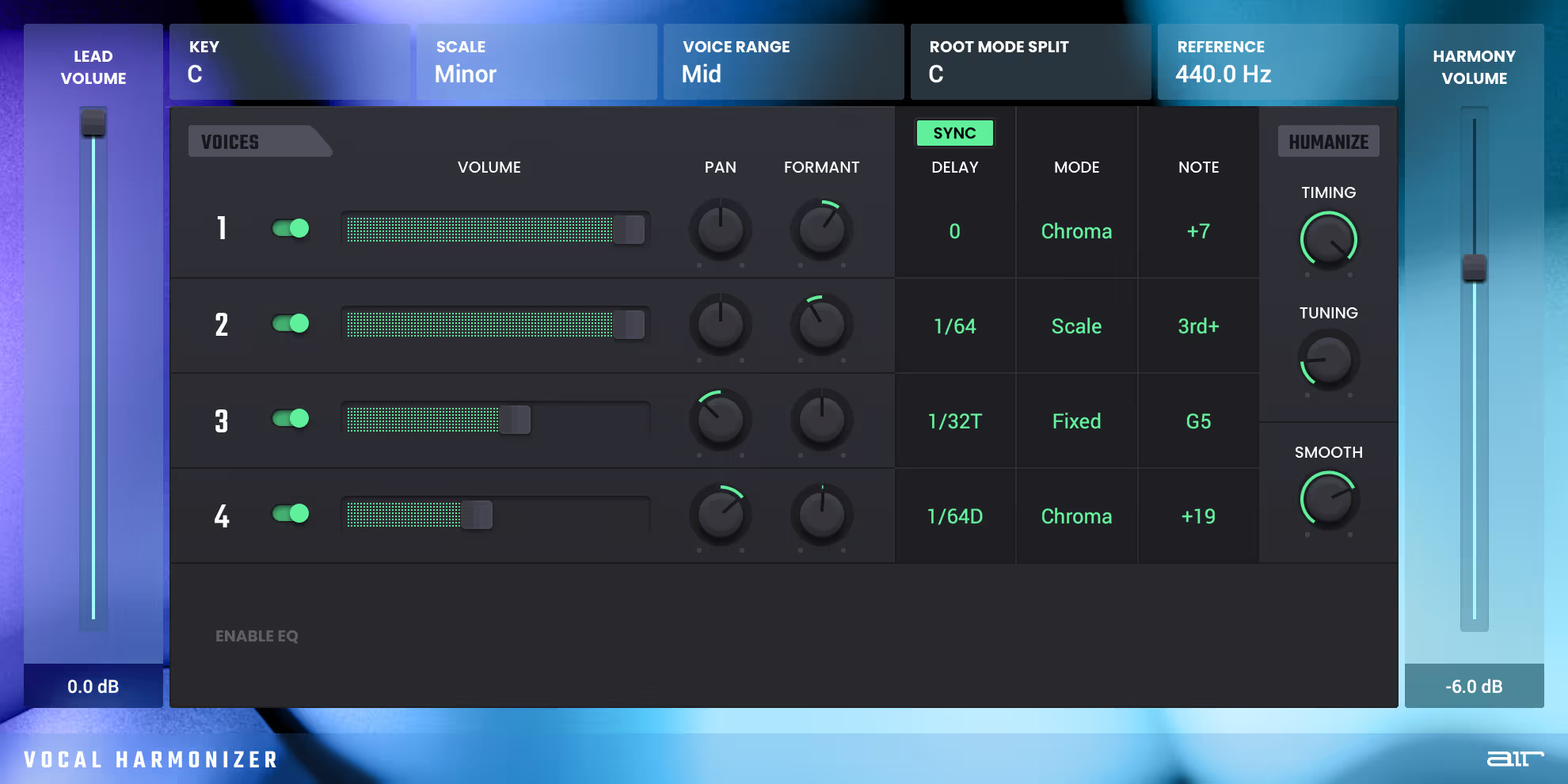
Sometimes the right melody needs some harmony to stand out. The AIR Vocal Harmonizer delivers the power to create full 4-part harmonies instantly. Add a 5th below, a major or minor 3rd above, or even create a full background vocal section from one track of audio. Dive deeper into AIR Harmonizer and adjust EQ, Pan and more for a harmonic section that sits perfectly in the mix. With AIR Harmonizer generating the additional voices, you don't have to worry about the timing or pitch issues associated with stacking vocal tracks or with multiple background singers. Use AIR Harmonizer to get professional vocal results while saving time and finishing your tracks faster.
Learn more about Vocal Harmonizer.
Vocal Distortion
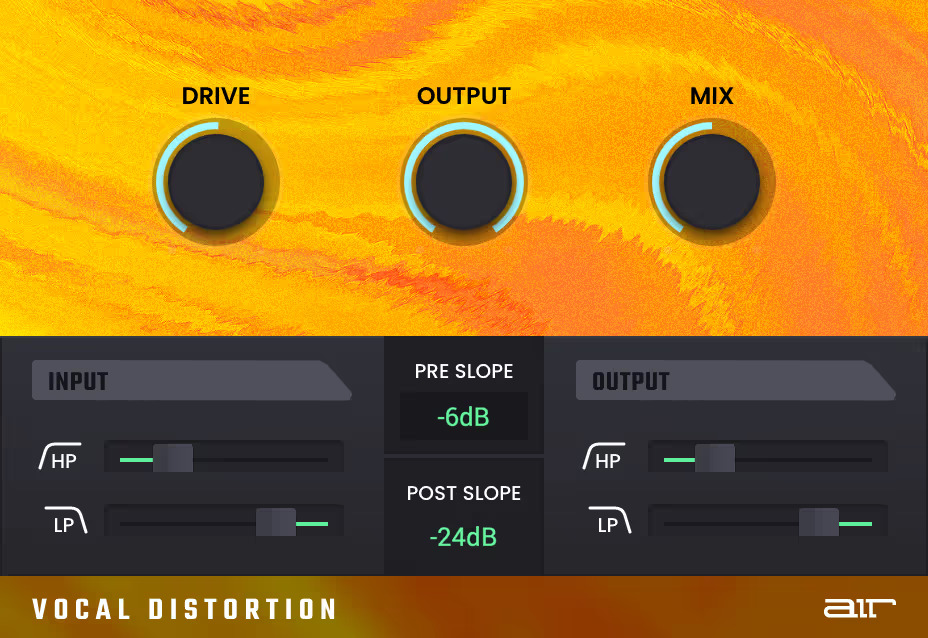
From subtle saturation to more extreme distorted effects, AIR Vocal Distortion is your one-stop shop for bringing character to your vocal tracks. Dial in warm tone reminiscent of a classic vintage mic pre, or crank the drive and slam it for a dramatic overdriven effect. Whenever you need to bring extra character to a vocal track – reach for this one. Features separate high-pass and low-pass filters for input and output stages, each with three selectable filter-slopes.
Learn more about Vocal Distortion.
Vocal Doubler
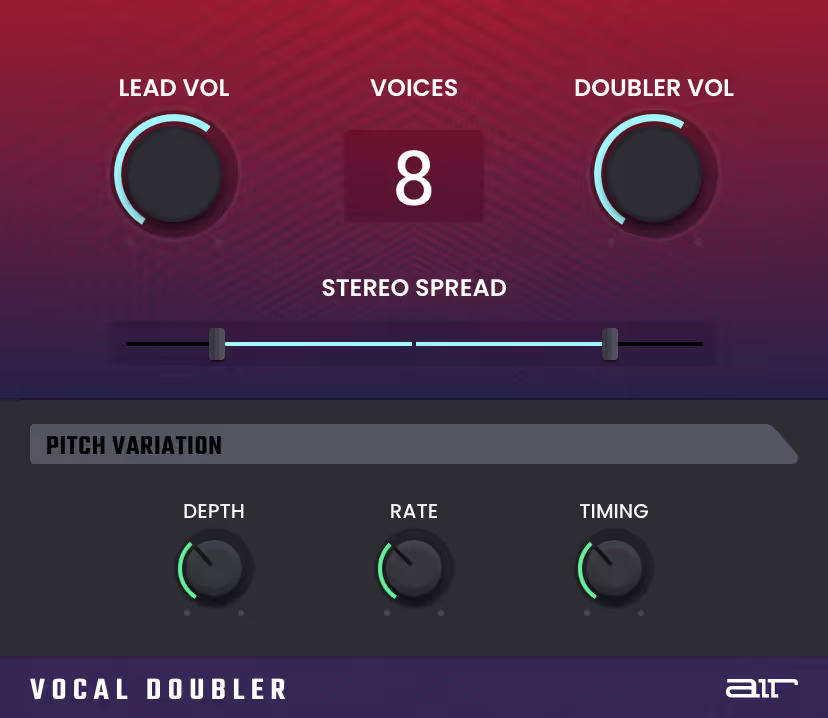
When you want to add power, create separation, or just try something different with your vocals, pull up the AIR Doubler plugin. Load AIR Doubler on a vocal track and easily create dimension, width and separation – with up to 8 additional voices from a single vocal source! Stack perfect doubles without the time-consuming task of cycle recording vocals. Dial in AIR Doubler for those thick vocals that sit perfectly in the center of the mix and cut through any music project.
Learn more about Vocal Doubler.
System Requirements
Mac
- macOS 12, 13, 14, 15 (Intel & Apple Silicon)
- 4GB RAM (8GB recommended)
- Dual-core 2.5GHz CPU
- VST 2/3 Plugin compatible host
- AAX plugin compatible host
- AU plugin compatible host
Windows
- Windows 10 - Windows 11
- 4GB RAM (8GB recommended)
- Dual-core 2.5GHz CPU
- VST 2/3 Plugin compatible host
- AAX plugin compatible host
Important notes:
- An internet connection is required to authorise this software.



















