Log In
Save $99.00 compared to buying products individually
Free gifts available with your purchase
Bundle Contents

A Feast of Fire
This rhythm guitar monster offers a broad range of terrific tones and yet maintains a straightforward interface.
The amp has been crafted with Matt and Corey’s ultra-precise riffing in mind and provides an extremely tight low end that never muddies up those fast chugs.
Trivium
Known for their musicianship, melodic sensibilities, and razor-sharp sound, Trivium has established itself as one of the leading metal bands in the last 20 years.
The band has sold over one million albums worldwide and was Grammy nominated for Best Metal Performance in 2019.
Trivium continuously inspires musicians and fans worldwide.
Learn more about Ampknob Trivium Rhythm.

Lay down your guitar tracks with one of the most exclusive, high-quality guitar amps available today. Modeled using groundbreaking new technology and sound designed by Jens Bogren, the MLC S_Zero 100 plugin is a sonic powerhouse that genuinely stands out from the crowd of digital amp simulations.
Multi-faceted, lifelike, and endlessly inspiring — use the MLC to craft the guitar tones your songs deserve.
A Flexible, High-End Amp
With its three distinctively different channels and a multitude of settings, the Bogren Digital MLC S_Zero 100 offers a wide range of tonal options.
- Channel 1
A glassy, three-dimensional character ranging from sparkling clean to classic tube overdrive.
- Channel 2
Offers a more British-inspired ‘plexi’ crunch with a present midrange.
- Channel 3
This is high-gain territory. This channel has a juicy, gnarly character with a tight low end and unique clarity.
The amp is a fully featured, extremely accurate model of the physical amp, with a simplified interface to help you dial in the tones efficiently.
The power amp tubes can be switched per channel between 6L6 and EL34 — a feature unavailable on the physical MLC Subzero 100 amp.
Learn more about Ampknob MLC S_Zero 100.

Four channels, two matched cabs, a pedal boost, and reverb – is this the most versatile Ampknob ever released?
The BDM 410 JVH, inspired by the sound of contemporary gold-plated amps, encompasses the tone of this iconic British company in the 21st century.
The amp captured is a tried and true tone monster – used extensively on Opeth’s Watershed. Offering pristine cleans to buttery leads and everything in between. BDM 410 JVH is the go-to amp for modern British guitar tones.
This modern amp has it all: clean, crunch, overdrive. When high gain is not high enough, kick into the fourth mode for an extreme overdrive.
Cabs
Two, perfectly matched cabinets captured at Fascination Street Studios: Modern and Vintage.
Plug In, Rock Out
As with all Bogren Digital’s Ampknob series plugins, the three Ampknob BDM plugins are extremely easy to use and provide a distraction-free path to album-ready sounds. Jens Bogren has poured his 20+ years of experience into crafting sounds that just work, allowing you to focus on the music.
IRDX Included
The cabinet section is powered by Bogren Digital’s IRDX technology, which adds a true-to-life dynamic response to the included speaker models. In fact, IRDX affects any cabinet IR you load into the plugins, so they will have a more vivid and dynamic response compared to using them in your standard IR loader.
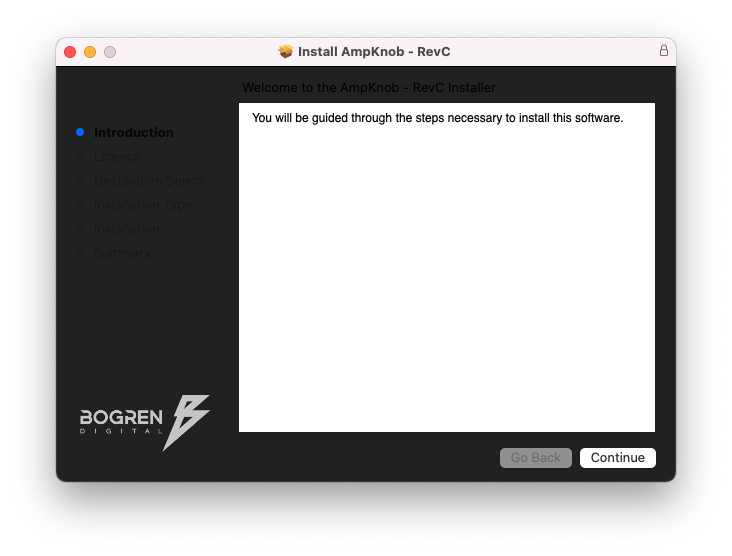
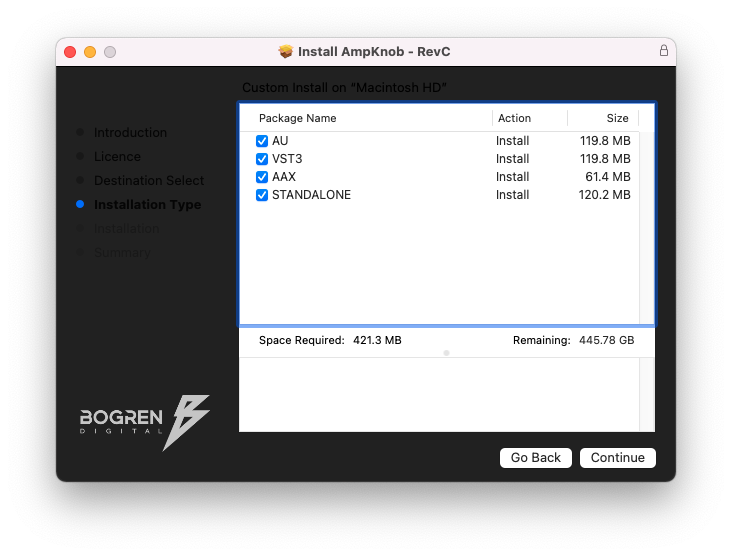
- Available as Standalone / VST3 / AU / AAX
- Windows 10 or newer
- Mac OS 10.13 or newer (Intel & Apple Silicon Native)