Log In

Free gifts available with your purchase
We're thrilled to offer this exclusive Boz Digital Labs Mixing Bundle at Plugin Boutique!
This bundle includes 3 of Boz Digital Lab's hugely impressive mixing effects to get the best mixdown possible!
For more information, simply click the plugin UI.
Manic Compressor
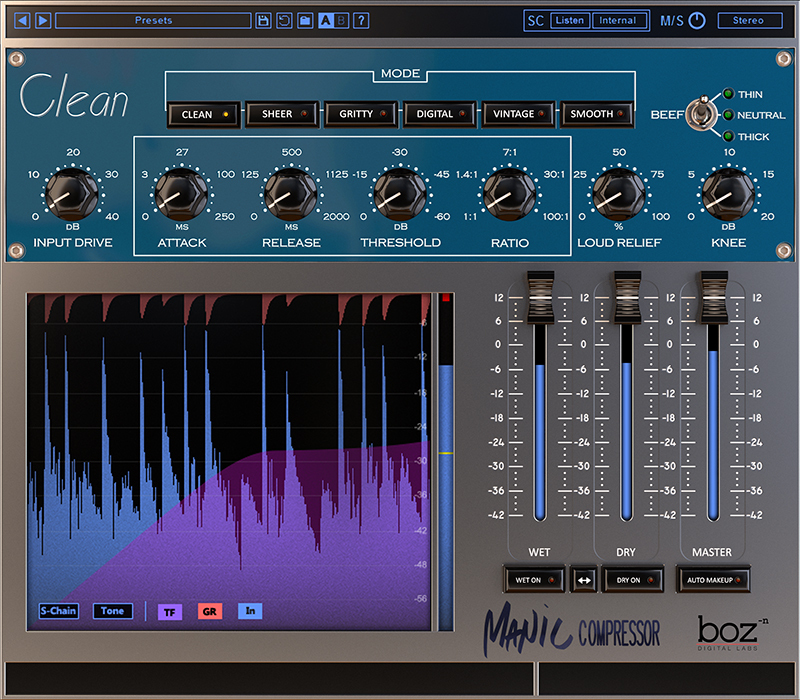
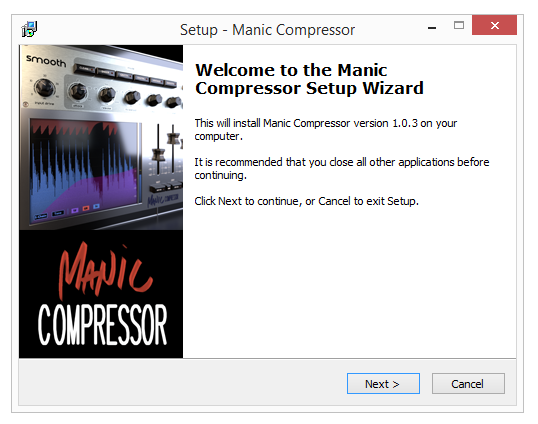
Manic Compressor was designed from the beginning to be more than just a compressor. It was designed to unleash the power of parallel compression without requiring complex routing in your DAW.
Even with 6 different compressor modes and a comprehensive parallel routing setup, Manic Compressor uses an intuitive interface to get you way more power from your compressor than you’ve ever had before.
Imperial Delay
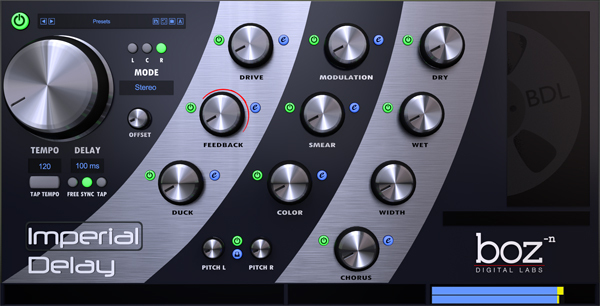
Imperial Delay was designed from the beginning with two goals: Be the most powerful delay, and be easy to use. As it turns out, those two requirements tend to be at odds with each other. Some delays give you lots of control but require you to get out your lab coat and calculator in order to use it. Other delays sound great with only a couple knobs, but give you almost no options. Imperial Delay does both.
Every option that you would need in a delay is available at the twist of a single knob. If you need more control over those effects, you can enter the advanced controls and experiment to your heart’s content.
Boz Digital Labs’ new preset management system lets you save presets that go far beyond your DAW’s preset saving ability.
T-Bone
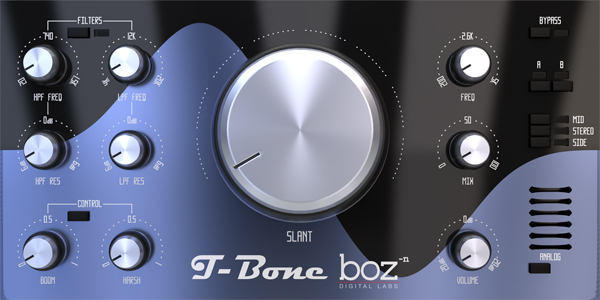
T-Bone is the successor to our popular Tilty Wilty plugin. T-Bone offers many new features, making it a very significant upgrade from Tilty Wilty.
T-Bone uses custom filters that do not have any of the wonky side effects to your high end that most digital filters have. No matter what sample rate you are using, T-Bone will give you a smooth natural curve right up to Nyquist frequency.
T-Bone is a slant EQ at heart, with a few extra features that just make it that much more useful.
System Requirements
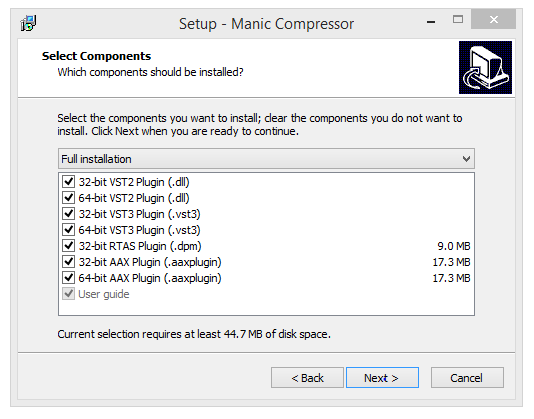
This plugin is available in both 32 and 64 bit versions of each format (except RTAS, which is 32 bit only). It is available in the following formats:
- Mac VST2, VST3, AU, RTAS, AAX Native
- Windows VST2, VST3, RTAS, AAX Native