


Buy ANALOG87 Series, get a free gift with purchase:
The ANALOG87 series features 6 widely acclaimed and awarded plug-ins. These have been designed and fine-tuned "by human ears" and except for PR-EQUA87, you will not get a lot of visual feedback from them... just good sound.
Not too long ago, we were listening to our mixes with our eyes closed, trying to get the most information from our trained ears. We were not afraid of digital artefacts. No lights were blinking telling us how bad our equalization was and we were talking about how warm, smooth, and punchy was the music and not how red, blue, and yellow it could be.
Of course, as time progressed, our computers provided visual feedback, making it easier for us to find mistakes that would have previously taken 10 hours of repeated listening to detect. As musicians, we started to use both our eyes and ears to mix music, discovering how you interact with an effect can be almost as important as how it sounds. All of this is very subjective, though. During the development of the ANALOG87 series of plug-ins, sound has been the top priority and then, interfaces have been designed around the workflow of an old-school engineer.
Features
- Full set of dynamics and EQ plug-ins (sidechain compressor, sidechain gate/duck, 4 bands EQ, brick wall limiter and a full-featured channel strip).
- Smooth, analogue-esque behaviour.
- Bargain price
System Requirements
Mac
- Supported OS: macOS 10.9 (min) up to macOS 12
- CPU: Intel / Apple Silicon (M1)
- Available formats (64-bit only): AU, VST2
Windows
- Supported OS: Windows 10 / Windows 11
- CPU: Intel / AMD
- Available formats (32/64-bit): VST2
Awards


Joris Holtackers
"These plugins are miracles in the world of digital audio processing. Not because they have fancy meters and/or realistic buttons, but especially because of how they work and what you can achieve with it. From subtile compression and EQ'ing to very aggressive pumping and eq-manipulation, the plugins from the ANALOG87 range are at home in all these scenarios and everything in between.''
Perry Staltic
"The Analog87 series belongs to the senior representatives of the “audio plugins jungle”. These plugins present themselves as beeing great sounding and flexible workhorses for the everyday studio routine, but they also allow more specific applications."
Last year, eaReckon really impressed us with EAReverb: its classy algorithmic reverb was sonically influenced by classic outboard gear, but it ultimately delivered a flavour all of its own. The Analog87 series is similarly retro-influenced. It has just been rebuilt from the ground up, with ne...
Read MorePlease Note: EAReverb 2 is used as an example.
Mac
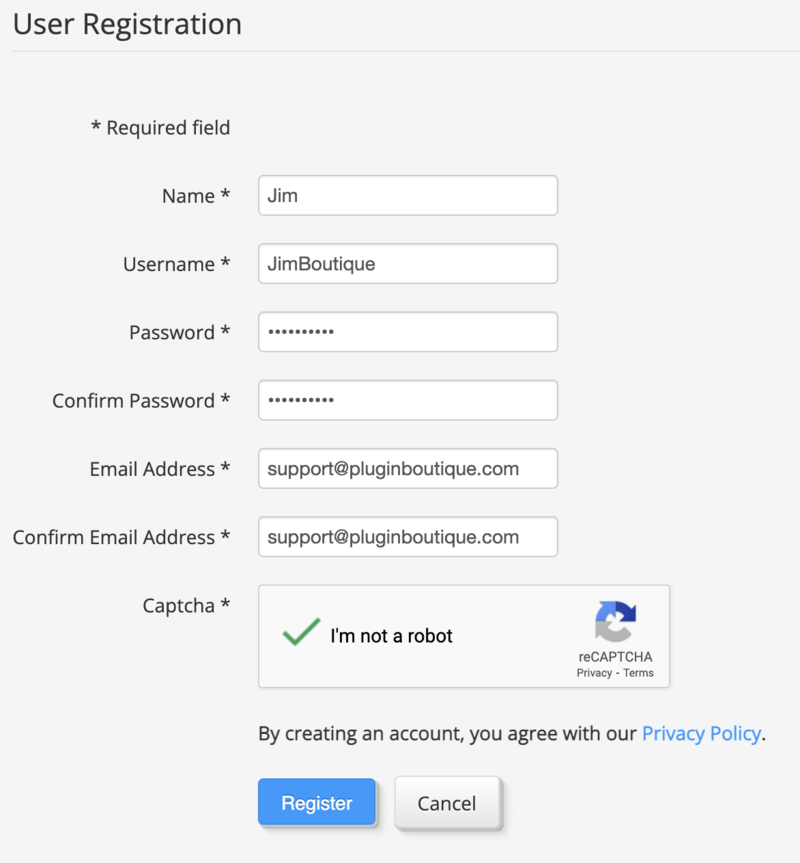
1. If you do not have an eaReckon account, navigate to https://www.eareckon.com/en/login.html?view=registration and sign up > If you do have an eaReckon account, navigate to https://www.eareckon.com/en/login.html and log in and proceed to step 3.
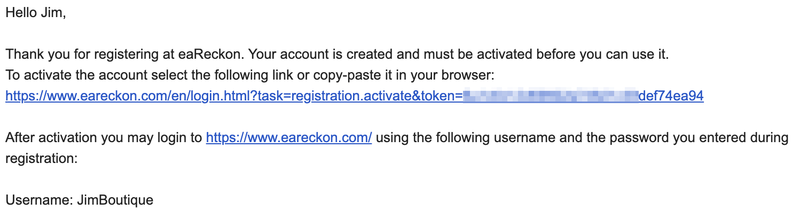
2. Navigate to your email inbox > Click the activation link to activate your eaReckon account > Log in.
3. Enter your serial number found within your Plugin Boutique User Account > Click 'Register'.

4. Download the correct installer(s) for your system.
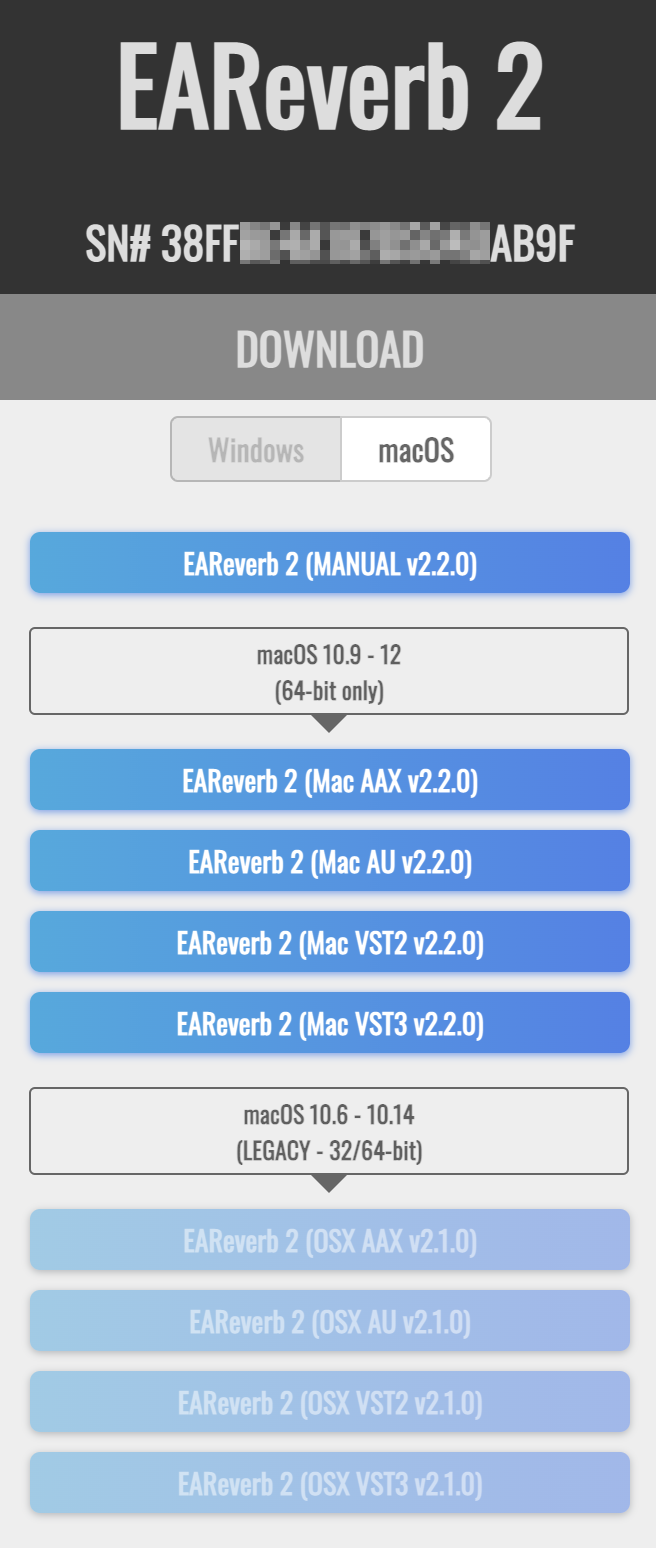
5. Unzip the downloaded installer > Launch the .pkg installer file.

6. Click 'Continue'.
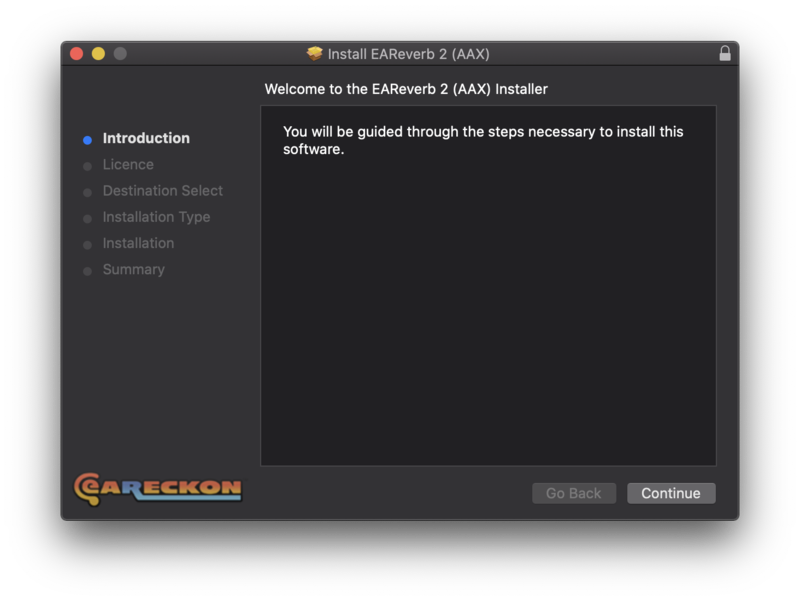
7. Click 'Continue'.
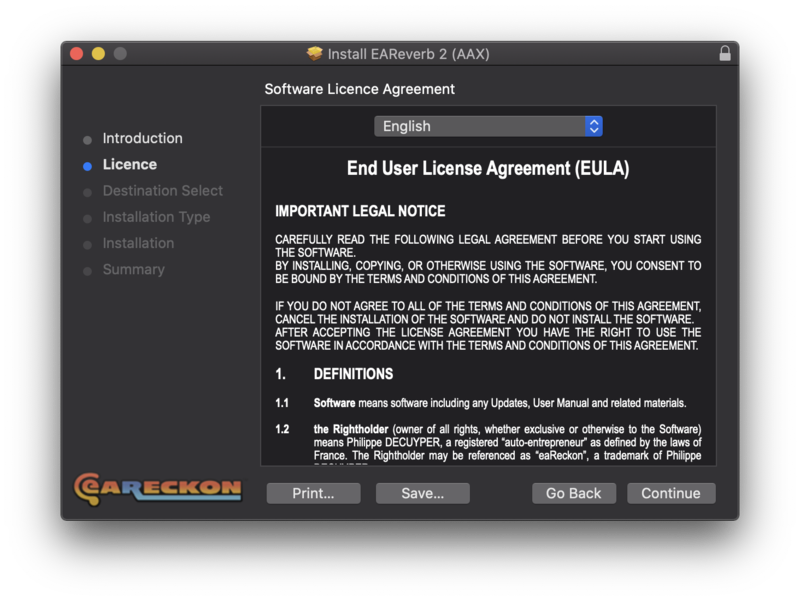
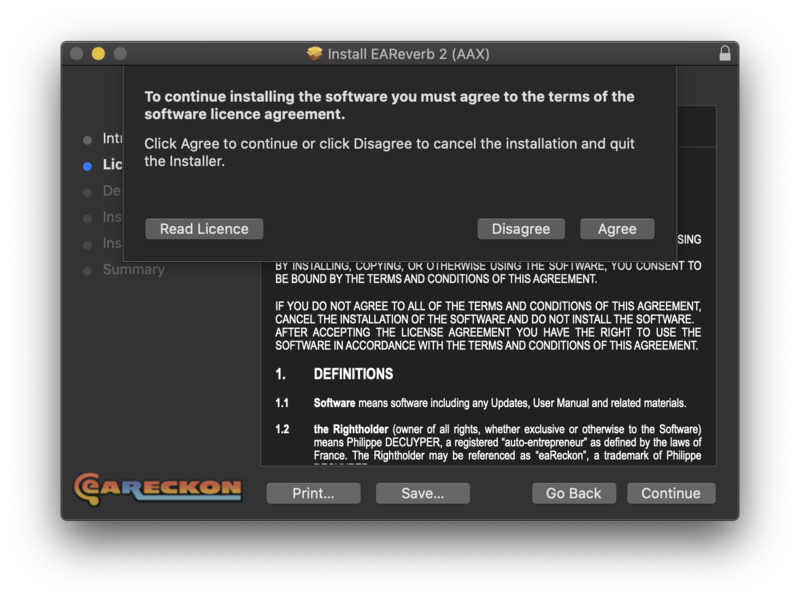
8. Click 'Agree'.
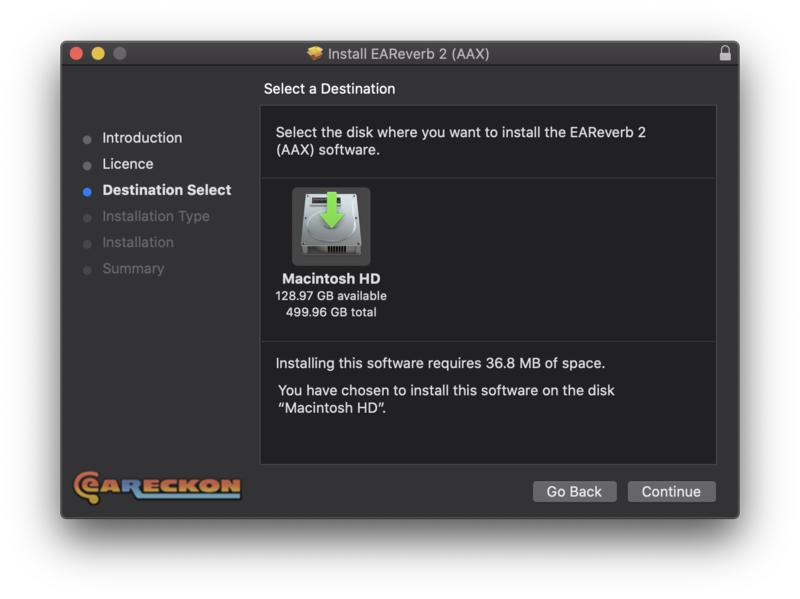
9. Click 'Continue'.
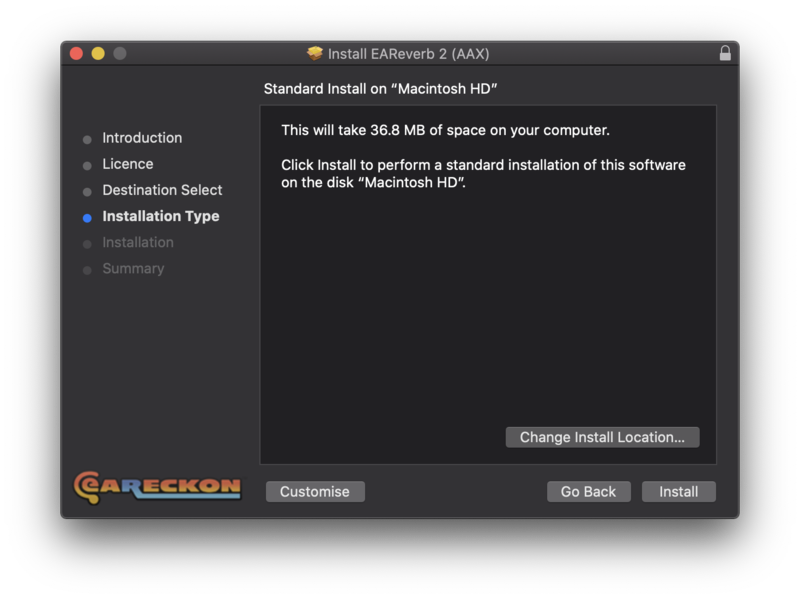
10. Click 'Install'.
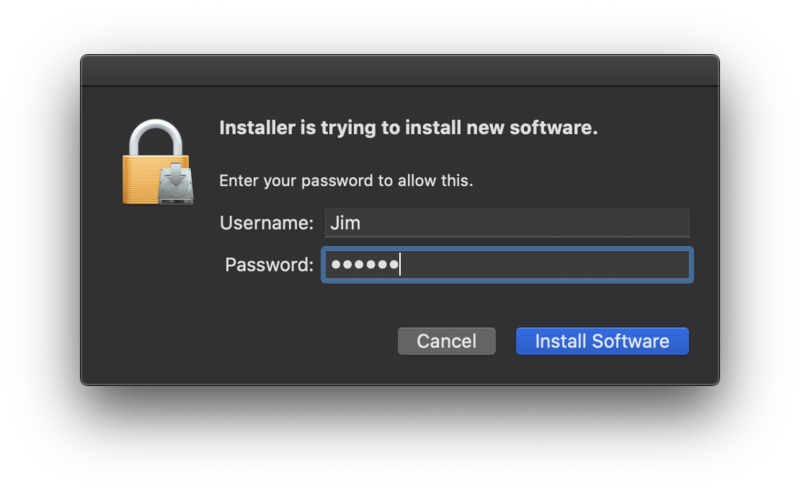
11. Enter your system password > Click 'Install Software'.
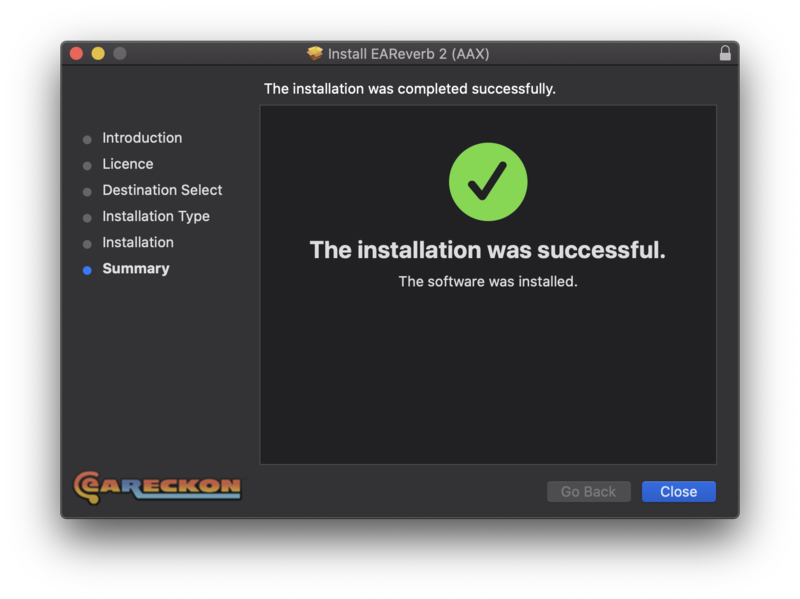
12. Click 'Close'.
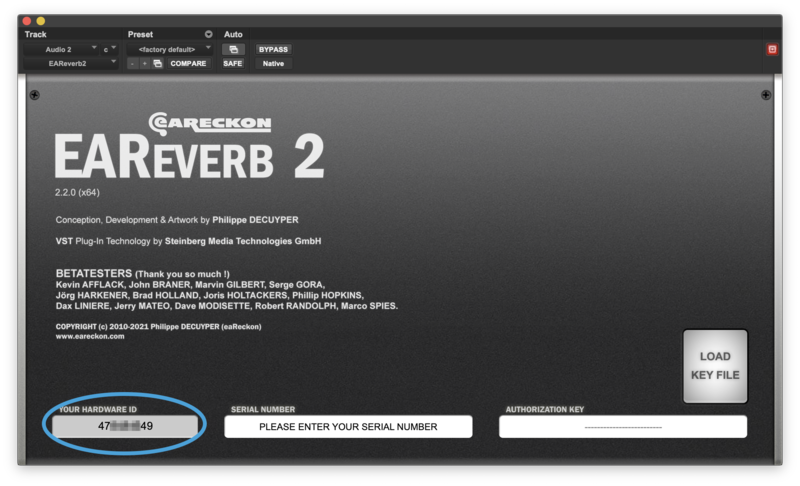
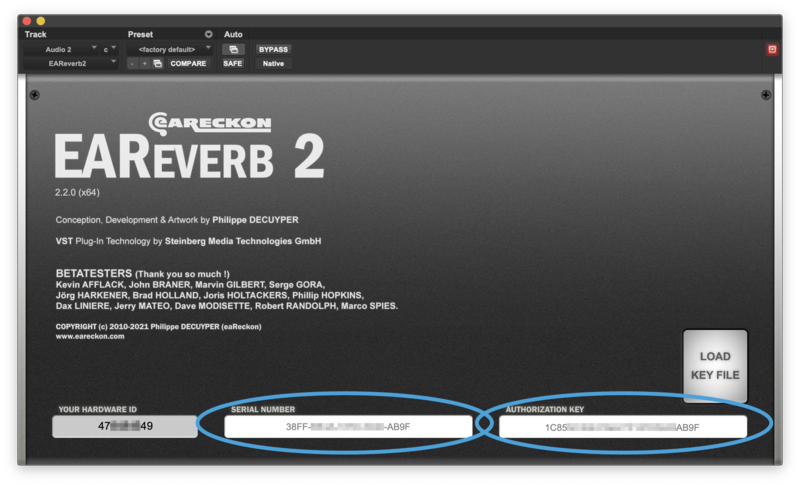
13. Launch your DAW > Insert EAReverb 2 on a new track > Locate your Hardware ID.
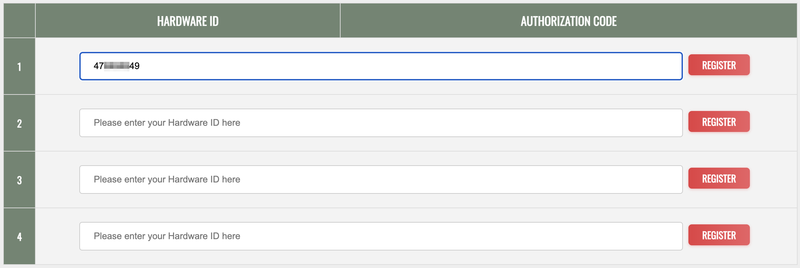
14. Navigate back to the eaReckon website and your account page > Enter your Hardware ID > Click 'Register'.
15. Navigate back to your DAW and the plugin > Enter the serial number found within your Plugin Boutique User Account into the 'Serial Number' box > Enter the Authorization Key that was generated in step 14 on the eaReckon website into the 'Authorization Key' box.
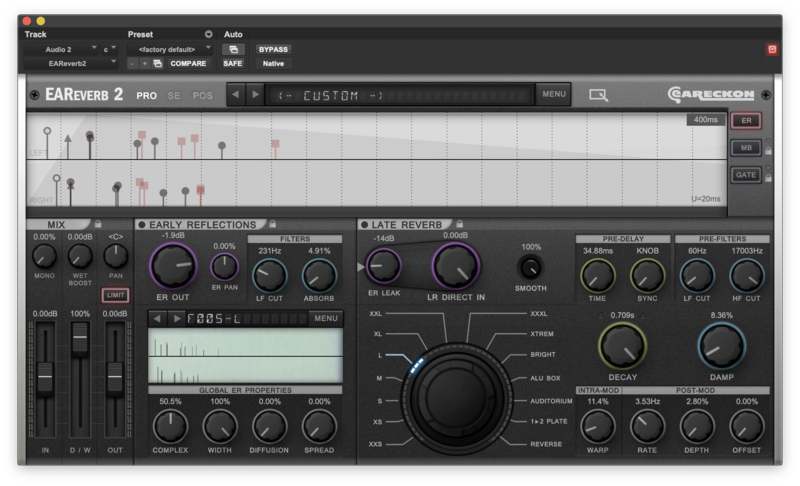
EAReverb 2 is installed, activated and ready to use.
Windows
1. If you do not have an eaReckon account, navigate to https://www.eareckon.com/en/login.html?view=registration and sign up > If you do have an eaReckon account, navigate to https://www.eareckon.com/en/login.html and log in and proceed to step 3.
2. Navigate to your email inbox > Click the activation link to activate your eaReckon account > Log in.
3. Enter your serial number found within your Plugin Boutique User Account > Click 'Register'.
4. Download the correct installer(s) for your system.
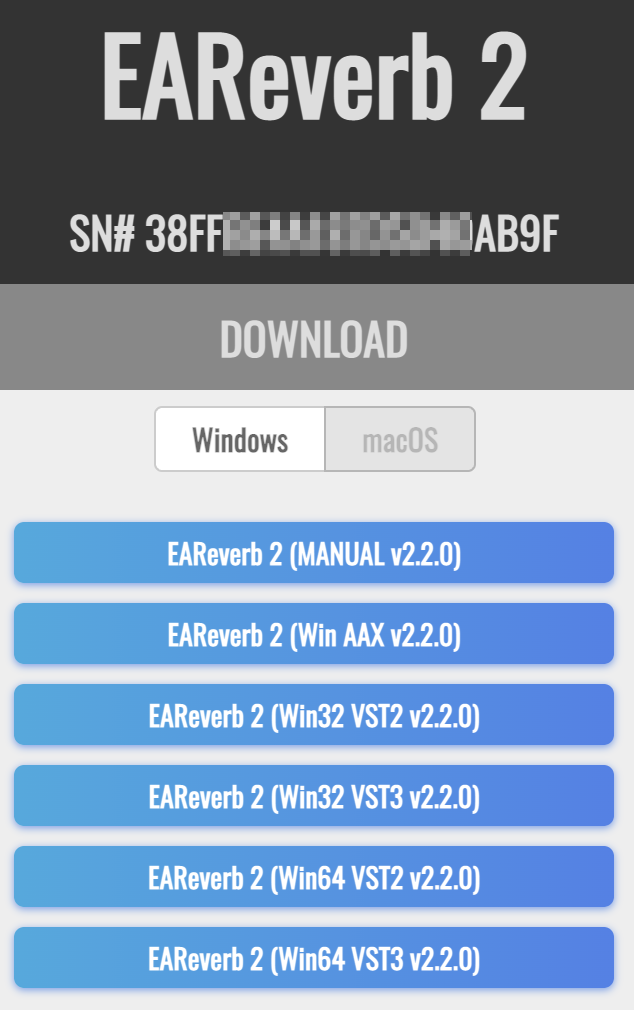
5. Unzip the downloaded installer > Launch the .exe installer file.

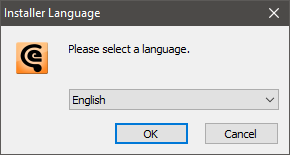
6. Select language > Click 'OK'.
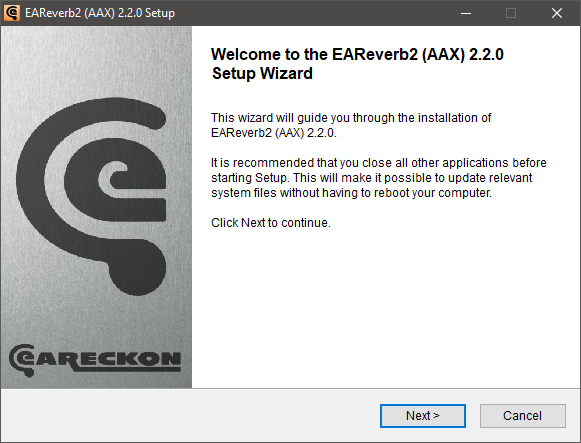
7. Click 'Next'.
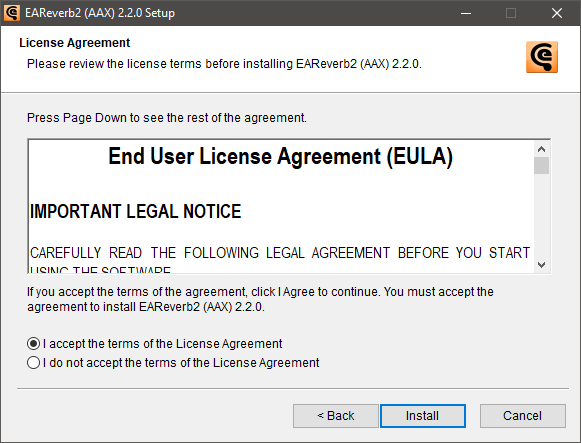
8. Accept the EULA > Click 'Install'.
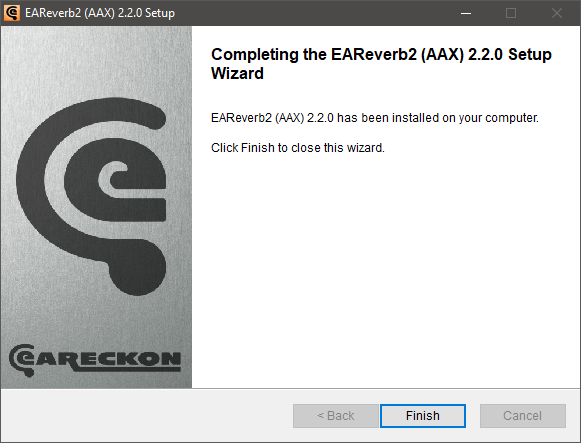
9. Click 'Finish'.
10. Launch your DAW > Insert EAReverb 2 on a new track > Locate your Hardware ID.
11. Navigate back to the eaReckon website and your account page > Enter your Hardware ID > Click 'Register'.
12. Navigate back to your DAW and the plugin > Enter the serial number found within your Plugin Boutique User Account into the 'Serial Number' box > Enter the Authorization Key that was generated in step 11 on the eaReckon website into the 'Authorization Key' box.
EAReverb 2 is installed, activated and ready to use.


