Log In

Free gifts available with your purchase
The TDR Everything Bundle includes all TDR audio plug-ins:
TDR Molot GE
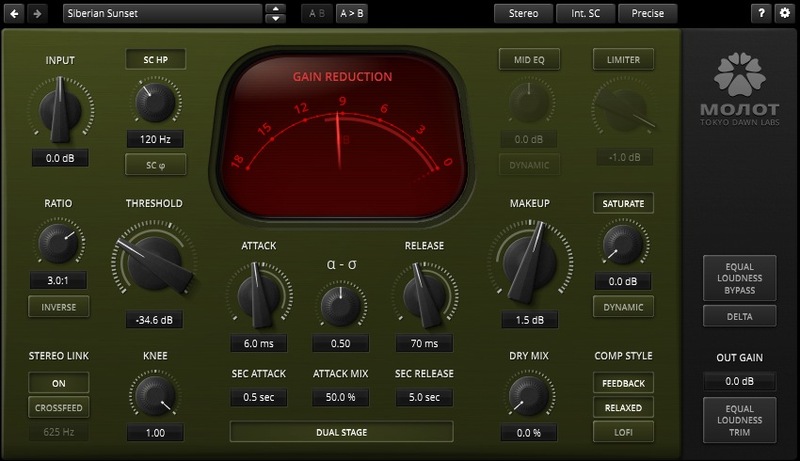
Molot GE is a particularly characterful dynamic range compressor melding several classic compression mechanisms with sophisticated saturation, creative tone control, and a snappy peak limiter. Whether it be mellow levelling, tight dynamic control, or aggressively vibrant compression, Molot GE covers a remarkable wide range of compression colours. While Molot GE doesn’t emulate any “vintage” device, its sound and behaviour was definitely inspired by their most interesting musical peculiarities. This flexibility makes it suited for almost any source, be it drums asking for more crisp and impact, solidification and enrichment of vocals, or the enhancement of guitar and bass recordings of all types.
Features
- Musically intriguing compression flavours
- Analogue style brick wall limiter
- Sophisticated saturation section
- Creative tone control section
- Dual-stage timing section offering control over auto-release behaviour
- Feedforward and feedback compression types
- Crossover based adjustable stereo link
- Detailed colouration features such as negative ratios, sidechain phase rotation, and bit-crushing
- Different quality modes including zero-latency operation
- M/S mode with dedicated width controls
- Equal loudness workflow, with equal loudness bypass and equal loudness trim
Learn more about TDR Molot GE.
TDR Limiter 6 GE
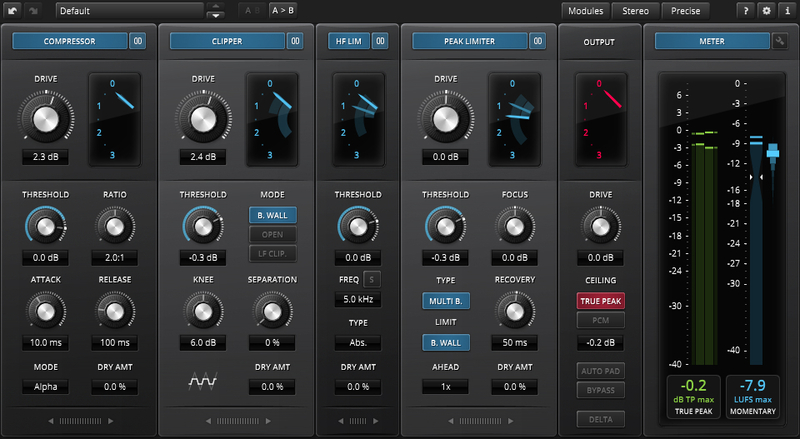
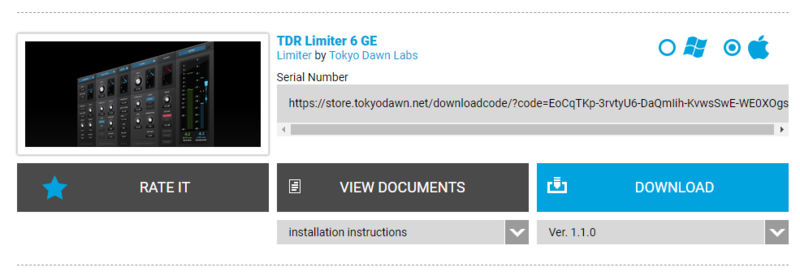
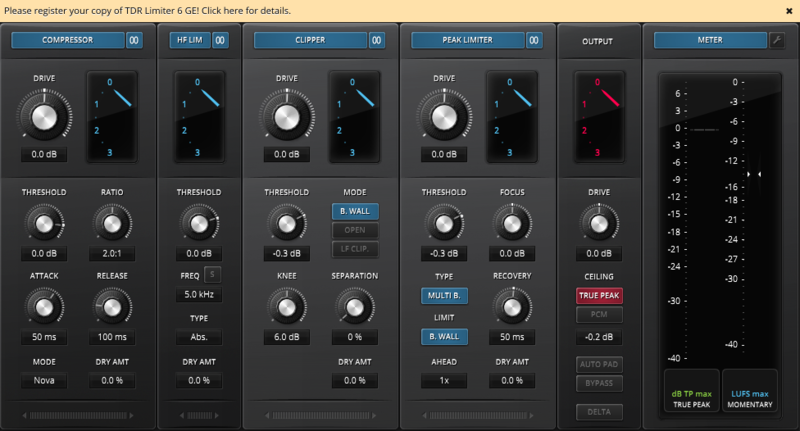
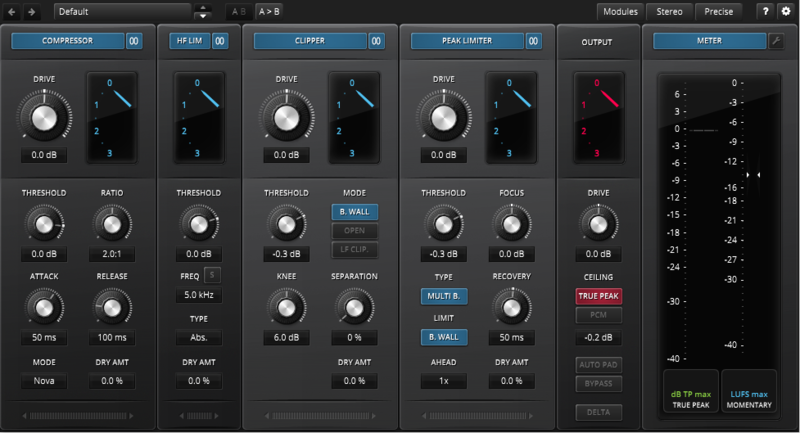
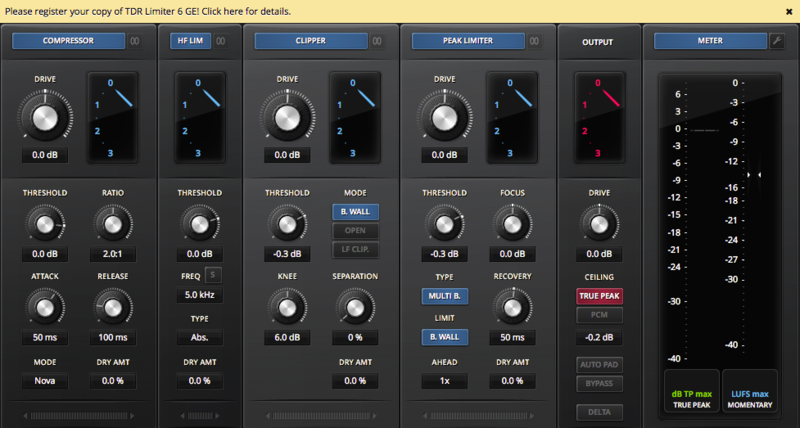
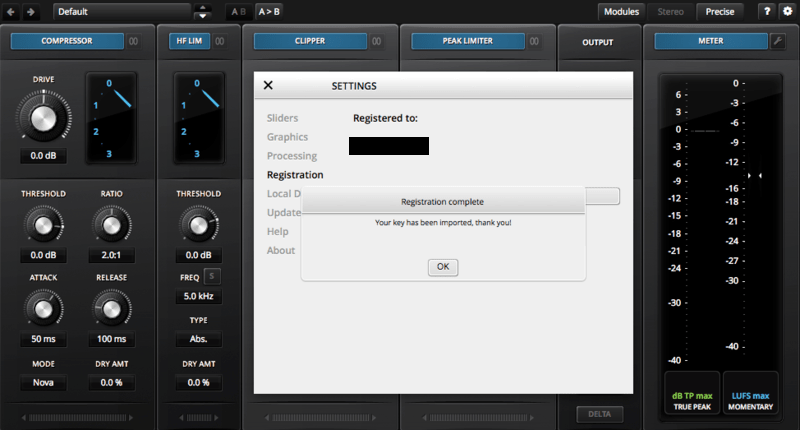
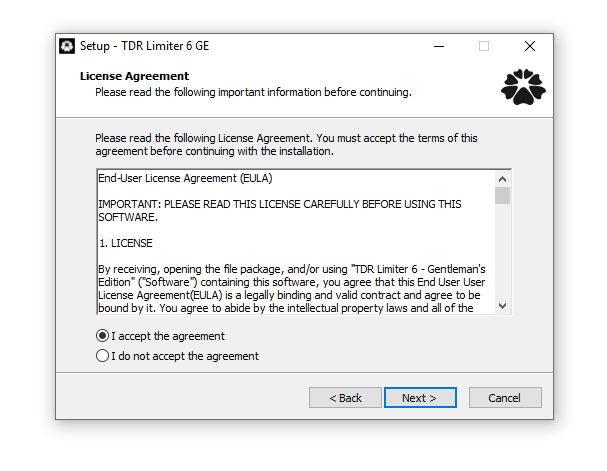
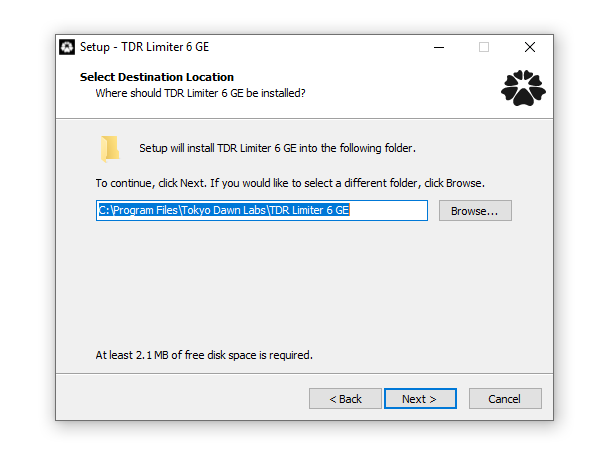
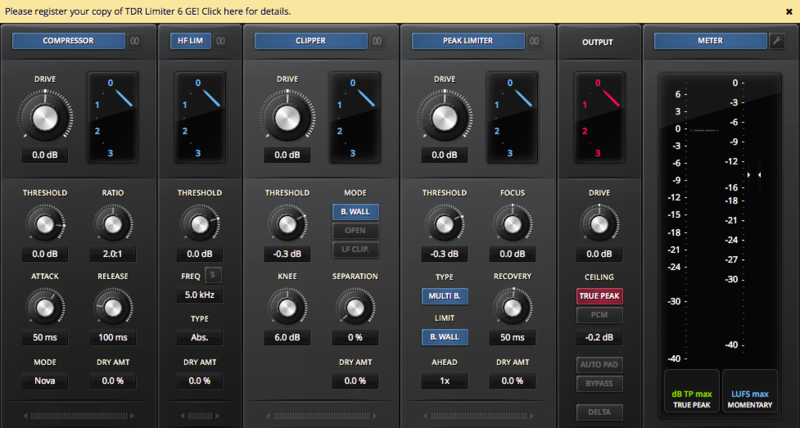
TDR Limiter 6 GE is a modern dynamics compression and limiting toolkit featuring six specialized modules that can be arranged in variable order. Together, they cover a remarkable range of applications from delicate loudness control, to brutal “brick-walling” and creative mix bus crunching.
Learn more about TDR Limiter 6 GE.
TDR SlickEQ M
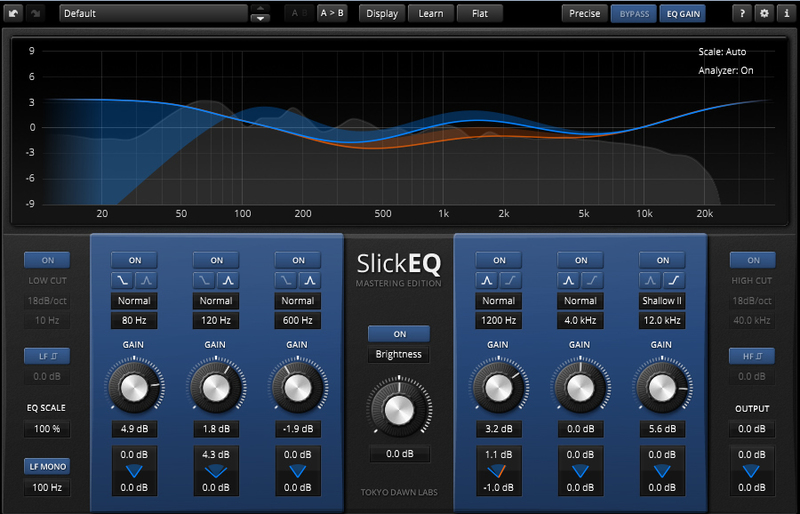
TDR SlickEQ Mastering is a powerful and flexible fully-fledged stereophonic equalizer. Specifically developed for the audio mastering engineer, no compromises have been made to deliver an exceptional musical flexibility and audio fidelity.
Learn more about TDR SlickEQ M.
TDR Nova GE
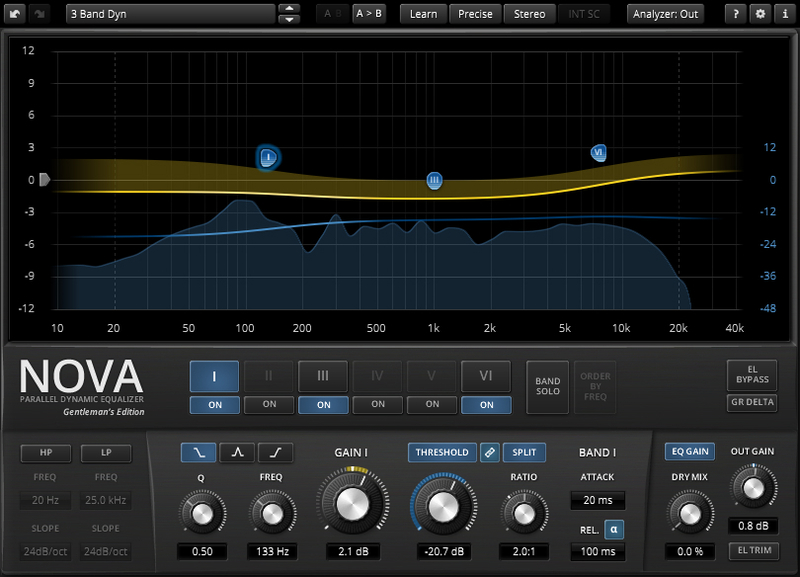
TDR Nova GE is a parallel dynamic equalizer. Appearing in the familiar layout of a parametric equalizer, the plugin also includes a full-featured dynamics section enabling NOVA to cover an impressively wide range of applications. Be it a master lacking density, the drum bus asking for more crispiness, or a sibilance problem in your perfect take: NOVA has an elegant answer.
Learn more about TDR Nova GE.
TDR Kotelnikov GE
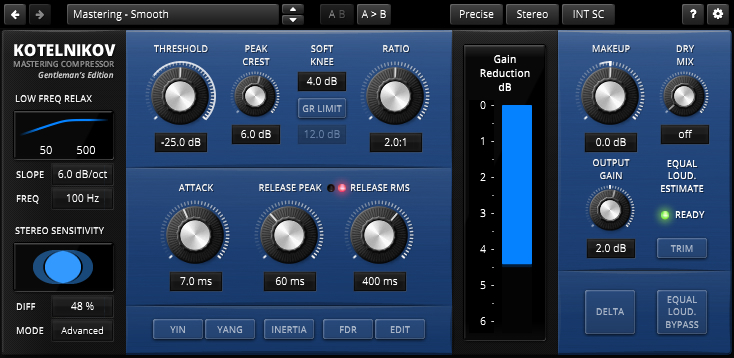
TDR Kotelnikov GE is a wide-band dynamics processor combining high fidelity dynamic range control with deep musical flexibility. As a descendant of the venerable TDR Feedback Compressor product family, Kotelnikov has directly inherited several unique features such as a proven control scheme, individual release control for peak and RMS content, an intuitive user interface, and powerful, state of the art, high-precision algorithms.
Learn more about TDR Kotelnikov GE.
TDR VOS SlickEQ GE

TDR VOS SlickEQ GE takes SlickEQ’s concept to new heights and adds an exotic “Tilt”-filter flanked by flexible low-pass and high-pass filters. Five distinct EQ models provide a rich set of predefined EQ curves and behaviours for the three main semi-parametric filter bands.
Learn more about TDR VOS SlickEQ GE.
OD DeEdger
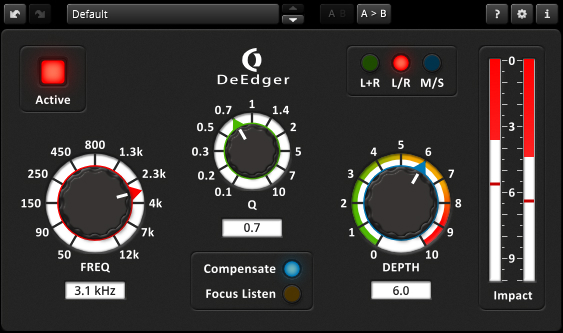
OD DeEdger introduces a new way of reducing the hardness of audio signals without negatively altering the original signal qualities.
Learn more about OD DeEdger.
System Requirements
Windows
- Win XP SP2 or above
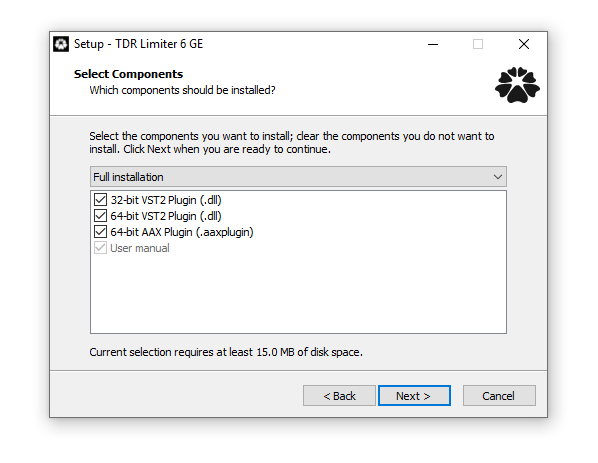
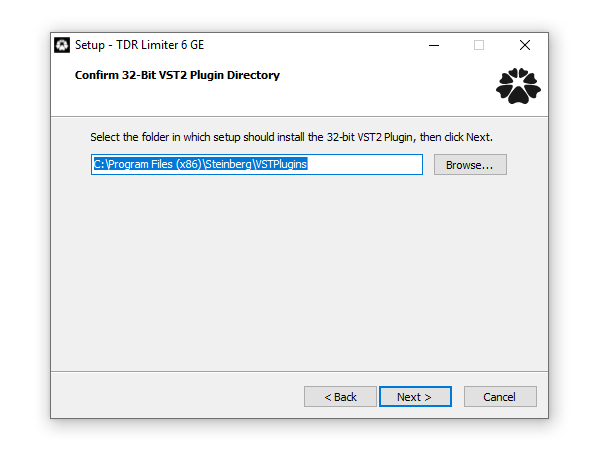
- VST 32-bit / 64-bit
- AAX 64-bit
Mac
- macOS 10.9 or above
- VST, AU, AAX 32-bit / 64-bit