


 Log In

Free gifts available with your purchase
Important Note: This is an HDX plugin bundle that is intended for use with the DSPs of an Avid HDX system to prevent the software from taxing your host processor. There is no difference in sound quality between the Standard and HDX versions. If you do not own an Avid HDX system, you can purchase the native version of the Broadcast Plugin Bundle.
Broadcast Production Collection
High quality processing and loudness control are critical for broadcast production. Whether it's taming harsh frequencies of an outside broadcast, controlling the dynamics of an unruly interviewee or simply maximising the overall loudness of an entire programme, the Sonnox Broadcast Collection has you covered - dramatically improving the quality of your broadcast production.
The precision of the Oxford EQ combined with SuprEsser's natural de-essing guarantee the perfect spectral balance of your audio. The Oxford Dynamics, a powerhouse of dynamic control, will take care of balancing levels; and finally, to maximise the overall loudness of the programme, the Inflator and Limiter pack the punch, warmth and presence to finish off the job.
Oxford Dynamics
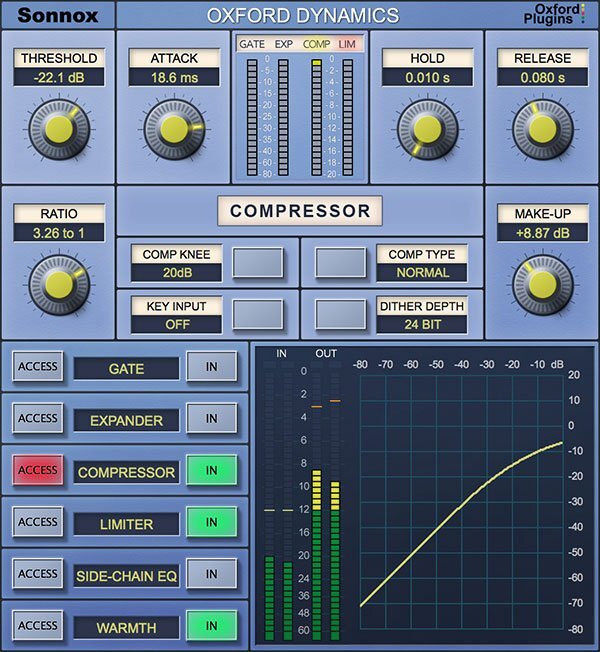
A powerful all-in-one dynamics control plugin
A powerhouse of dynamic control in a single plugin that features six independent processes for precision dynamic sculpting of your tracks.
From subtle control of a vocal, to a pumping side-chained effect; from lightning-fast gating and precision expansion to peak level limiting of single tracks and buses alike. Sonic clarity at all times – with the option of tube-like harmonic saturation when you need it.
Features
- Gate, Expander, Compressor, Limiter & 2-band side-chain EQ
- Warmth for extra presence and tube-like saturation
- 3 different compressor types; Normal, Classic and Linear
- Variable soft knee; 0 dBr to –20 dBr in 5 dB steps
- Surround bus compressor & limiter (HD-HDX only)
- Ultra low noise and distortion
- The dynamics section from the acclaimed Sony OXF-R3 console
Learn more about Oxford Dynamics.
Oxford EQ
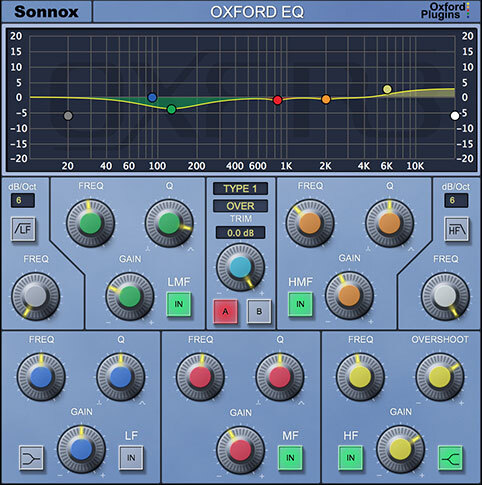
Versatility & quality in one EQ plugin
A powerful EQ is essential to any mix. If you mix music, film sound or live shows, you need an EQ plugin that's up to the task. Enter Sonnox's flagship Oxford EQ.
This versatile parametric EQ plugin traces its heritage back to the revered, million-dollar Sony OXF-R3 digital console. Now, you can unleash the power of the Sony OXF-R3 from your DAW.
The Oxford EQ features an easy-to-use interface and four distinct EQ types. Whether you’re using it for deep, surgical cuts or broad, gentle mastering curves, the results are always musical and always transparent.
Features
- 5-band parametric EQ with variable-slope HP/LP filters
- Four completely different sounding EQ types
- Clinical EQ similar to the SSL4000 E series
- Tighter ‘cut’ for removing problem frequencies
- Classic EQ similar to Neve and SSL G series curves
- Wide and gentle curves perfect for mastering
- Automatable A/B compare button toggles EQ settings
- Ultra-low noise and distortion
Learn more about Oxford EQ.
Oxford Inflator
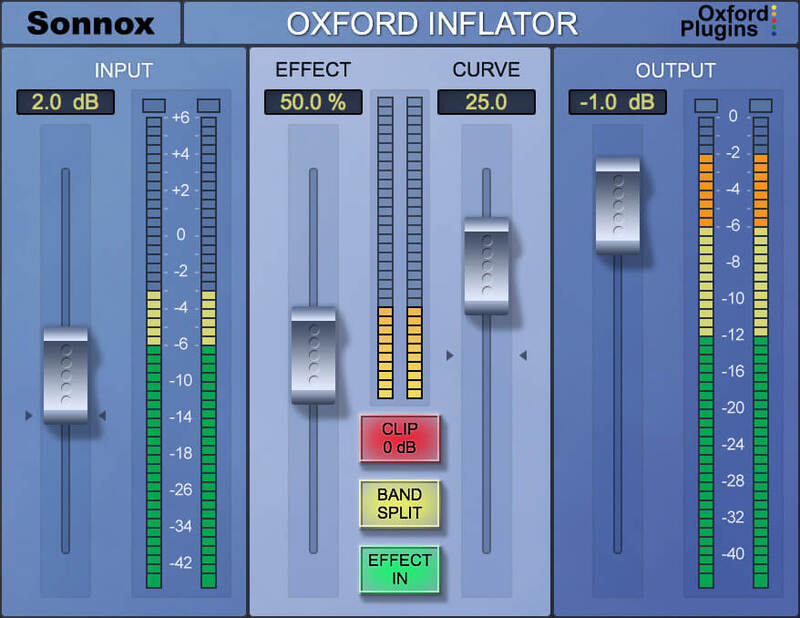
Breathe life into your sound
A unique and powerful plugin to increase loudness, without sacrificing sonic quality or dynamic range. Add power and presence to your mix without the pumping of compression, or use on individual channels to bring them forward and add weight. Perfect to help vocals cut through the mix.
When driven harder, Inflator delivers tube-like musical warmth and provides the ‘sonic glue’ you need to gel your mix together!
Features
- Louder mixes without the issues associated with compressors
- Add apparent dynamic range to previously clipped signals
- Simple user interface
- Flexible Direct and Band-split modes
- A long-time secret weapon of audio professionals
Learn more about Oxford Inflator.
Oxford Limiter
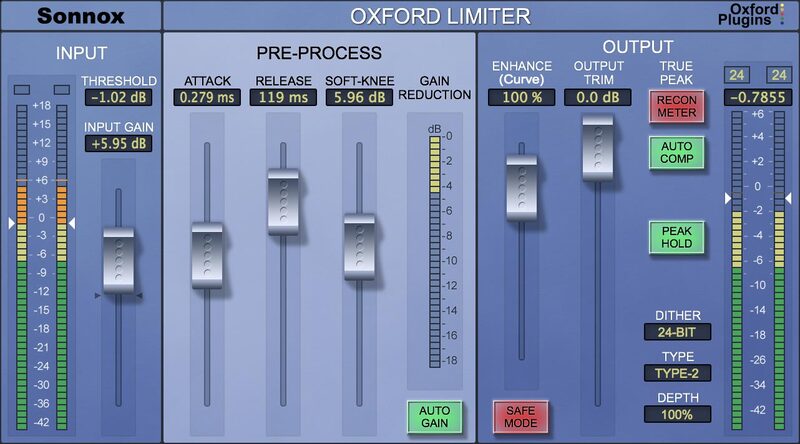
A one-of-a-kind limiter plugin
Having crafted and refined your mix, join the growing number of professionals who’ve chosen the Oxford Limiter to deliver maximum loudness, density and presence - whilst retaining the kind of clarity and transient detail that conventional brick-wall limiting can’t.
The Oxford Limiter is a true peak limiter that offers recently enhanced levels of processing and metering accuracy. The result is that you get to see and automatically correct otherwise invisible reconstruction overloads - and conform to the accepted industry ITU-R BS.1770-4 standard.
Whether you’re after the Oxford Limiter's hallmark transparency or heavier creative effects, its advanced look-ahead processing and unique Enhance function provide the sample-value limiting and musical boost needed to reliably avoid clipping and confidently increase apparent loudness.
Features
- Peak limiting with attack, release & variable soft-knee
- Enhance section to increase perceived loudness
- Recon meter shows actual rather than sampled signal
- Auto Comp fixes recon errors without losing overall loudness: conforming to the industry's true peak measurement standard (ITU-R BS.1770-4)
- Audition and apply TPDF dither for 24-bit and 16-bit output word lengths with four types of variable noise shaping
- Four variable-strength noise shaping modes for use with highly dynamic program material
- Full backwards compatibility with previous plugin versions
- Great library of factory presets to get you started
Learn more about Oxford Limiter.
Oxford SuprEsser
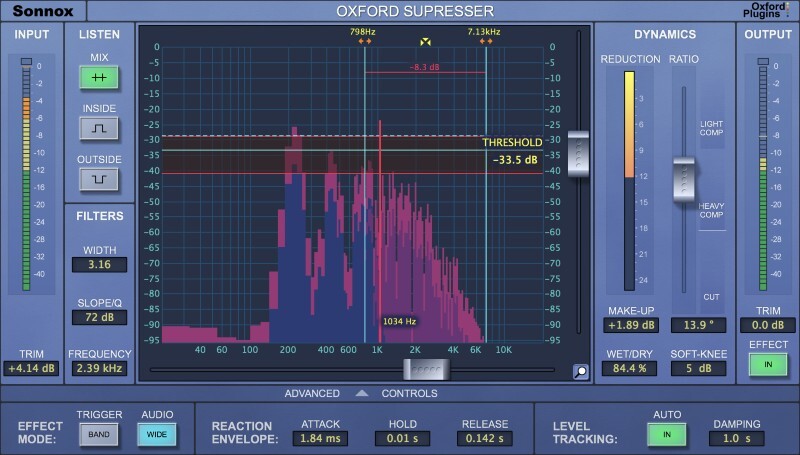
An intuitive de-esser plugin
Reduce problematic frequencies with ease using the Oxford SuprEsser.
Whether you need to remove harshness from an electric guitar, or simply remove sibilance from a vocal track, the Oxford SuprEsser is the solution.
Operating between 20hz - 20kHz, this plugin goes deeper than your standard de-esser, letting you hear and see problematic frequencies across the full audio spectrum before dialling them out.
Choose between a simple mode, for quick fixes, or the advanced mode for increased functionality.
When you're sick of sibilant sounds, fire up your SuprEsser.
Features
- An award-winning Linear Phase Dynamic EQ
- Transparent and accurate control of aggressive frequencies
- Auto Level Tracking follows the energy of the input and applies same relative gain reduction as signal level changes perfect to de-ess a vocal that's quieter in verse than chorus
- Wet/Dry control for quick parallel processing
- Full audio spectrum operation (20Hz - 20KHz)
Learn more about Oxford SuprEsser.
System Requirements
macOS
- OS X 10.12 or later - M1 compatible using Rosetta 2.
- Pro Tools only: 11 or above (AAX Native & AAX DSP)
- iLok USB 2 / 3 with latest drivers OR iLok Cloud authorisation (active internet connection required).
Windows
- Windows 7 or later.
- Pro Tools only: 11 or above (AAX Native & AAX DSP)
- iLok USB 2 / 3 with latest drivers OR iLok Cloud authorisation (active internet connection required).
DSP Compatibility
- Pro Tools AAX DSP
- Avid VENUE S3L-X
- Avid S6L
Important Note: This is an HDX plugin bundle that is intended for use with the DSPs of an Avid HDX system to prevent the software from taxing your host processor. There is no difference in sound quality between the Standard and HDX versions. If you do not own an Avid HDX system, we recommend the native versions.


