


 Log In
Free gifts available with your purchase
Get 12 of UA’s hallmark preamps, compressors, and EQs
Features
- Get a collection of the most iconic analog signal processors in recording history
- Experience the world-famous sound of UA’s 6176 and LA-610 MkII hardware channel strips
- Dial-in tube compression for vocals, bass, drums, and more with three classic variations of the Teletronix LA‑2A
- Tap into three Pultec EQ’s to add analog magic on your mix or master bus
- Get bold, punchy compression on any source with three versions of the famous 1176 limiter
- Add warmth and character on drums, vocals, bass, and more with iconic Fairchild tube compression
Included Plugins
LA-6176 Signature Channel Strip


Experience Universal Audio’s 70+ year analog heritage with a supercharged plug-in version of their flagship tube channel strip, the 6176. Released in 2004, this hand-built tube masterpiece has been the channel strip to stars including Coldplay, Adele, and Pharrell. The LA-6176 plug-in gives you the sound of this world-famous channel strip, along with the LA-610 MkII at the flip of a switch.*
Learn more about LA-6176 Signature Channel Strip.
Teletronix LA-2A Classic Leveler Collection
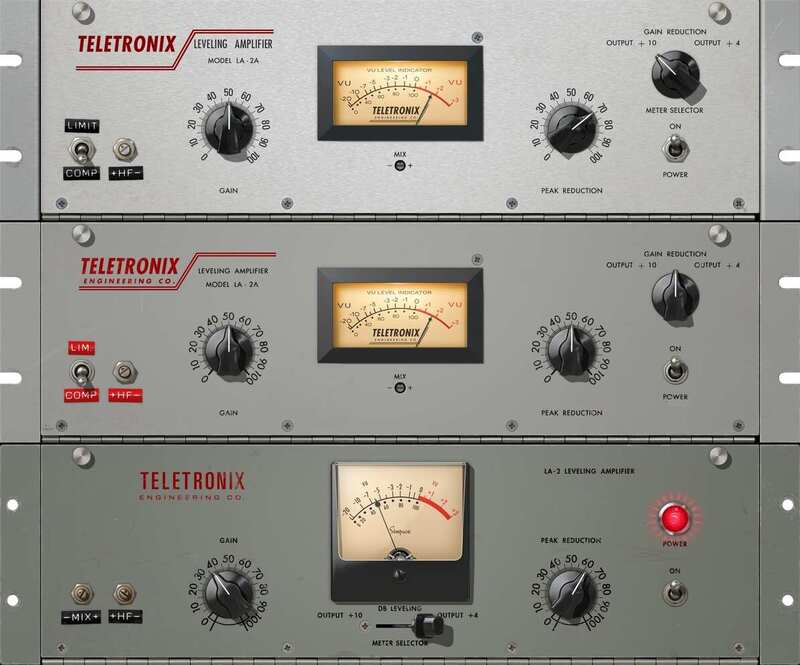
Put simply, the LA-2A is the most revered optical compressor ever made. In 2001, Universal Audio set the standard in analog emulation with the first ever authentic LA-2A UAD plug-in. Today, the LA-2A Classic Leveler Collection packs even more obsessive detail into three classic variations, giving you punchy tube compression usable on nearly any source.
Learn more about Teletronix LA-2A Classic Leveler Collection.
Pultec Passive EQ Collection
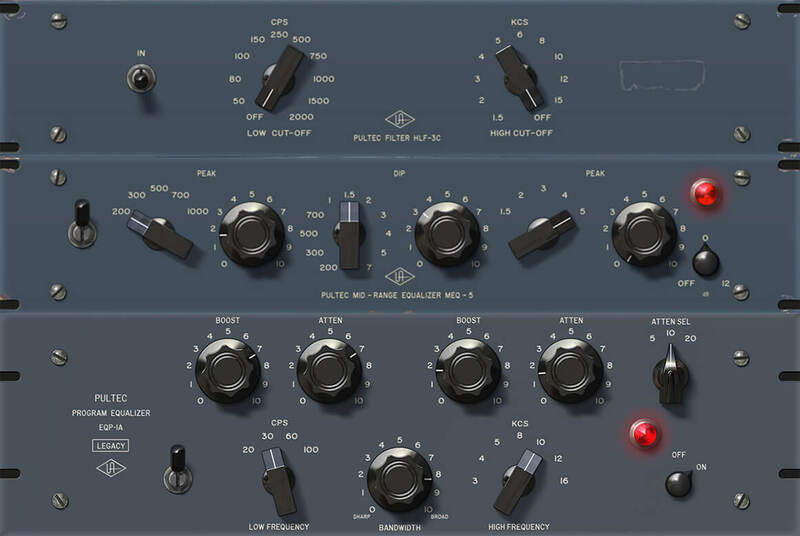
The Pultec Passive EQ Collection includes emulations of three legendary Pultec EQs: the EQP-1A, MEQ-5, and HLF-3E. These astonishingly accurate plug-ins are nearly indistinguishable from the original analog hardware — and together give you the same rich tones used to sculpt over 70 years of popular music. Simply run a full mix or single instrument through them, and you’ll hear magical Pultec sound for yourself.
Learn more about Pultec Passive EQ Collection.
1176 Classic Limiter Collection
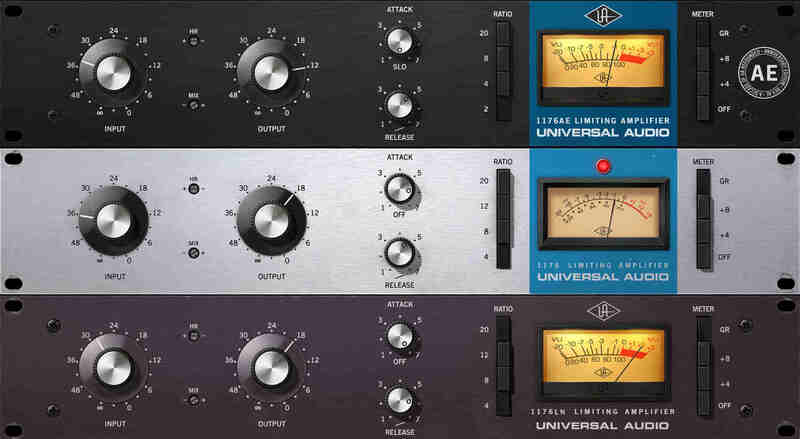
The 1176 can be heard on some of the greatest recordings in history. Universal Audio released its first 1176 plug-in emulation in 2001, single-handedly launching the UAD platform. Today, they’ve circled back, and modeled its entire electronic path from stem to stern — including its transformers and FET and transistor amplifiers, delivering the definitive collection of the world’s most famous compressors.
Learn more about 1176 Classic Limiter Collection.
Fairchild Tube Limiter Collection
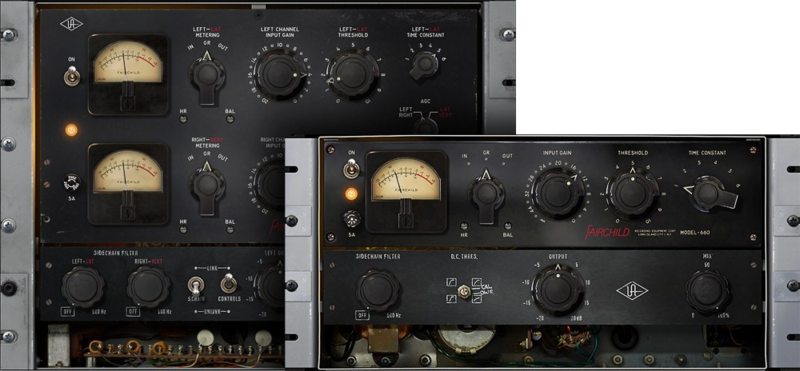
For a half-century, Fairchild limiters have defined much of popular music’s most revered vocal and drum sounds. In fact, top mixers often employ a 670 simply for the “glow” it brings to their final mixes — even without compression. Now your vocal tracks, drum bus, and entire mix can benefit from the world’s most accurate recreations of these one-of-a-kind tube compressors.
Learn more about Fairchild Tube Limiter Collection.
*Use of artist names does not constitute official endorsement of UA software.
- macOS Big Sur 11, Monterey 12, Ventura 13, Sonoma 14, Sequoia 15 and Tahoe 26
- Windows 10 or Windows 11 (64-bit editions)
- Intel, AMD, or Apple silicon processor
- Internet connection to download software and authorize UAD Native plug-ins (UADx)
- Free iLok account
- Compatible with iLok USB (2nd generation or higher) but not required
- Free UA Connect application for managing UAD Native plug-ins (UADx)
- A supported DAW compatible with VST3, AU, or AAX plug-in file formats.


