


 Log In

Free gifts available with your purchase
Platinum Bundle
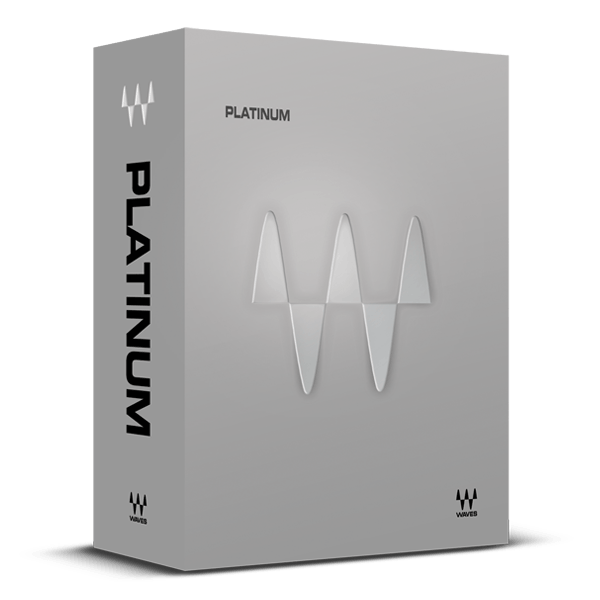
Take Projects from Creative Mixing to Mastering
The Platinum collection of audio plugins offers comprehensive coverage of dynamics, EQ, reverb, delay, pitch correction, low-end enhancement, stereo imaging, mastering, and much more.
Building on the Waves Gold bundle, Platinum advances your production capabilities with premium mastering plugins, including the renowned L2 and L3 limiters/maximizers, advanced linear-phase compression and EQ, and additional high-end tools.
Moreover, Platinum incorporates the complete Renaissance plugin series, featuring the iconic R-Vox, the PuigTec analog-modeled EQs, Smack Attack transient shaper, and LoAir for low-end enhancement. It also includes popular plugins like the C4 multiband compressor, DeEsser, Doubler, H-Delay, MaxxBass, MV2, Vitamin Sonic Enhancer, and many more, making it an essential upgrade for any serious producer or engineer.
Included plugins:
- AudioTrack
- C1 Compressor
- C4 Multiband Compressor
- DeEsser
- Doppler
- Doubler
- Eddie Kramer Drum Channel
- Electric Grand 80 Piano
- eMo F2 Filter
- eMo Generator
- eMo Q4 Equalizer
- Enigma
- Greg Wells ToneCentric
- GTR3 Amps
- GTR3 Stomps
- GTR3 ToolRack
- GTR3 Tuner
- H-Comp Hybrid Compressor
- H-Delay Hybrid Delay
- IR-L Convolution Reverb
- L1 Ultramaximizer
- L2 Ultramaximizer
- L3 Ultramaximizer
- L3-LL Ultramaximizer
- Linear Phase EQ
- Linear Phase Multiband Compressor
- LoAir
- MaxxBass
- MaxxVolume
- MetaFilter
- MetaFlanger
- MondoMod
- MV2
- OneKnob Driver
- OneKnob Pumper
- PAZ Analyzer
- PS22 Stereo Maker
- PuigTec EQs
- Q10 Equalizer
- Renaissance Axx
- Renaissance Bass
- Renaissance Channel
- Renaissance Compressor
- Renaissance DeEsser
- Renaissance Equalizer
- Renaissance Reverb
- Renaissance Vox
- S1 Stereo Imager
- Sibilance
- Smack Attack
- SuperTap
- TrueVerb
- UltraPitch
- V-Comp
- V-EQ3
- V-EQ4
- Vitamin Sonic Enhancer
- VU Meter
- Waves Tune LT
Features
- Popular plugins for music production, mixing, mastering
- 67 plugins: All plugins from Waves Gold plus 22 more
- Compressors, EQs, reverbs, delays, mastering plugins, and more
- Maximize loudness in your masters with the classic L2 and L3 limiters
- The entire classic Waves Renaissance series of plugins
- Enhance bass with Submarine and LoAir low-end processors
- Analog models include the classic vintage PuigTec EQs
- Gain total control over transients with Smack Attack
System Requirements
Mac
- macOS Monterey 12, Ventura 13, Sonoma 14, Sequoia 15
- VST / AU / AAX
PC
- Windows 10+
- VST / AAX












Reviews Summary
While it aims to provide a helpful overview, it may not capture every perspective or detail. We encourage you to read individual reviews to make an informed decision.
Customers widely praise the bundle as an essential, high-quality collection of industry-standard plugins that are versatile, CPU-friendly, and an exceptional value when purchased on sale for mixing and mastering. However, some users express strong frustration with the update plan and pricing model required for ongoing upgrades.


