/ Complete Collection / Audio Blast VST FX Bundle
Audio Blast

Audio Blast VST FX Bundle

$89.00 $244.00

63% off until Dec 07

Main Image
Main Image
BreadSlicer Pro Youtube Overview gallery thumbnail
Introducing INSTALOOPER3 gallery thumbnail
Introducing Blast Delay gallery thumbnail
Buy Now
Product information

Take your music production and live performances to new heights with the Audioblast FX Bundle, a powerful collection of creative audio plugins. This bundle is crafted for producers, DJs, and sound designers who want to experiment with advanced effects, manipulate sounds in real-time, and achieve a unique sonic identity.

The bundle includes:

  • BreadSlicer Pro: A revolutionary audio slicer plugin, perfect for rhythmic chopping, glitch effects, and experimental sound design.
  • Instalooper 3: A dynamic looping plugin that brings instant creative possibilities, ideal for live performances and studio work.
  • Blast Delay: A versatile delay plugin offering lush echoes, intricate feedback, and deep modulation options to add depth and dimension to your tracks.

Whether you’re crafting intricate loops, glitchy grooves, or atmospheric delays, this bundle delivers the tools you need to elevate your sound and boost your creativity.

Features

  • Real-time sound manipulation for live and studio use.
  • Advanced effects tailored for electronic music production.
  • Easy-to-use interfaces for effortless creativity.

System Requirements

  • MacOS: 10.15 to 14 (latest update), Intel Core i5 or equivalent, 2 GB RAM.
  • Windows: 7, 8, 10, 11, Intel Core i5 or equivalent, 2 GB RAM.
  • Linux: Compatible.
  • Internet Connection Required for installation and updates.
  • Available Formats: VST2, VST3, AAX, Audio Unit, Standalone.
  • Pro Tools Compatibility: 64-Bit and compatible with Pro Tools 11 and above.
Installation Instructions
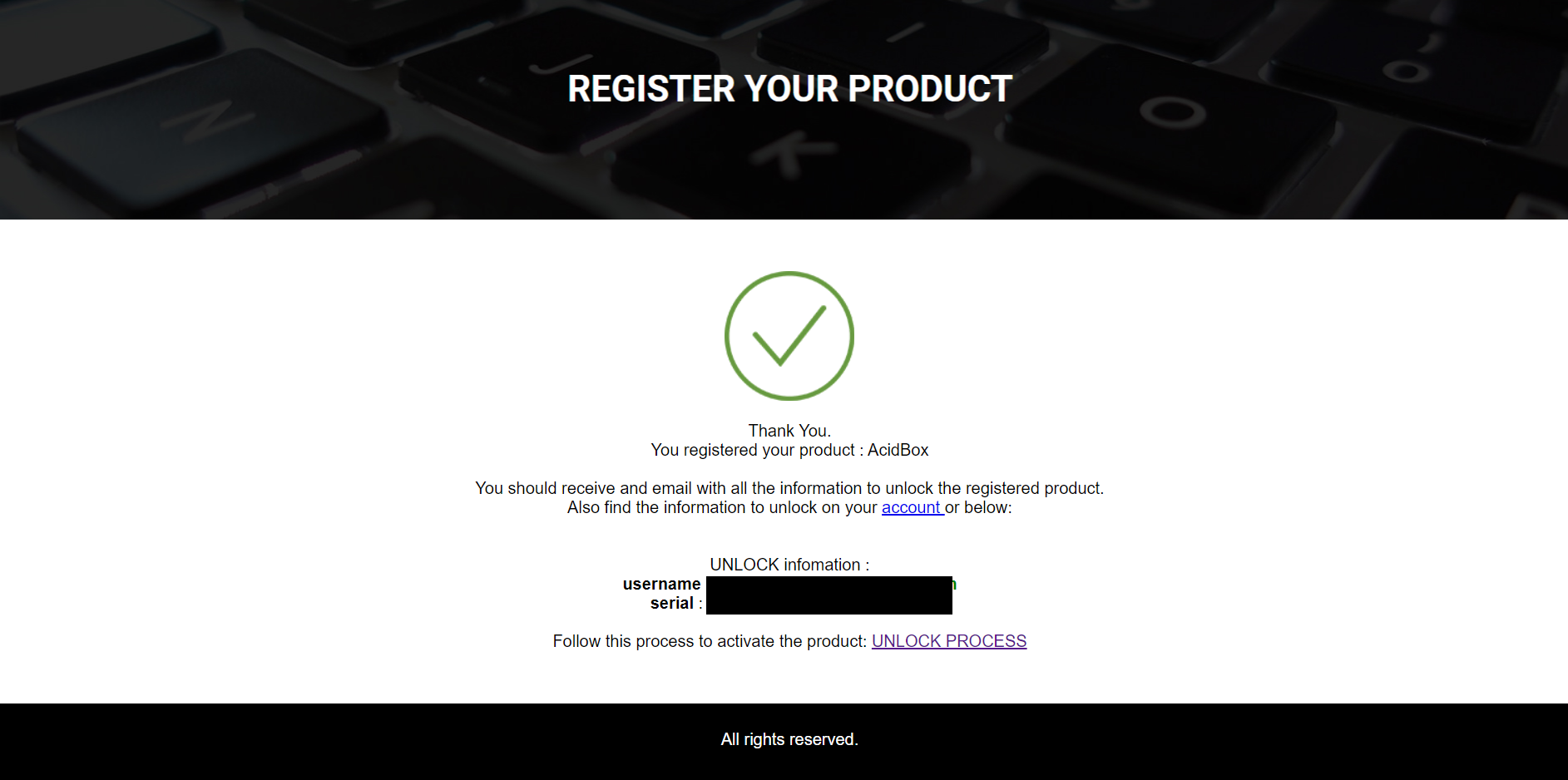
Note: Acidbox has been used as an example.

Activation

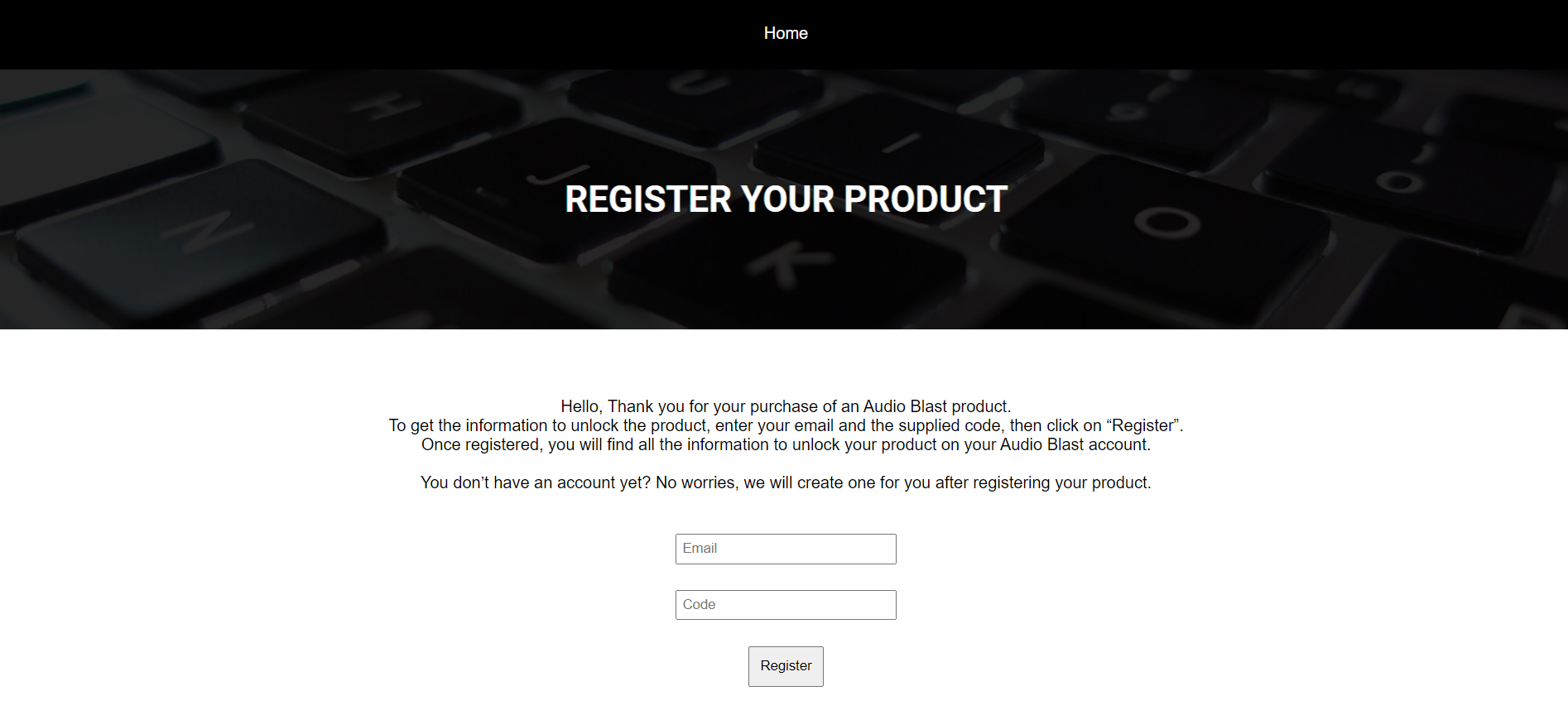
1.  Go to https://www.audioblast.me/register/ > Enter your email address as well as the code found in your Plugin Boutique User Account.

2. You will now receive your Username and Serial > Make note of both of these (they will also be sent to your email address for future reference).

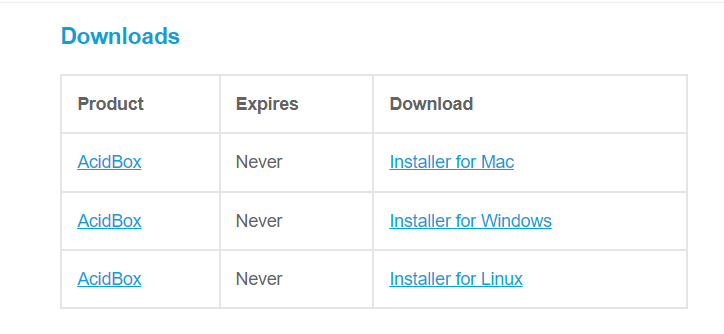
3. You will have received an email from Audio Blast with links to download your software > Download the relevant installer.

Installation

PC

1. Double-click the .exe file to begin the installation process.

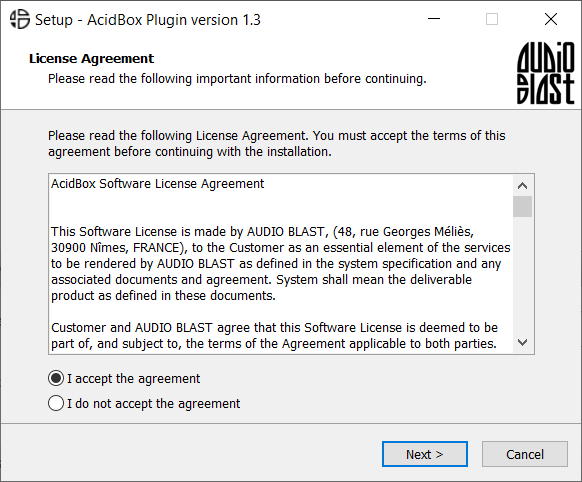
2. Click 'I accept the agreement' > Click 'Next >'.

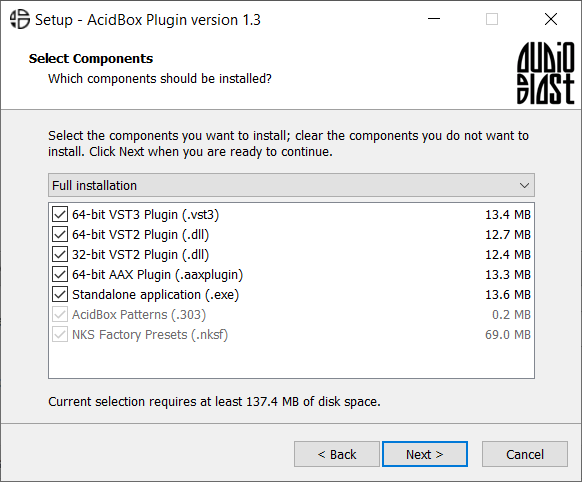
3. Select which components you wish to install > Click 'Next >'.

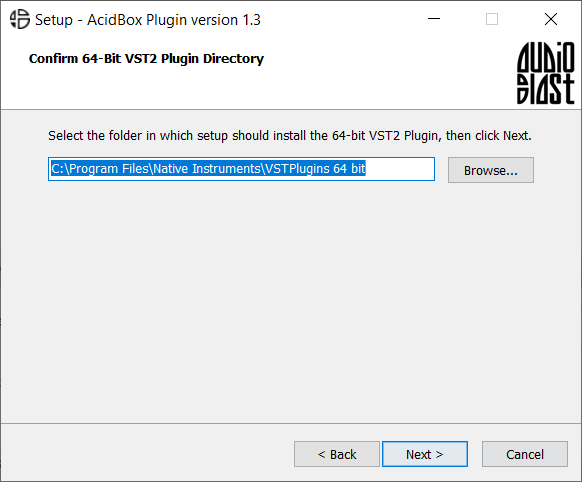
4. Select the location you wish to install the plugin to > Click 'Next >'.

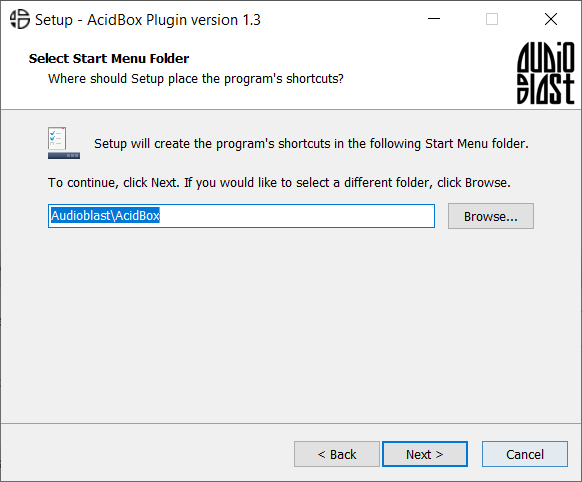
5. Select where you would like to set up the shortcut for the standalone version > Click 'Next >.

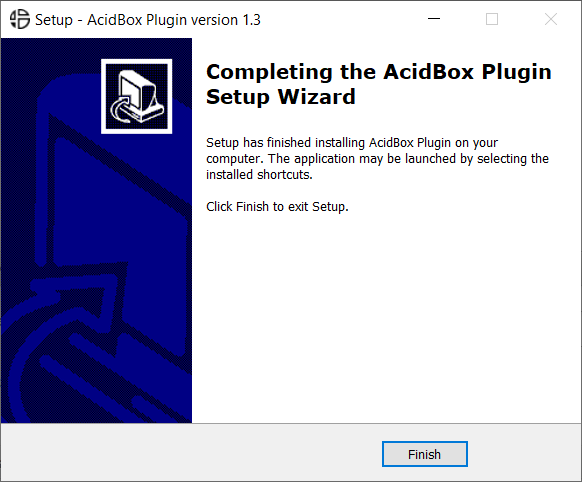
6. Click 'Finish'.

7. Open your DAW > Locate and open Acidbox.

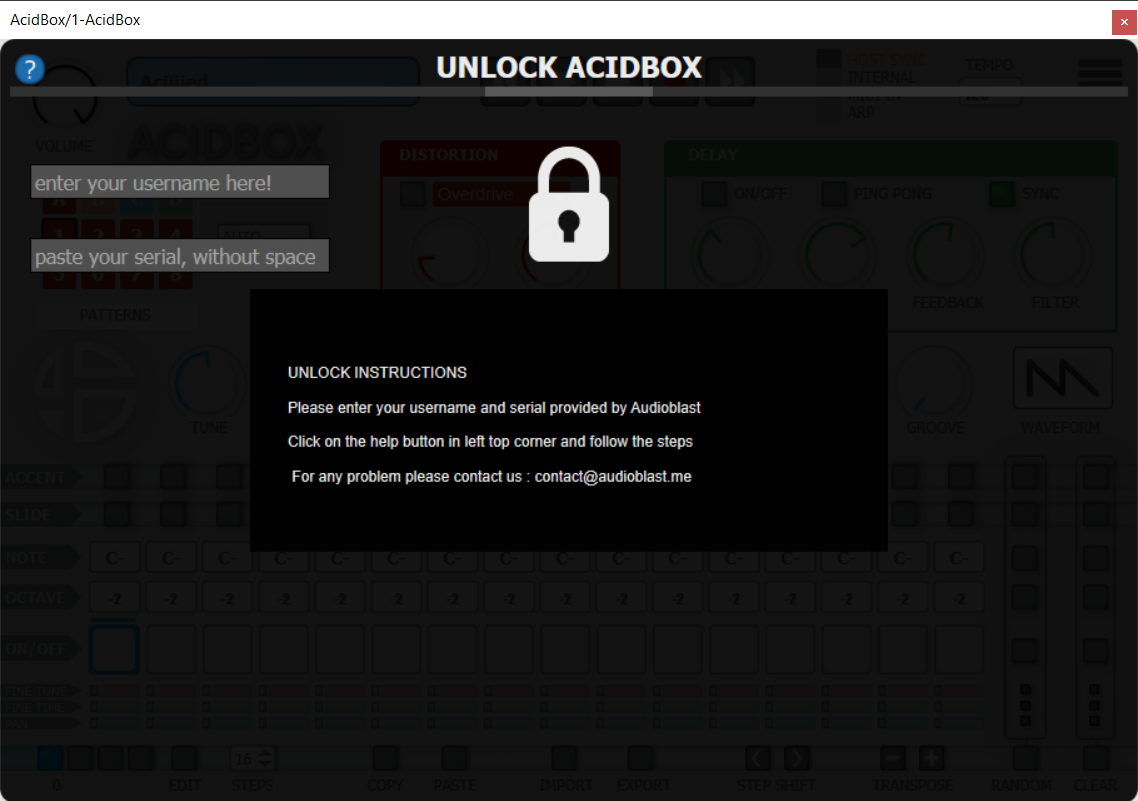
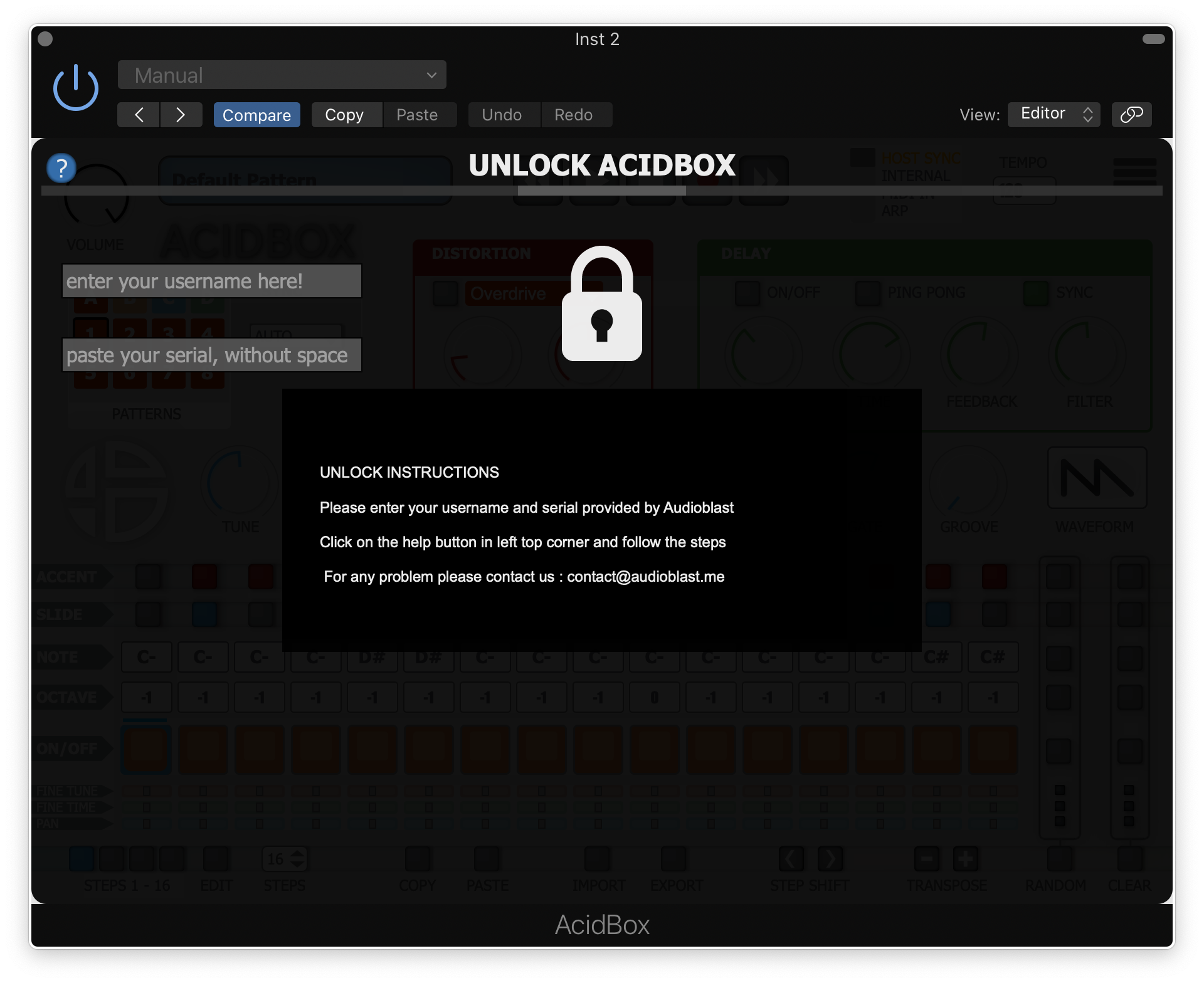
8. Enter the username and serial code that you received earlier > Once entered, click anywhere to activate the plugin.

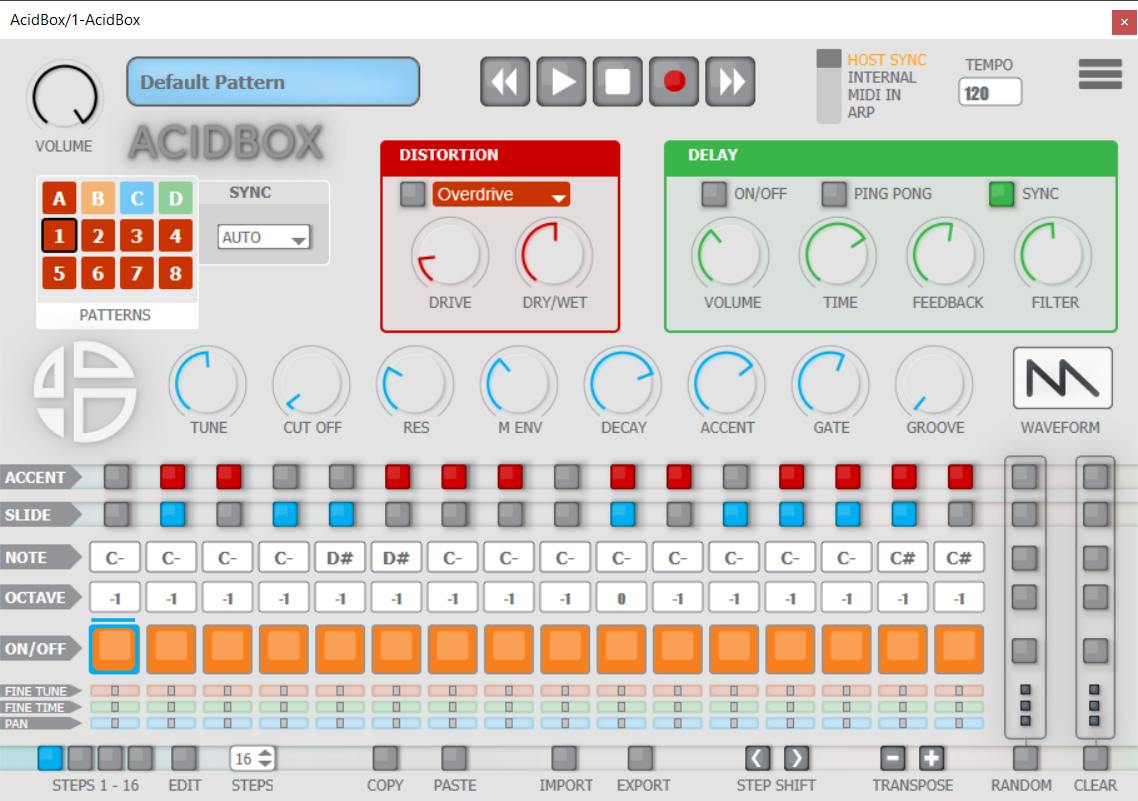
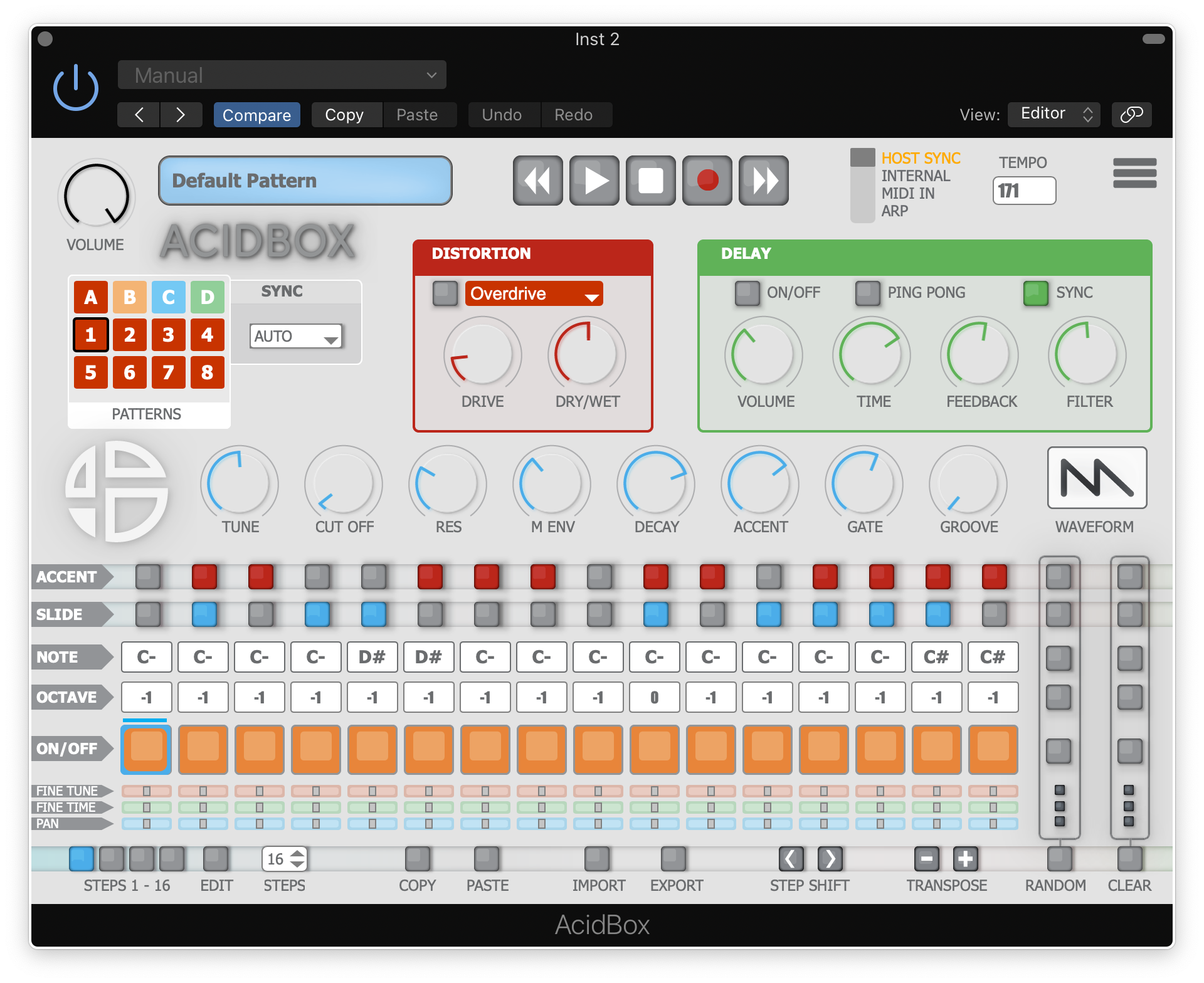
Acidbox is now activated and ready for use inside your DAW!

Mac

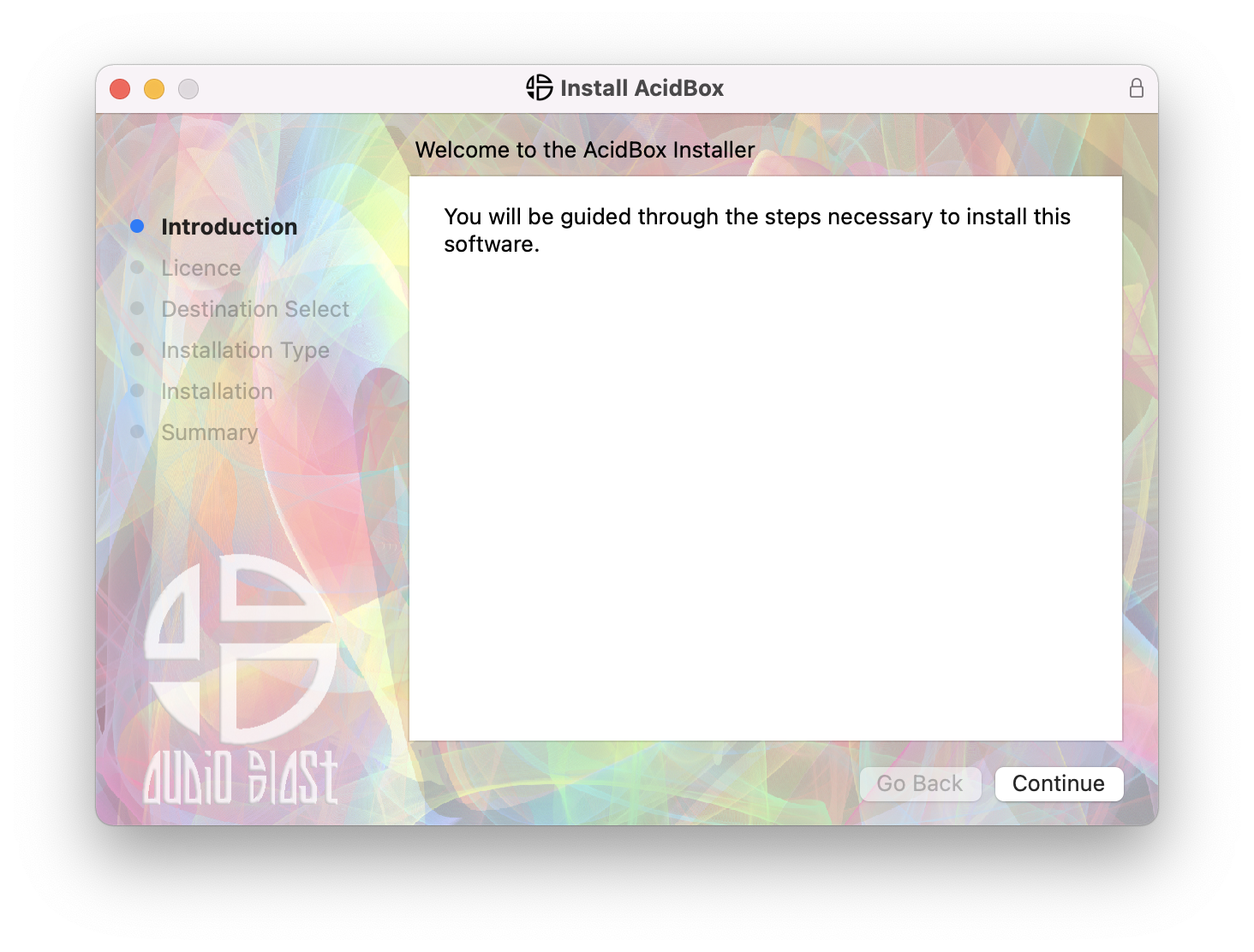
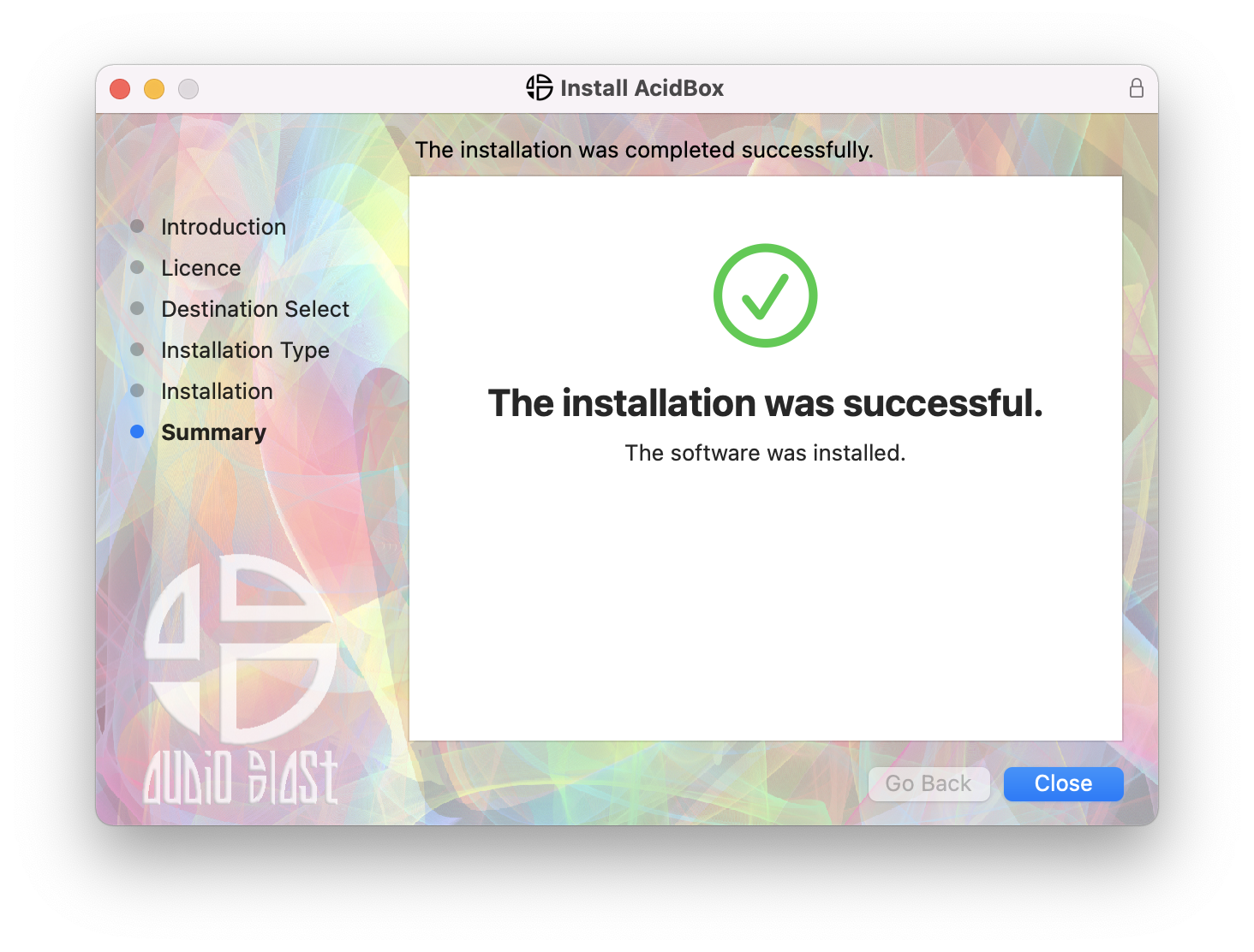
1. Double click the .pkg file to begin the installation process.

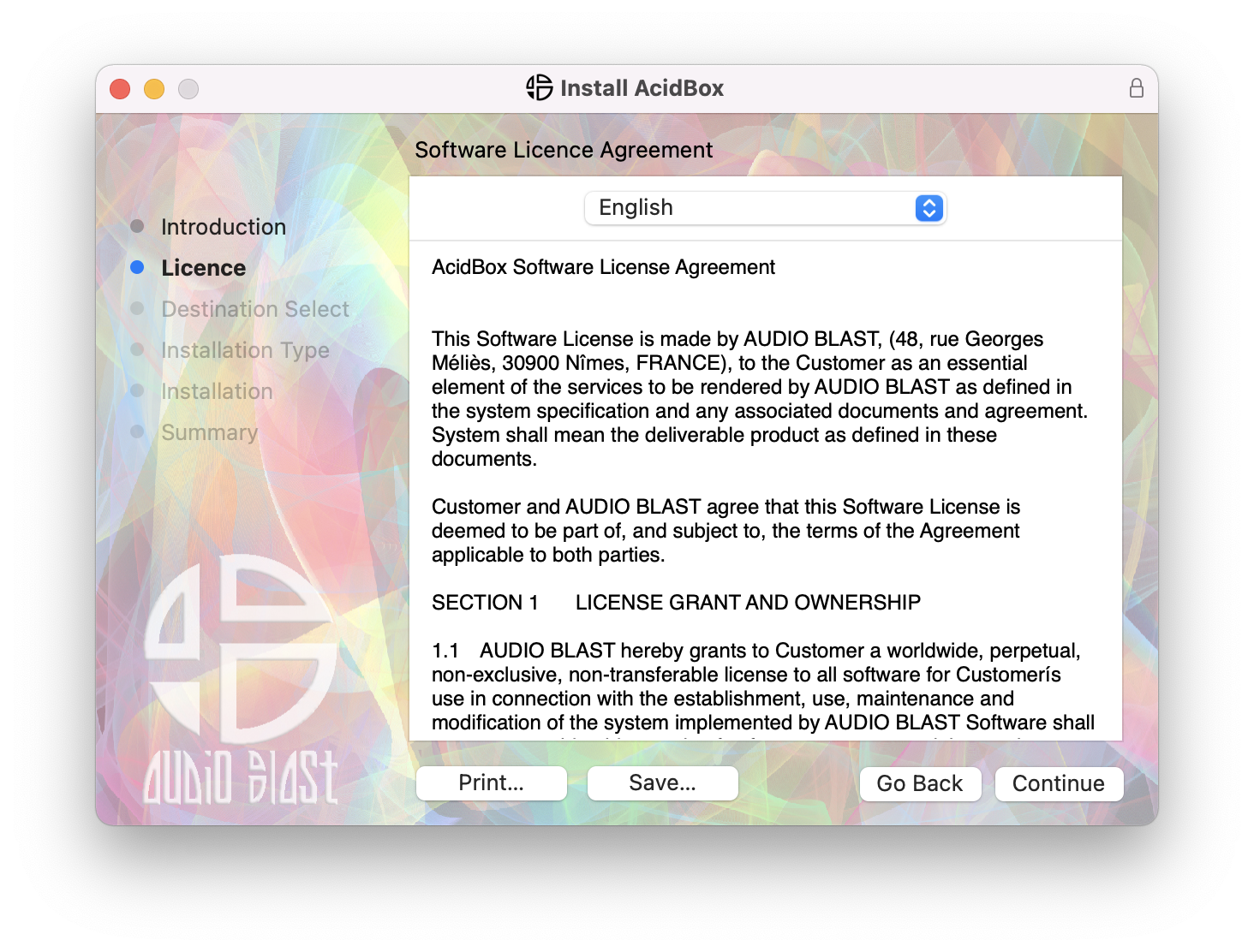
2. Click 'Continue'.

3.  Click 'Continue'.

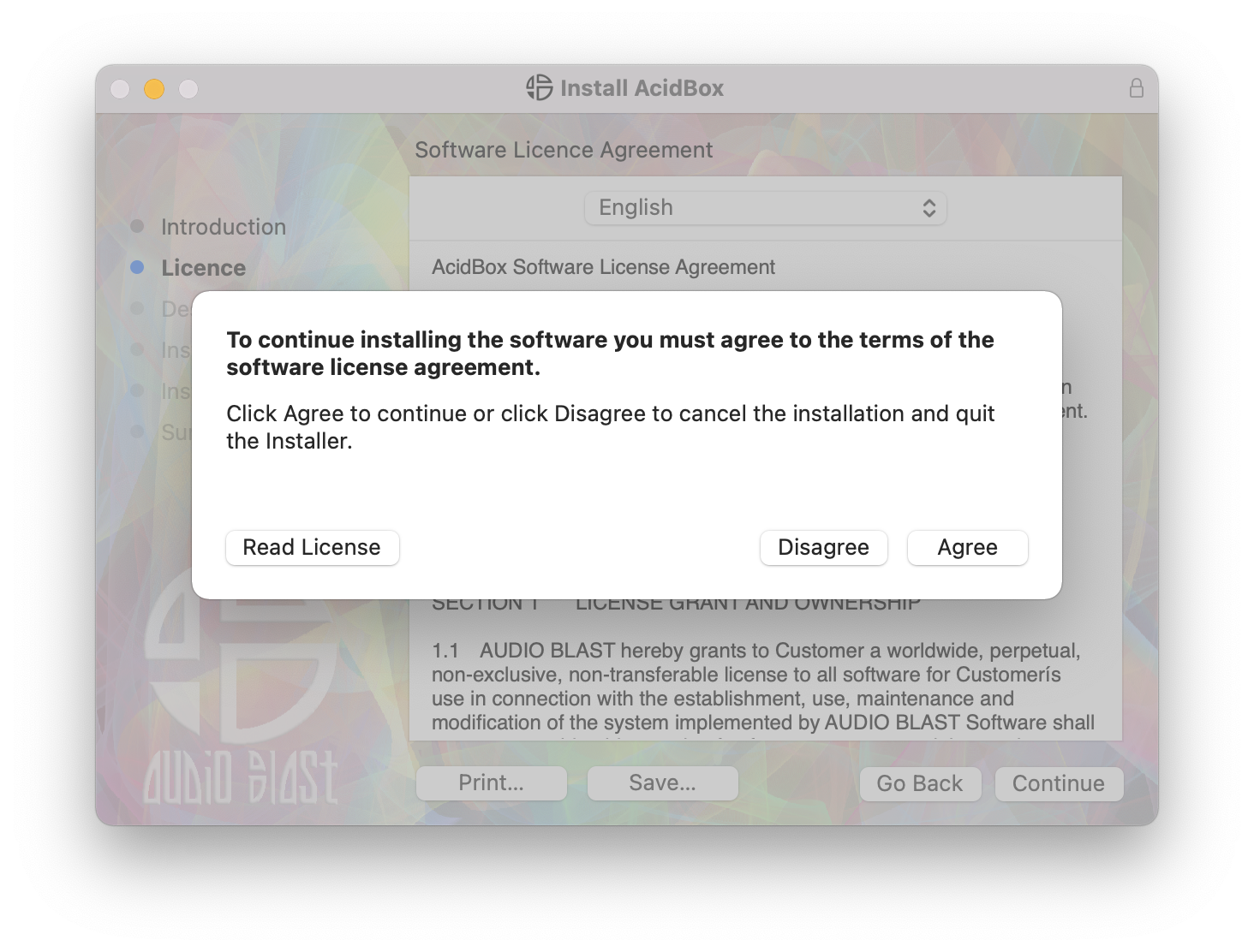
4. Click 'Agree'.

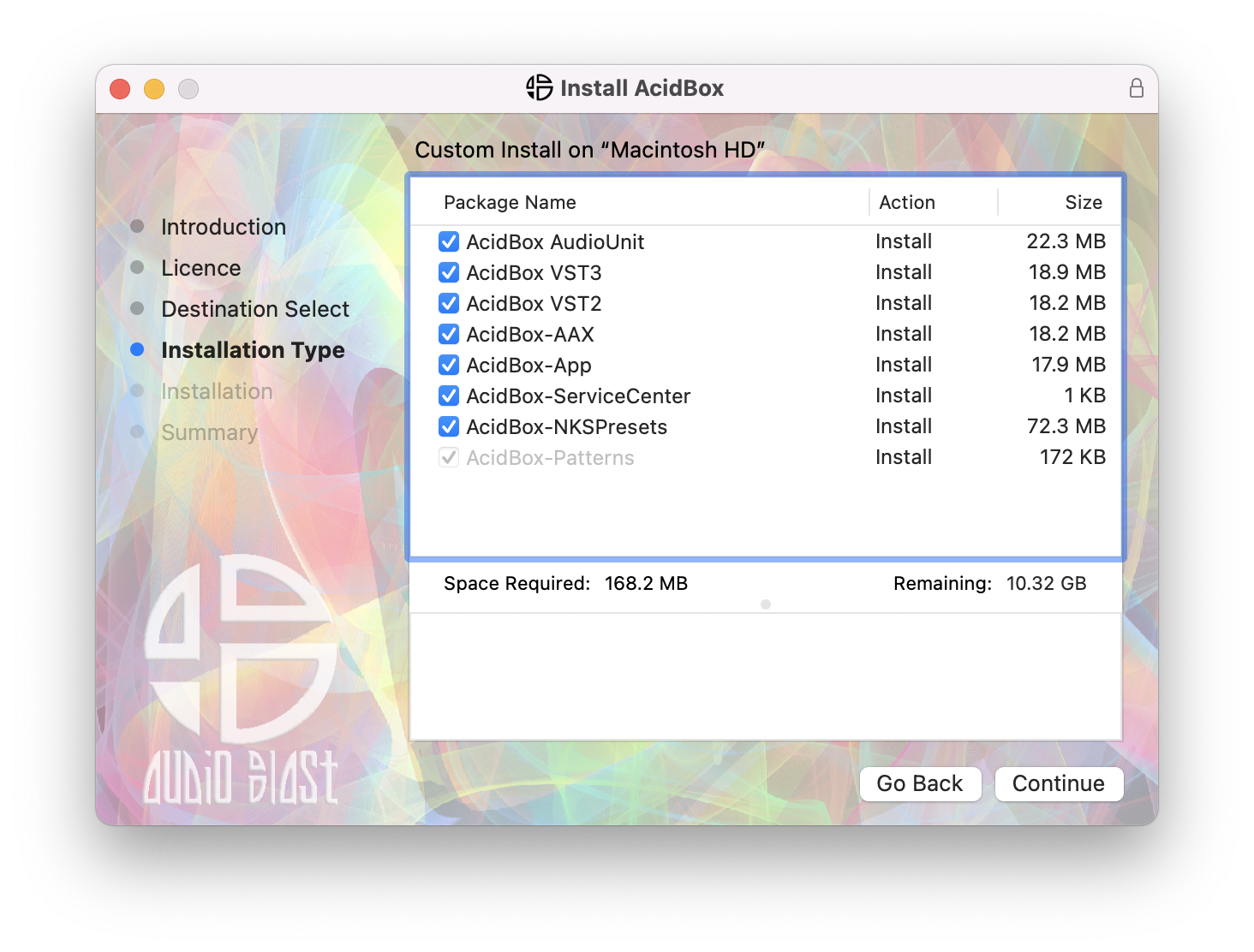
5. Click 'Continue'.

6. Click 'Close'.

7. Open your DAW > Locate and open Acidbox.

8. Enter the username and serial code that you received earlier > Once entered, click anywhere to activate the plugin.

Acidbox is now activated and ready for use inside your DAW!

Plugin Boutique Rewards

Discover the most rewarding loyalty programme among all plugin retailers.

  • Free Loopmasters Samplepacks
  • Discounts on products and courses
  • Extra Virtual Cash claimed immediately at checkout
Find out more

Follow us:

X (Twitter) Facebook YouTube Instagram
Logo Logo

Plugin Boutique Limited, Part of the Beatport Group LLC.

Copyright © 2011-2025 Plugin Boutique. All rights reserved